 GameWiki
GET YOUR BEARINGS
About TIMEGAL HD-Remaster
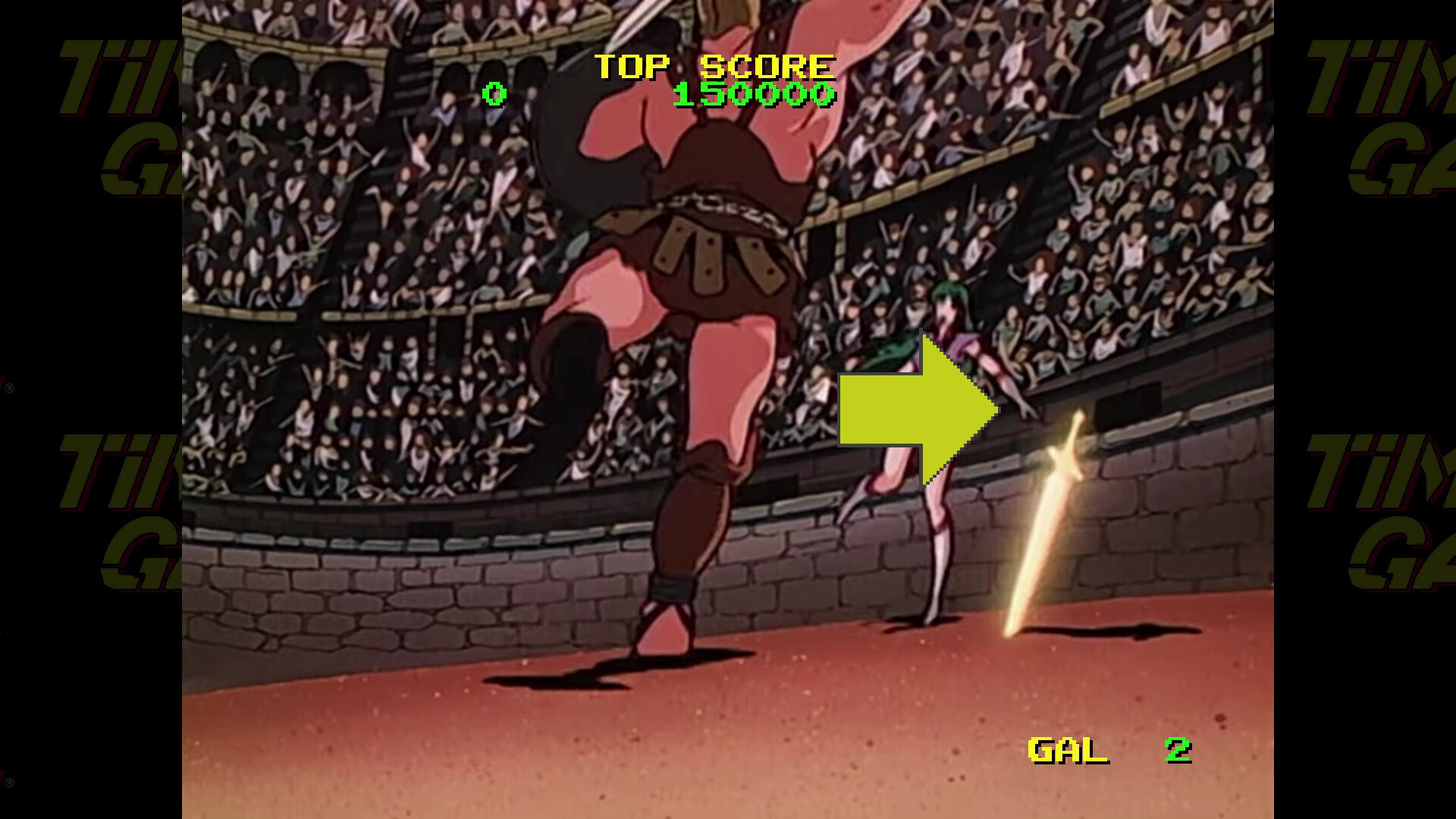
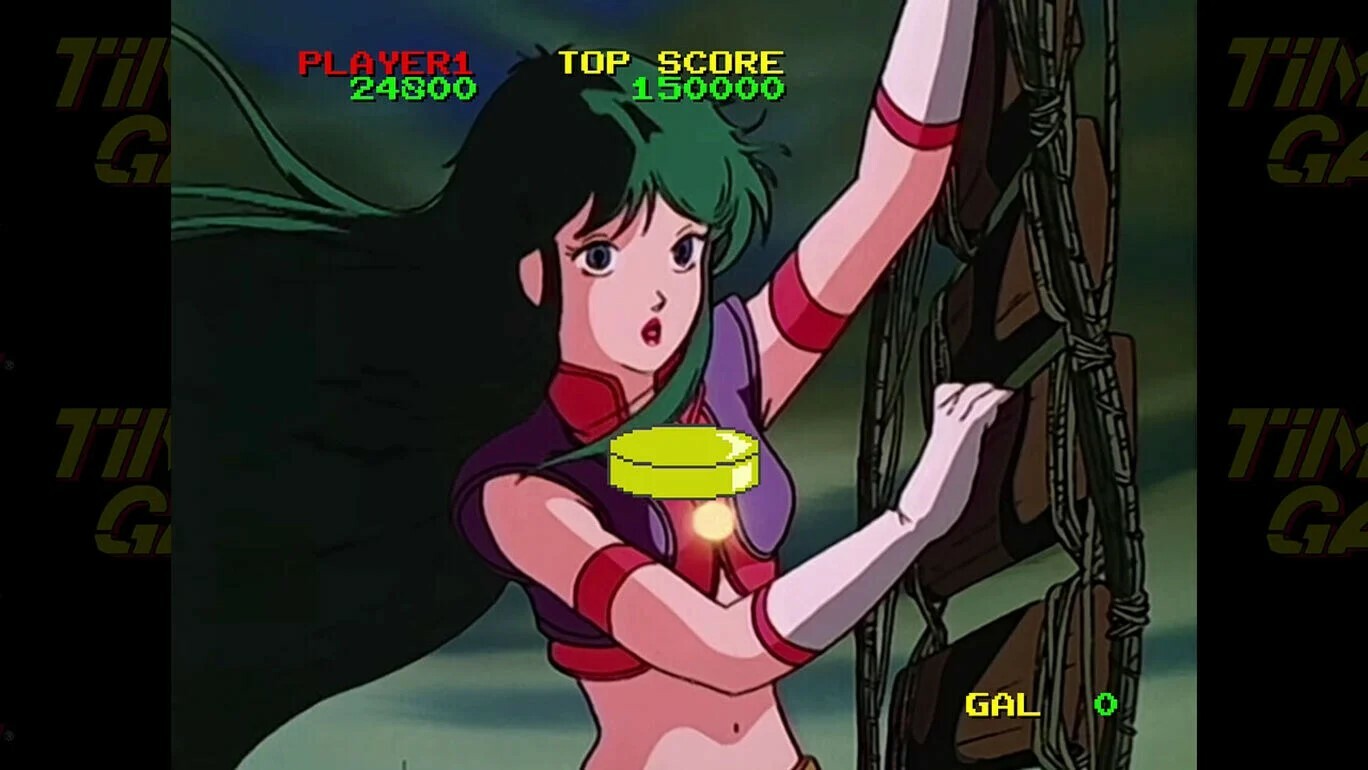
TimeGAL HD‑Remaster brings Taito’s 1985 laser‑disc adventure to modern PCs with fully remastered visuals. Players follow Reika, a time‑police officer, as she chases the villain Luda through eras that include dinosaurs, pirates, gladiators, giant robots and aliens.
The game keeps the original “watch‑and‑react” style: animated video runs continuously while players must supply well‑timed joystick or button inputs at key moments. It is a single‑player title that runs on Windows and offers Steam achievements, full controller support and family sharing.
01 / THE GUIDE
Story premise
In 3001 AD the arch‑villain Luda steals a time‑travel device and flees across history, aiming to rewrite events and dominate the world. Reika, known as Time Gal, is dispatched as a time‑protection police officer to pursue him.
The narrative unfolds through animated sequences set in diverse eras—dinosaurs, cavemen, pirates, gladiators, giant robots and aliens—each providing a distinct visual backdrop as Reika attempts to stop Luda’s schemes.
- Watch the era’s background details; they often signal when an input will be required.
- Compare each period’s visual style to the original arcade footage for a sense of continuity.
02 / THE GUIDE
Watch‑and‑react gameplay
TimeGAL HD‑Remaster follows the classic laser‑disc format: a continuous animated video plays while the player must provide well‑timed joystick or button inputs at designated moments to advance the story.
Correct inputs move the plot forward; mistimed actions trigger a variety of possible failures, producing multiple game‑ending mishaps that reflect the player’s timing.
- Practice early scenes to develop a rhythm before the faster sections appear.
- Notice recurring input patterns; they often repeat across different eras.
03 / THE GUIDE
Config menu options
The Config menu lets players set the number of lives, choose a difficulty level, change language, adjust screen size and toggle several gameplay features such as EXTEND, which grants extra lives on high scores.
Additional toggles include LV‑DOWN, which lowers difficulty after a set number of failures, CONTINUE, which permits continuation after losing all lives, and a RANKING reset function for clearing high‑score data.
- Turn on EXTEND if you enjoy earning extra lives through high scores.
- Enable LV‑DOWN for a gentler difficulty curve during early attempts.
04 / THE GUIDE
Audio and voice selection
Under the VOICE setting, players can choose ARRANGE for newly recorded, clearer voice data or ORIGINAL to retain the arcade’s historic voice tracks.
Both options change the voice data without altering any visual content, allowing players to select the audio style they prefer.
- Select ARRANGE if the original voice is difficult to understand.
- Switch to ORIGINAL for an authentic retro audio experience.
05 / THE GUIDE
Controller support
The title lists Full controller support and explicit compatibility with DualShock and DualSense controllers, enabling play with standard console controllers on Windows.
No additional input devices are specified, so players can use any of the supported controllers for the required joystick or button inputs.
- Try a DualShock controller for a familiar layout during timed inputs.
- Experiment with a DualSense controller to see if its ergonomics suit your play style.



COMMUNITY
Player discussion