 GameWiki
GET YOUR BEARINGS
About Time To Wake Up
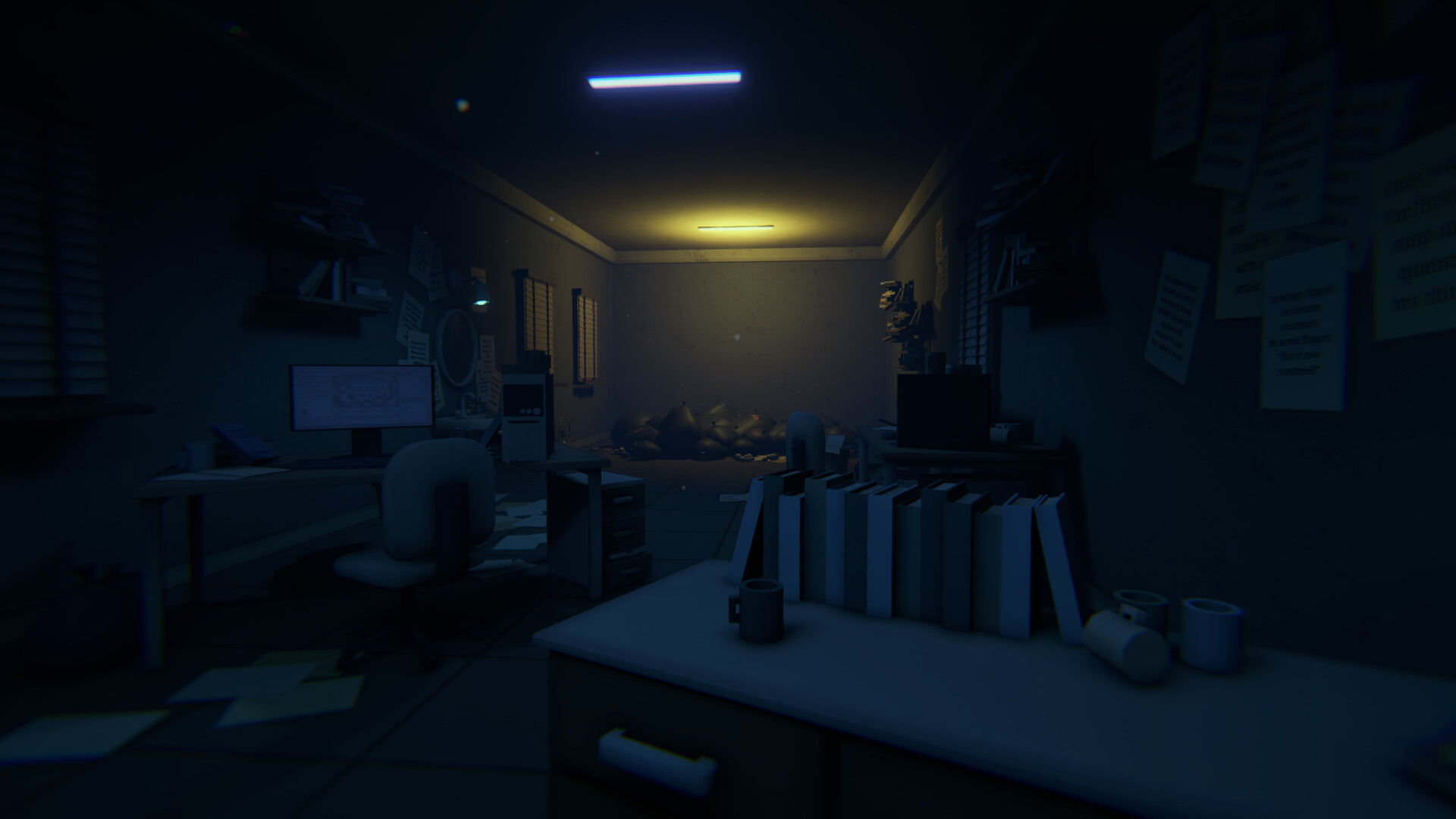
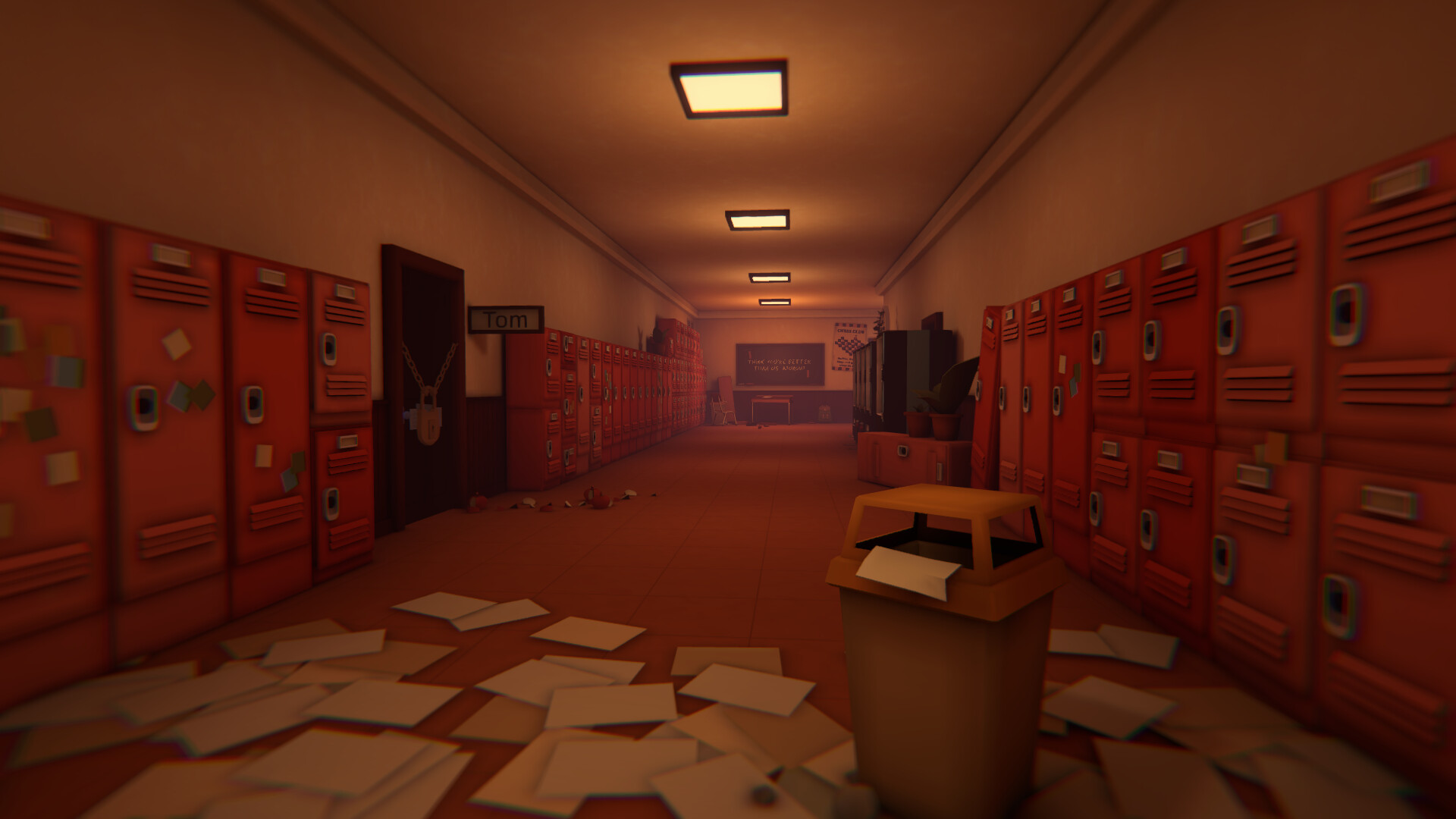
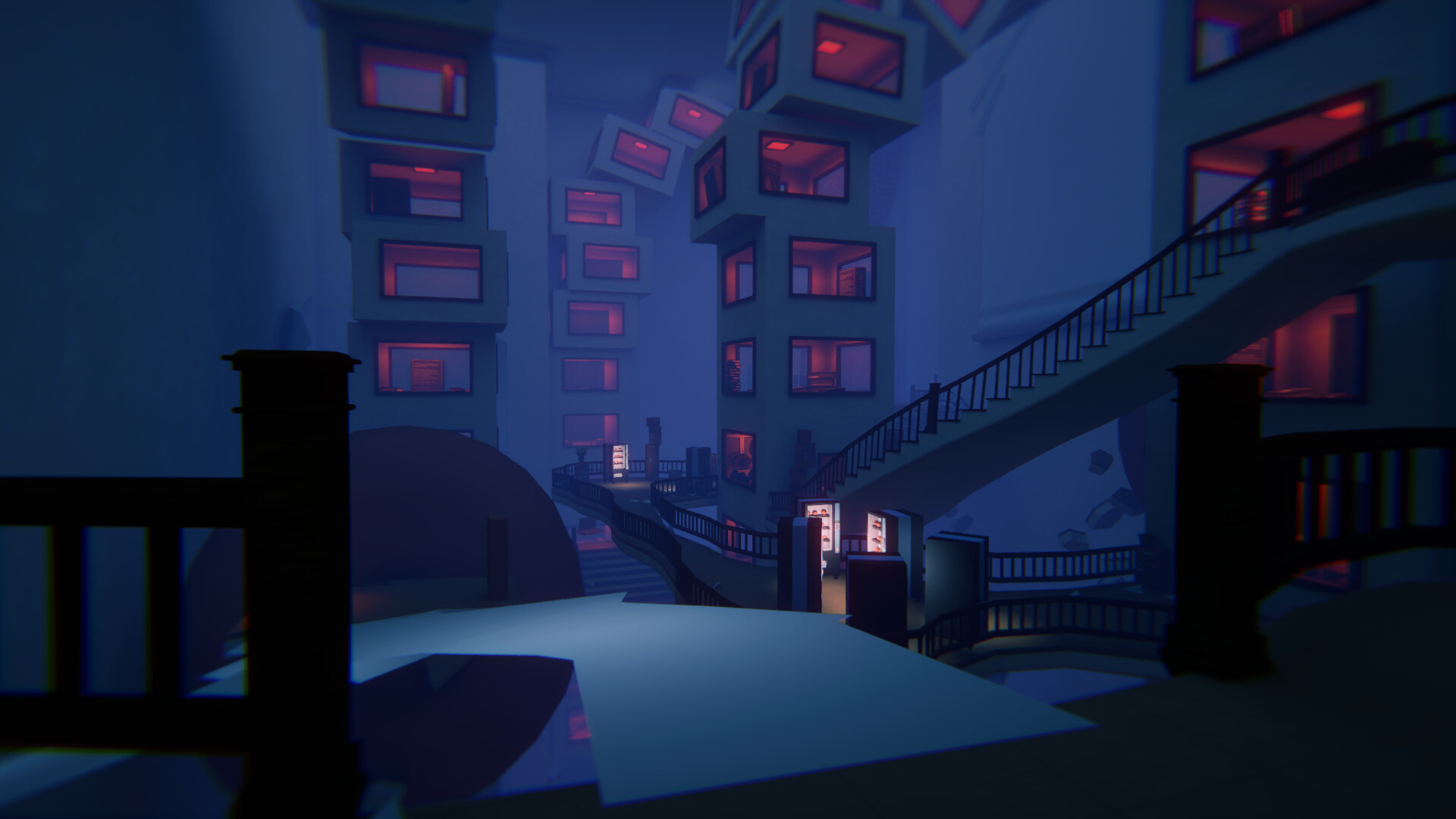
Time To Wake Up is an atmospheric psychological‑thriller adventure that places you in a night‑time dream. A disembodied voice guides you through surreal school locations such as dim libraries, twisted playgrounds, and maze‑like toilets.
Interaction is visual: blinking changes surroundings, resetting moves elements, flooding rooms, or rotating spaces. The game offers eight language options, full controller support, and several accessibility settings like adjustable text size and contrast controls.
01 / THE GUIDE
Narrative and Setting
The story begins with you trapped in a dream‑like maze while a voice offers help. Together you travel down memory lane, exploring school environments that feel both familiar and distorted.
Each location—dim‑lit libraries, perplexing playgrounds, twisty toilets—contributes to the psychological‑thriller tone, reinforcing the sense of being caught in shifting recollections.
- Notice how lighting changes between areas; it often signals a shift in mood.
- Compare the layout of the library with the playground to see thematic contrasts.
02 / THE GUIDE
Eye Interaction Mechanic
Your eyes act as the primary tool for navigation. Blinking triggers a change in the surroundings, allowing you to alter the scene without traditional button presses.
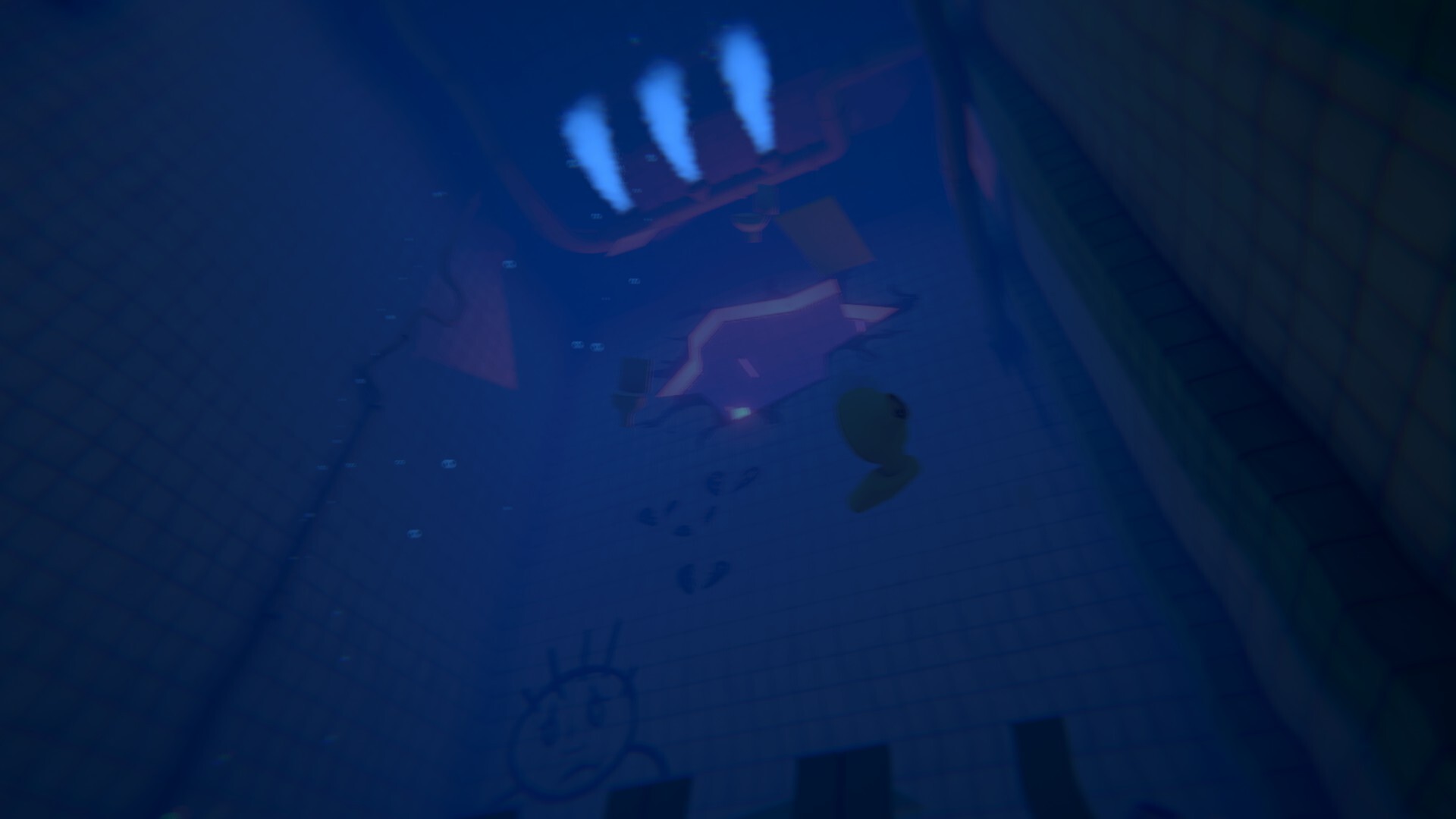
Additional eye‑based actions let you reset moving elements, flood entire rooms, or rotate spaces, giving direct control over the environment’s layout.
- Try blinking at different moments to observe varied effects.
- Use the reset action when a pathway seems blocked.
03 / THE GUIDE
Multilingual Support
The game provides text support in eight languages: English, Chinese (traditional and simplified), Japanese, Korean, Ukrainian, Polish, Russian, and Dutch, allowing a broad audience to experience the narrative.
Selecting a language changes all in‑game text, preserving the story’s atmosphere across different linguistic contexts.
- Choose your native language to catch subtle narrative hints.
- Switch between two languages to compare phrasing differences.
04 / THE GUIDE
Accessibility and Controller Options
Full controller support is listed alongside adjustable text size, camera comfort, and contrast controls, giving players ways to tailor visual and auditory comfort.
Custom volume controls, stereo and surround sound, and the ability to play without timed input further reduce pressure and enhance accessibility.
- Increase text size if dialogue is hard to read.
- Enable contrast controls to clarify dim areas.
05 / THE GUIDE
Demo and Full Game Save Compatibility
The demo’s save file is not compatible with the full game’s save file, meaning progress made in the demo does not transfer to the purchased version.
Starting a new save when moving to the full game prevents confusion over missing progress and ensures a clean experience.
- Back up the demo save if you wish to revisit it later.
- Begin a fresh save after purchasing the full version.

COMMUNITY
Player discussion