 GameWiki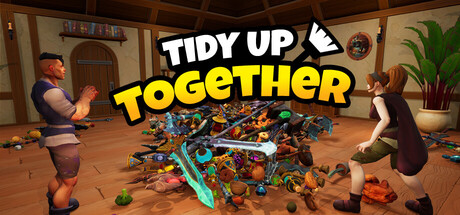
GET YOUR BEARINGS
About Tidy Up Together
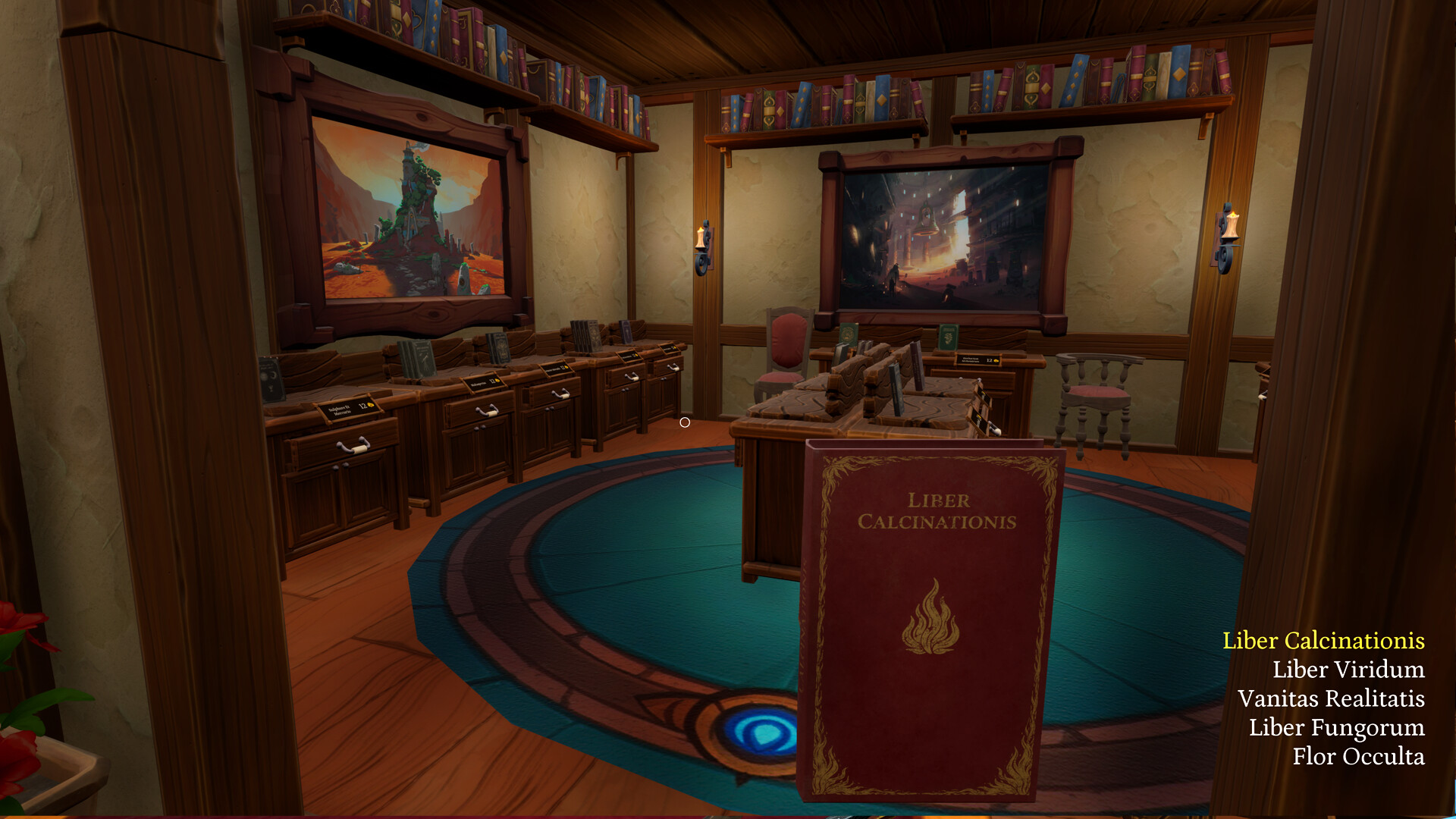
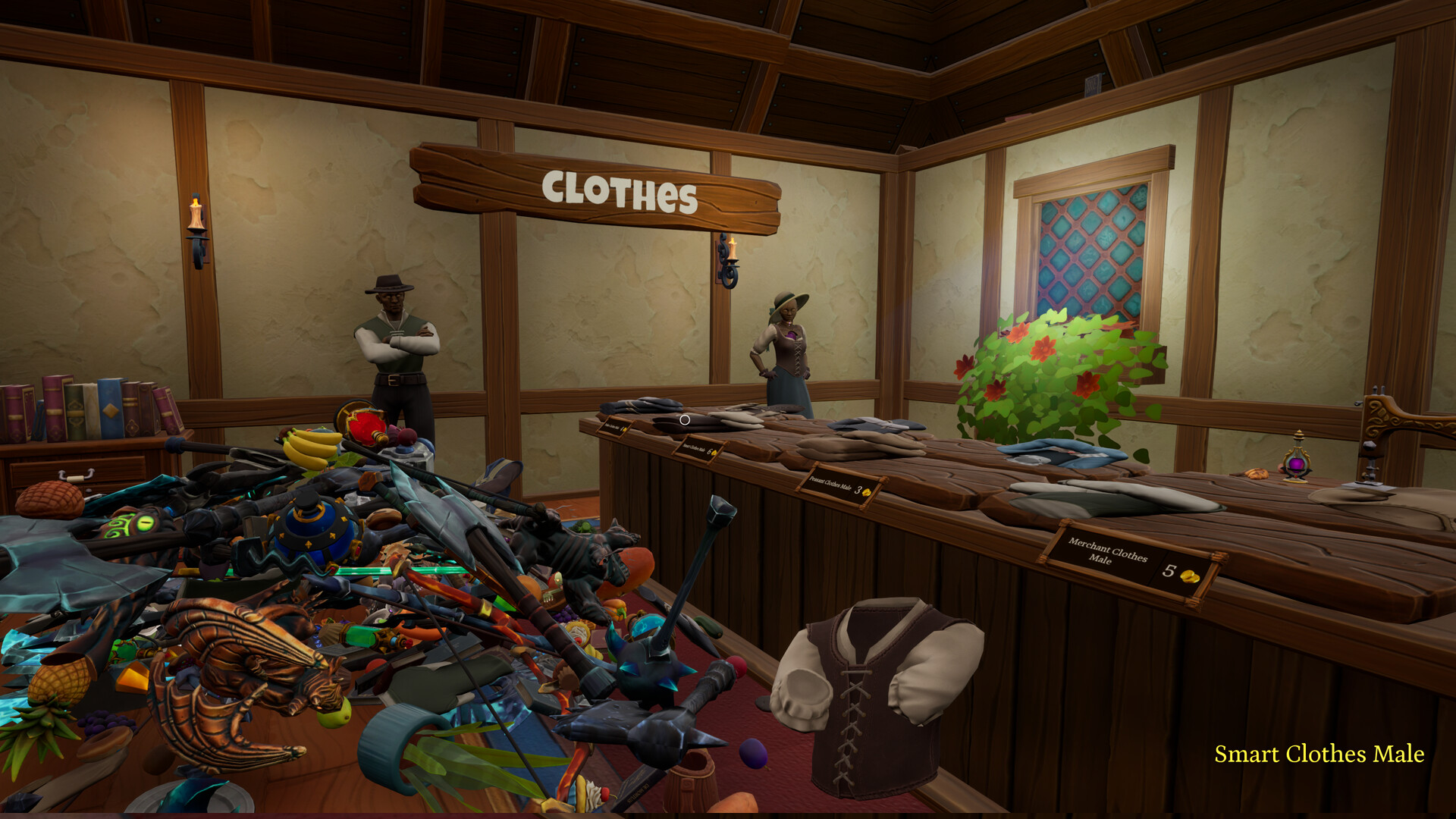
Tidy Up Together is a cozy organizing simulator where an evil wizard has scattered thousands of items across a fantasy Adventurer's shop. Players restore order by placing each product—potions, sushi, greatswords, pineapples—back in its proper spot, building tidiness item by item.
The game supports both solo play and online co‑op, letting you invite any number of friends. With character customization, three shop sizes, ability upgrades, and no imposed time limits, you can tidy at your own pace while still seeing a completion time at the end.
01 / THE GUIDE
Multiplayer Co‑op
You can invite as many friends as you like to help restore the shop. The co‑op mode lets multiple players work on the same puzzle simultaneously, sharing the task of placing items across the three shop levels.
Co‑op is optional; the same tidy‑up experience is available in single‑player mode. This design lets you choose whether to collaborate with friends or enjoy the puzzle alone, without changing the core mechanics.
- Divide the shop into zones so each player knows which area to focus on.
- Use a voice chat or messaging app to quickly convey item locations during co‑op.
02 / THE GUIDE
Character Customization
Players can select from multiple outfits to personalize their avatar while tidying. The customization offers multiple outfits to personalize your avatar.
Distinct outfits can help you identify your own character in co‑op sessions, making it easier to see who is handling which items.
- Choose an outfit that contrasts with the shop background for easier spotting.
- Swap outfits between sessions to keep the visual experience fresh.
03 / THE GUIDE
Ability Upgrades
As you place items, you unlock new abilities that are intended to maximise efficiency. These upgrades become available as you progress through the shops.
Using an ability is optional; you can still complete each shop without them, but they may streamline placement of certain item categories.
- Observe how each new ability changes the speed of item placement.
- Compare runs before and after unlocking an ability to gauge its impact.
04 / THE GUIDE
Shop Sizes and Item Variety
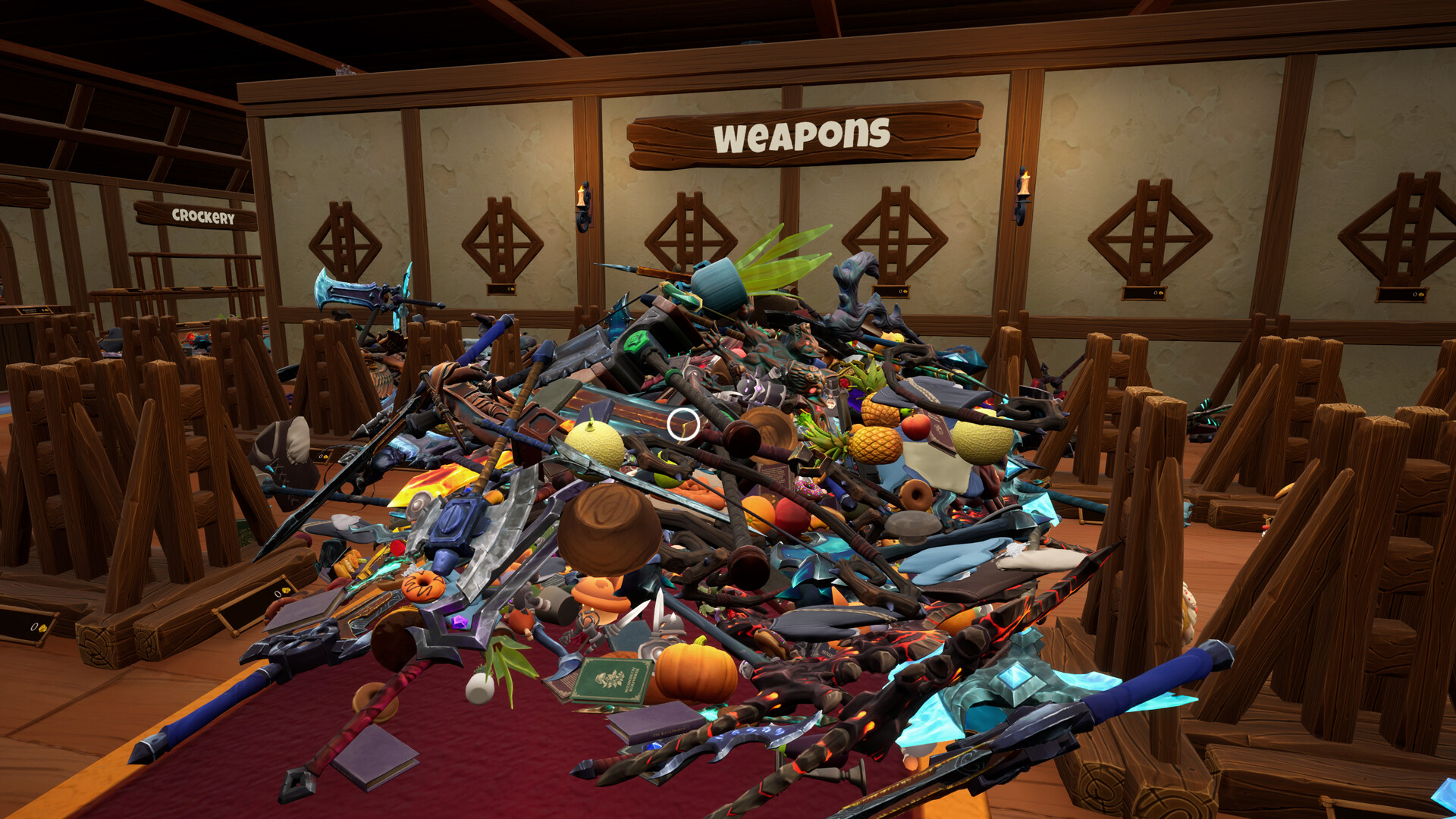
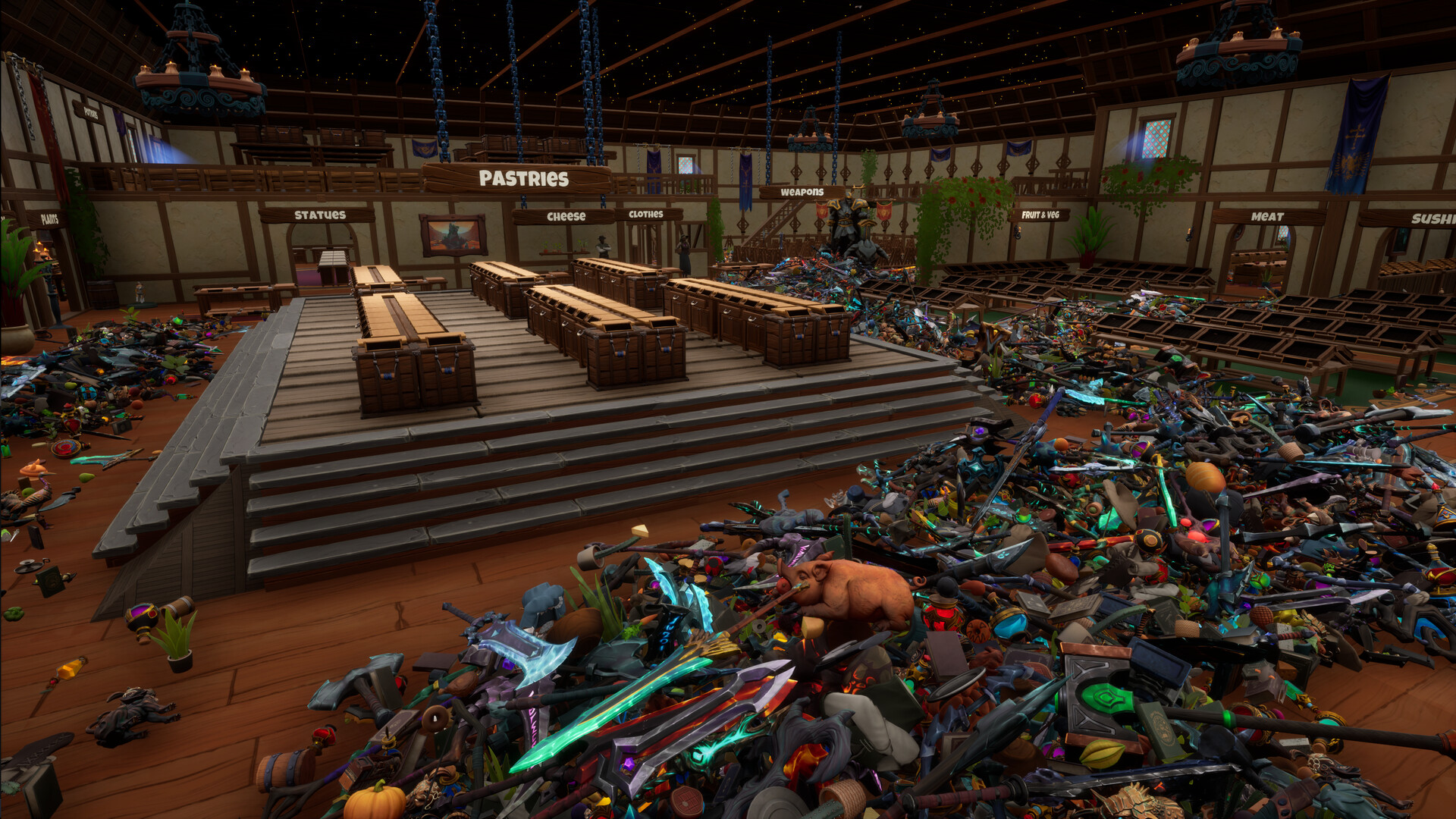
The game features three shop levels of varying size, containing 650, 2,500, and almost 10,000 items across 14 categories. Each level presents a larger puzzle to solve.
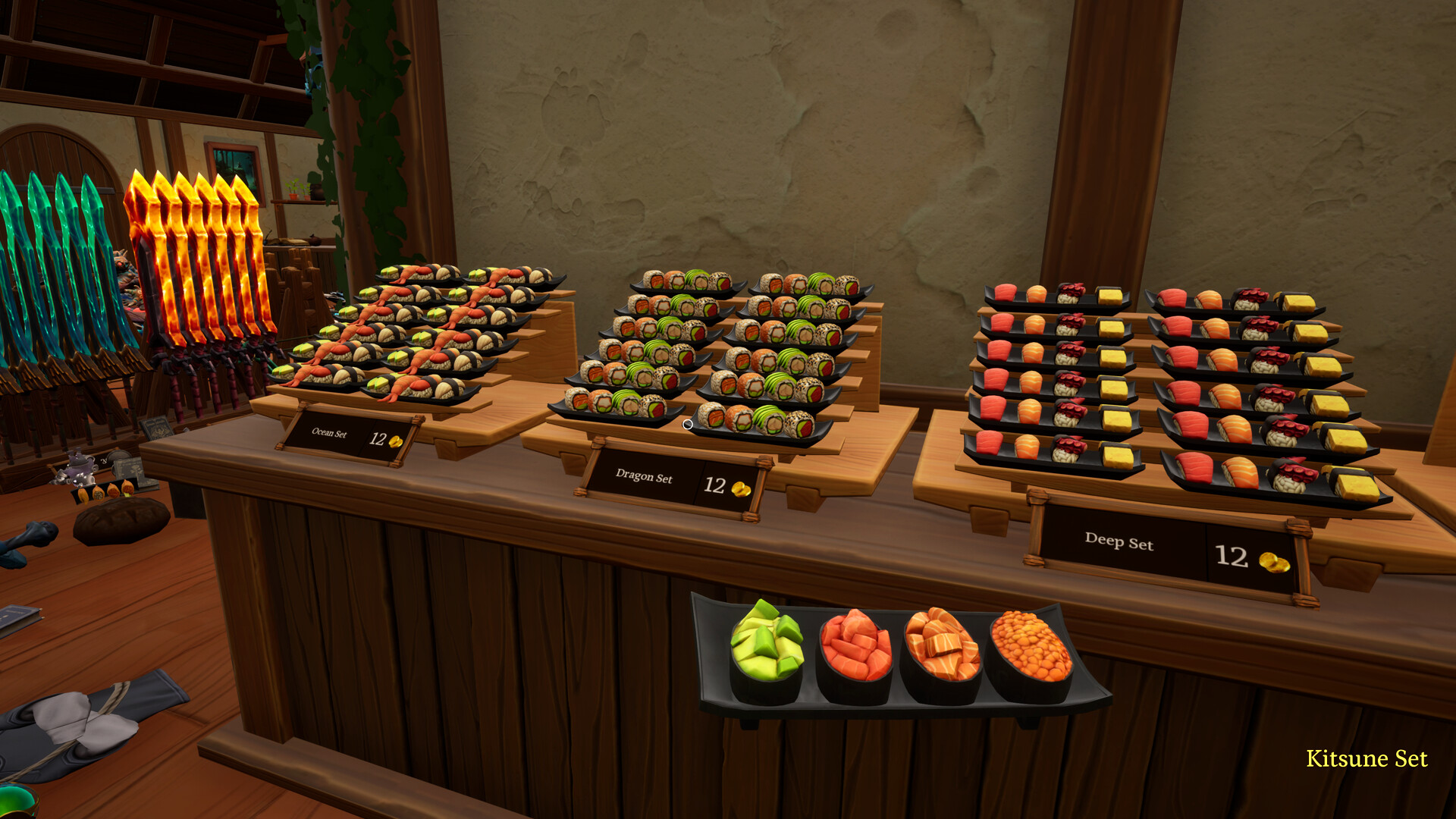
Item variety—from potions to sushi—adds visual diversity and requires you to keep similar objects organized correctly, influencing how you approach each shop.
- Begin with the 650‑item shop to learn category placement patterns.
- Notice recurring item groupings to speed up sorting in larger shops.
05 / THE GUIDE
Full Controller Support
The game includes full controller support, allowing navigation and item placement via a gamepad. Full controller support means the game can be controlled using a supported gamepad.
The game has no time limits, keeping the experience relaxed and accessible for players who prefer gamepad interaction.
- If you feel hand fatigue, take short breaks before continuing.
- Experiment with different grip styles to find the most comfortable hold.
COMMUNITY
Player discussion