 GameWiki
GET YOUR BEARINGS
About Tidy Up the Flower Shop
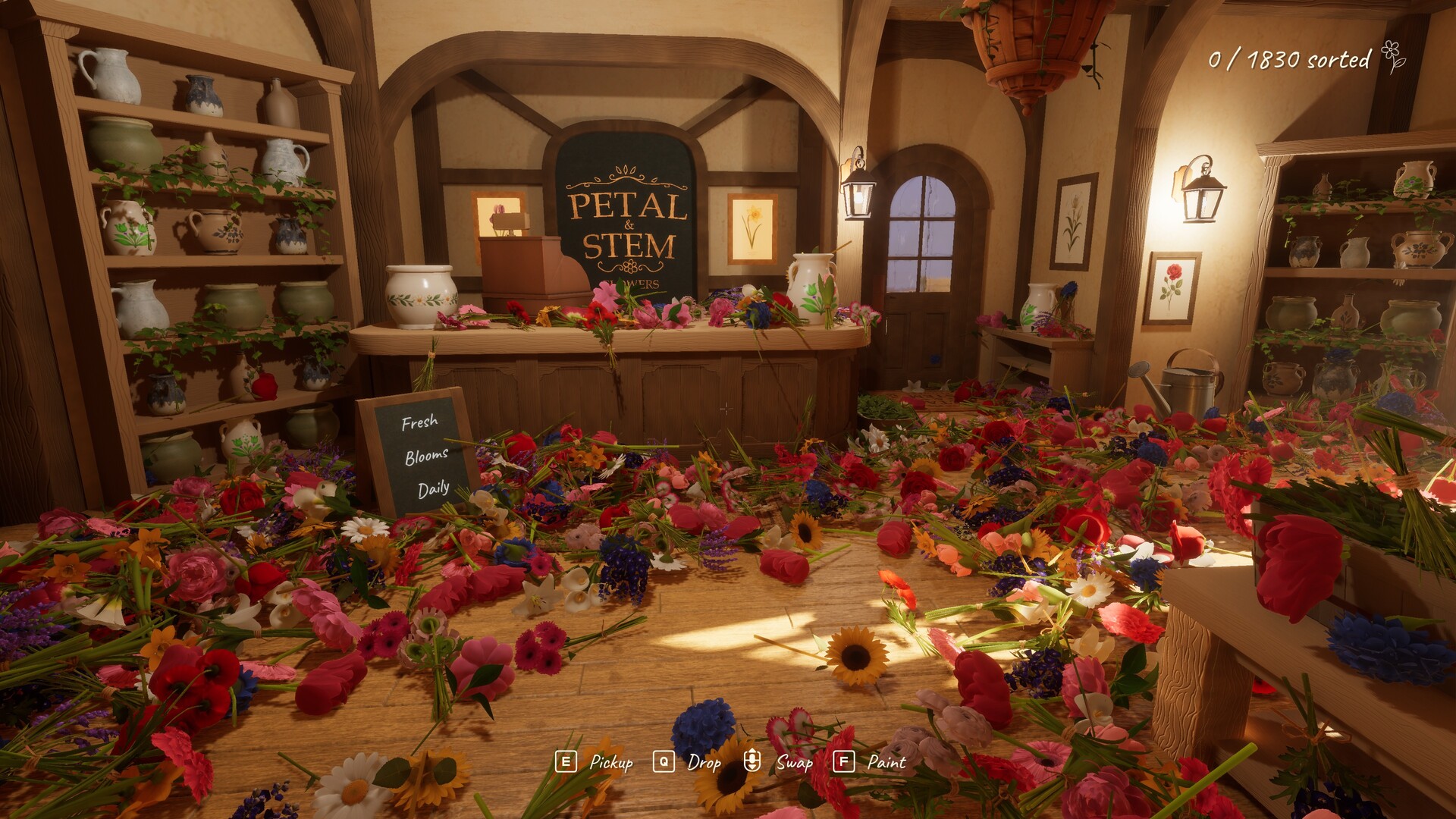
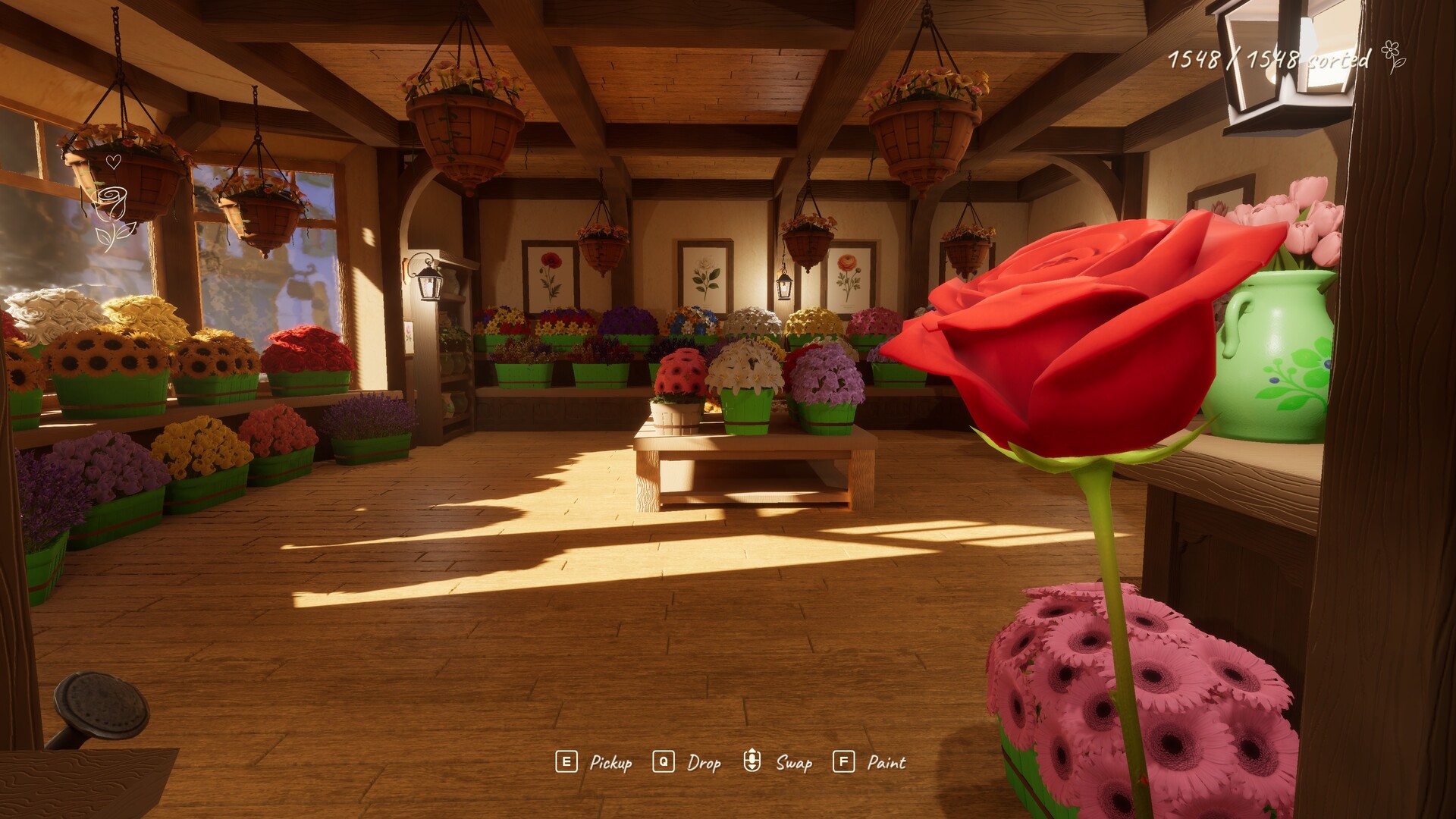
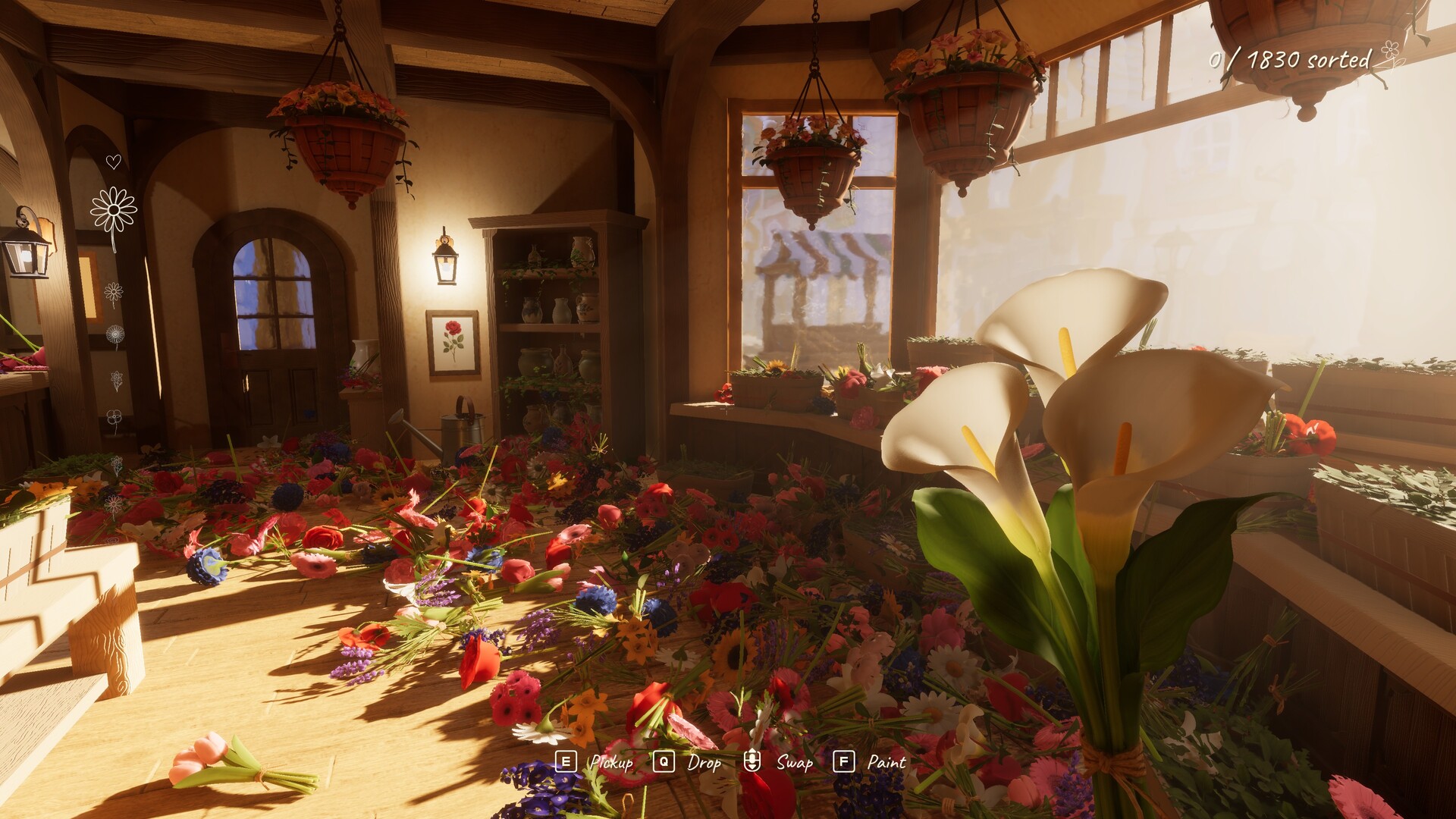
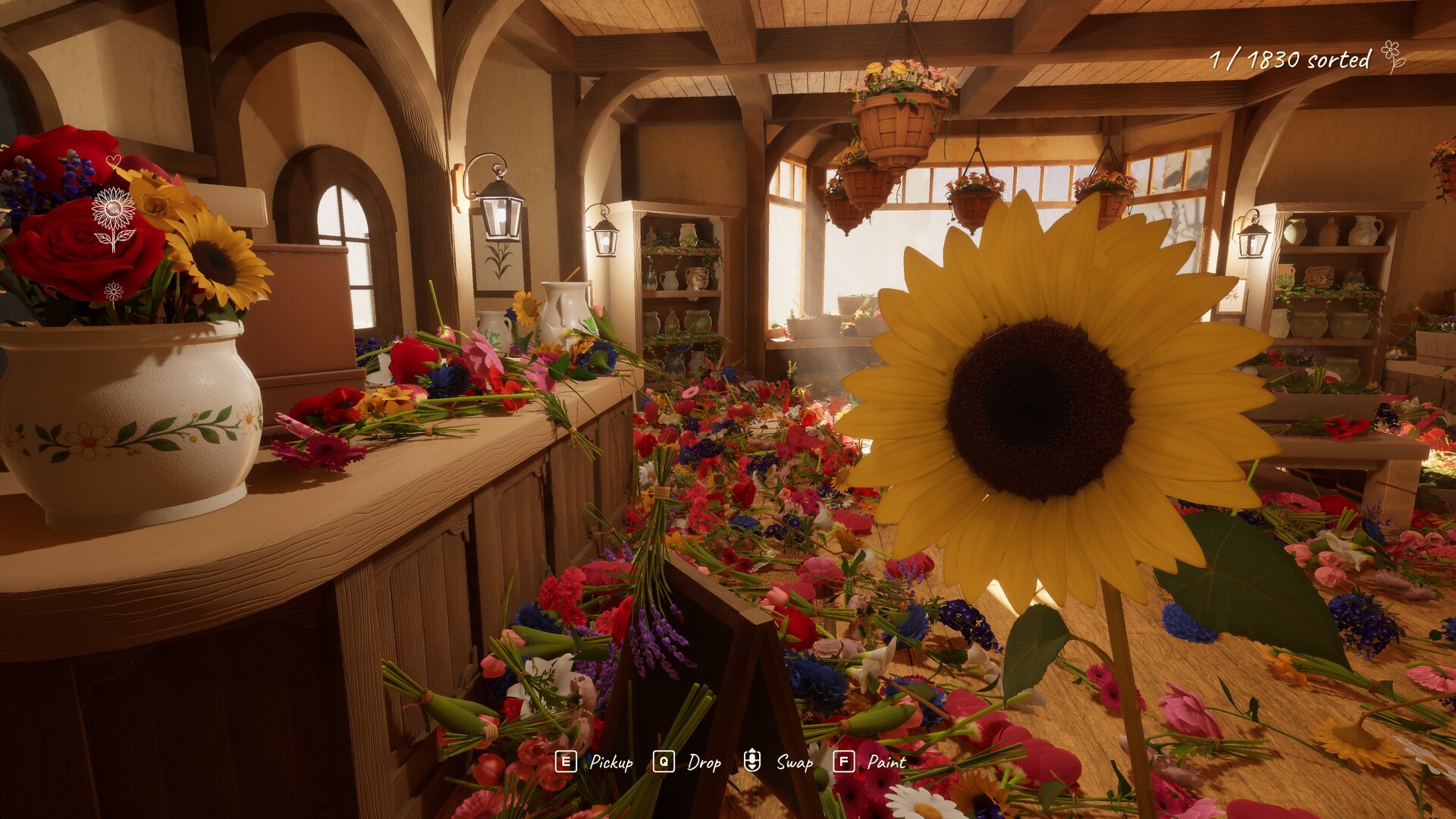
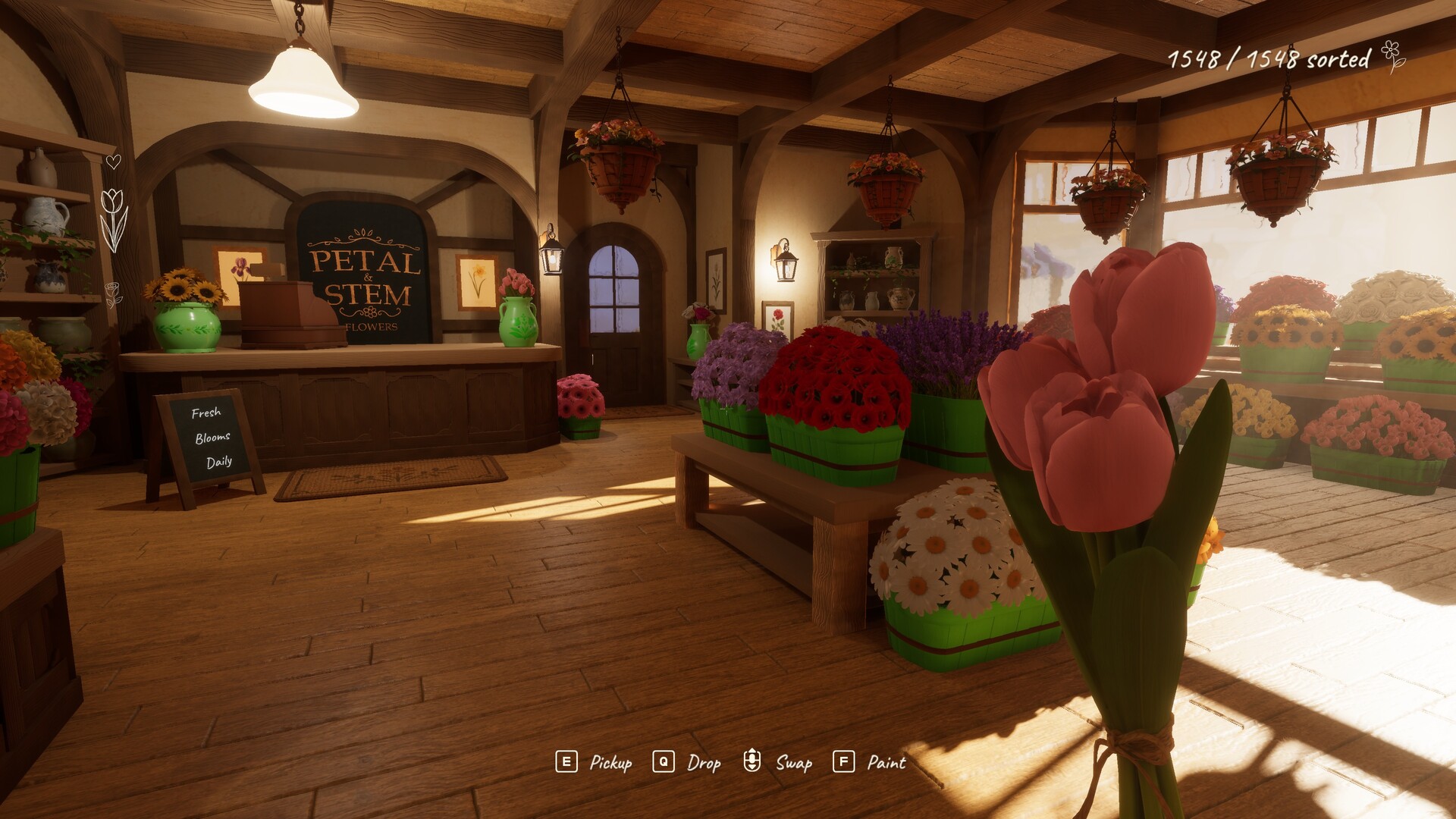
Tidy Up the Flower Shop lets you organize a delivery‑filled floor by picking up flowers in arm‑full batches and placing each into its matching basket. Each basket accepts only one flower type and signals when it is complete, giving a clear visual cue of progress.
The game contains no timers, scores, or upgrade systems, so you can pause whenever you like and return to the same floor later. It supports full controller input, offers Steam achievements, and can be shared via Family Sharing.
01 / THE GUIDE
Flower Placement
You collect flowers from the floor until your arms are full, then you cycle through the items you are carrying to locate the basket that wants each flower. Placing a flower into its correct basket triggers a visual cue that the basket is finished.
Because there is no time pressure, you may take as long as needed to sort each batch. When all baskets report completion you have arranged the entire delivery, and the floor remains unchanged for later sessions.
- Watch the basket’s completion cue before moving on to the next flower type.
- Group similar flowers mentally before picking them up to reduce cycling.
02 / THE GUIDE
Basket Customization
Each basket can be painted with any colour or combination of colours. You may apply solid bands, alternate colours around the rim, or scatter colours as you prefer, creating a visual style for the shop.
Painting is an optional way to make the shop your own. Changing a basket’s appearance is optional and can be done at any point while arranging the shop.
- Choose contrasting colours to make completed baskets stand out visually.
- Experiment with band patterns to give each basket a distinct look.
03 / THE GUIDE
Armful Carrying
The game limits how many flowers you can hold to what fits in an armful. After reaching that limit you must place some flowers before gathering more, creating a natural loop of pick‑up and placement.
Since there is no timer, you can pause between armfuls to plan which baskets to fill next, making the mechanic feel relaxed and methodical rather than rushed.
- Plan the order of baskets before you start a new armful.
- Leave a small amount of space in your carry slot for occasional mis‑placements.
04 / THE GUIDE
Pacing and Progression
Tidy Up the Flower Shop is designed for play at your own pace. There are no scores, timers, or upgrade systems, allowing you to stop whenever you wish without penalty.
When you return, the floor layout remains exactly as you left it, preserving any baskets you have already completed and letting you continue from the same point.
- Set a personal goal for how many baskets you’ll finish in a session.
- Take a short break after a basket signals completion to enjoy the visual result.
05 / THE GUIDE
Full Controller Support
The title lists full controller support, meaning every action—picking up flowers, cycling carried items, placing them, and painting baskets—can be performed with a gamepad. This makes the experience accessible to players who prefer controllers.
Controller support appears alongside Steam achievements and family sharing, confirming it is an integral part of the game’s accessibility features.
- Spend a moment familiarising yourself with the controller layout before a session.
- Observe how the game responds to controller input for picking up and placing items.
COMMUNITY
Player discussion