 GameWiki
GET YOUR BEARINGS
About Tidy Up History
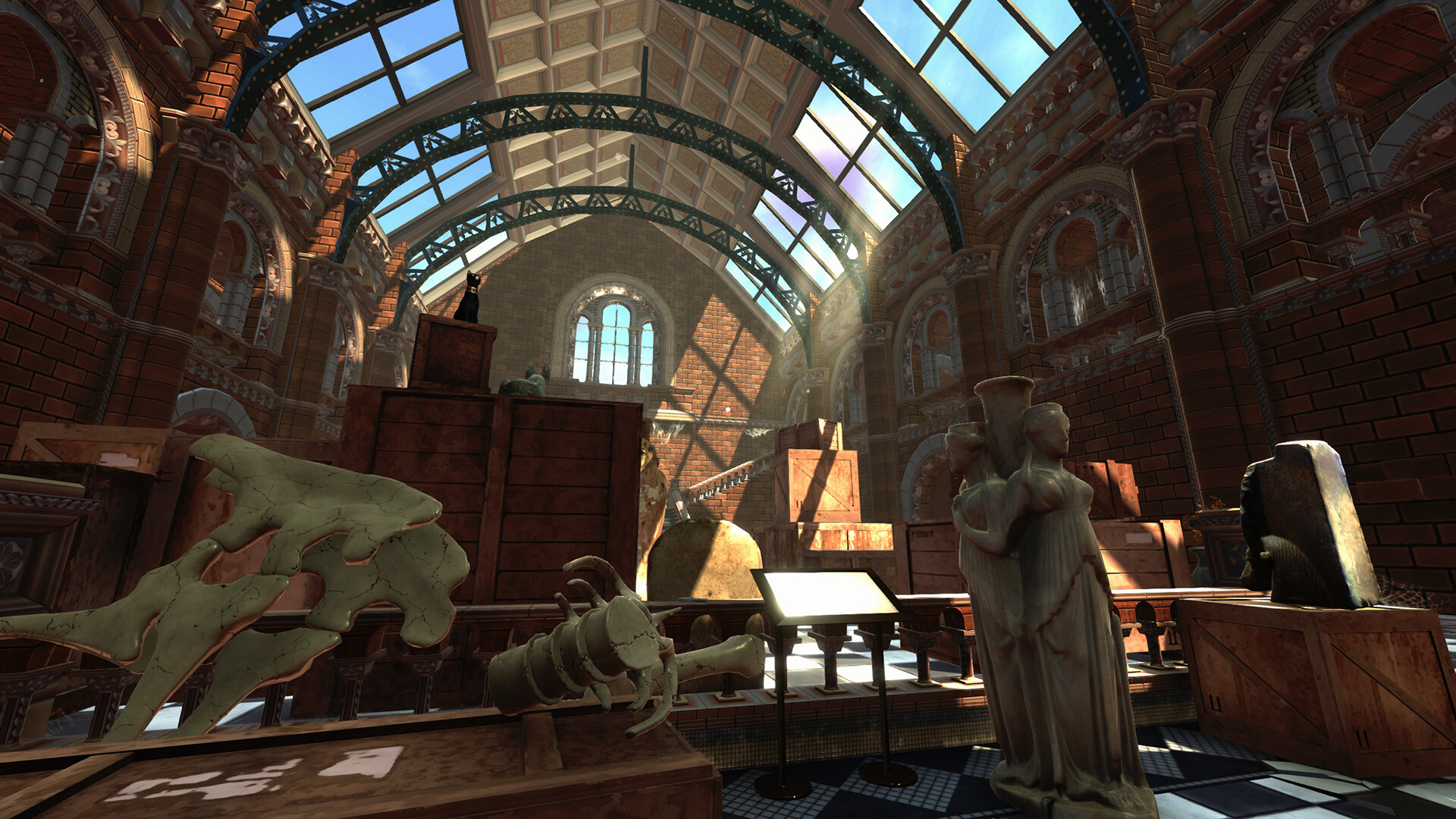
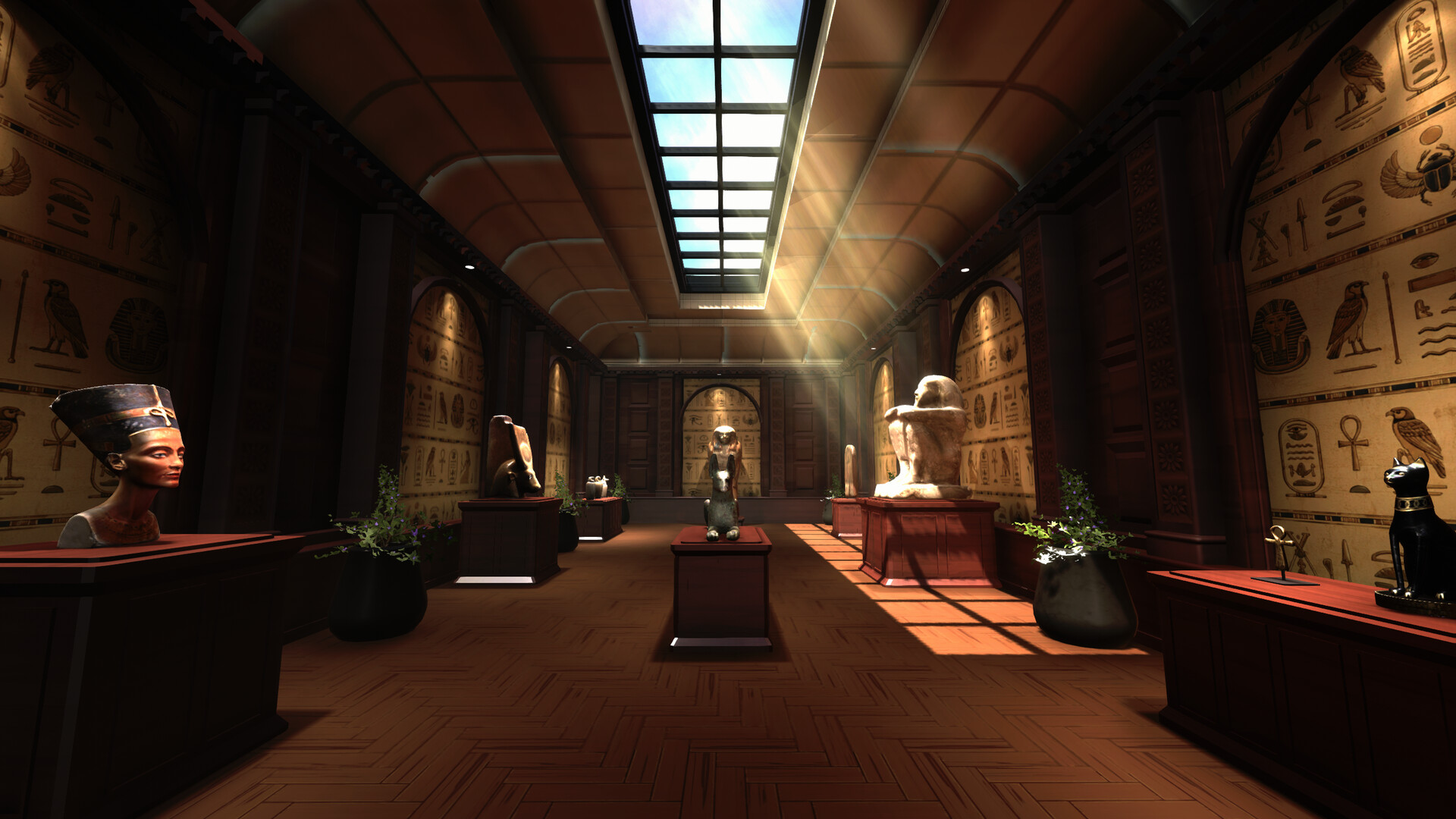
You inherit a dusty, once‑renowned museum and must restore it to its former glory. The game asks you to clean exhibit halls, remove clutter, and repair damage so each room becomes presentable again.
While you tidy, you also locate and identify hundreds of artifacts, fossils and mysterious objects, unlocking new areas, assembling dinosaur skeletons, and earning experience that improves your restoration abilities toward a grand opening.
01 / THE GUIDE
Cleaning and Restoration
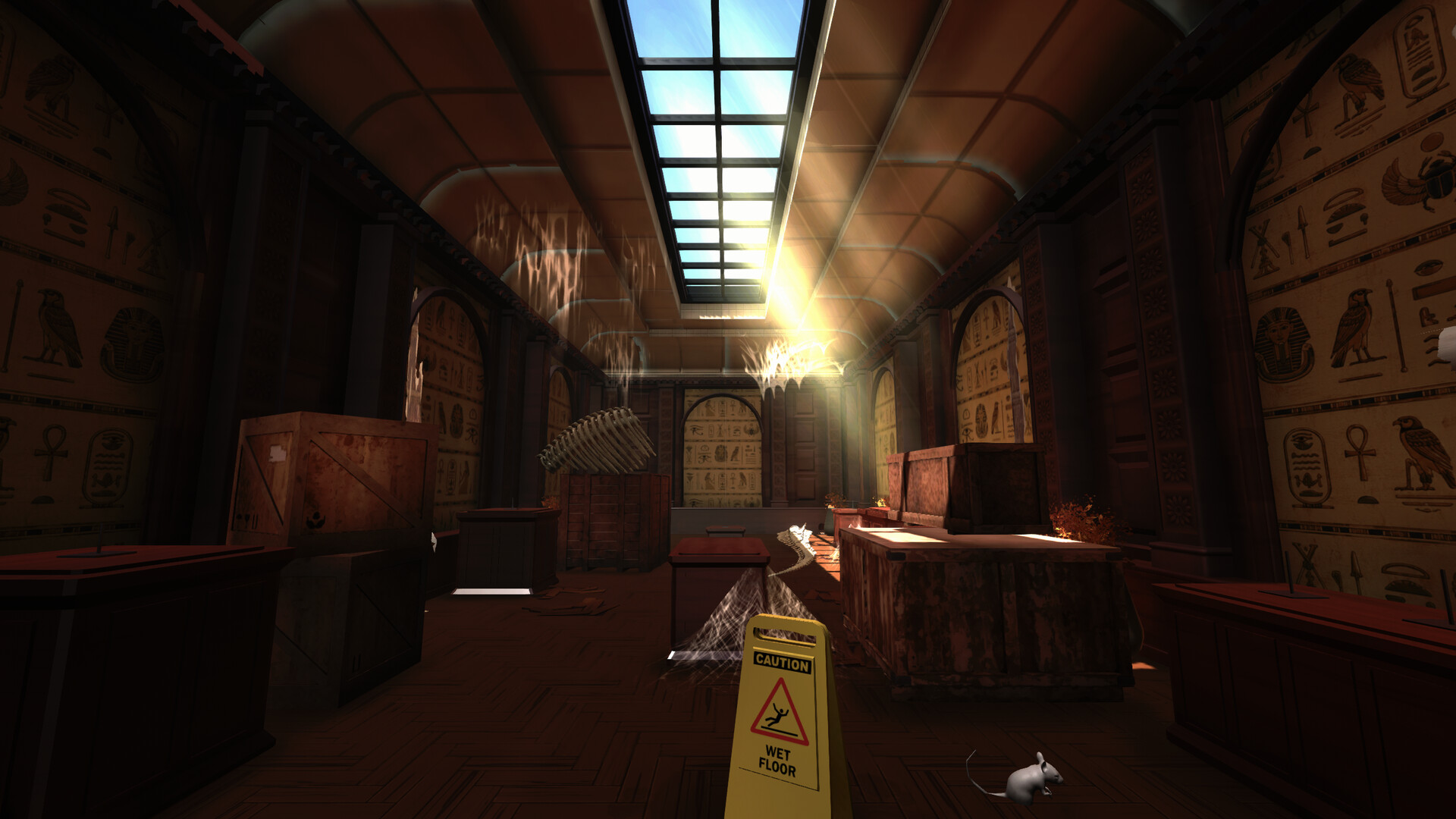
The primary task is to clean and restore exhibit halls, removing dirt, clutter and damage as described in the official description. Each cleaned space becomes less chaotic and more suitable for display.
Restoring neglected rooms also brings them back to their former glory, which the game presents as a step toward overall museum completion.
- Work on one room at a time to see clear progress.
- Compare before‑and‑after visuals to gauge cleaning effectiveness.
02 / THE GUIDE
Artifact Organization
Hundreds of items—including artifacts, fossils and museum pieces—must be found and placed in their rightful locations, turning chaotic collections into organized exhibits.
Placing items correctly contributes to overall restoration progress and lets you learn about each object's background as noted in the game’s description.
- Group similar items before placement to speed identification.
- Refer to any in‑game notes for correct exhibit locations.
03 / THE GUIDE
Assembling Dinosaur Skeletons
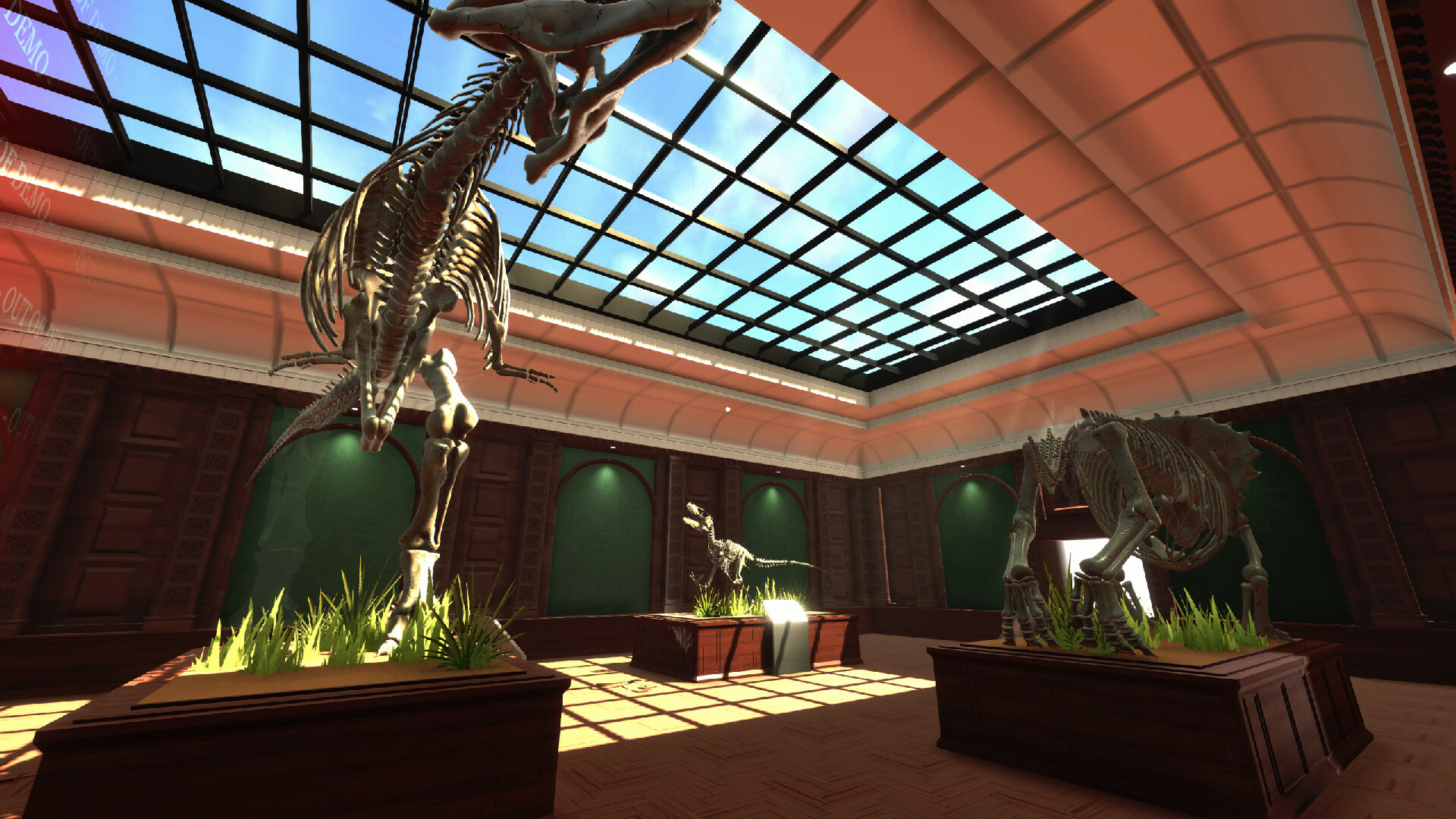
Collect fossils throughout the museum and piece them together to create impressive prehistoric displays, building skeletons part by part as described.
Completed skeletons become part of the museum’s exhibit, showcasing the restoration work you have performed.
- Keep a list of collected fossil pieces to avoid missing sections.
- Match assembled sections with reference images if available.
04 / THE GUIDE
Skill Progression
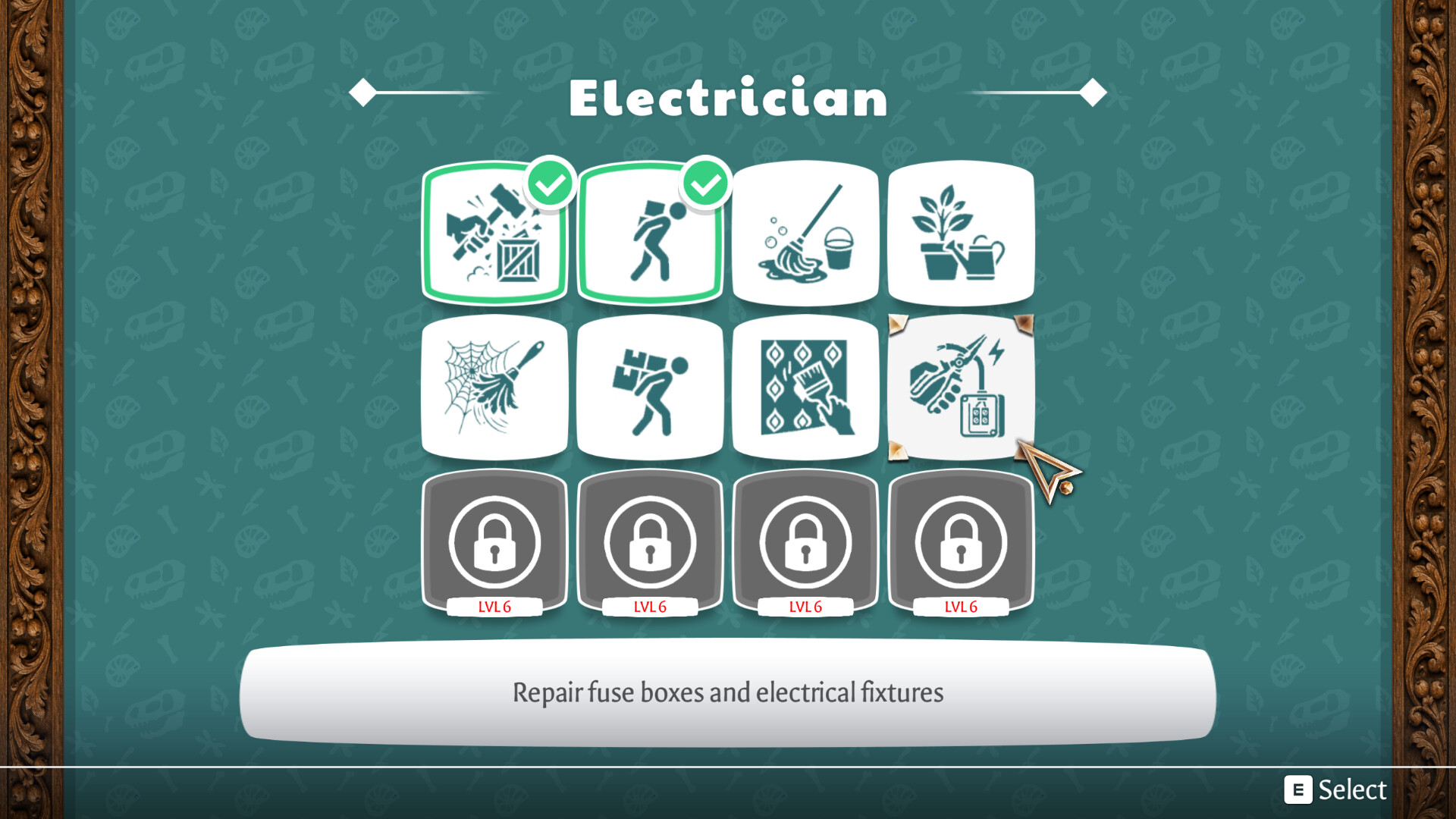
You earn experience points (XP) as you restore the museum, and the game unlocks new abilities that help with increasingly complex restoration tasks.
These ability upgrades are tied to the amount of work you complete, encouraging continued cleaning and organization.
- Track XP earned from each task to see when new abilities unlock.
- Observe how each new ability changes the speed of restoration.
05 / THE GUIDE
Unlocking New Areas
Learning about mysterious objects and finding keys lets you access locked exhibit rooms, adding fresh challenges and items to restore.
Each newly opened area expands the museum’s layout and provides more opportunities for cleaning and organization.
- Keep an eye out for keys as you explore the museum.
- Note the location of locked doors for later revisits.
COMMUNITY
Player discussion