 GameWiki
GET YOUR BEARINGS
About Thrive
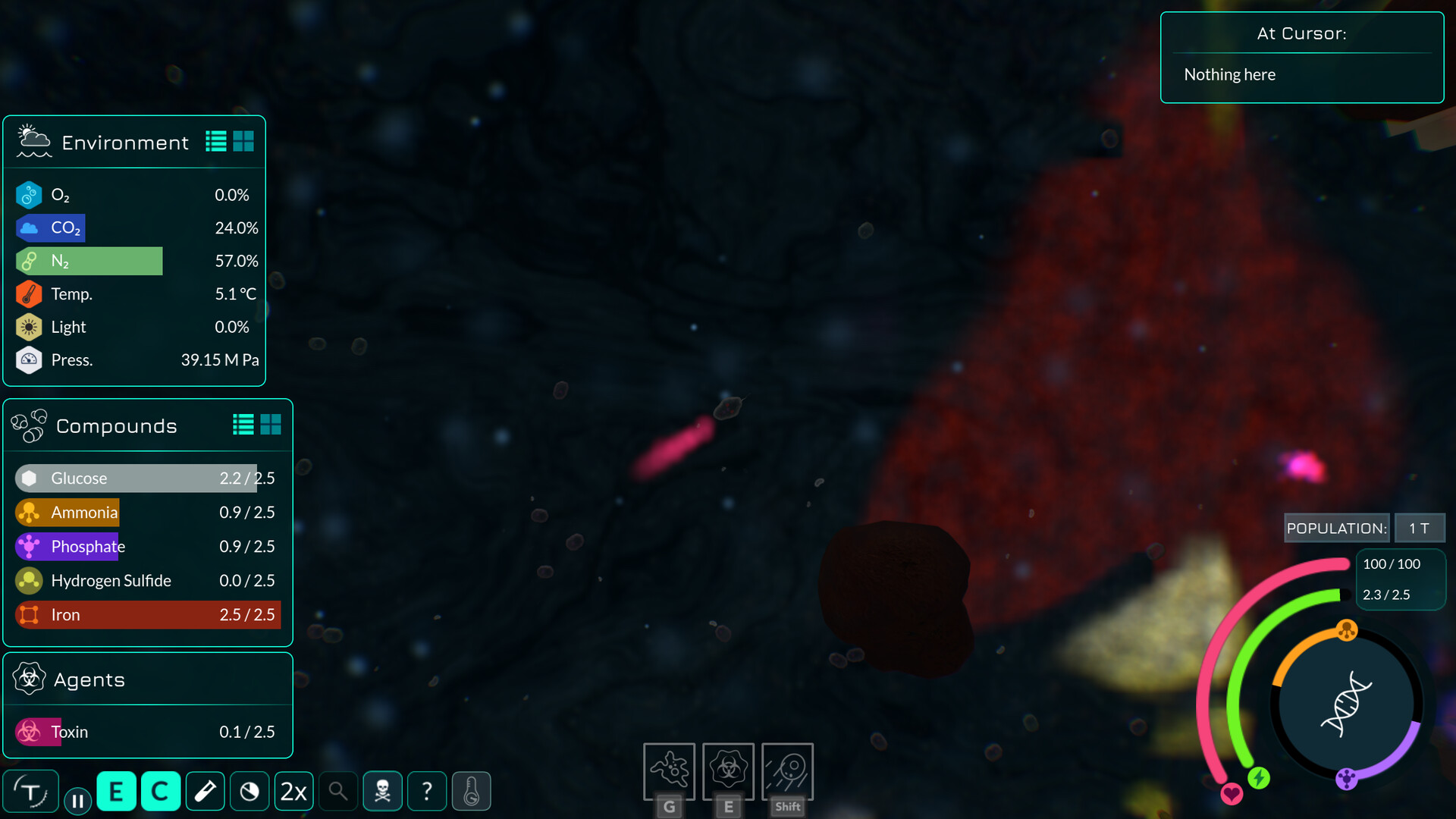
Thrive puts you in control of a single‑cell organism that begins as the Last Universal Common Ancestor on an alien planet. You must gather resources, avoid predators, and reproduce while shaping your species in an editor that lets you add organelles and adjust behaviours.
The game expands into later stages where you can form colonies and eventually multicellular life. Throughout, other species evolve alongside you, creating a living simulation that reacts to your choices and the changing environment.
01 / THE GUIDE
Create Your Own Species
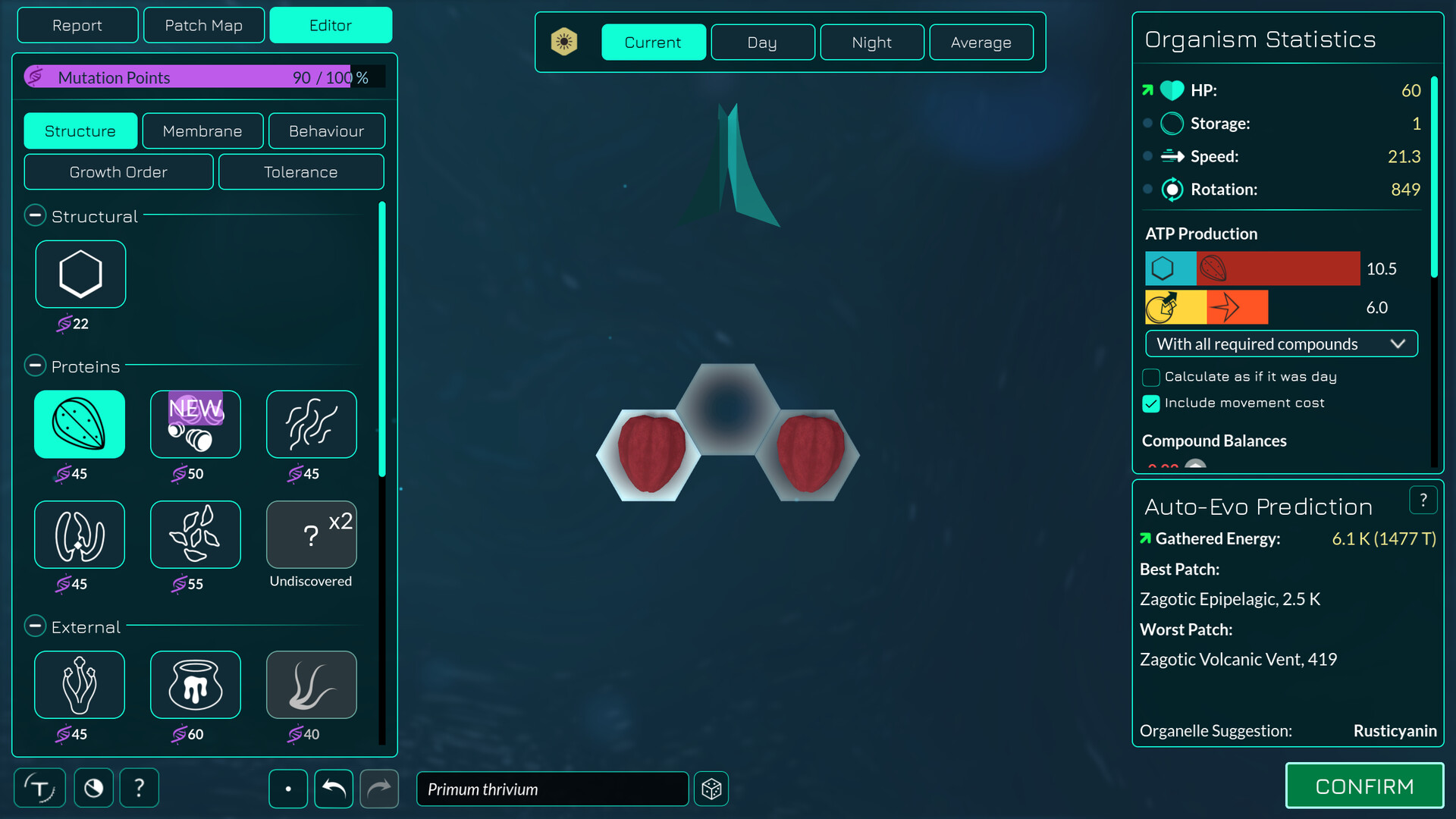
The editor offers over 25 parts such as mitochondria, chloroplasts, and pili. By placing these components you decide how your cell obtains energy, defends itself, or attacks prey. Membrane flexibility and cell‑wall toughness are also adjustable, letting you tailor feeding and protection strategies.
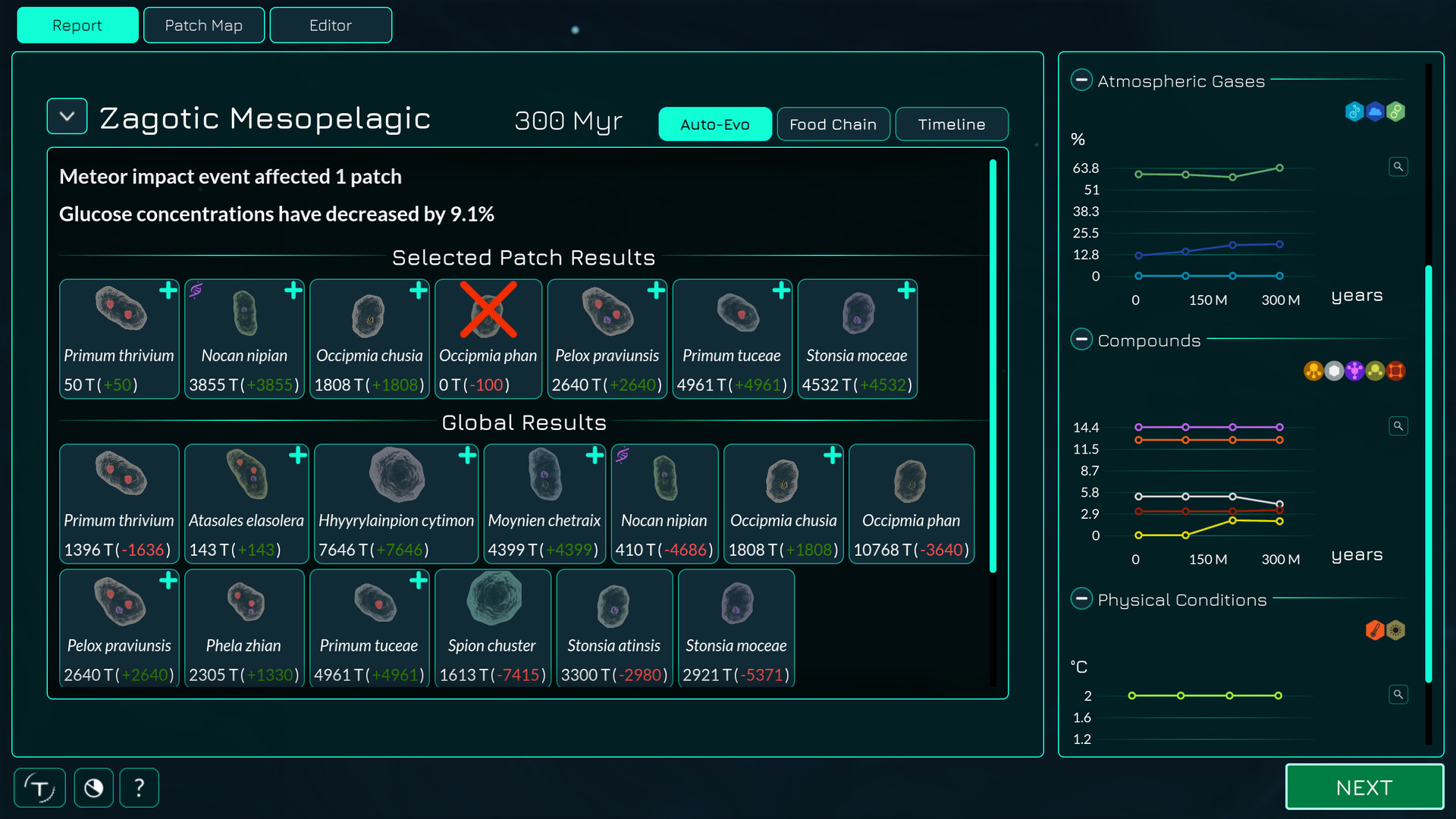
All changes are reviewed after each reproduction cycle, where population graphs show how well your design competes. This iterative process lets you experiment with different organelle combinations to find a viable evolutionary path.
- Start with basic energy organelles before adding offensive tools.
- Compare population graphs after each reproduction cycle to spot weak points.
02 / THE GUIDE
Survive and Gather Resources
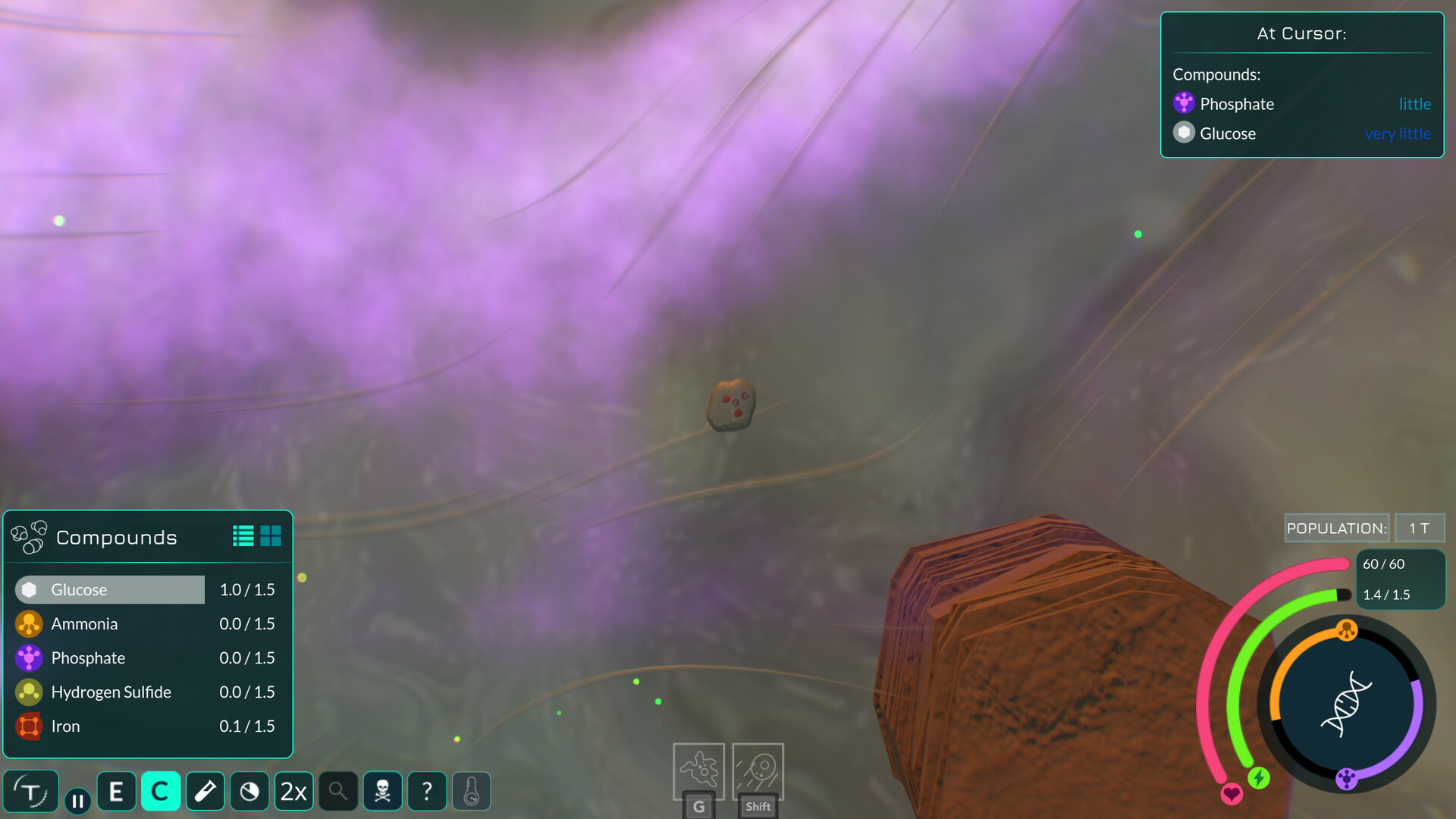
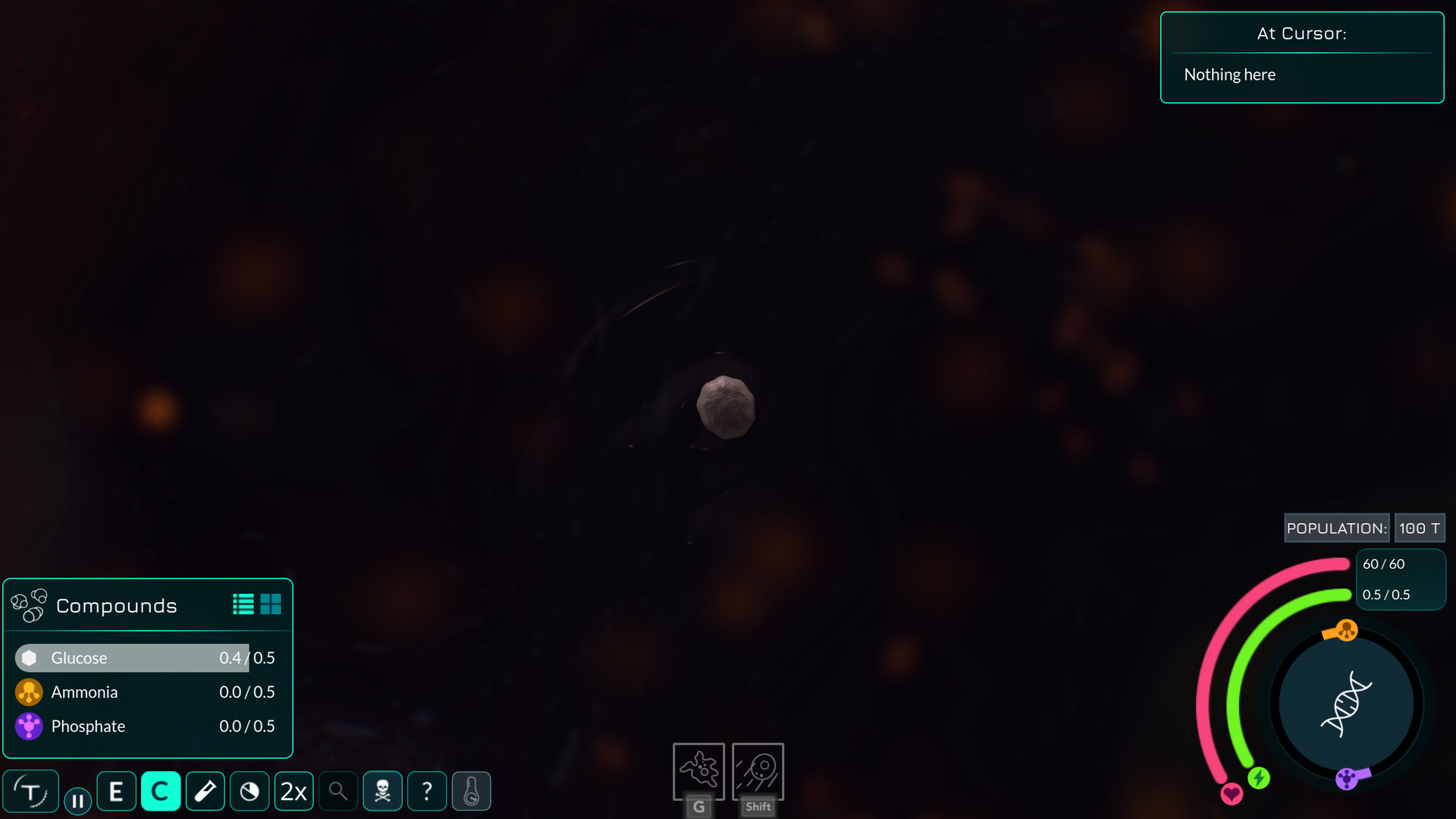
You swim through watery environments collecting clouds, chunks, or stolen resources from other species. The resources you gather are needed for survival and reproduction, and reproducing lets you enter the editor to make later changes.
The game includes a light, interactive tutorial that introduces basic movement, resource collection, and the reproduction cycle, ensuring new players can learn the core survival loop quickly.
- Prioritize resource‑rich areas early to boost reproduction speed.
- Use the tutorial to practice efficient movement before editing.
03 / THE GUIDE
Watch the Evolution Simulation
All species, including yours, evolve via a population‑dynamics simulation with random mutations. As other organisms adapt, they may become stronger, more efficient, or better hunters, directly influencing the challenges you face.
Population results and graphs can be reviewed when you enter the editor after reproducing, allowing you to see how your species stacks up against competitors and to plan future modifications.
- Monitor competitor trends to anticipate new threats.
- Adjust your organism’s tolerance before a major environmental shift.
04 / THE GUIDE
A Dynamic World of Biomes
Thrive features regions ranging from hydrothermal vents to icy shelves. These biomes have distinct conditions, and global events such as asteroid impacts or ice ages can alter them, forcing species to adapt or relocate.
You can move to new biomes after reproducing, letting you explore different environmental challenges and test the versatility of your organism’s design.
- Test organelles suited to extreme temperatures before entering harsh biomes.
- Keep an eye on global events that may change resource availability.
05 / THE GUIDE
Microbe and Multicellular Stages
The first complete stage is the Microbe Stage, where you control a single cell or a colony of bound cells. After reproducing you edit your species, aiming to evolve a nucleus and become a eukaryote.
The Multicellular Stage lets you place multiple cells and customize their types, adding size and new abilities while still interacting with the microbial world. Later stages are present as prototypes showing future development goals.
- Focus on nucleus evolution early to unlock multicellular options.
- Experiment with cell‑type specialization once multicellular gameplay is available.
COMMUNITY
Player discussion