 GameWiki
GET YOUR BEARINGS
About Thrifty Business
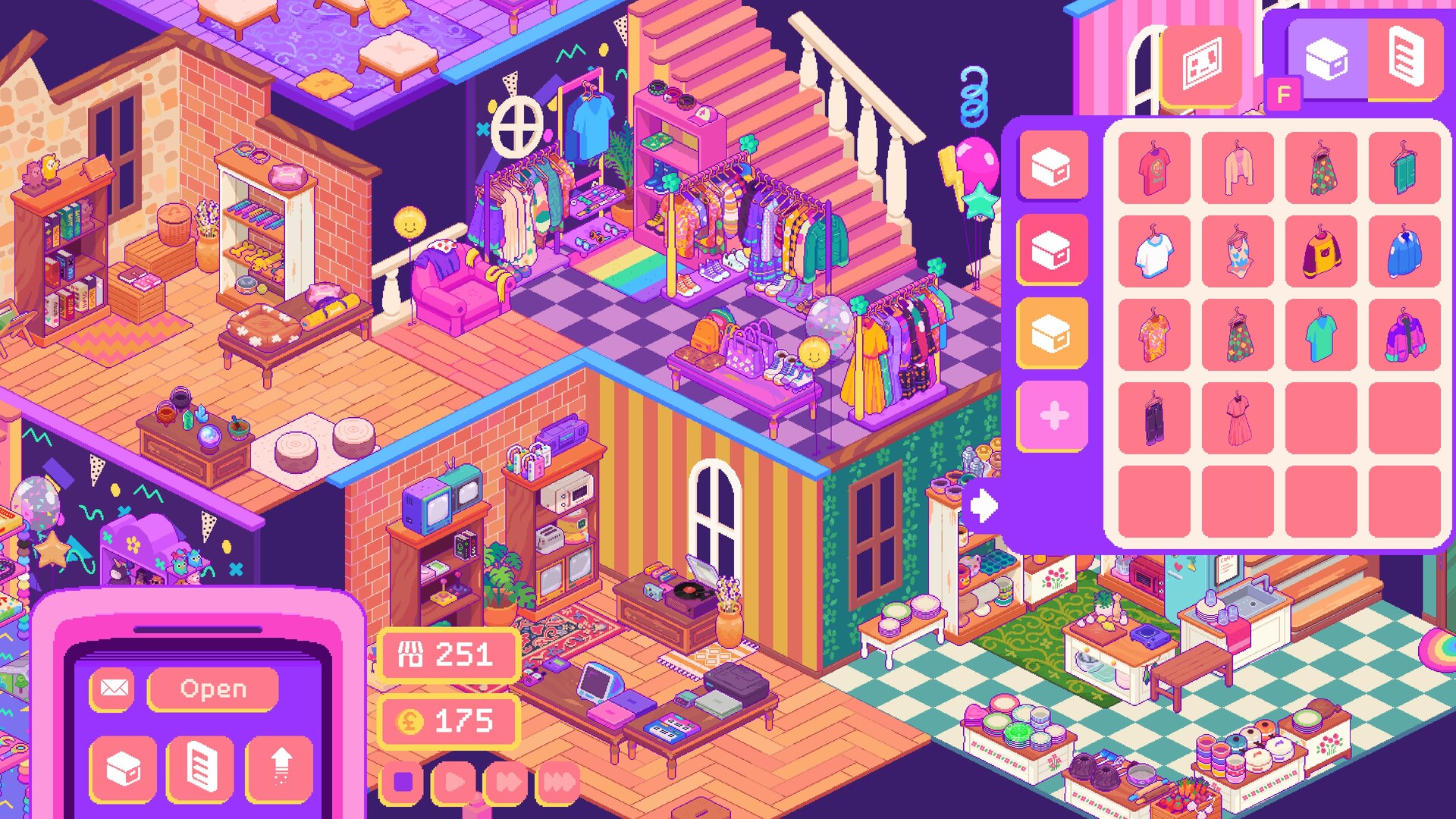
Thrifty Business puts you in charge of a 90’s‑inspired vintage thrift shop. You search boxes of pre‑loved items, arrange them on shelves, and craft eye‑catching displays that draw the local community. The game emphasizes relaxed management, letting you focus on organization and creativity rather than profit‑hunting.
Beyond stocking items, you can customize furniture, wallpaper, flooring and décor, expand into adjacent rooms, and host hobbyist events. A quirky cast of customers shares stories and requests, turning the shop into a welcoming third‑space for locals. No stressful price‑haggling or angry, impatient shoppers are present.
01 / THE GUIDE
Store layout and organization
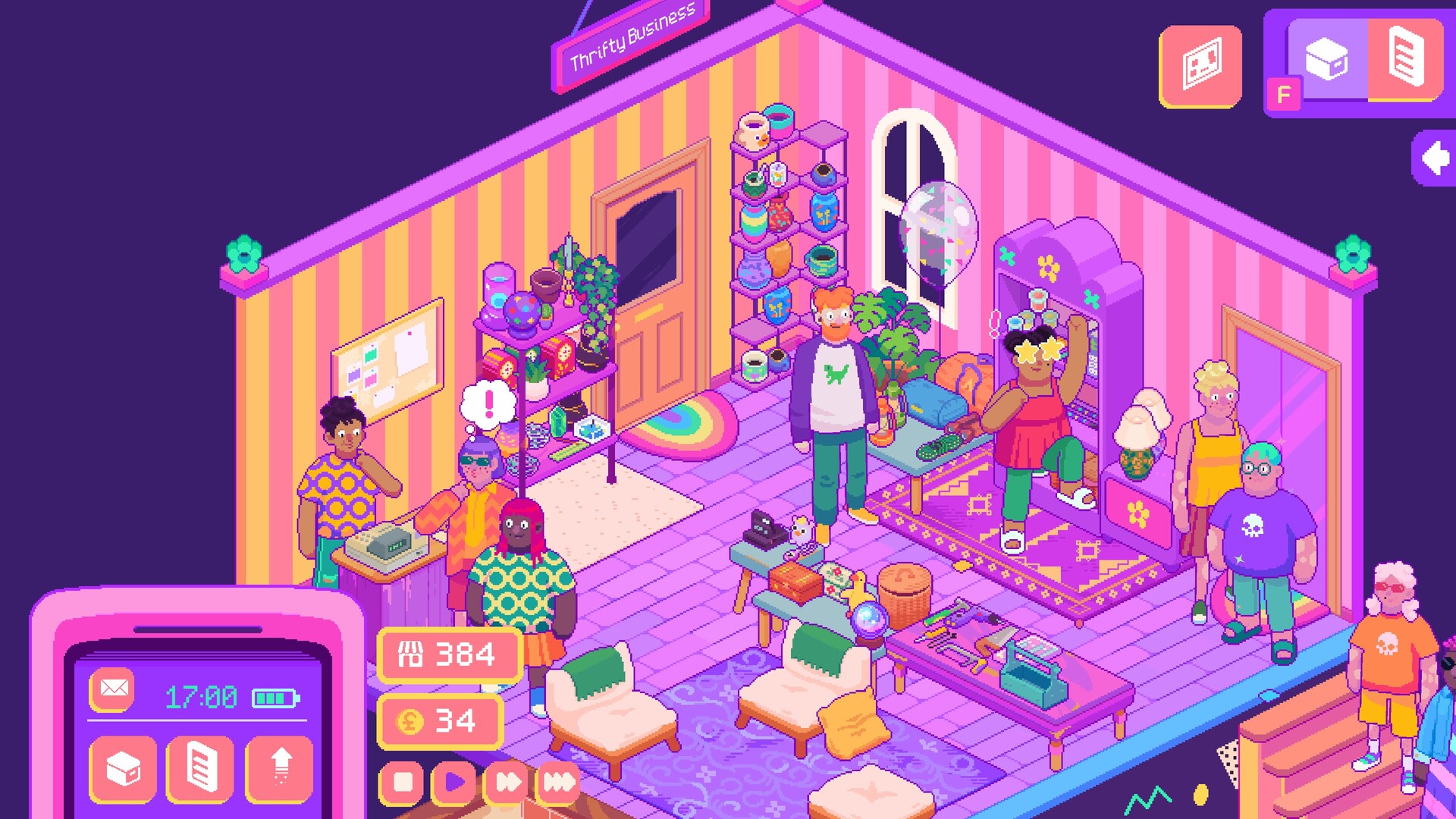
The game lets you adjust the layout of shelves, racks and displays with precision placing, allowing you to group wares by colour, theme, purpose, or any system you prefer. A tidy store earns more community points, which unlock further items and décor.
You can reorganize the shop at any time, experimenting with different arrangements to see how they affect the visual appeal and point gain. The layout tools are designed for detailed control, with partial controller support available.
- Try grouping items by colour to create a cohesive visual flow that may boost community points.
- Use the precision placing feature to align shelves neatly, making the store feel more organized.
02 / THE GUIDE
Customization options
Thrifty Business offers a range of customization choices, including furniture, decorations, wallpaper and flooring. Unlocking new pieces lets you craft a cozy, welcoming atmosphere that reflects a 90’s aesthetic.
Unlocked items can be positioned using precision placing, letting you personalize every corner. The visual style remains colorful and nostalgic, reinforcing the game's laid‑back vibe.
- Mix vintage furniture with bright wallpaper to emphasize the 90’s theme.
- Experiment with different flooring patterns to see which feels most inviting.
03 / THE GUIDE
Customer interaction
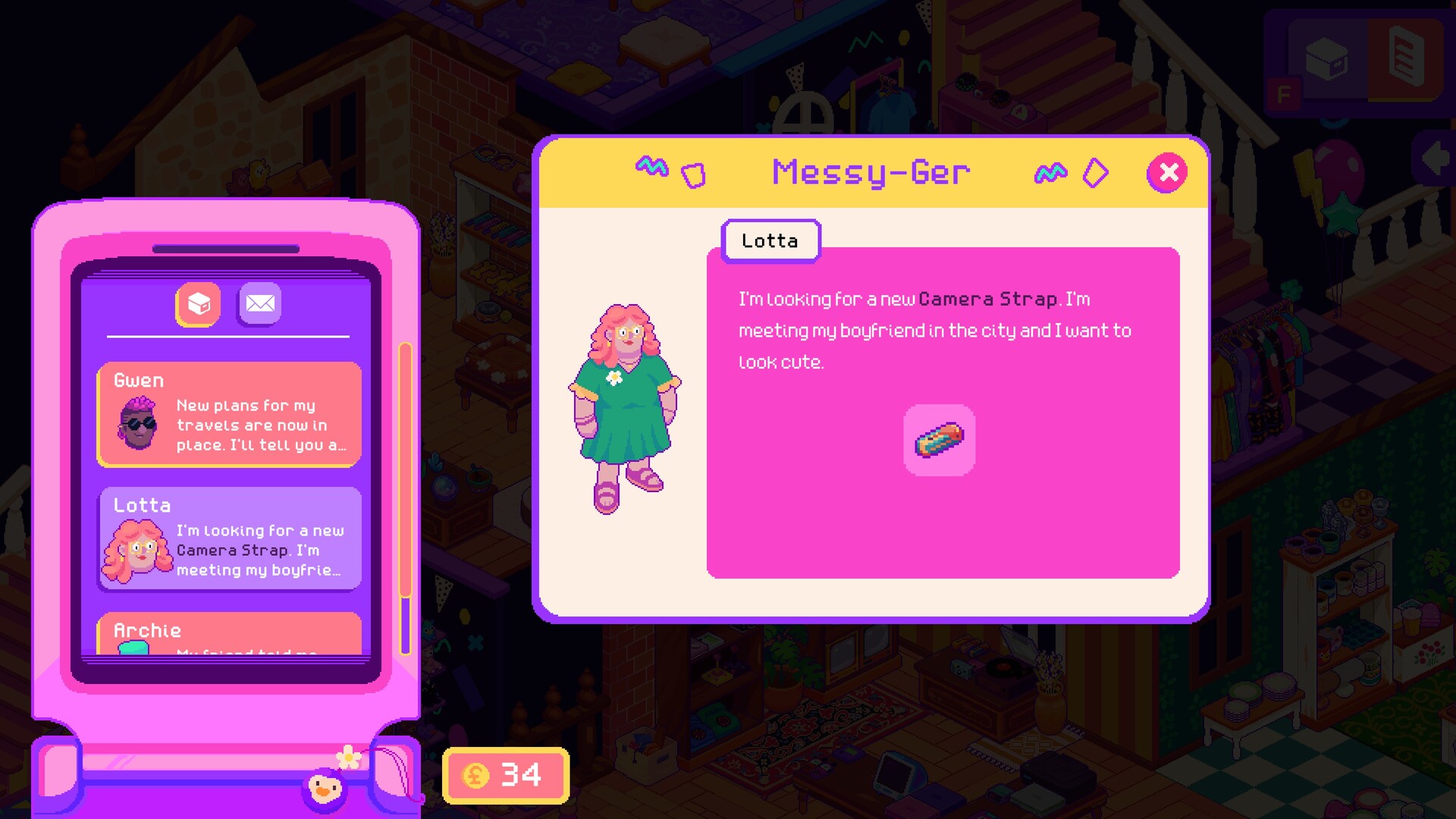
A quirky cast of customers visits your shop, sharing personal stories and specific requests. Listening to them helps you decide which items to display and how to arrange them for maximum satisfaction.
The game does not include stressful haggling or angry customers; interactions remain relaxed, focusing on narrative and the joy of fulfilling requests.
- Pay attention to each customer's story; it can inspire display ideas.
- Fulfill simple requests to maintain a steady flow of community points.
04 / THE GUIDE
Hobbyist events
As your business grows, you can unlock and host hobbyist events. These gatherings turn the shop into a third‑space where locals gather for shared interests, adding another layer of community engagement.
Events are optional and serve to enrich the shop’s atmosphere, encouraging repeat visits in a game playable without timed input.
- Schedule events after expanding the shop to have enough space for attendees.
- Choose event themes that match the items you have on display for cohesion.
05 / THE GUIDE
Expanding into adjacent rooms
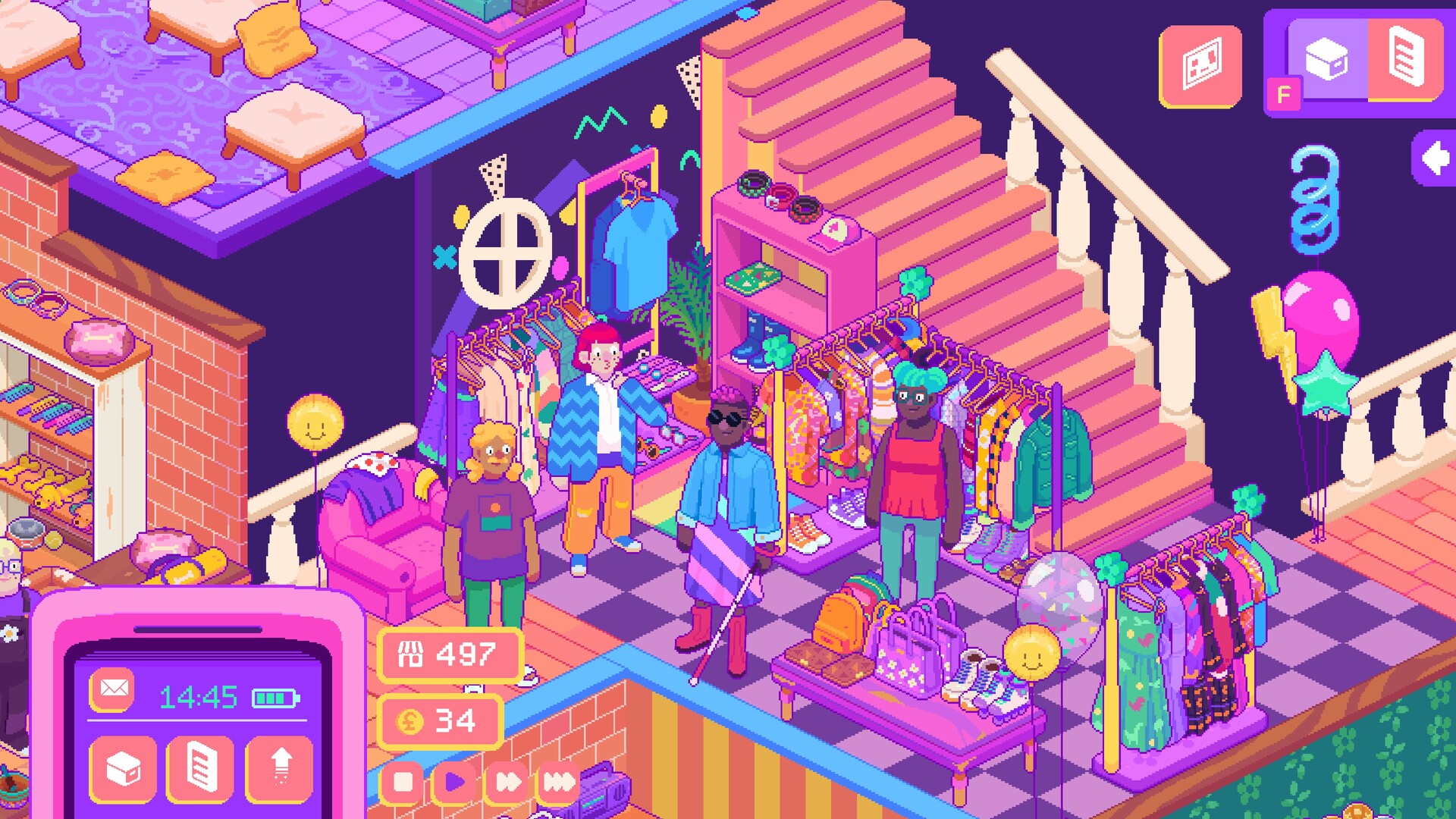
When the shop’s popularity increases, you may need to expand into adjacent rooms. This provides extra floor space for more shelves, décor and event areas, supporting continued growth.
Expansion is presented as a natural progression, allowing you to maintain the relaxed pace while adding new visual possibilities.
- Plan the layout of new rooms before placing items to keep a consistent style.
- Use expansion space for larger displays that showcase multiple related items.

COMMUNITY
Player discussion