 GameWiki
GET YOUR BEARINGS
About Thief Simulator
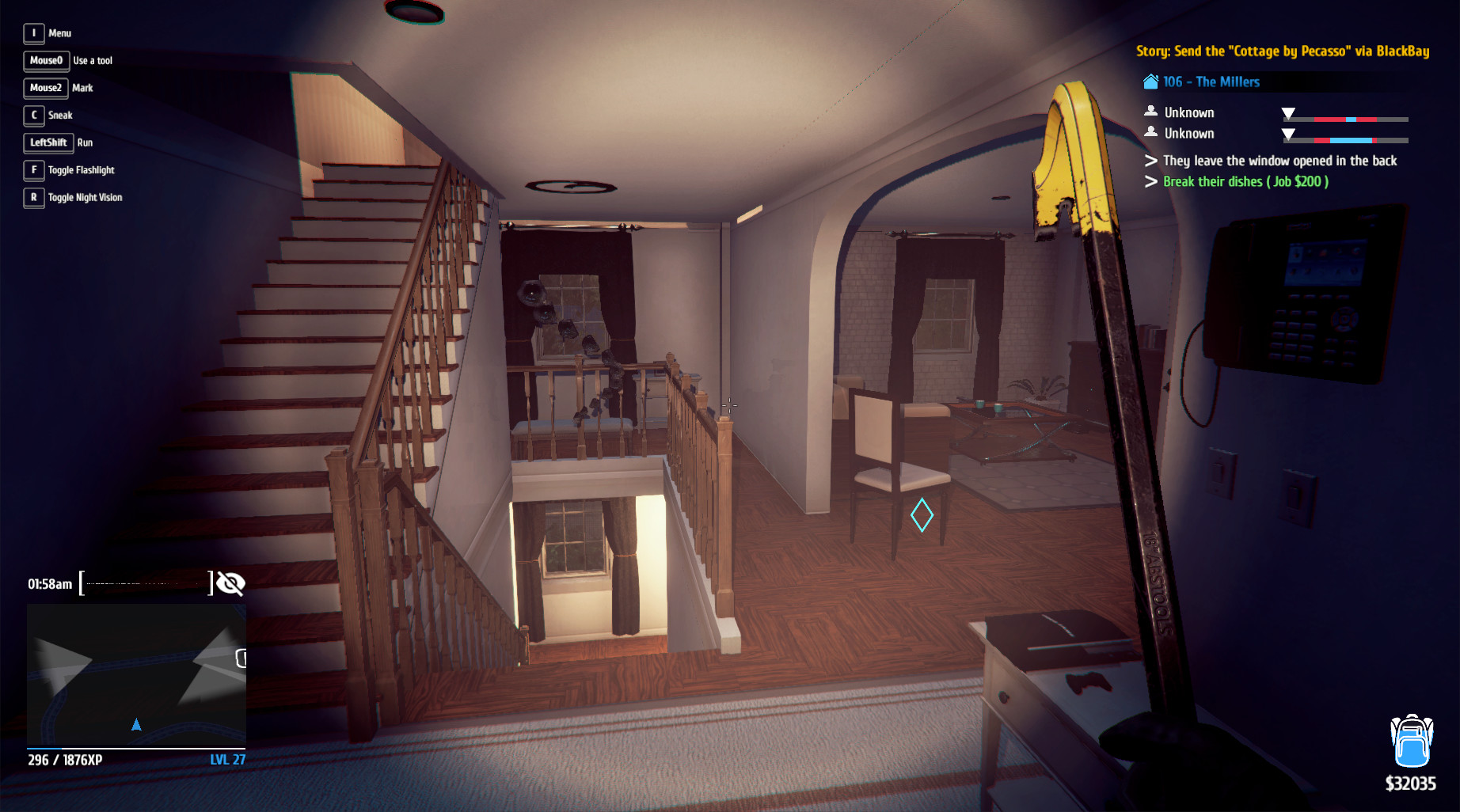
Thief Simulator puts you in the shoes of a burglar roaming free‑play neighborhoods. You must watch targets, learn schedules, and decide when a house is empty before breaking in. The game rewards careful planning and quick execution while limiting inventory space, so you must choose loot wisely.
Modern tools like lock‑picking gadgets, hacking devices, and intel‑gathering items help speed up each burglary. Police can be attracted by noisy actions, and unexpected guests may force you to hide or flee. Success hinges on observation, preparation, and efficient use of your backpack.
01 / THE GUIDE
Observation and Planning
The game emphasizes watching a target’s daily routine to find the optimal window for a break‑in. Knowing who lives there, their schedule, and nearby nosy neighbours lets you avoid detection.
Gathering intel with devices or by searching trash for keys and receipts can halve the time needed for a burglary, according to the description.
- Take notes on a target’s schedule before attempting entry.
- Search trash bins for receipts or keys to reduce lock‑picking time.
02 / THE GUIDE
Inventory Management
Backpacks are finite; filling them with useless items slows you down. The description warns that carrying trash may force you to discard loot later, wasting time.
Prioritize high‑value goods and leave behind low‑value clutter to keep burglary runs efficient.
- Leave behind items that won’t fetch good money.
- Check backpack space before entering a new house.
03 / THE GUIDE
Equipment and Tools
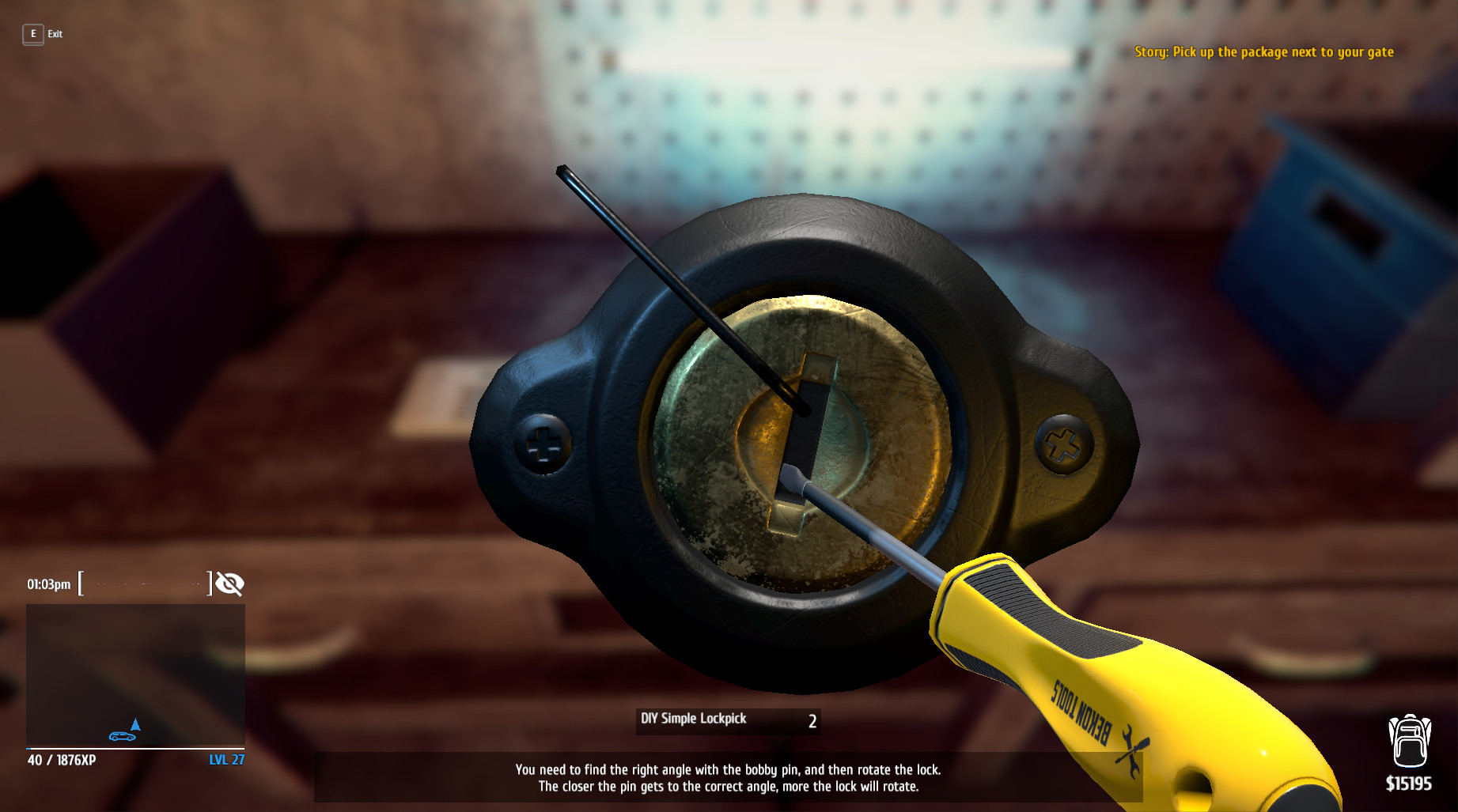
Hi‑tech burglar equipment can be bought and used to speed up lockpicking, hacking, and intel gathering. Items like flashlights help spot valuables at night.
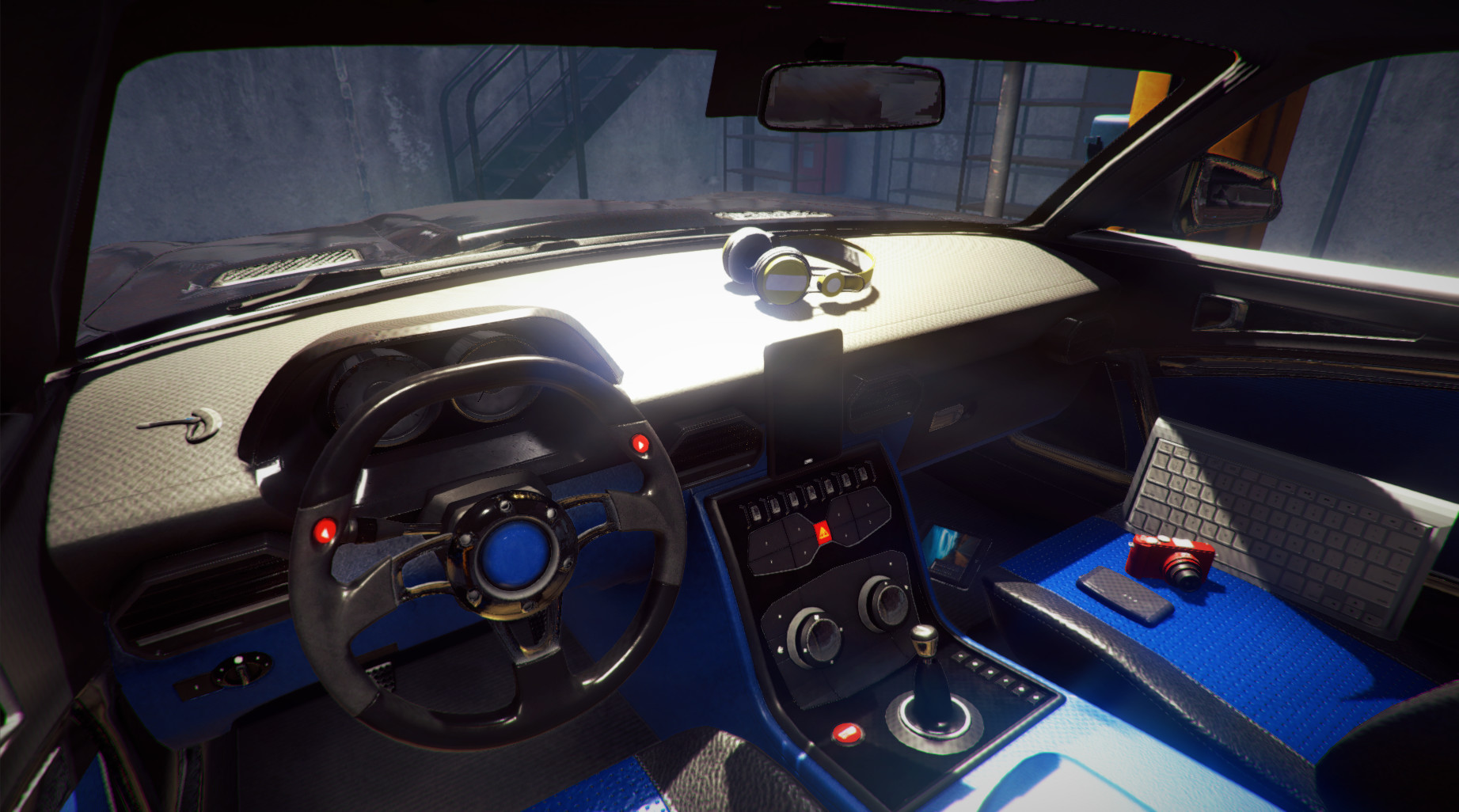
Disassembling stolen cars for parts or preparing phones for pawn shops are also mentioned as ways to profit from equipment.
- Invest in a flashlight for night burglaries.
- Use found keys to bypass lockpicking when possible.
04 / THE GUIDE
Police and Unexpected Encounters
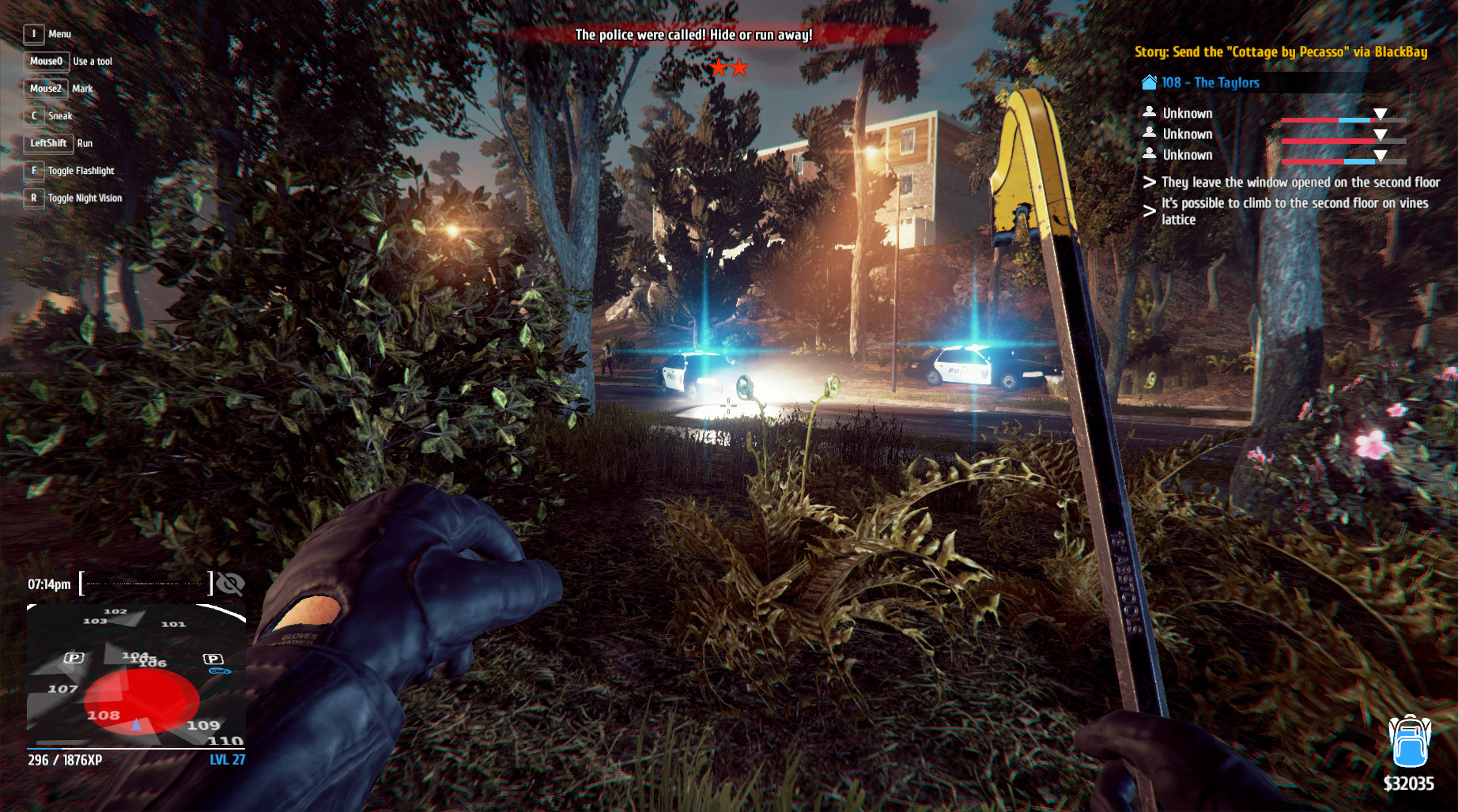
Noise or careless actions can draw police attention. If a resident catches you, they will call the police, prompting you to hide or escape.
The game suggests staying cold‑blooded and either hiding until the threat passes or abandoning loot and fleeing quickly.
- Move quietly to avoid attracting police.
- Know nearby hiding spots for sudden encounters.
05 / THE GUIDE
Selling and Profit
Stolen goods can be sold to passers, pawn shops, or online. Preparing phones and tablets by removing their security lets you sell them in a pawn shop.
Disassembling cars for parts provides another revenue stream, expanding the ways you can monetize loot.
- Remove security from electronics before selling.
- Consider selling car parts for steady income.

COMMUNITY
Player discussion