 GameWiki
GET YOUR BEARINGS
About Theme Park Architect
Theme Park Architect, developed by Creye Games, is an early‑access simulation that lets you design a theme park with virtually no limits. It runs on Windows and offers single‑player, Steam Workshop, and family‑sharing support.
The game provides a suite of specialised tools for rides, terrain, scenery and signage, while the community can share and download creations through Steam Workshop. Ongoing updates are announced on Discord.
01 / THE GUIDE
Coaster Building
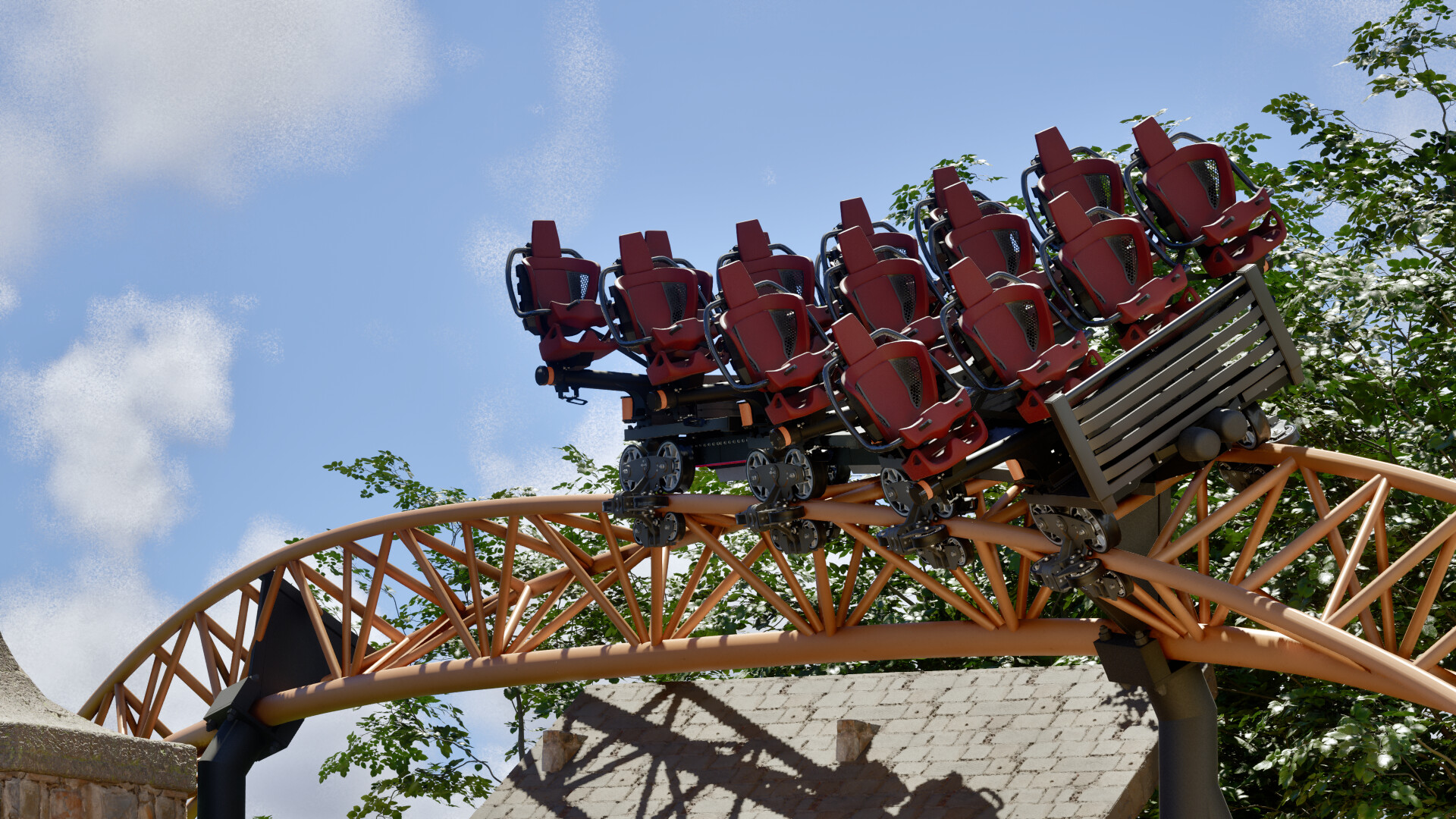
The simple node‑based coaster builder lets you shape every twist, turn, drop and launch, while the Force Vector Design editor offers a more precise workflow for professional‑level control.
Special Track Elements such as switch tracks and turn tables are available on every coaster model without restrictions, letting you add complex ride behaviours without extra piece counts.
- Try both the node builder and Force Vector editor to see which matches your design speed.
- Use switch tracks to create branching routes without building separate coasters.
02 / THE GUIDE
Terrain & Scenery
Terrain tools include stamps and scenery painting, allowing precise landforms, while Spline Tools let you lay paths, fences, plazas, rivers and lakes without manually placing each piece.
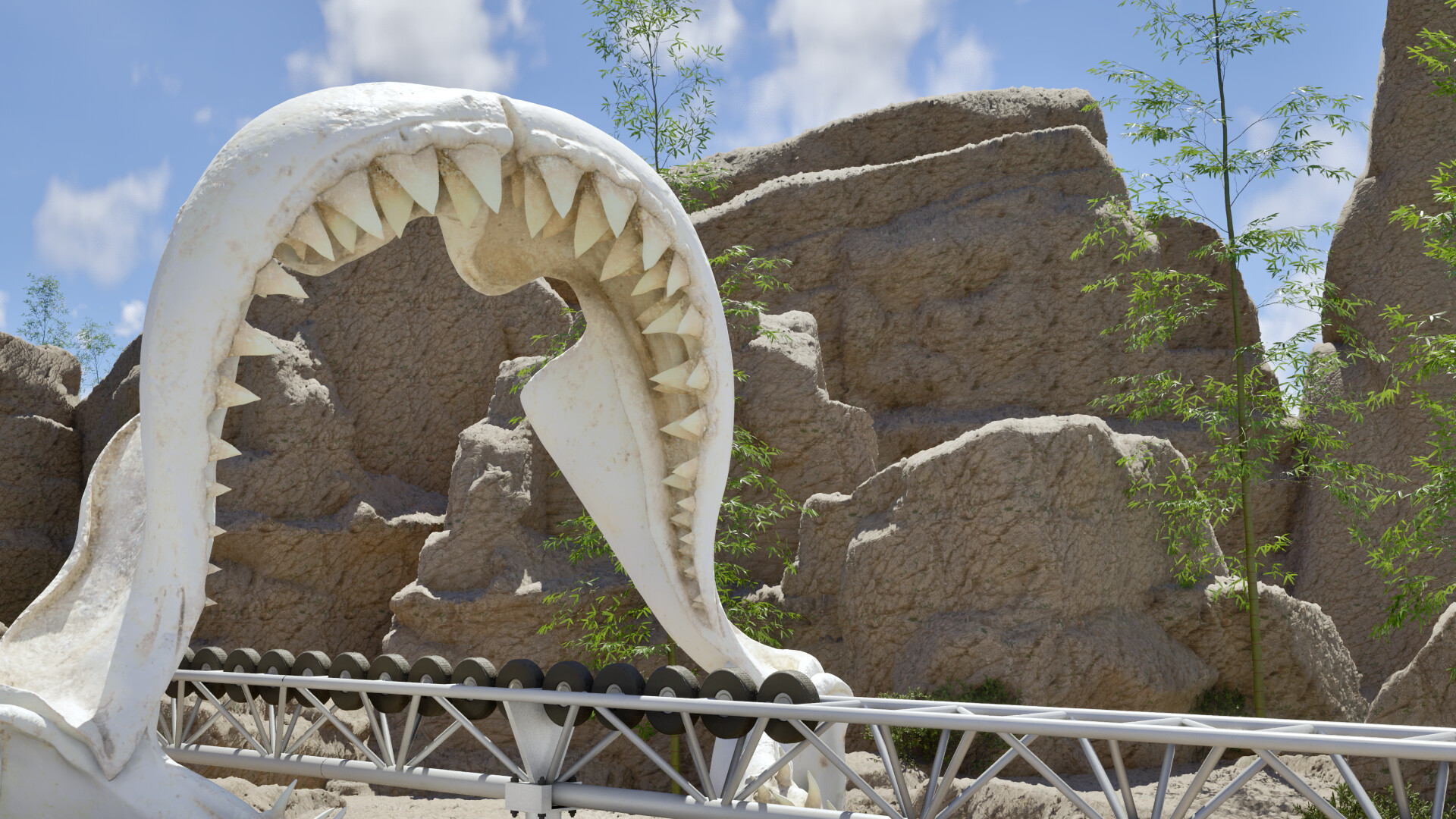
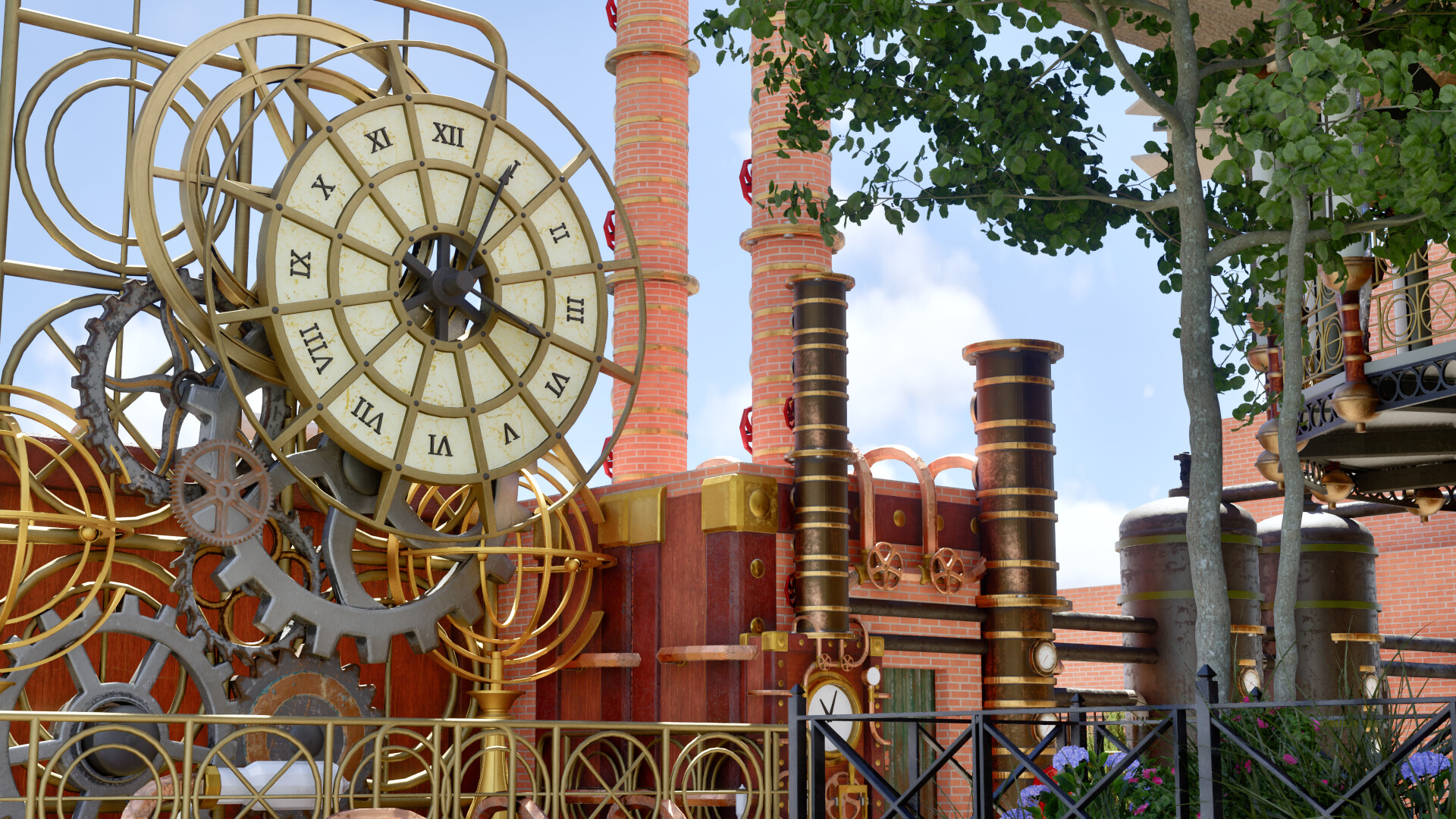
A library of thousands of pieces across seven unique themes supplies detailed theming options, from land shape to ride decor, so you can focus on visual composition.
- Start large features with stamps, then refine using painting tools.
- Combine Spline Tools with themed pieces for cohesive pathways.
03 / THE GUIDE
Import Tools
The one‑click CSV Importer converts external coaster layouts into functional in‑game rides, streamlining the transition from other design software.
Imported layouts become working coasters in your park within minutes, ready for testing and fine‑tuning.
- Prepare clean coordinate data in your CSV to avoid import errors.
- After importing, use the node builder to adjust any sections that need refinement.
04 / THE GUIDE
Steam Workshop Sharing
Steam Workshop integration lets creators upload parks, rides and scenery for others to download, expanding the pool of available content beyond personal builds.
Players who prefer not to build can browse and install community creations, instantly adding new experiences to their own parks.
- Search popular workshop items to see current design trends.
- Include clear screenshots when uploading to attract more downloads.
05 / THE GUIDE
Community Development
Theme Park Architect is in active development, with regular feature and content updates announced on the official Discord server.
Participating in Discord lets you provide feedback that can influence future tools, keeping your park aligned with upcoming changes.
- Join Discord to learn about upcoming features before they release.
- Offer constructive feedback on new updates to help shape the roadmap.


COMMUNITY
Player discussion