 GameWiki

GET YOUR BEARINGS
About theHunter: Call of the Wild
theHunter: Call of the Wild™ delivers an authentic hunting simulation set in a dynamic open world where wildlife reacts to every player action. The game features realistic animal behavior, weather, day‑night cycles, and acoustics that shape each unscripted encounter. Players can hunt solo or with up to eight friends online, choosing from rifles, shotguns, bows, and sidearms while exploring North American and European reserves. Regular free and paid updates add new locations, gear, and tools, keeping the experience fresh.
01 / THE GUIDE
Dynamic Open World
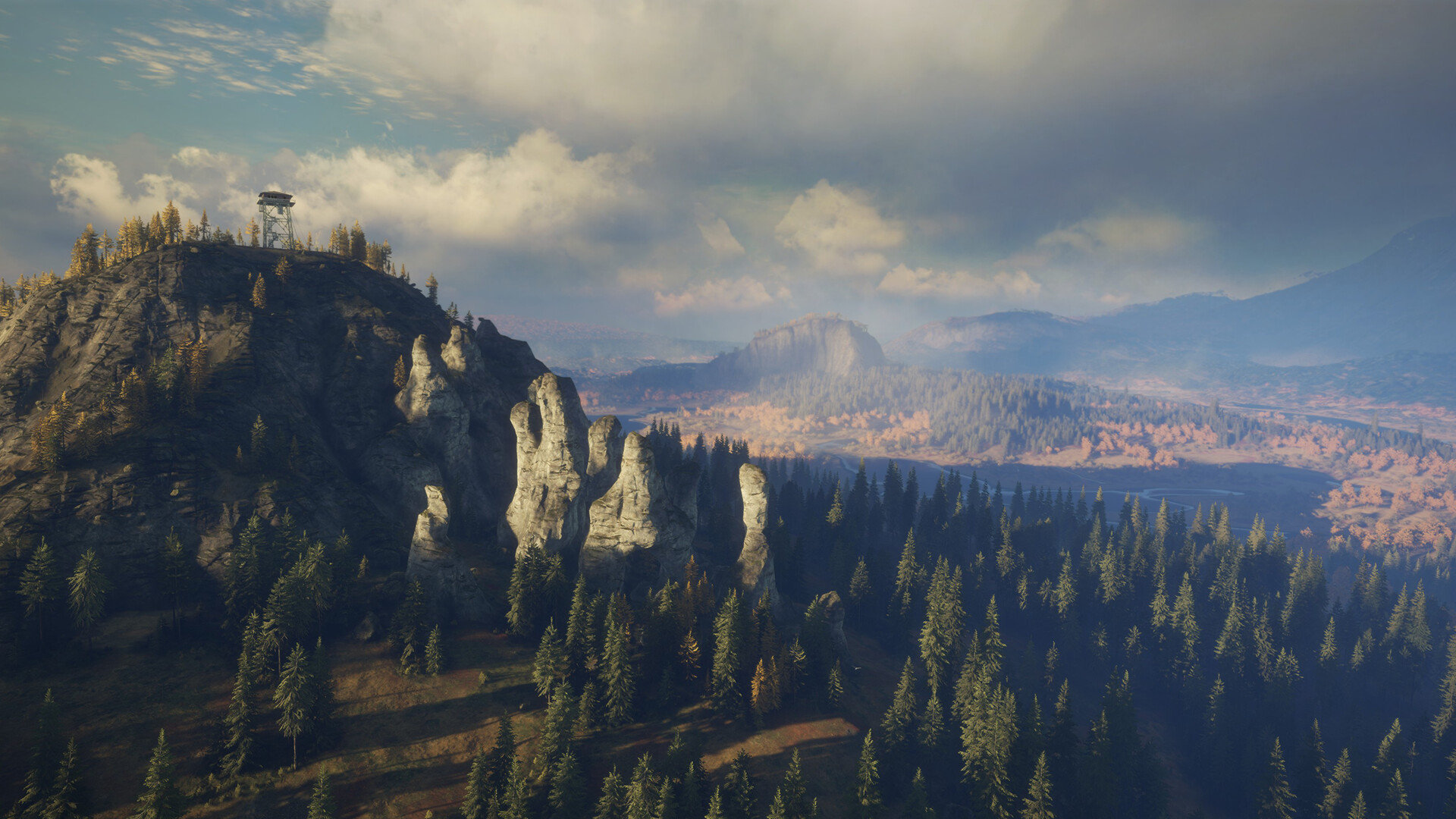
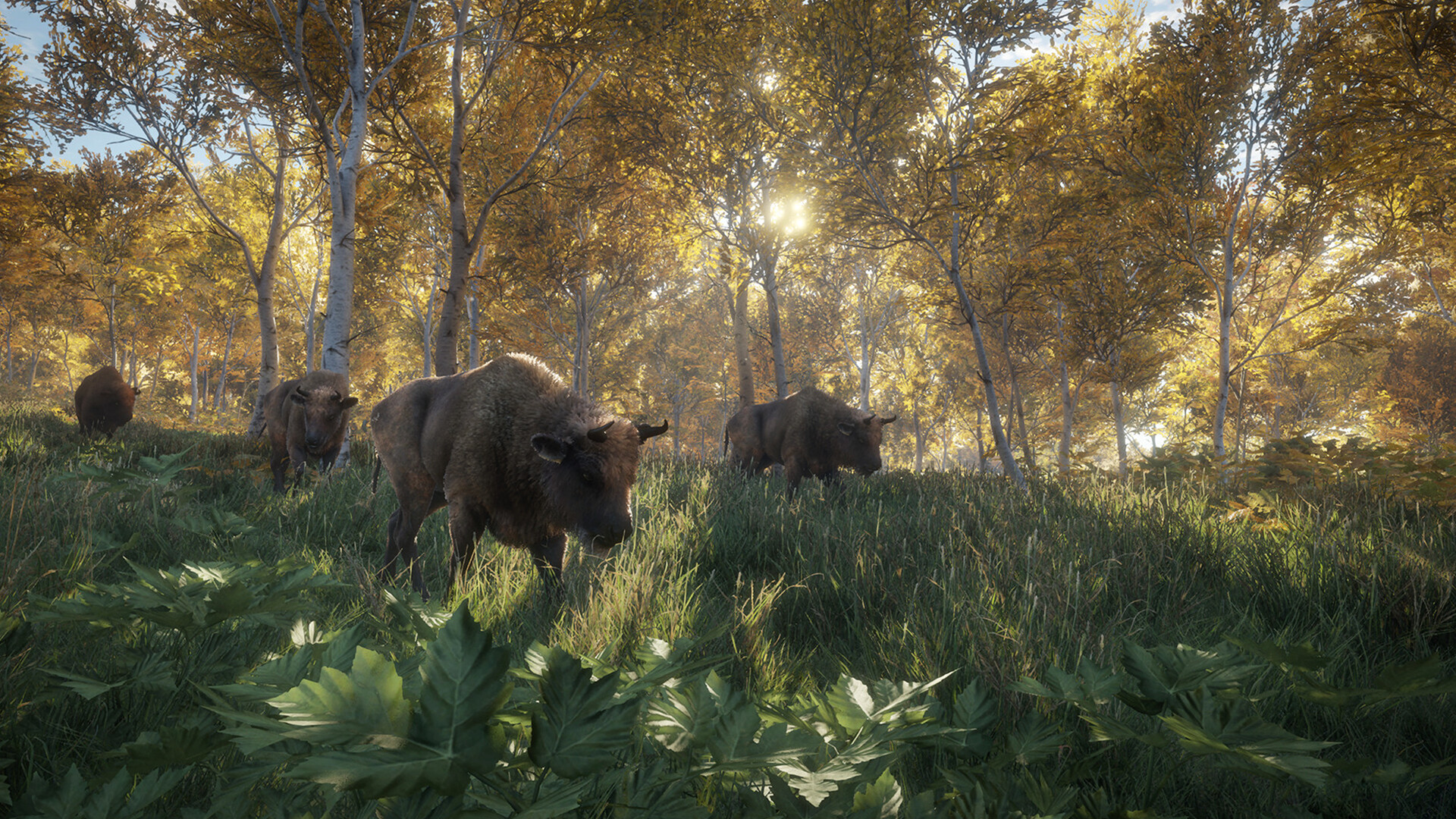
The game world spans rugged Layton Lake District and leafy Hirschfelden, each with distinct flora and fauna. Weather changes, full day‑night cycles, and wind‑carried scents continuously affect gameplay.
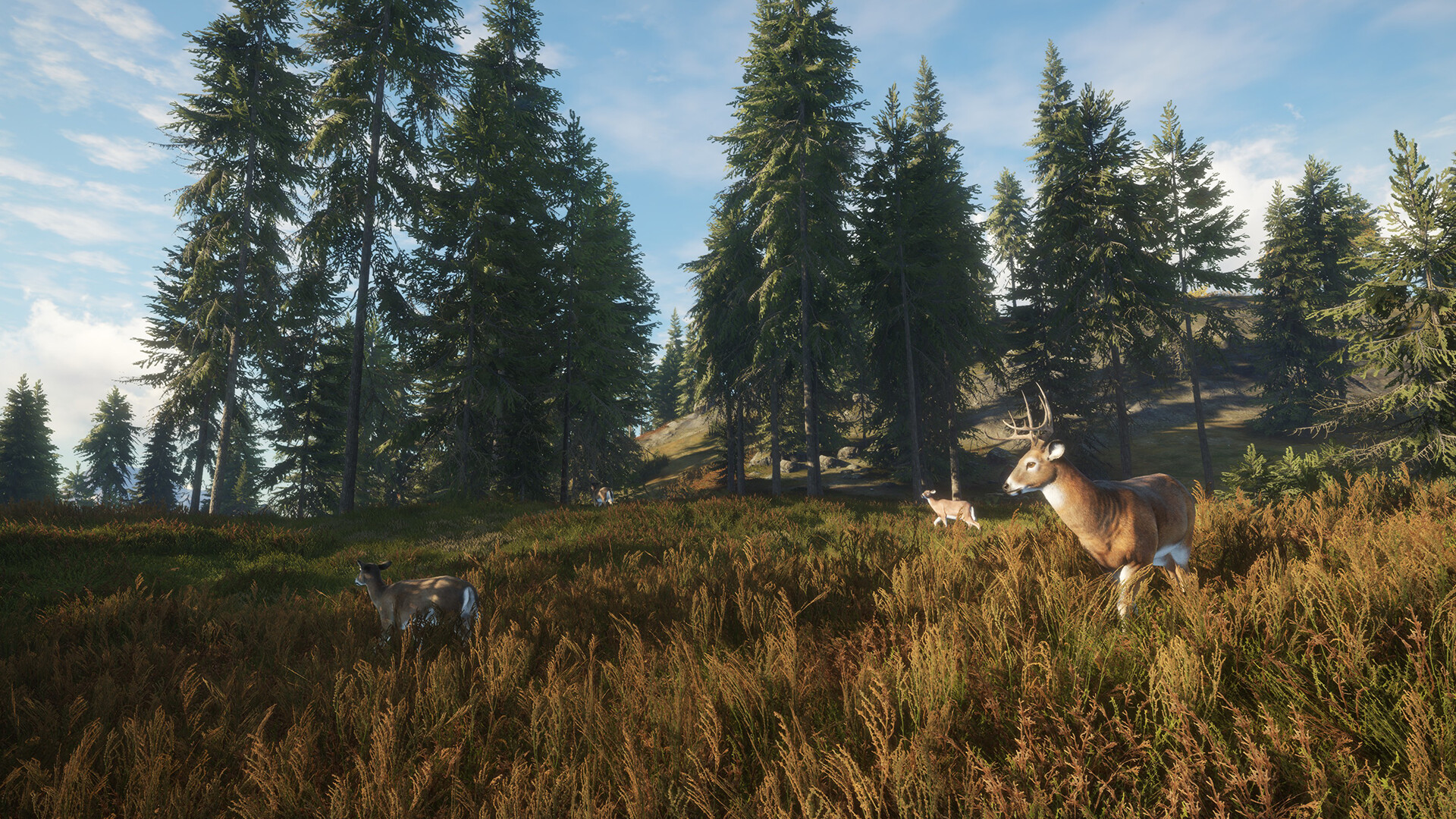
Wildlife constantly responds to player presence, creating unscripted encounters that evolve as you move through the environment.
- Observe wind direction to anticipate scent drift.
- Plan hunts around weather shifts for better animal movement.
02 / THE GUIDE
Animal Behavior & Tracking
Each species displays unique behaviors that must be read to approach successfully. From jackrabbits to moose, animals react to sound, scent, and visual cues.
Tracking relies on realistic acoustics and scent trails, requiring careful observation and patience.
- Listen for subtle sounds to locate hidden prey.
- Follow scent trails downwind for a clearer path.

03 / THE GUIDE
Loadout & Equipment
Players select rifles, sidearms, shotguns, or bows, matching ammunition to target species. Equipment ranges from modern precision rifles to classic black‑powder weapons.
Additional tools such as ATVs, mobile tents, ground blinds, and hunting dogs expand tactical options.
- Match weapon caliber to animal size for effective shots.
- Use blinds to stay concealed while waiting for larger game.
04 / THE GUIDE
Multiplayer Hunting
Online co‑op supports up to eight players in the same reserve. Friends can collaborate on strategies or compete for the most impressive harvests.
A party member only needs to own a paid DLC reserve for the whole group to access it.
- Coordinate roles—scout, spotter, shooter—for efficient hunts.
- Communicate animal locations to maximize group success.
05 / THE GUIDE
Progression & DLC
Harvested trophies can be displayed in a personal lodge, preserving memories of each hunt. Regular updates introduce new reserves and gear.
Paid content adds 18 global reserves, ranging from frozen north to African plains, expanding the hunting palette.
- Visit the trophy lodge to track which species you’ve collected.
- Explore new DLC reserves to encounter unfamiliar wildlife.

COMMUNITY
Player discussion