 GameWiki
GET YOUR BEARINGS
About The Zone - FPV Drone Simulator
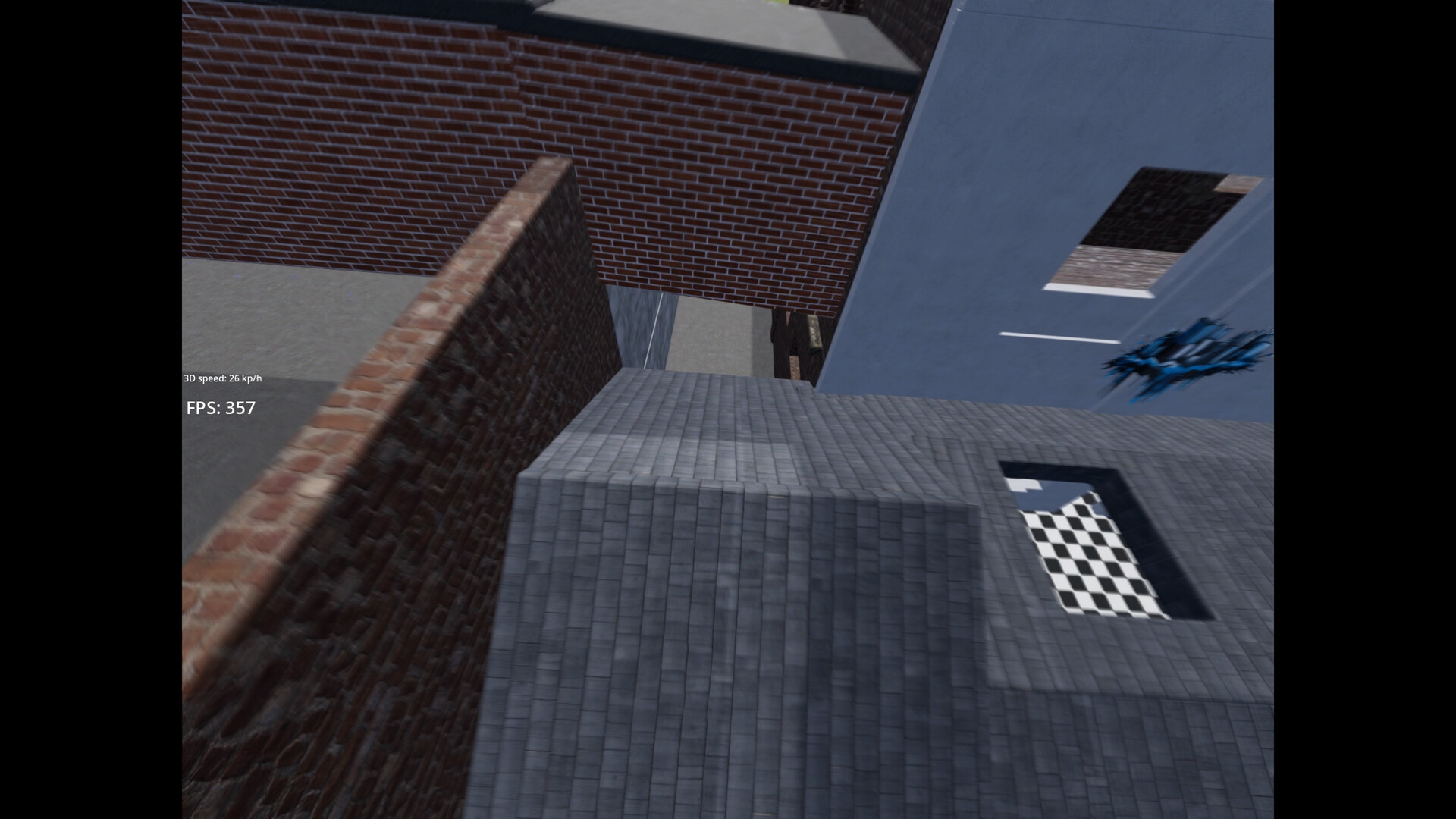
The Zone – FPV Drone Simulator aims to blend realistic physics, authentic maps, and engaging multiplayer into a single training tool for drone pilots. Its early‑access release focuses on a single, meticulously recreated home‑spot map and a physics model that matches real‑world footage within a few percent.
Beyond solo practice, the game supports up to 32 players per server, picture‑in‑picture spectating, and plans for custom map creation via Steam Workshop. Development moves quickly, adding features like drift cars, fixed‑wing drones, and additional environments while the community funds progress through early purchases.
01 / THE GUIDE
Accurate Physics Model
The simulator reproduces the author’s own itsFPV ERA 5" quad, tuned to feel like the real aircraft. Comparisons to footage and Blackbox logs show deviations of only a few percentage points, letting pilots transition without extensive re‑tuning.
Default settings reflect the creator’s personal setup, but weight and power can be adjusted. Pro pilots who have tested the sim report performance comparable to real‑life flying without a learning curve.
- Start with the default weight and power, then tweak gradually to match your real drone’s feel.
- Use side‑by‑side video of your real flights to gauge how closely the simulation mirrors your aircraft.
02 / THE GUIDE
Real‑World Map Recreation
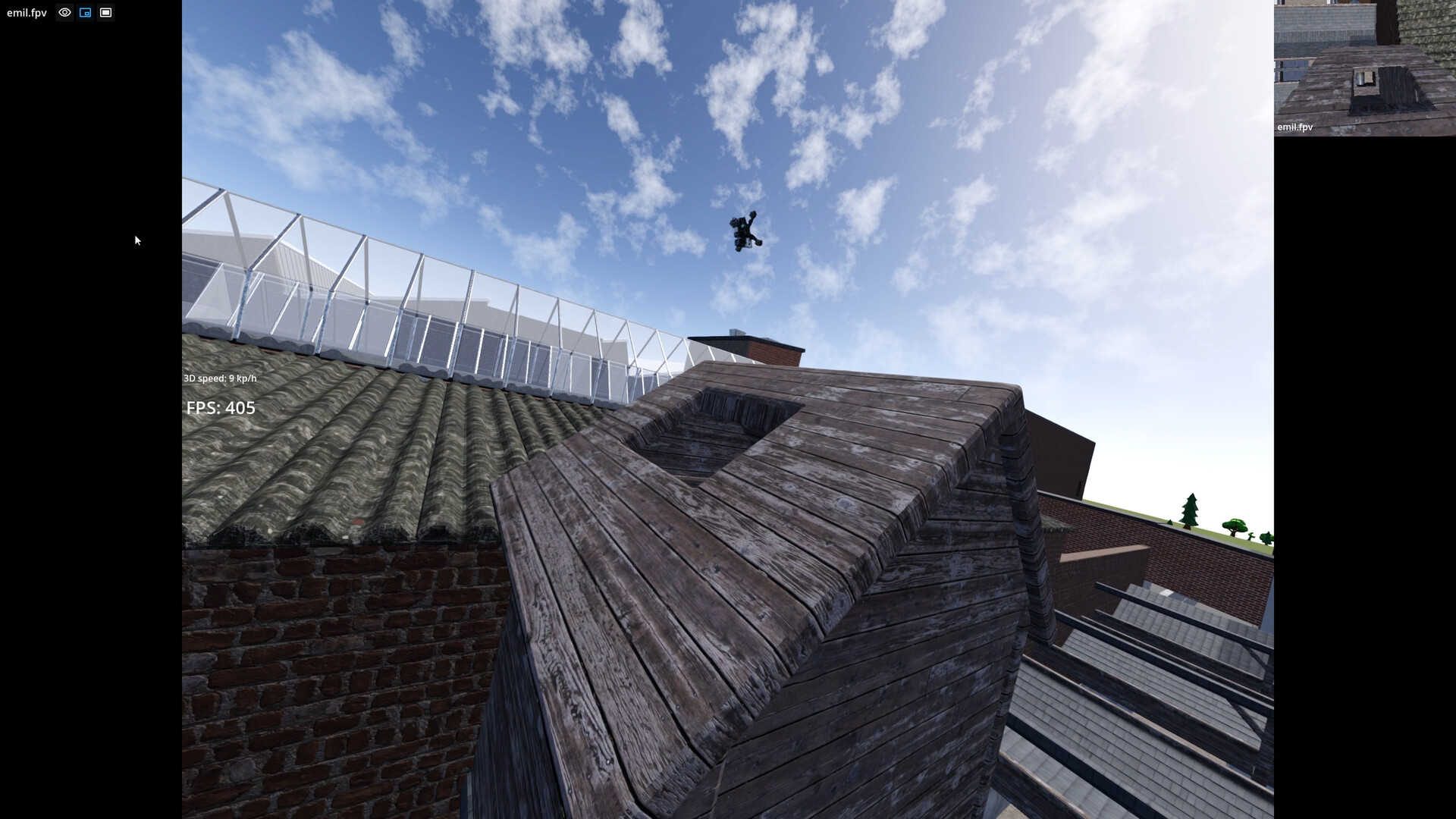
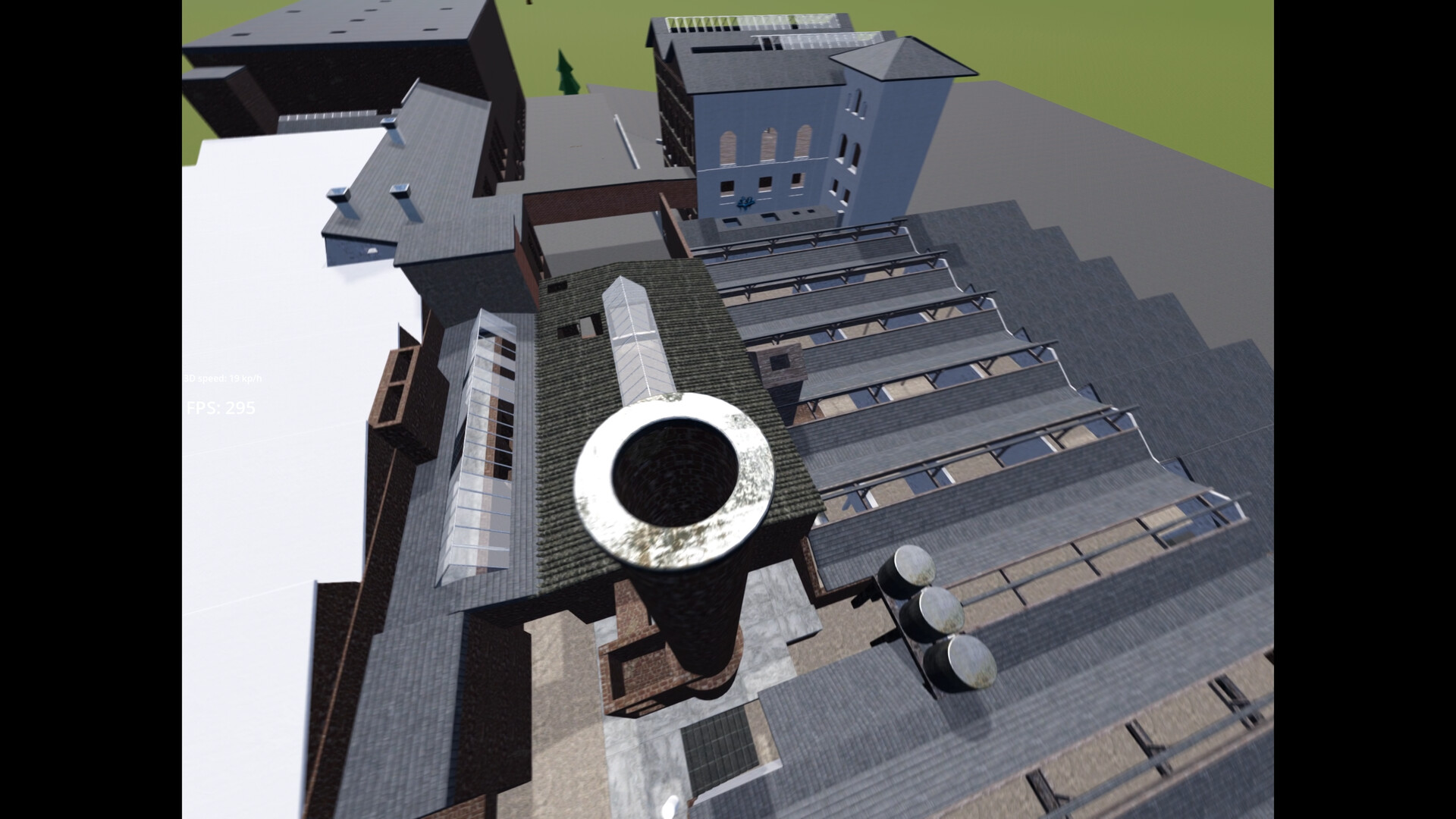
Only one map is currently available, a faithful replica of the developer’s home flying spot where he has logged over 1,000 packs. This allows 1:1 comparison between virtual and real environments.
Future updates promise additional official maps, a custom map editor, and Steam Workshop support for user‑generated training parks.
- Explore the map’s layout to learn optimal lines before attempting real‑world runs.
- Watch community builds in the Workshop for ideas on custom training layouts.
03 / THE GUIDE
Multiplayer Spectating
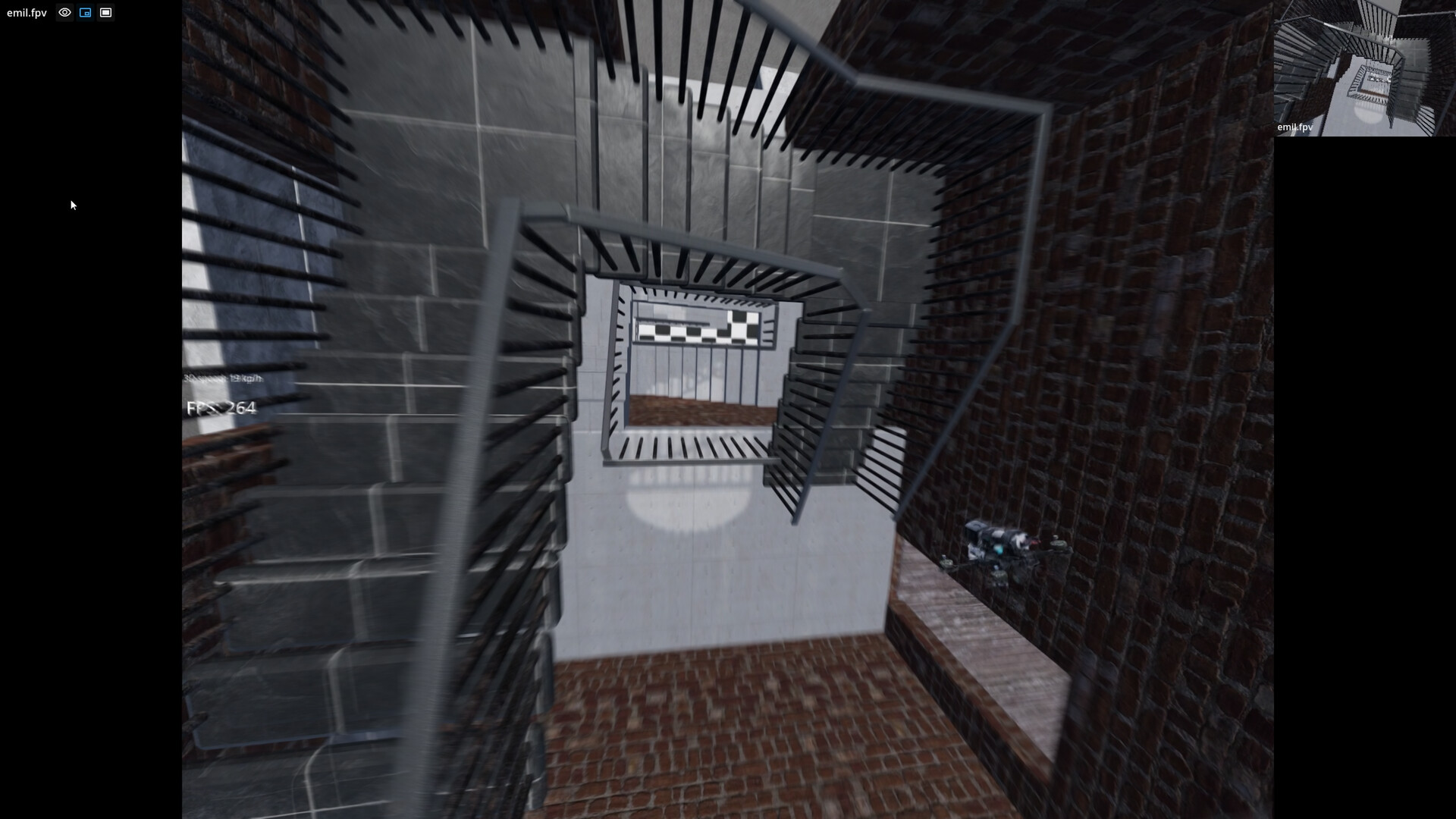
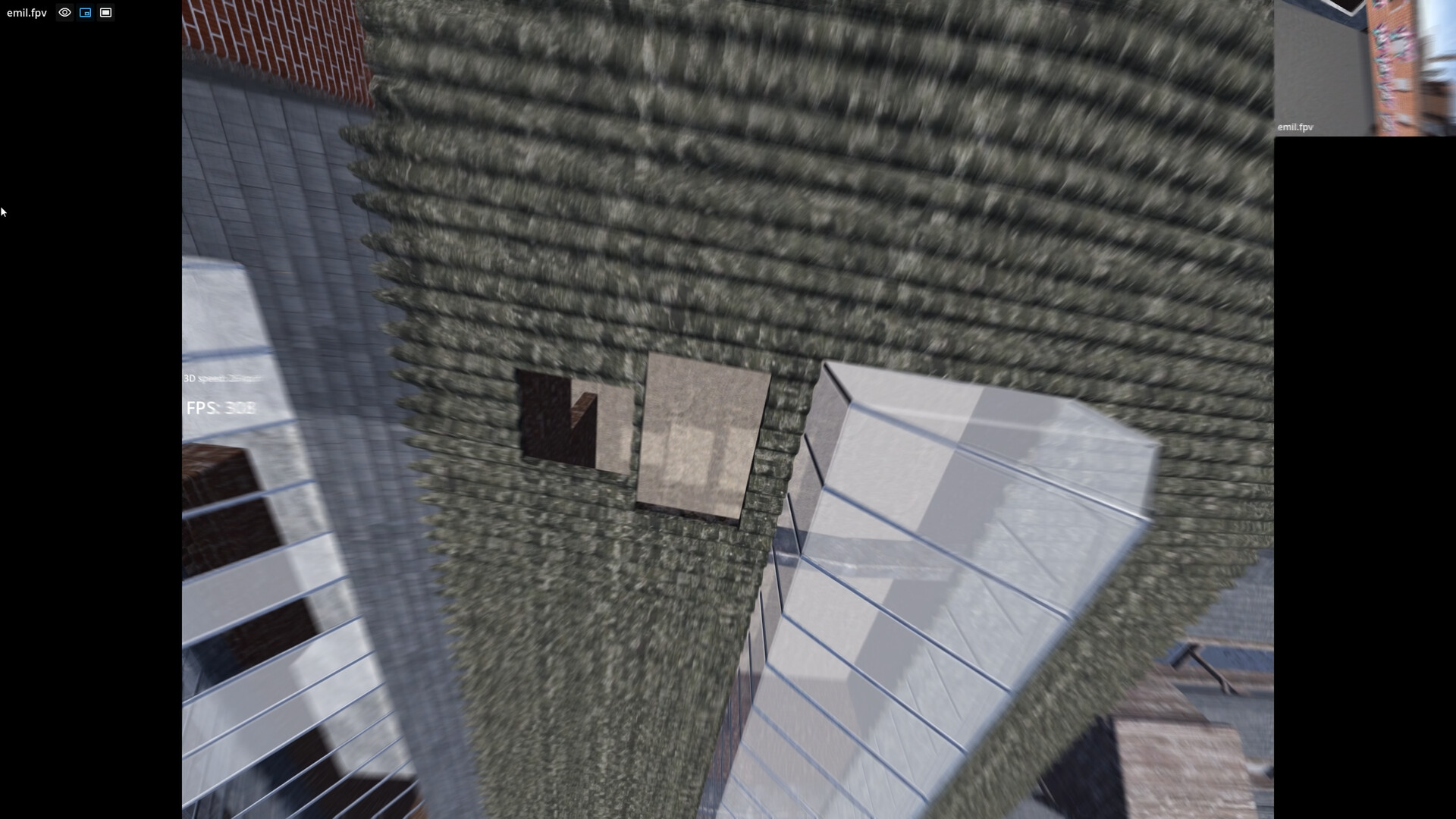
Up to 32 pilots can share a server, and the picture‑in‑picture spectate mode lets you watch several others while you fly. Switching to fullscreen is also supported.
Spectating is presented as the primary way to improve and find inspiration, offering live reference to other pilots’ techniques.
- Enable picture‑in‑picture to compare your line with a top pilot’s in real time.
- Use the fullscreen toggle when you need an unobstructed view for precise maneuvers.
04 / THE GUIDE
RC Radio or Game Controller Needed
The game requires either a game controller or an RC plane radio to play. For the best experience, the developer recommends using an RC radio, implying it offers the most authentic control feel.
No other input methods are mentioned, so players should ensure they have one of the supported devices before starting.
- If you own an RC radio, configure it first to match the default weight and power settings.
- Test the controller’s responsiveness in a solo session before joining multiplayer.
05 / THE GUIDE
Near‑Term Development Roadmap
Planned additions include drift cars, a proper surrounding environment for the current map, a second real‑spot map, fixed‑wing drones, and a custom map editor. These features are slated for release in the near future.
Development speed is described as rapid, with major features added every few days, and the creator notes increasing comfort with 3D modeling and game development.
- Follow the developer’s Instagram or Discord for the latest update announcements.
- Consider early purchase to support rapid feature rollout and potentially receive future community benefits.
COMMUNITY
Player discussion