 GameWiki
GET YOUR BEARINGS
About The You Quiz
The You Quiz is a multiplayer party game for three to eight players. One participant becomes the King while the others act as Courtiers, answering quirky prompts that try to guess the King’s personal opinions, jokes, or dislikes.
The game works locally using phones or tablets as controllers, or online with a single purchased copy and free friend passes. Over 1,000 built‑in questions, community packs, and a title system keep each session fresh.
01 / THE GUIDE
Asymmetrical Party Structure
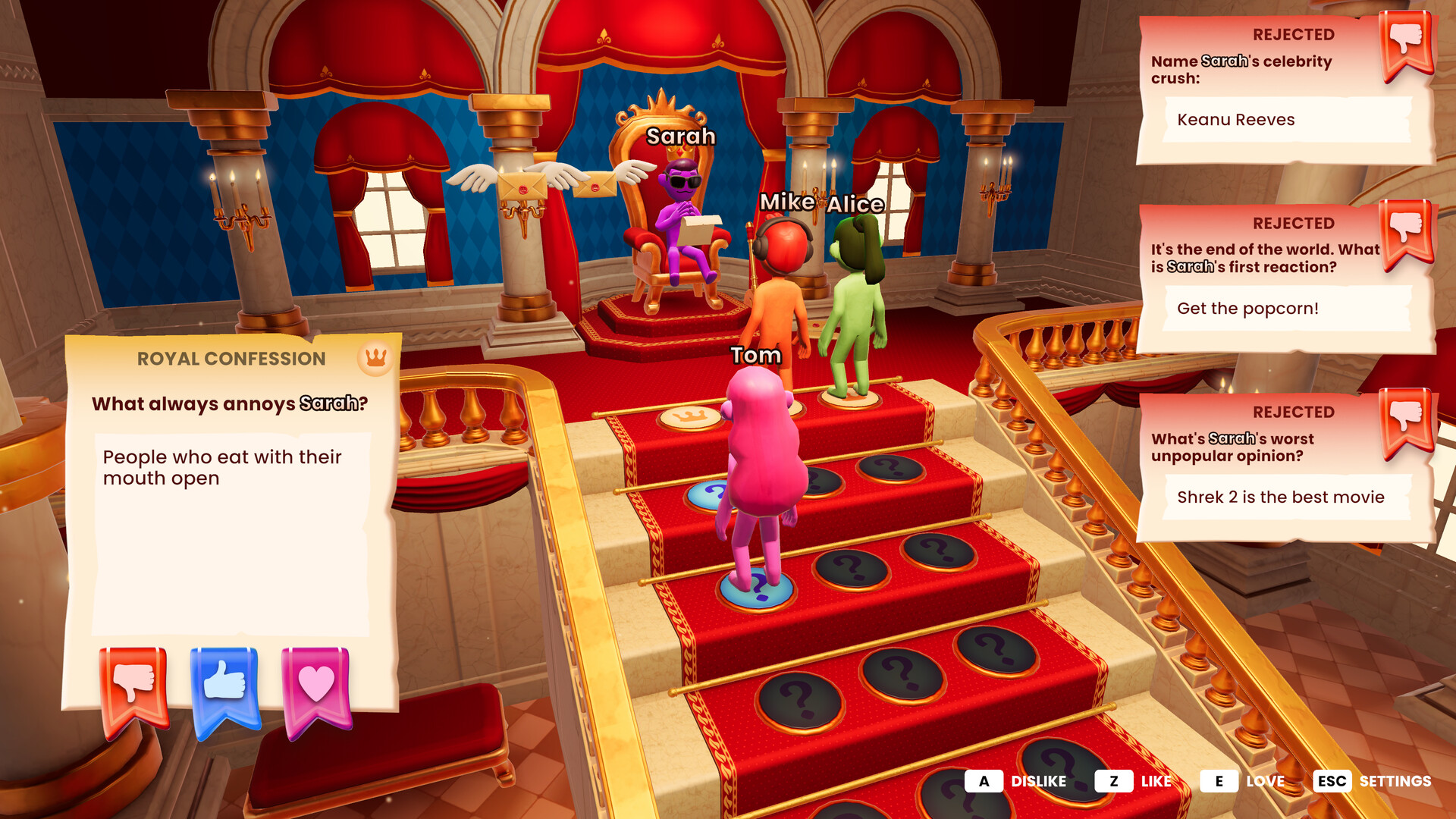
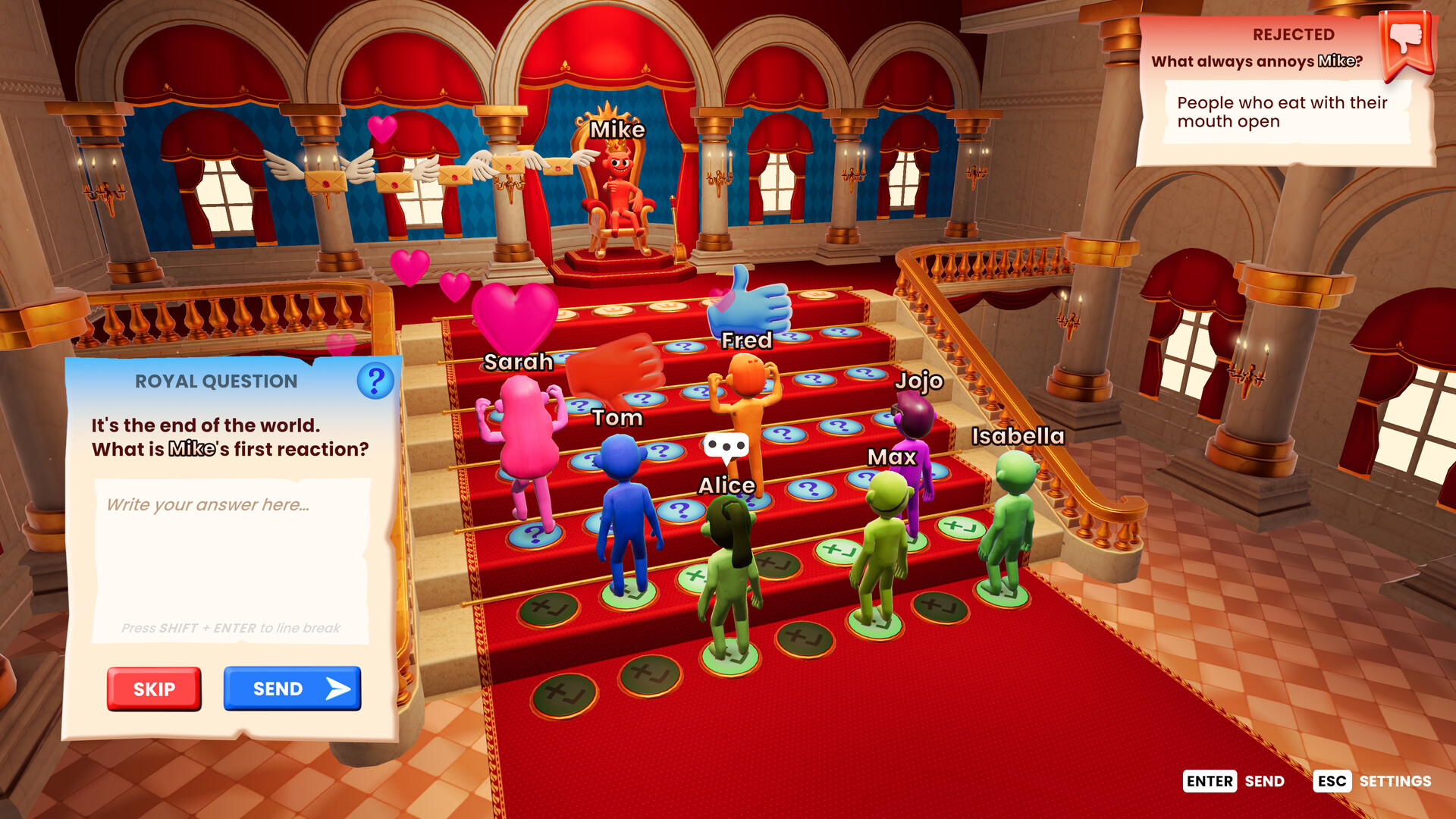
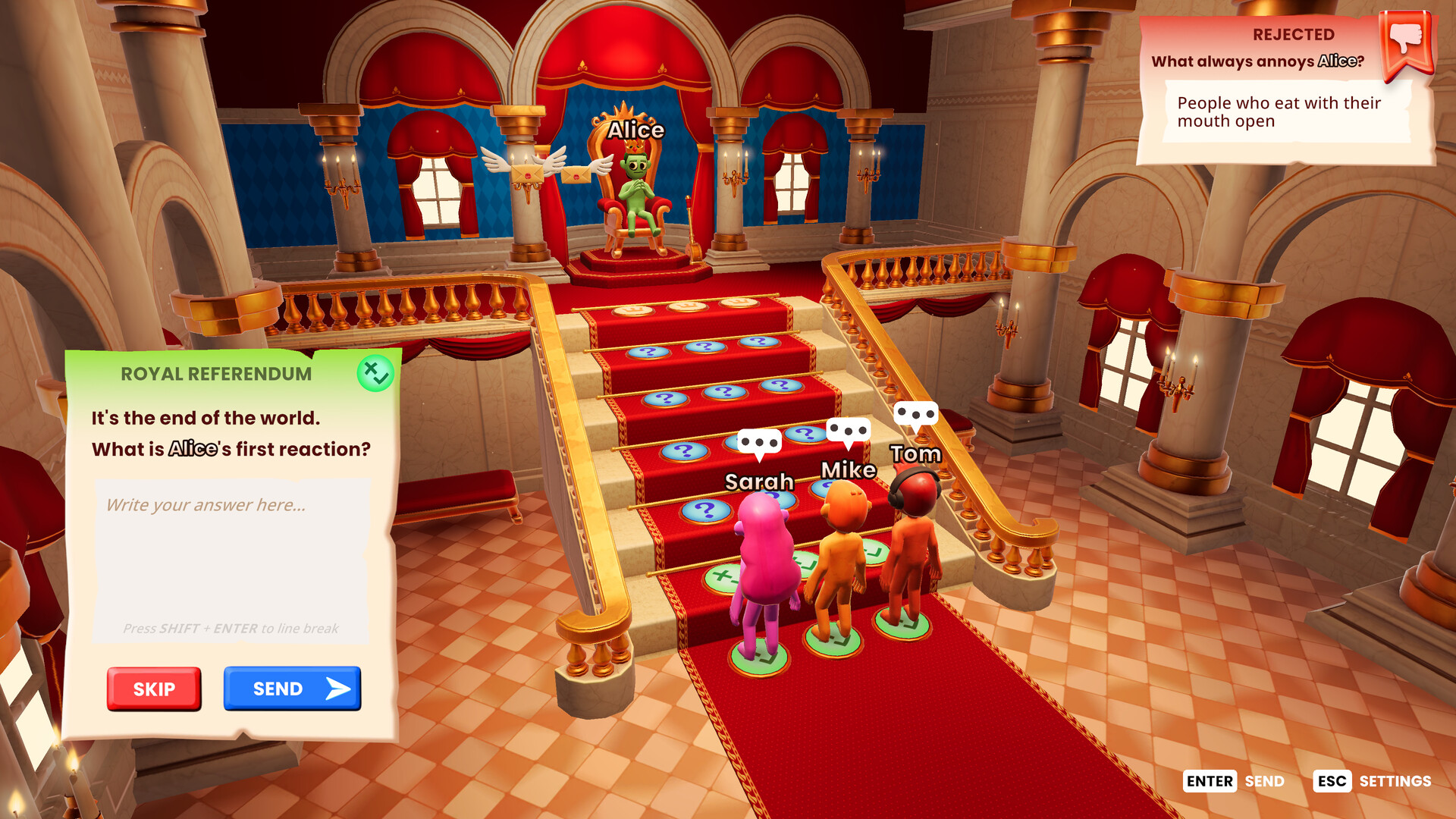
One player assumes the role of the King and the remaining players become Courtiers. Courtiers answer prompts that ask for the King’s personal, weird, or humorous opinions, then the King evaluates each reply.
The King’s evaluation moves Courtiers up a shared staircase. The first Courtiers to reach the top dethrone the King and become the new ruler, allowing the role to rotate among participants.
- Observe early rounds to see which answer styles the current King rewards.
- Mix sincere insight with playful nonsense to stay adaptable.
02 / THE GUIDE
Scoring and Dethronement
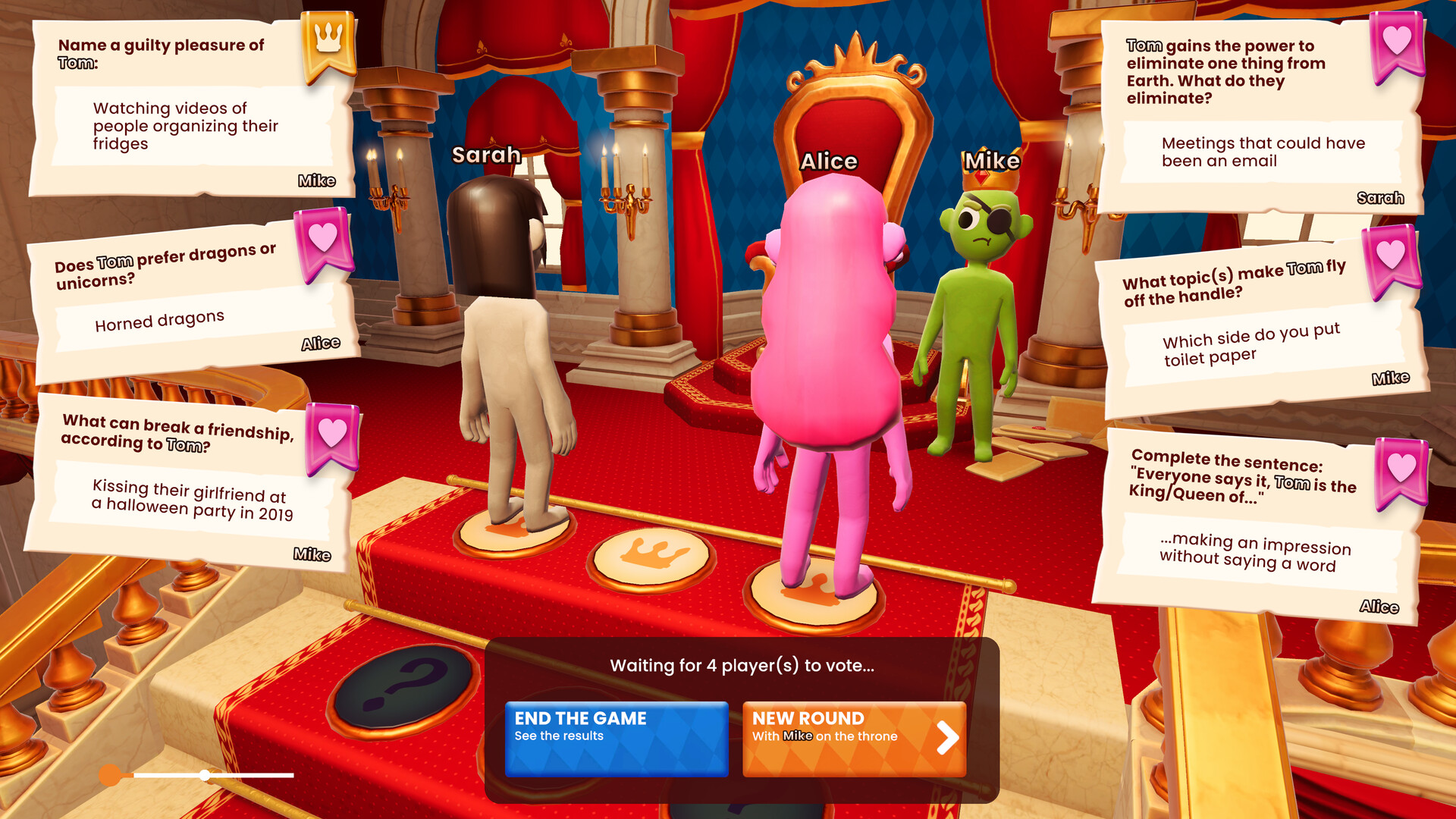
The King judges each answer with three icons: 👎 (no move), 👍 (one step forward), and ❤️ (two steps forward). These moves advance Courtiers up the staircase toward the crown.
When a Courtiers reaches the top of the stairs first, they steal the crown and become the new King. The stair size can be changed in settings, altering how many successful judgments are needed.
- Aim for answers that could earn a ❤️ to climb faster.
- Check the stair‑size setting before the game starts.
03 / THE GUIDE
Customization and Community Packs
Players can enable a Hate Button for bold vetoes, adjust stair size, set timers, and toggle themes. These options let groups tailor tone, difficulty, and length without changing core mechanics.
In addition to the 1,000+ built‑in questions, users can write their own prompts or add question packs from the Workshop, expanding the prompt pool with community content.
- Use the Hate Button sparingly to keep the mood light.
- Add community packs regularly to refresh the question pool.
04 / THE GUIDE
Family‑Friendly Mode
A child‑friendly mode can be turned on, filtering out mature prompts and allowing families to play without concern for inappropriate content.
Specific themes can also be disabled via a toggle, which only changes the available question pool while leaving the core mechanics untouched.
- Enable the mode for mixed‑age groups to avoid accidental mature prompts.
- Combine theme toggles with custom question packs for a fully curated session.
05 / THE GUIDE
Online Play and Friend Pass
The You Quiz supports online multiplayer with only one purchased copy. Friends join using a free friend pass, so no additional purchases are required for additional players.
Local couch play uses phones or tablets as controllers, while online sessions rely on the same pass system, making remote gatherings straightforward.
- Share the friend‑pass link before the session to reduce lobby wait time.
- Run a quick test round to confirm connectivity.
COMMUNITY
Player discussion