 GameWiki
GET YOUR BEARINGS
About The Vale: Shadow of the Crown
The Vale: Shadow of the Crown is an audio‑driven action‑adventure that follows a blind protagonist wandering a hostile valley after a convoy attack. The story runs for over five hours and includes RPG‑style choices such as equipment, magic, companions, and quests.
Designed for visual accessibility, the game offers narrated menus, a Keyboard Only Option, Full Controller Support, custom volume controls, and a “playable without timed input” setting. It runs on Windows via Steam and recommends headphones to experience the specialized 3D audio.
01 / THE GUIDE
3D Audio Immersion
Specialized 3D audio creates a spatial soundscape that guides navigation, combat, and environmental storytelling. Directional cues replace visual landmarks, allowing players to locate enemies, items, and landmarks through sound alone.
Both stereo and surround sound options are supported, letting players choose the configuration that best conveys distance and direction. The developers highlight headphones as the preferred listening method for optimal spatial perception.
- Test stereo and surround modes to see which delivers clearer directional information for you.
- Use the custom volume controls to balance dialogue against ambient sounds for better cue discrimination.
02 / THE GUIDE
Blind Accessibility Features
The title is fully blind accessible, providing narrated game menus and the ability to play without timed input. These features let visually impaired players experience the full narrative and gameplay without pressure to react quickly.
Input flexibility is offered through a Keyboard Only Option and Full Controller Support, while custom volume controls let users tailor audio levels to personal hearing preferences.
- Listen to narrated menus before starting to become familiar with options and controls.
- Enable the “playable without timed input” setting if you prefer a more relaxed pacing.

03 / THE GUIDE
RPG‑Style Choices
Players can choose equipment, magic abilities, companions, and quests, adding role‑playing depth to the core action‑adventure. These selections affect how challenges are approached and what audio cues are emphasized during encounters.
Adjustable difficulty lets you modify the challenge level while the emotionally engaging story remains consistent across play styles.
- Experiment with different equipment sets to notice how audio cues shift during combat.
- Try multiple companions early to compare their voice lines and any unique auditory hints they provide.
04 / THE GUIDE
Narrative Premise
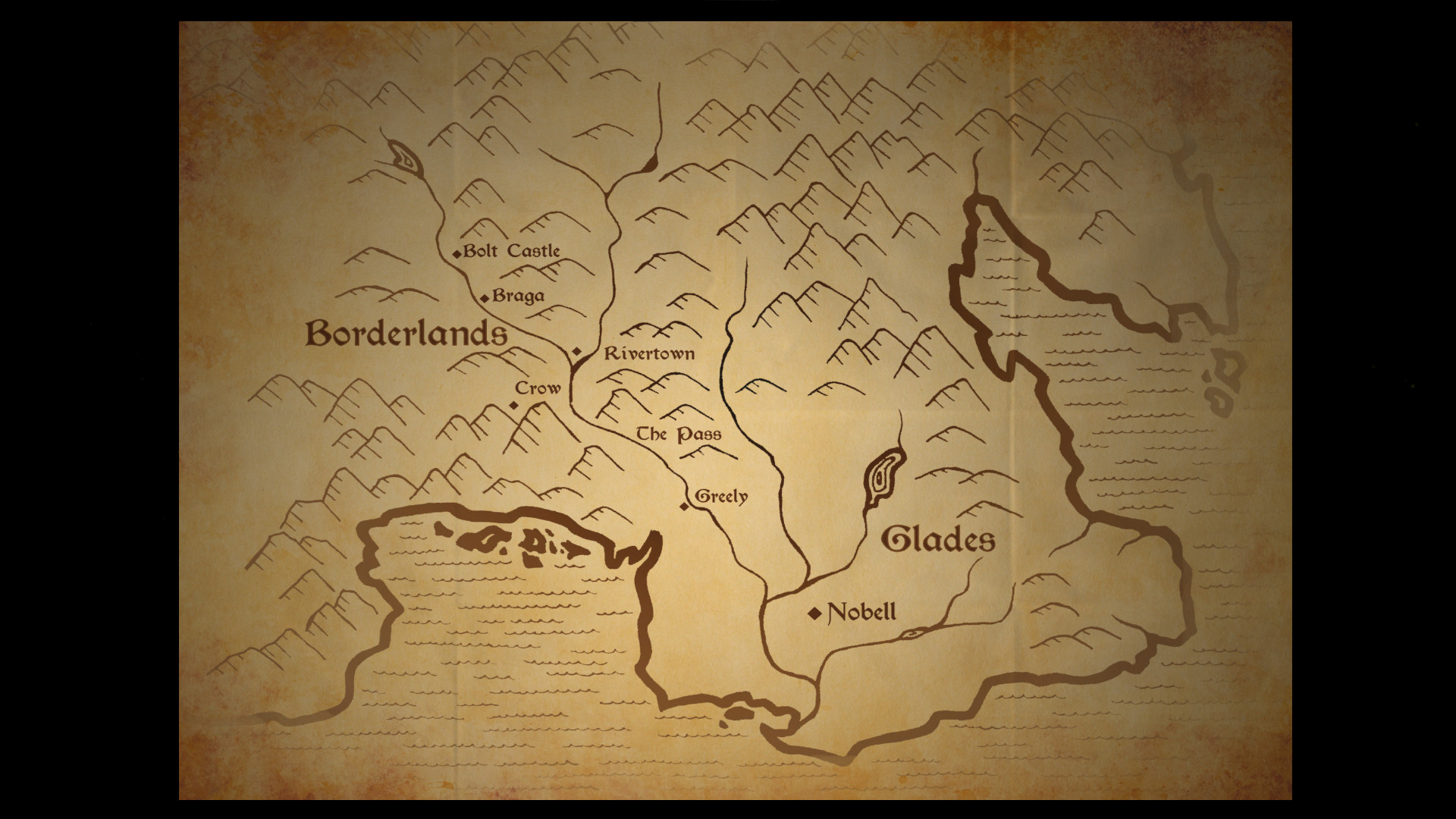
Your elder brother assumes the throne while you become warden of a border castle. After a convoy is ambushed, you find yourself alone in hostile lands, seeking supplies and allies to survive the journey home.
The journey follows a dark, winding valley known as “The Vale,” which conceals the land’s darkest secrets and startling truths about your family’s past.
- Pay close attention to voice performances for hints about family history.
- Track story milestones to notice when new secrets about the Vale are revealed.
05 / THE GUIDE
Steam Integration
The game supports Steam Achievements, Steam Cloud, and Family Sharing while remaining a single‑player experience.
Full Controller Support and a Keyboard Only Option are listed as separate input methods, giving flexibility for players who prefer either device.
- Steam Cloud support is available if you want your data synchronized across installations.
- Review the achievement list for optional goals that encourage exploration without assuming hidden‑area requirements.



COMMUNITY
Player discussion