 GameWiki
GET YOUR BEARINGS
About The Testing Chamber
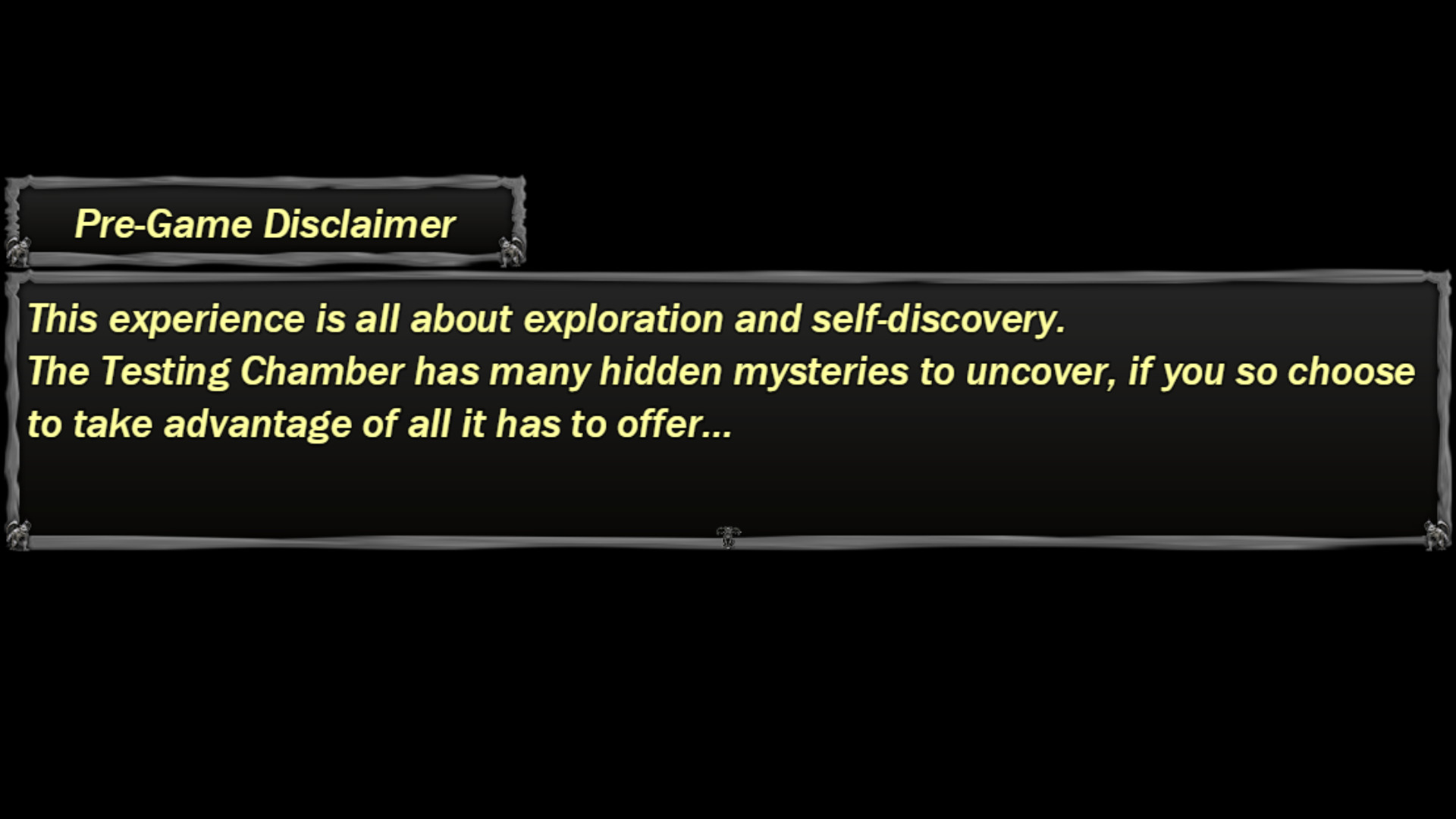
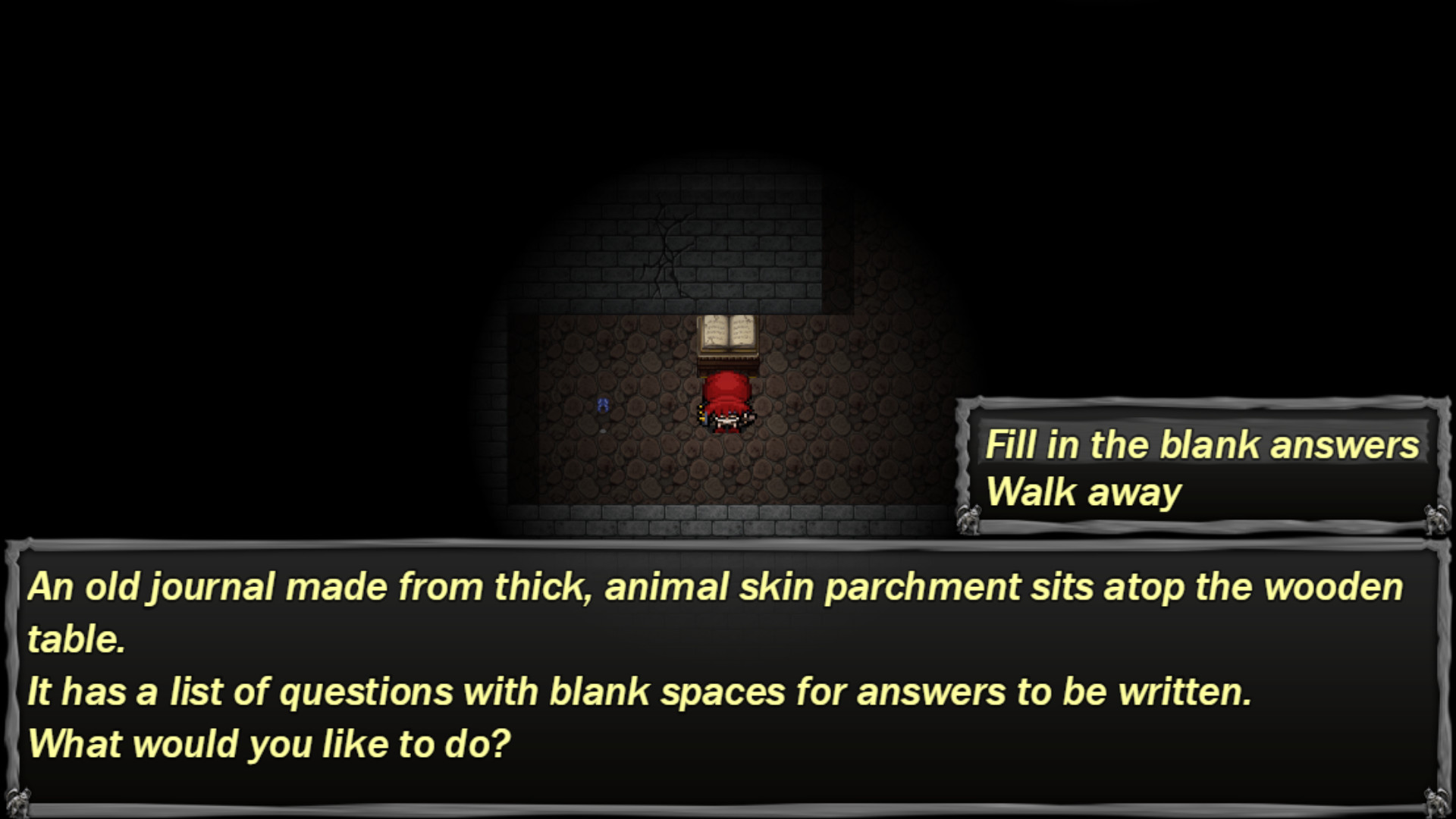
The Testing Chamber is an atmospheric, psychological‑simulation with horror elements that invites players to explore their own psyche. By wandering its halls you answer personal questions that can feel uncomfortable, yet promise deep self‑knowledge.
Designed for solo play, the title also encourages content creators to share the experience, offering a unique blend of relaxation and suspense that can be streamed or recorded for audience interaction.
01 / THE GUIDE
Atmospheric Horror
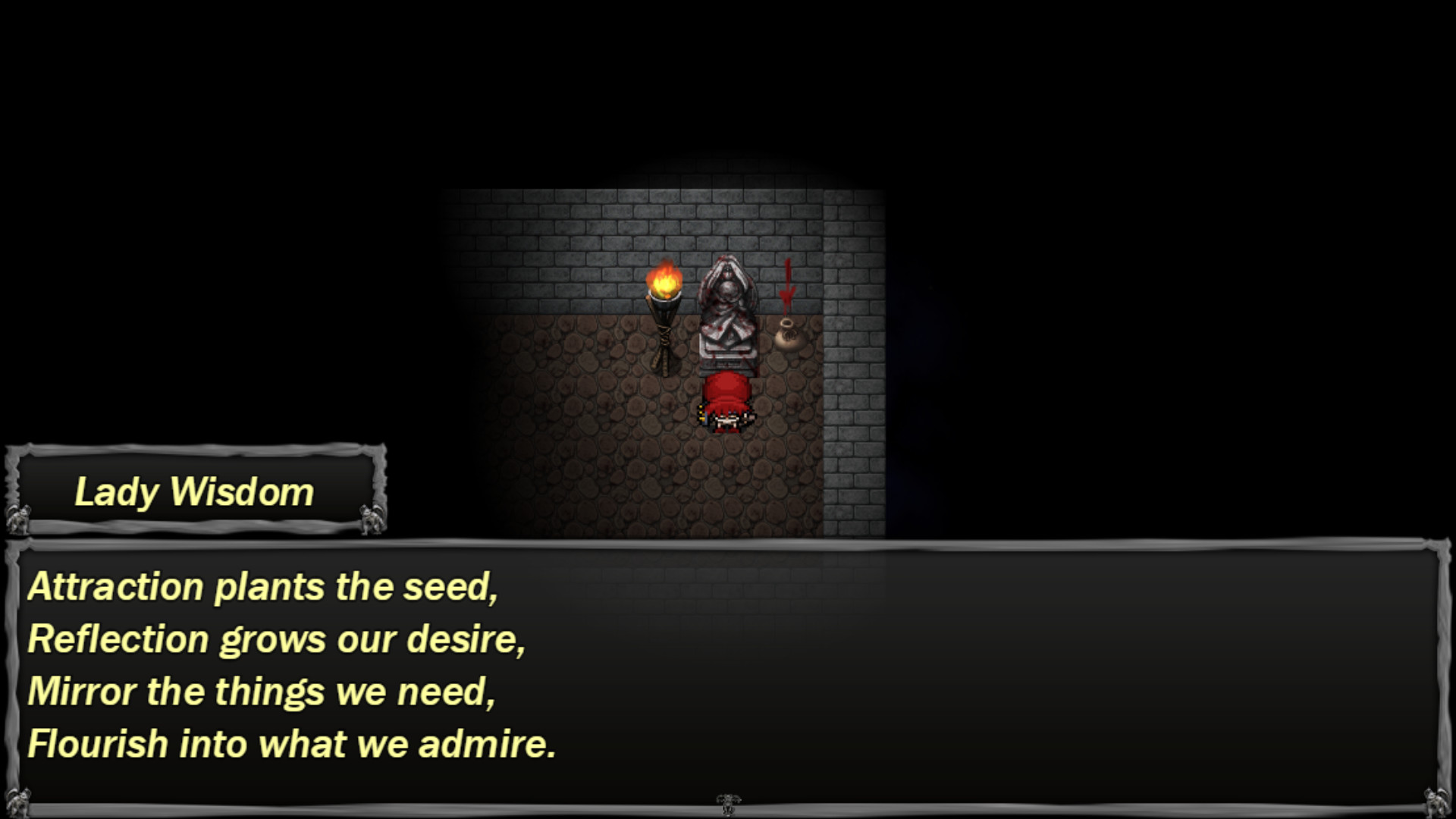
The game creates a mood that mixes tension with moments of calm, letting players feel both suspense and relaxation. Its visual and audio design supports a feeling of unease without relying on fast‑paced action.
Horror elements appear through the setting of dim corridors and the psychological weight of the questions asked, making the experience feel like a slow‑burn thriller rather than a jump‑scare showcase.
- Observe how ambient sounds shift as you move; they can hint at the tone of upcoming questions.
- Take short breaks between sections to let the atmosphere settle and avoid fatigue.
02 / THE GUIDE
Psychological Questions
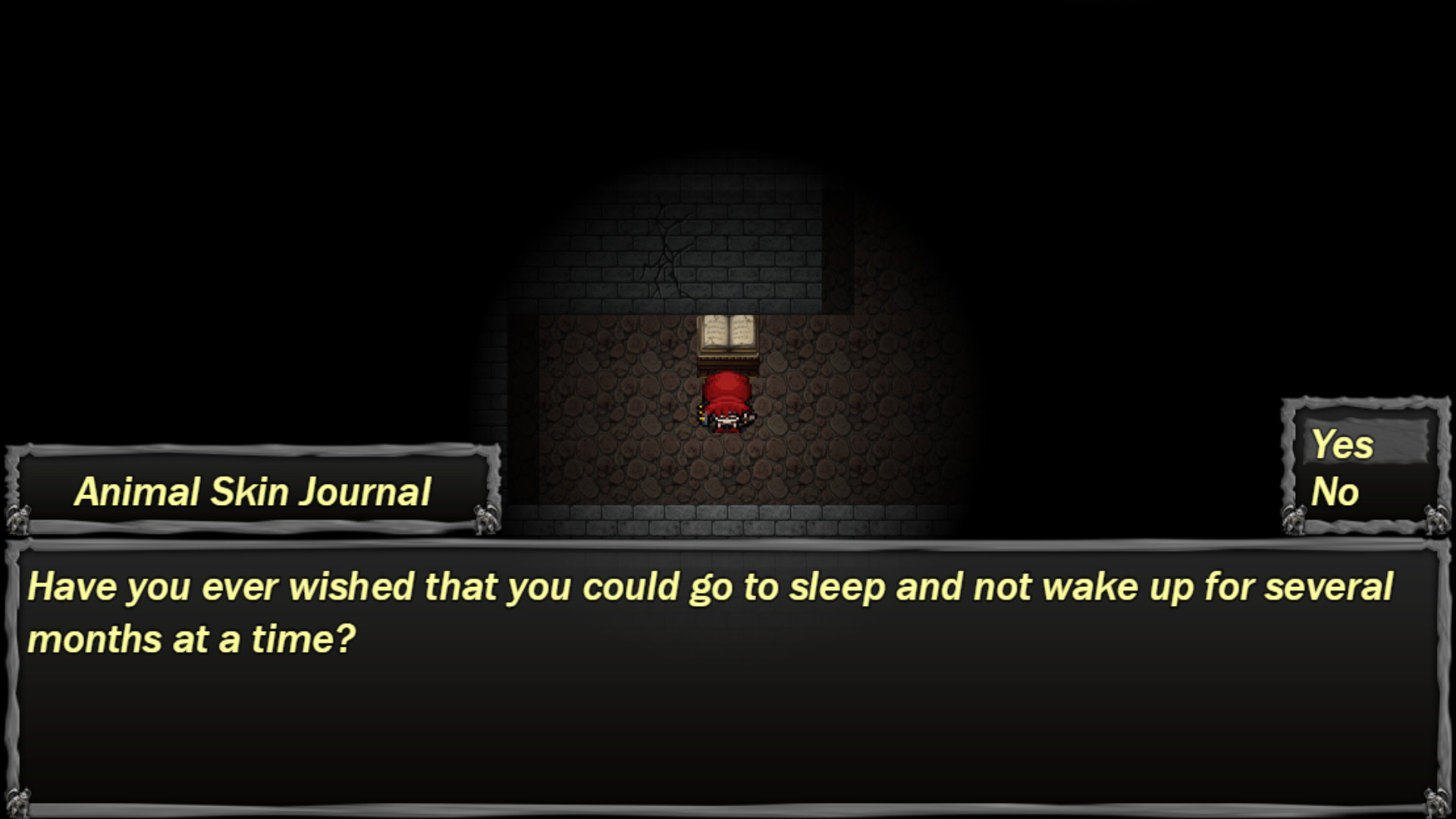
Players are presented with a series of questions that probe hidden aspects of their mind. Answering these prompts may feel uncomfortable, but each response influences the narrative direction.
The game emphasizes that every action leads to a reaction, reinforcing the idea that choices matter and can reveal personal insights previously unknown to the player.
- Consider writing down your answers to track patterns over multiple playthroughs.
- Approach each question honestly; the intended experience relies on genuine self‑reflection.
03 / THE GUIDE
Player / Developer Interaction
The title markets a direct interaction between player and developer, inviting participants to become part of something larger. This connection is framed as a historical moment for those who engage.
By sharing experiences online, players contribute to a collective narrative, reinforcing the game's community‑focused design while still being a single‑player experience.
- Engage with the community on streaming platforms to see how others interpret the questions.
- Share your in‑game moments to help build the collaborative history the developers mention.
04 / THE GUIDE
Full Controller Support
The game includes full controller support, allowing players to navigate menus and make selections without relying on a keyboard. This feature broadens accessibility for those who prefer gamepad input.
While the description does not detail specific button functions, the presence of full support suggests the game can be played using a supported controller.
- Test the controller’s analog sticks for menu navigation speed before starting.
- If you prefer, switch to a controller at any point to compare comfort.
05 / THE GUIDE
Family Sharing
The title supports family sharing, meaning a single purchase can be accessed by multiple accounts on the same platform. This enables friends or relatives to experience the game without buying separate copies.
Family sharing does not affect the single‑player nature of the experience; each user still plays independently while benefiting from shared ownership.
- Set up family sharing before the first play session to avoid interruptions.
- Coordinate with family members to discuss differing interpretations of the questions.

COMMUNITY
Player discussion