 GameWiki
GET YOUR BEARINGS
About The Spell Brigade
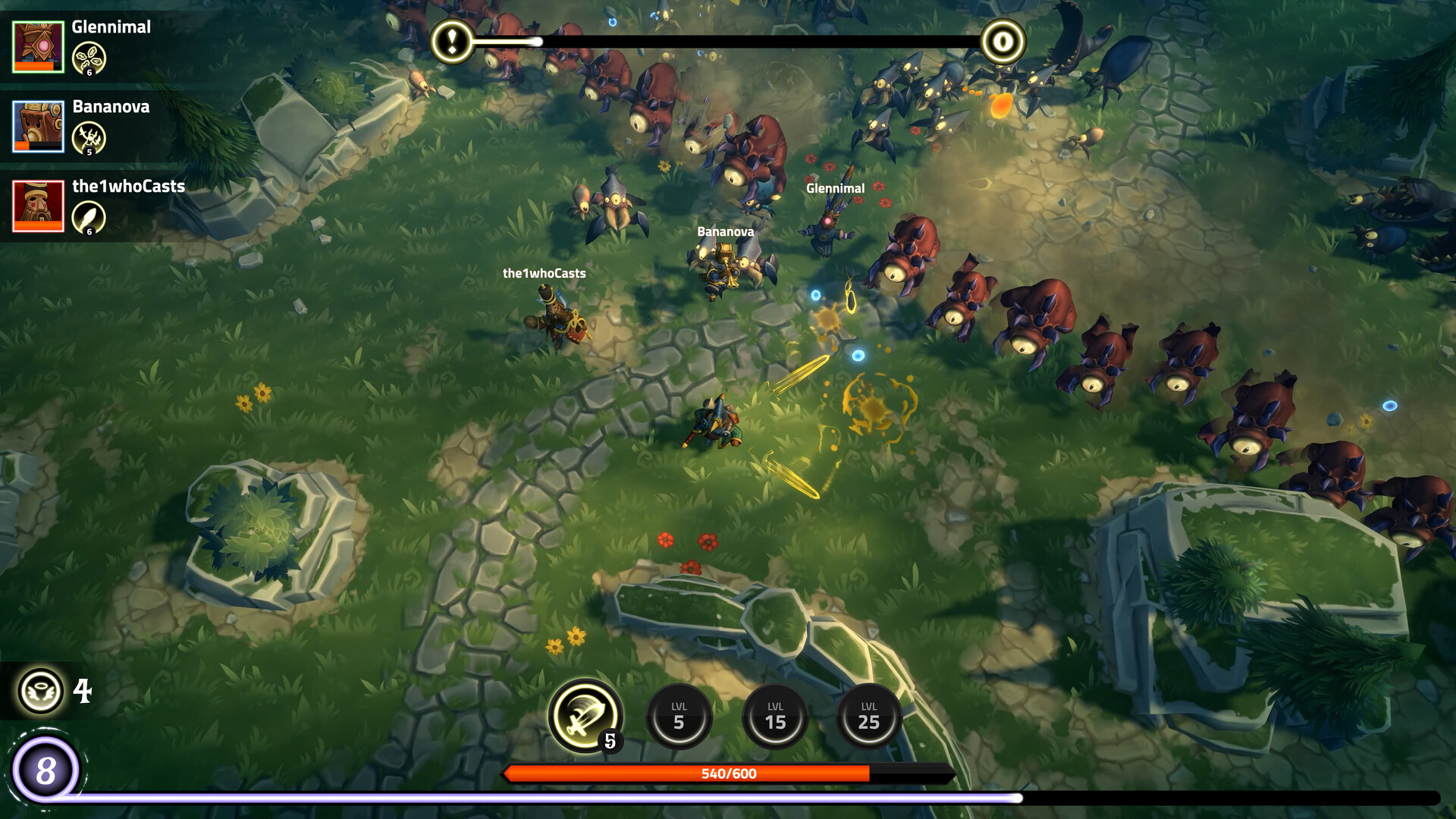
The Spell Brigade is an online co‑op action title for 1‑4 players where wizards battle endless waves of dark creatures. Players cooperate to complete random team‑based objectives, earn upgrades, and craft chaotic spell combos. Friendly fire is always active, and Revive Cores let fallen teammates blast back into the fight.
The game runs on Windows and offers a range of input options, including mouse‑only, gamepad, DualShock and DualSense support. Audio can be set to stereo or surround, and Steam Cloud keeps progress synced while Steam Achievements and Trading Cards provide extra goals.
01 / THE GUIDE
Co‑op Gameplay
Up to four wizards can join a single session and fight together against thousands of monsters. Random objectives appear during waves and require the squad to work together to earn upgrades.
Friendly fire cannot be turned off, so players must watch each other's positions while delivering damage. Revive Cores can be used to launch dead teammates back into the battle.
- Communicate movement to avoid accidental fire.
- Save Revive Cores for moments when a death would halt progress.
02 / THE GUIDE
Spell Upgrades
Spells can be improved, augmented, and infused with elemental upgrades, enchantments, quests, and scrolls. Each addition changes a wizard’s damage profile.
Upgrades are unlocked through gameplay and can be combined with other players’ spells, increasing the potential for chaotic synergy.
- Experiment with different element mixes to discover strong combos.
- Coordinate upgrades with teammates to avoid duplicate effects.
03 / THE GUIDE
Friendly Fire Mechanics
All projectiles can damage allies, making positioning essential during high‑damage spells. The bullet‑heaven environment encourages careful movement.
When a wizard dies, Revive Cores can blast them and nearby teammates back into action, turning a loss into a tactical advantage.
- Maintain distance when casting area spells.
- Use Revive Cores promptly to keep wave momentum.
04 / THE GUIDE
Controller Support
The title offers partial controller support, including DualShock and DualSense compatibility, while also providing a mouse‑only option and custom volume controls.
Steam’s Camera Comfort feature and stereo or surround sound options are available regardless of input method.
- If precise aiming feels hard with a controller, switch to mouse‑only mode.
- Adjust camera comfort settings to reduce motion discomfort.
05 / THE GUIDE
Steam Features
Steam Cloud synchronizes progress across installations, ensuring upgrades and settings persist after reinstalling or switching PCs.
Steam Achievements and Trading Cards give extra milestones for players who enjoy tracking completion and collecting virtual cards.
- Enable Steam Cloud before first launch to preserve upgrades.
- Check the Achievements list to set personal goals beyond the main objectives.


COMMUNITY
Player discussion