 GameWiki
GET YOUR BEARINGS
About The Sorting Bureau
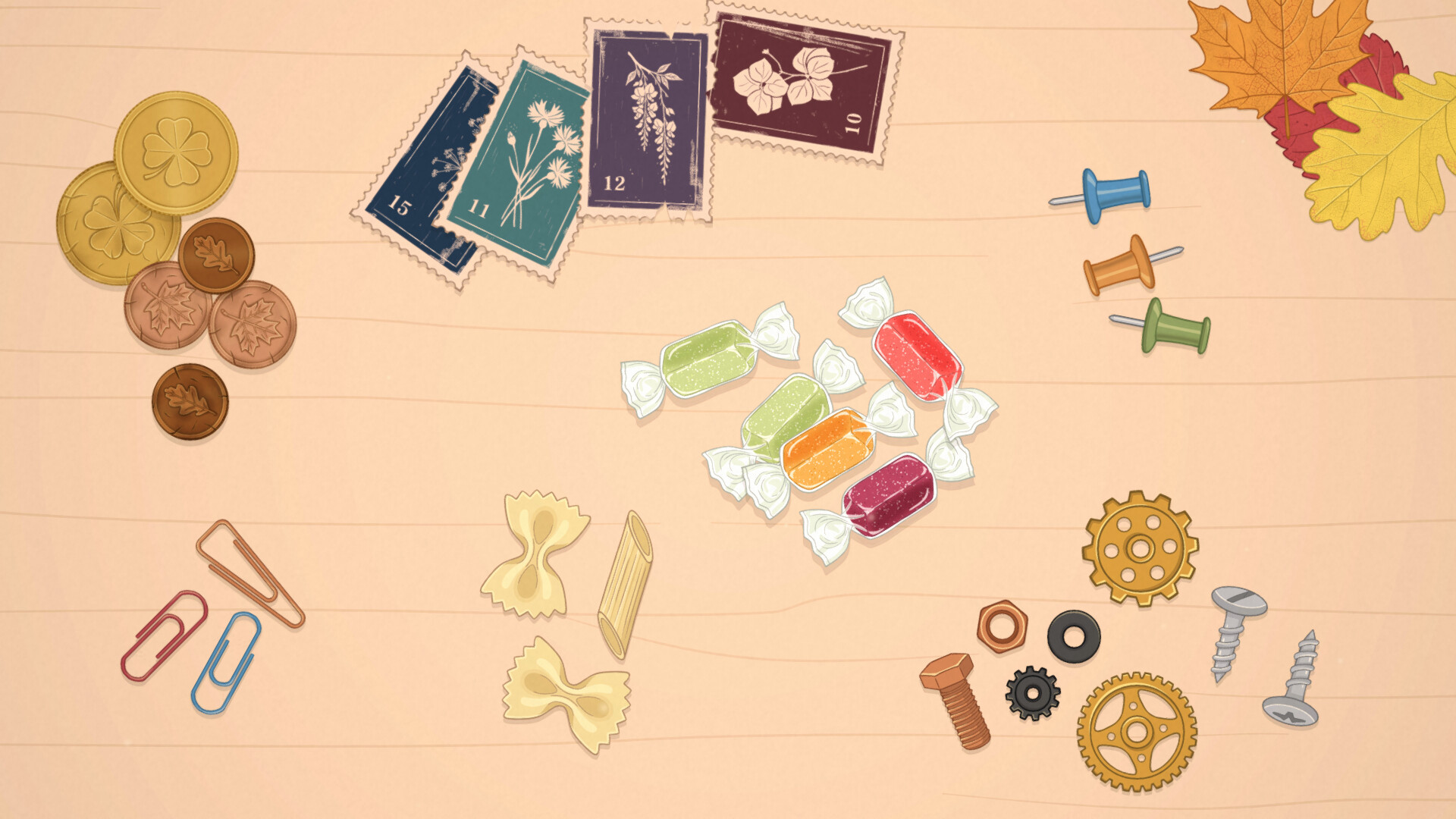
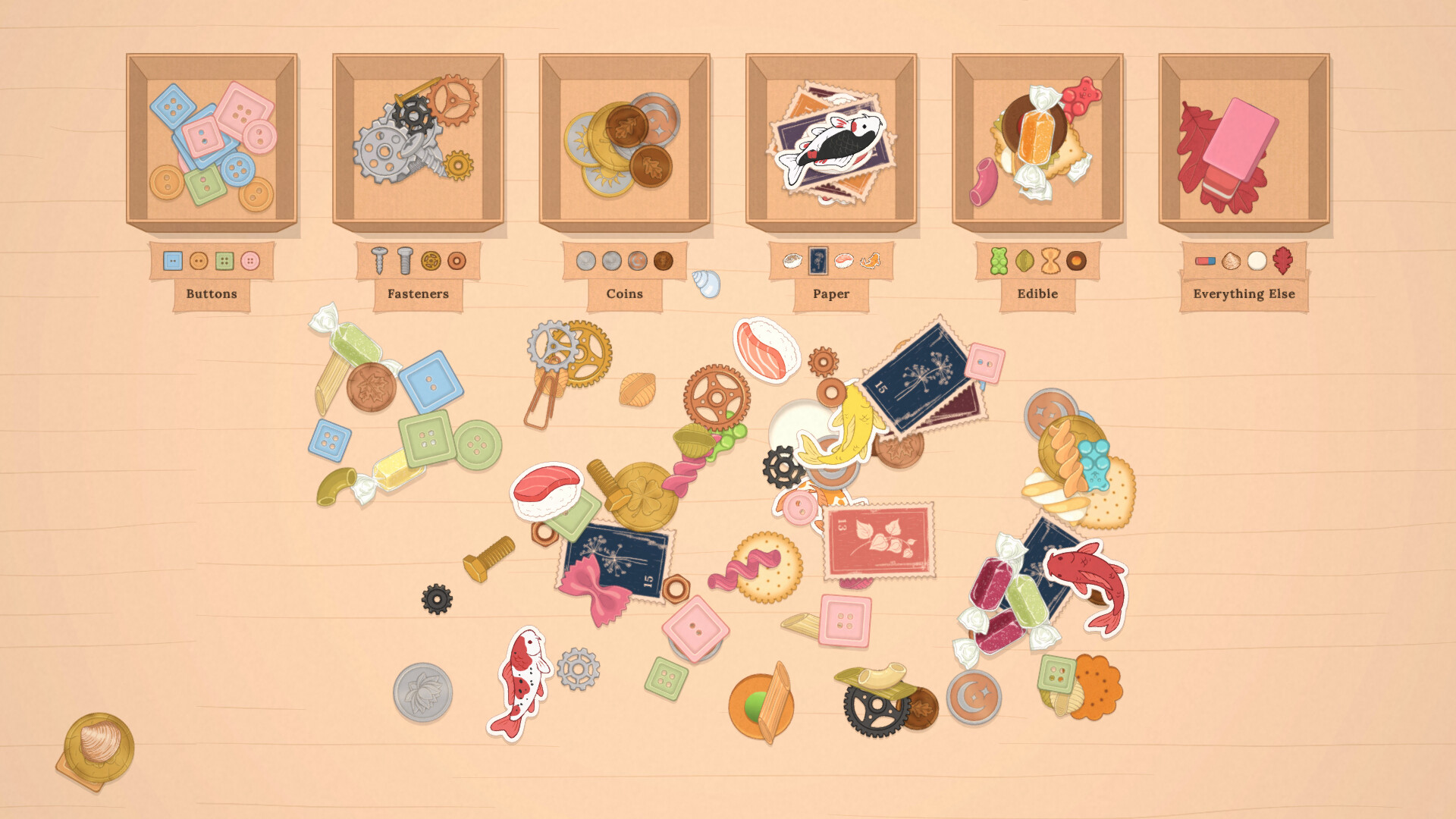
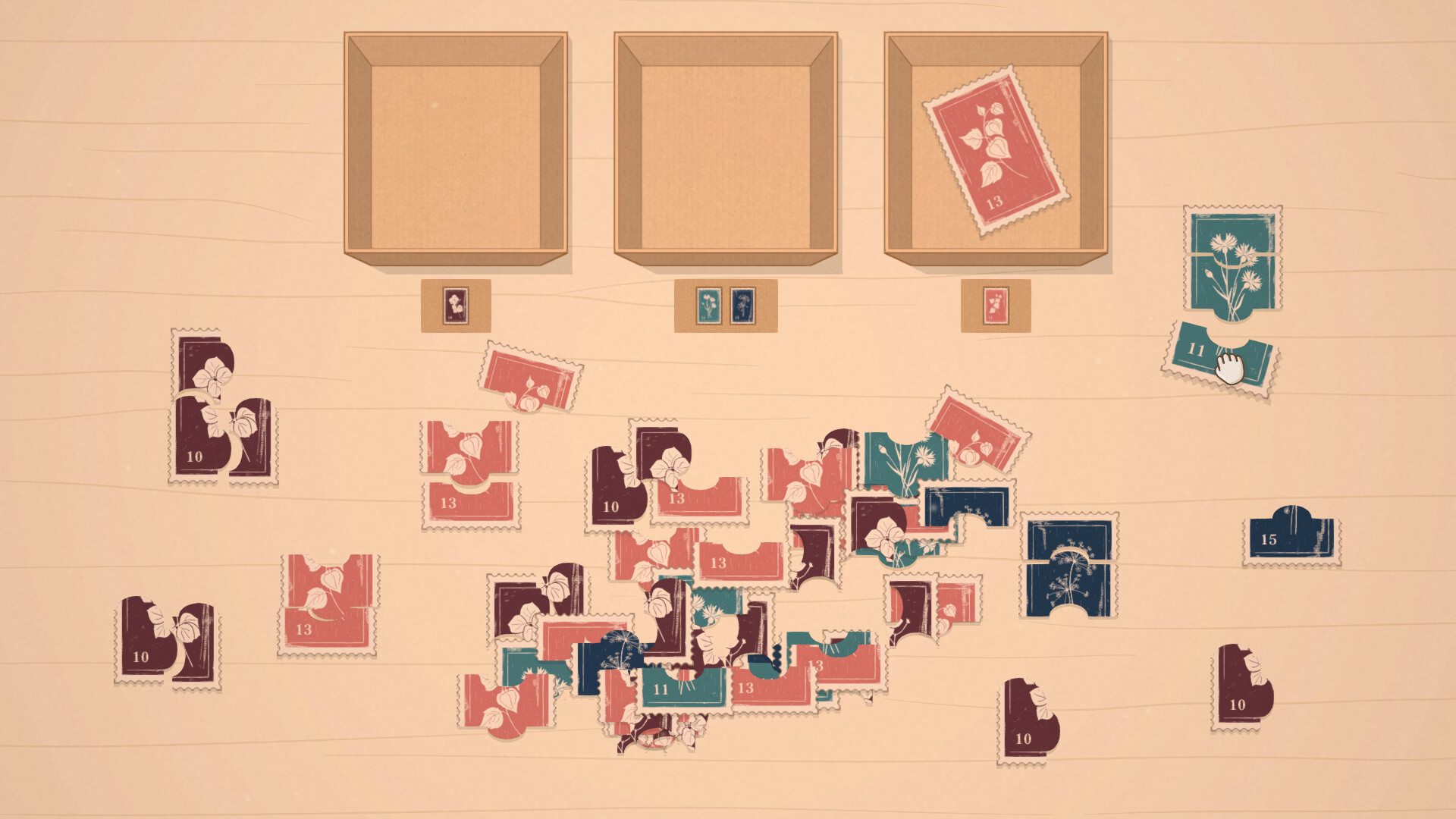
The Sorting Bureau places you in a quiet Tokyo workshop where you arrange eclectic collections—vintage buttons, foreign coins, delicate stamps, old gears, forgotten sweets—into their proper containers. Each object produces a distinct ASMR sound, from metal clinks to fabric rustles, creating a soothing rhythm as you work.
New boxes arrive each morning from charming clients, each with a personal story that unfolds as you organize their belongings. There are no timers, scores, or penalties; you can pause, save, and return whenever you like, making the experience feel like a calm evening ritual.
01 / THE GUIDE
Tactile Sorting Experience
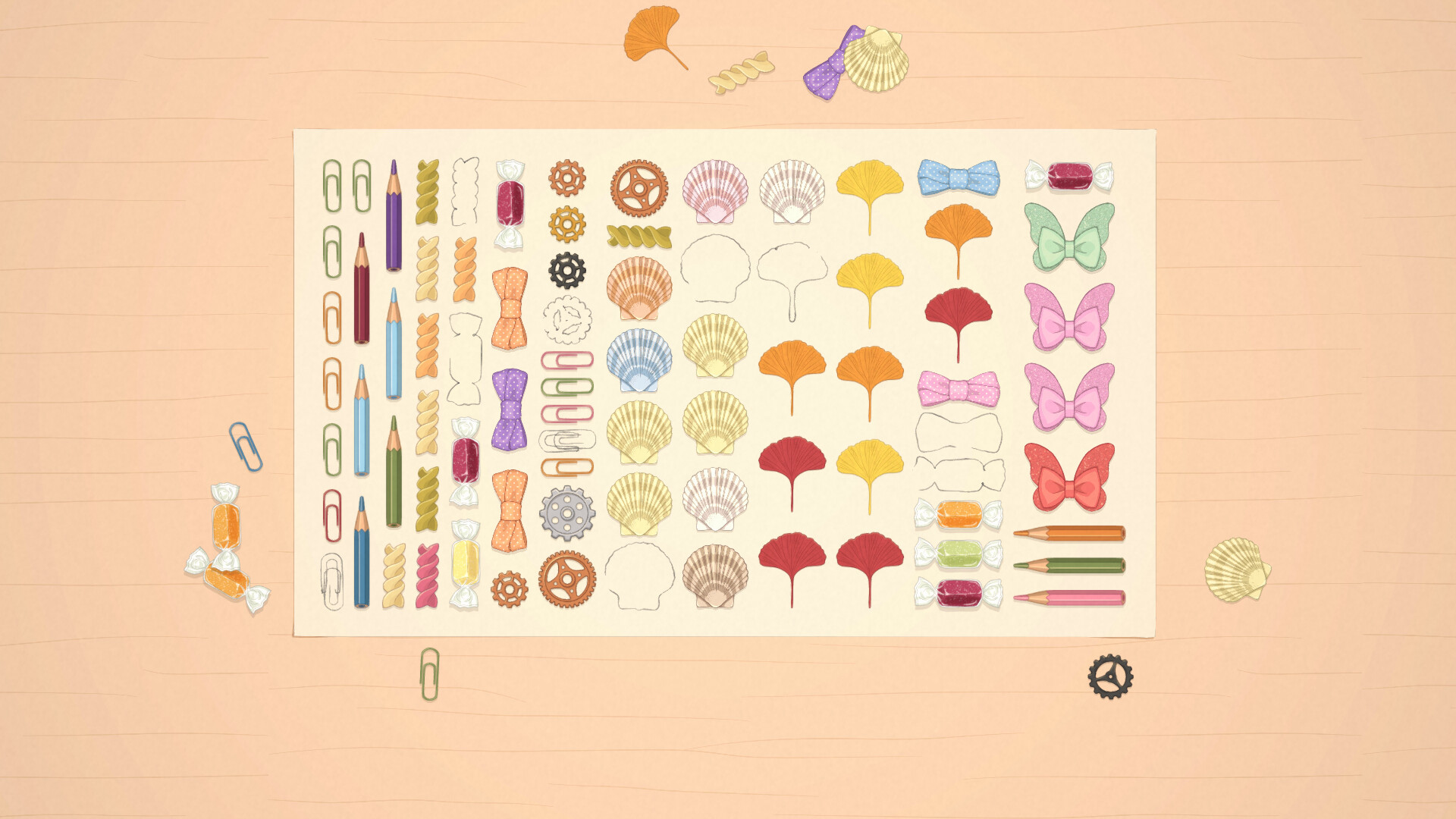
Hundreds of items are spread across dozens of themed desks, and each material reacts with its own sound when placed. Metal clinks, fabric rustles, and wood thuds give a satisfying click that confirms the item’s position.
The game uses a Mouse Only Option, letting you pick up and drop items at your own pace. No timers or scores are present, so the focus stays on the tactile and auditory feedback rather than speed.
- Listen for the material’s sound to verify placement.
- Use short pauses to keep the ASMR cues fresh.
02 / THE GUIDE
Client Stories and Narrative
Each request comes from a real‑world client—a watchmaker with gears, a pastry chef with molds, a manga artist with brushes. They bring their boxes and ask for help, and sorting through their things reveals bits of their lives.
These narratives are presented without any gameplay penalties, allowing you to absorb the backstory at a leisurely speed while still feeling connected to the people behind the objects.
- Get to know each client as you sort their belongings to appreciate the context.
- Compare similar items from different clients for subtle narrative differences.
03 / THE GUIDE
ASMR Audio Design
Stereo sound separates each material’s audio signature: metal produces a crisp clink, fabric yields a soft rustle, wood creates a muted thud. The design emphasizes these cues to reinforce the tactile feel.
Custom Volume Controls let you balance the overall mix, ensuring the subtle sounds stay audible over background noise and maintain the calming atmosphere of each session.
- Raise the material volume for a more immersive experience.
- Use headphones to fully appreciate the stereo separation.
04 / THE GUIDE
Progress Management and Saving
The quiet workshop persists between sessions; any desk you leave remains exactly as you left it. You can save at any time, and Steam Cloud stores your progress for future play on the same account.
There are no hidden timers or penalties, so you may close the game and return later, picking up right where you stopped, which supports a relaxed, evening‑ritual style of play.
- Save before switching computers to keep your sorting state.
- Enable cloud sync to access your workshop from multiple devices.
05 / THE GUIDE
Accessibility and Input Options
The game offers both a Mouse Only Option and a Touch Only Option, letting players choose their preferred interaction method. Adjustable Difficulty lets you set the sorting challenge to match your comfort level.
Camera Comfort and Custom Volume Controls further adapt the experience for players who prefer reduced motion or specific audio levels, ensuring the environment stays soothing for a wide audience.
- Select Touch Only if you prefer direct interaction.
- Adjust difficulty to align with your desired pacing.

COMMUNITY
Player discussion