 GameWiki
GET YOUR BEARINGS
About The Sims 4
The Sims 4 invites players to craft a personal world, from shaping individual Sims to designing entire neighborhoods. The base game is free to download and lets you control appearance, personality, and daily routines without timed input.
Beyond the core experience, players can build and furnish homes, explore varied locations, and guide Sims through careers and aspirations. The game supports mouse‑only play, saving at any moment, and offers additional content through EA Play memberships.
01 / THE GUIDE
Character Creation
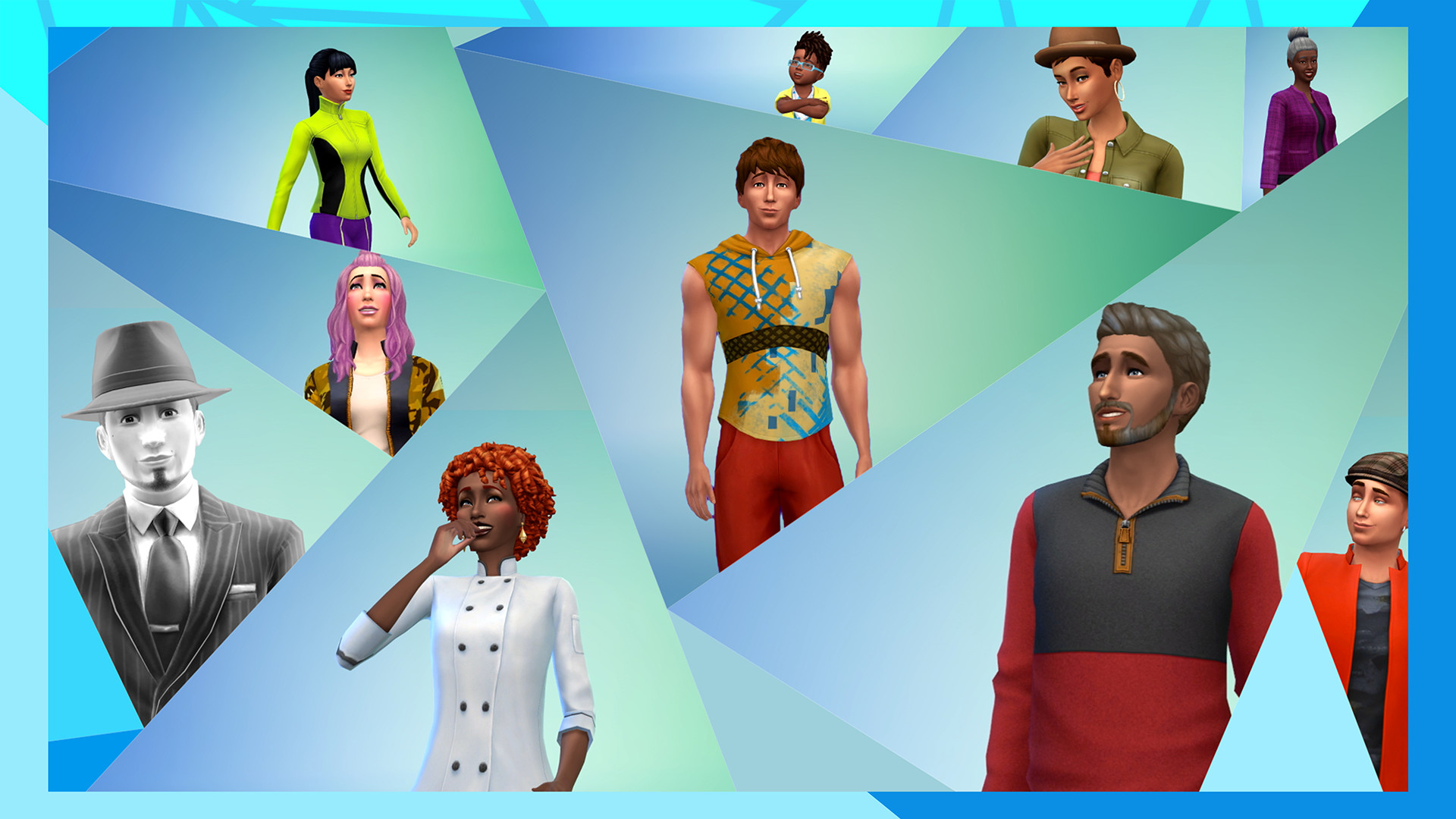
Players can customize every detail of a Sim, including looks, clothing, and personality traits. These choices determine how the Sim behaves and interacts in daily life.
The creation tools let you decide how Sims will act and dress, shaping their unique stories as they navigate the game’s scenarios.
- Experiment with different trait combinations to see varied social outcomes.
- Use the free base tools before adding expansion packs for a solid foundation.
02 / THE GUIDE
Home Building
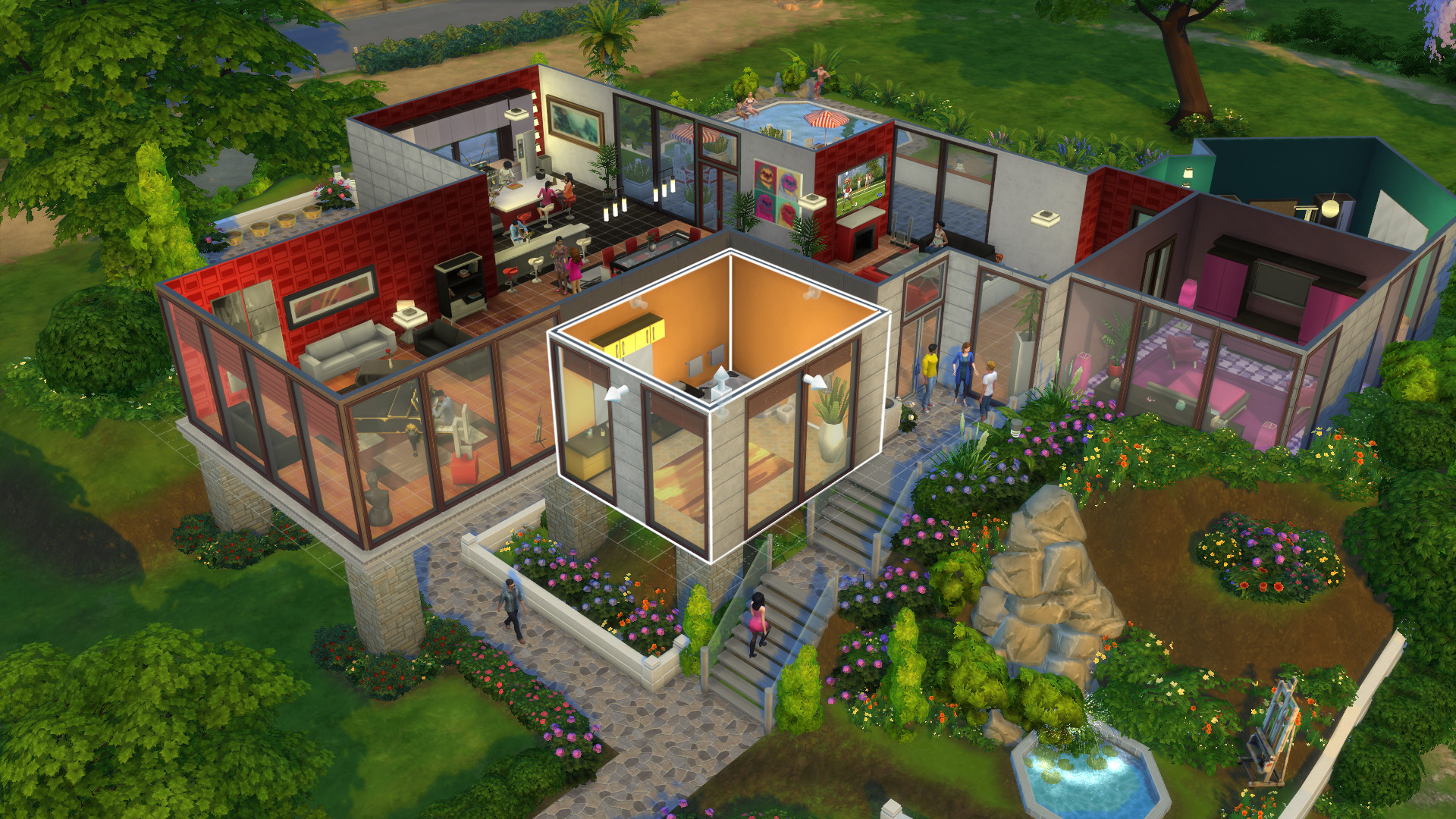
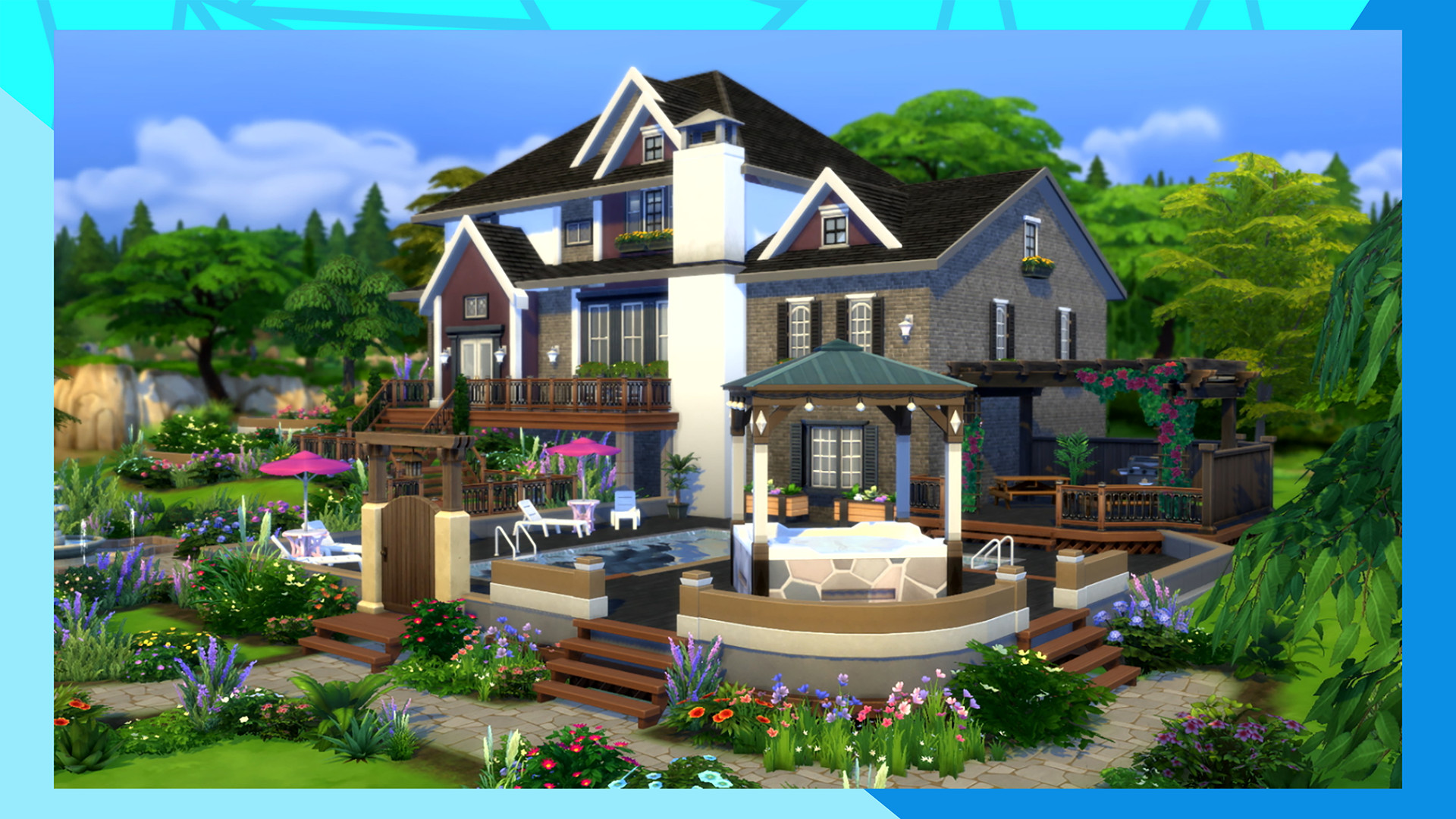
The game provides a plethora of options for constructing houses, from layout planning to interior decoration. Players can place furnishings and décor to match their vision.
Building tools let you design homes for any family size, allowing creative expression while supporting the Sims’ daily needs.
- Start with a simple floor plan before adding complex details.
- Save frequently to preserve design progress.
03 / THE GUIDE
Neighborhood Exploration
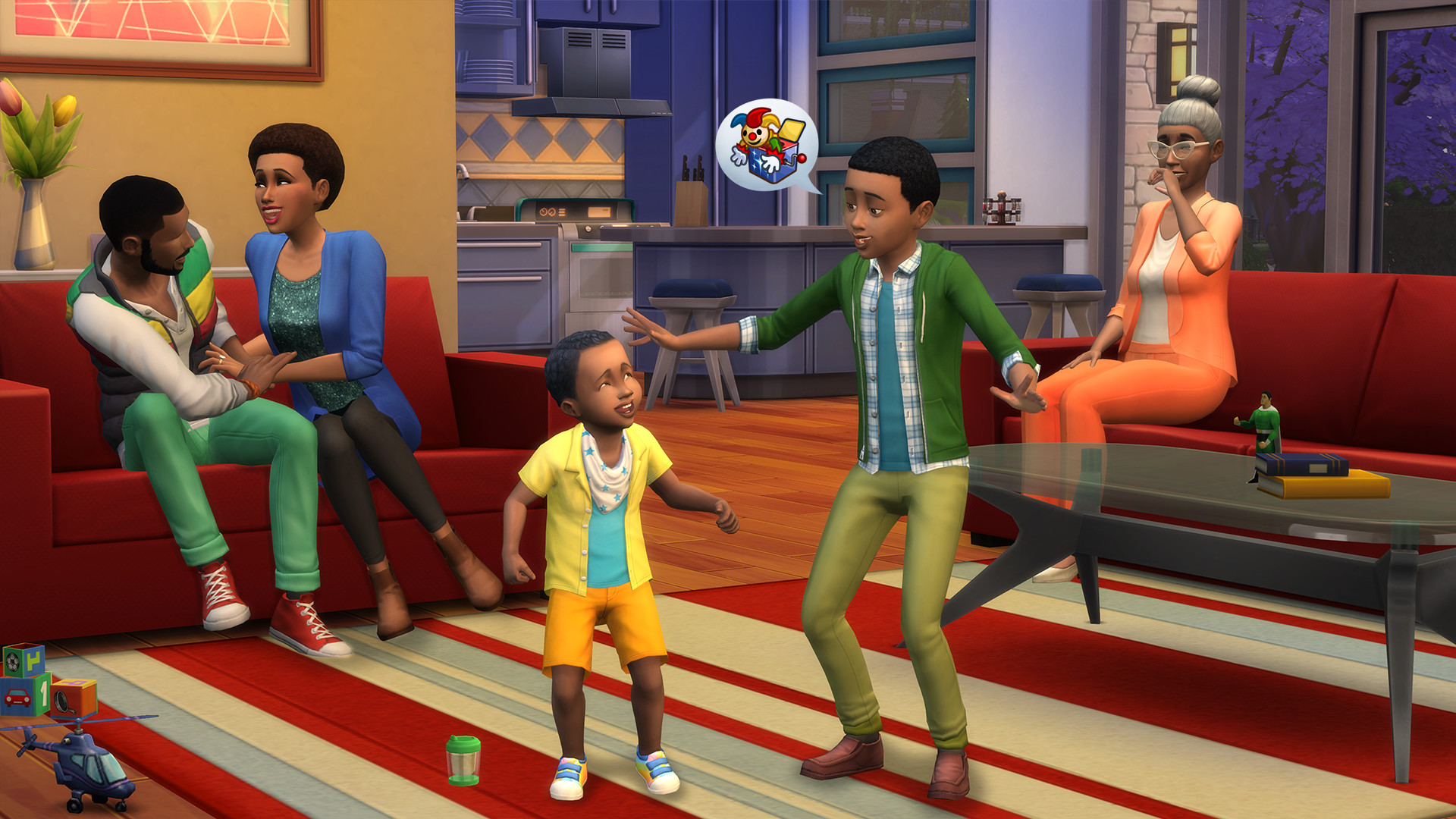
Travel to different neighborhoods where you can meet other Sims and learn about their lives. Each area offers distinct environments and spontaneous adventures.
Exploring vibrant worlds lets you discover new locations, interact with residents, and expand your Sim’s social network.
- Visit each neighborhood to uncover unique décor options.
- Observe resident behavior for inspiration in your own stories.
04 / THE GUIDE
Career and Aspirations
Sims can pursue careers and life aspirations, influencing their daily activities and long‑term goals. The base game includes multiple career paths.
Managing these ambitions shapes the Sim’s story, affecting relationships and personal growth throughout gameplay.
- Align career choices with personality traits for smoother progression.
- Track aspiration milestones to guide future decisions.
05 / THE GUIDE
Platform Features
The Windows version supports mouse‑only operation, allowing play without a controller. Players can save at any time, and the game runs with stereo or surround sound.
Additional features include remote play on tablet and in‑app purchases, giving flexibility in how and where you engage with the game.
- Use the mouse‑only mode for precise building control.
- Enable remote play to continue sessions on a tablet.
COMMUNITY
Player discussion