 GameWiki

GET YOUR BEARINGS
About The Sims 3
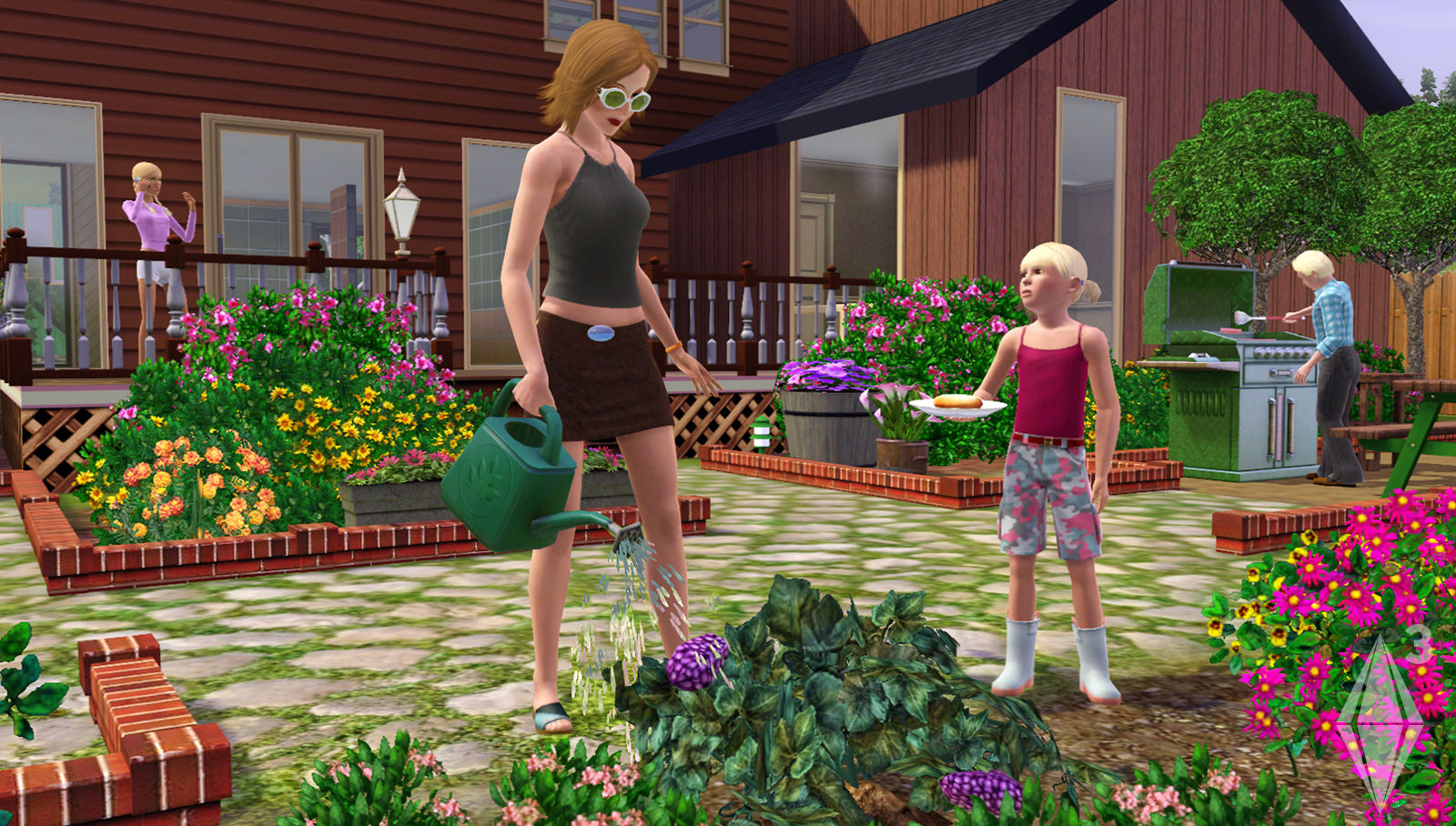
The Sims™ 3 lets you build a virtual life from the ground up. You start by shaping a Sim’s appearance, choosing facial features, body type, and personality traits, then place them into a world where everyday activities unfold.
The game emphasizes creative freedom: you can design homes without a grid, explore a lively neighborhood, record movies of your Sim’s moments, and share them with an active online community.
01 / THE GUIDE
Sim Customization
During creation you can mix and match a wide range of facial features and body types, adjusting shape, color, and other details to achieve the exact look you want.
Personality traits are added at this stage, giving each Sim a distinct set of preferences that guide how they behave in the game.
- Try different combinations of facial sliders to capture subtle resemblances.
- Select traits that match the story you want your Sim to follow.
02 / THE GUIDE
Home Building
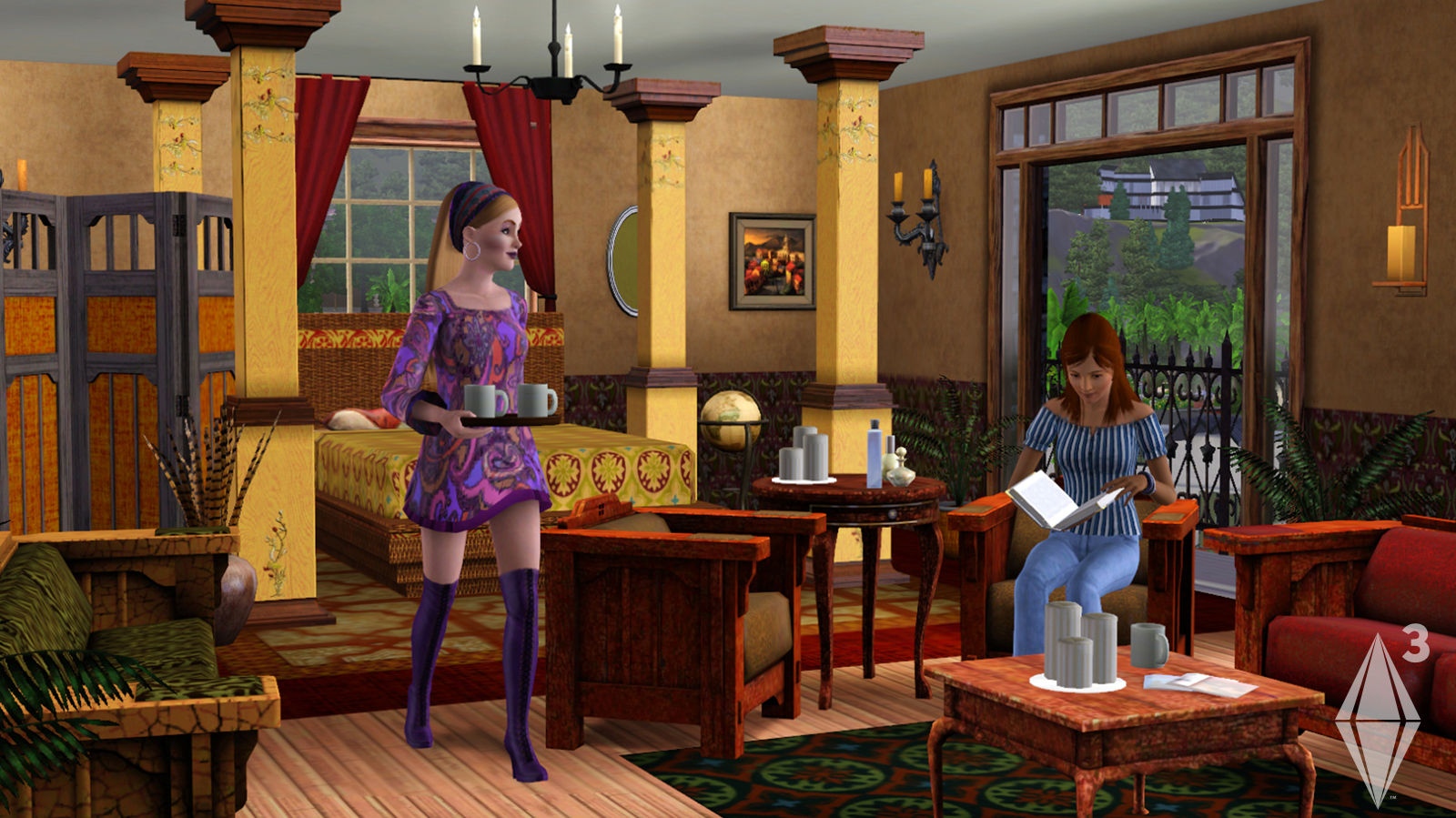
The building tools let you place, rotate, and stack furniture and walls without a restrictive grid, allowing odd angles and tall stacks of items.
You can also apply self‑made patterns to walls and floors, giving each home a personal visual style.
- Experiment with stacking items vertically for dramatic effect.
- Create custom wall patterns to reflect a Sim’s taste.
03 / THE GUIDE
Neighborhood Exploration
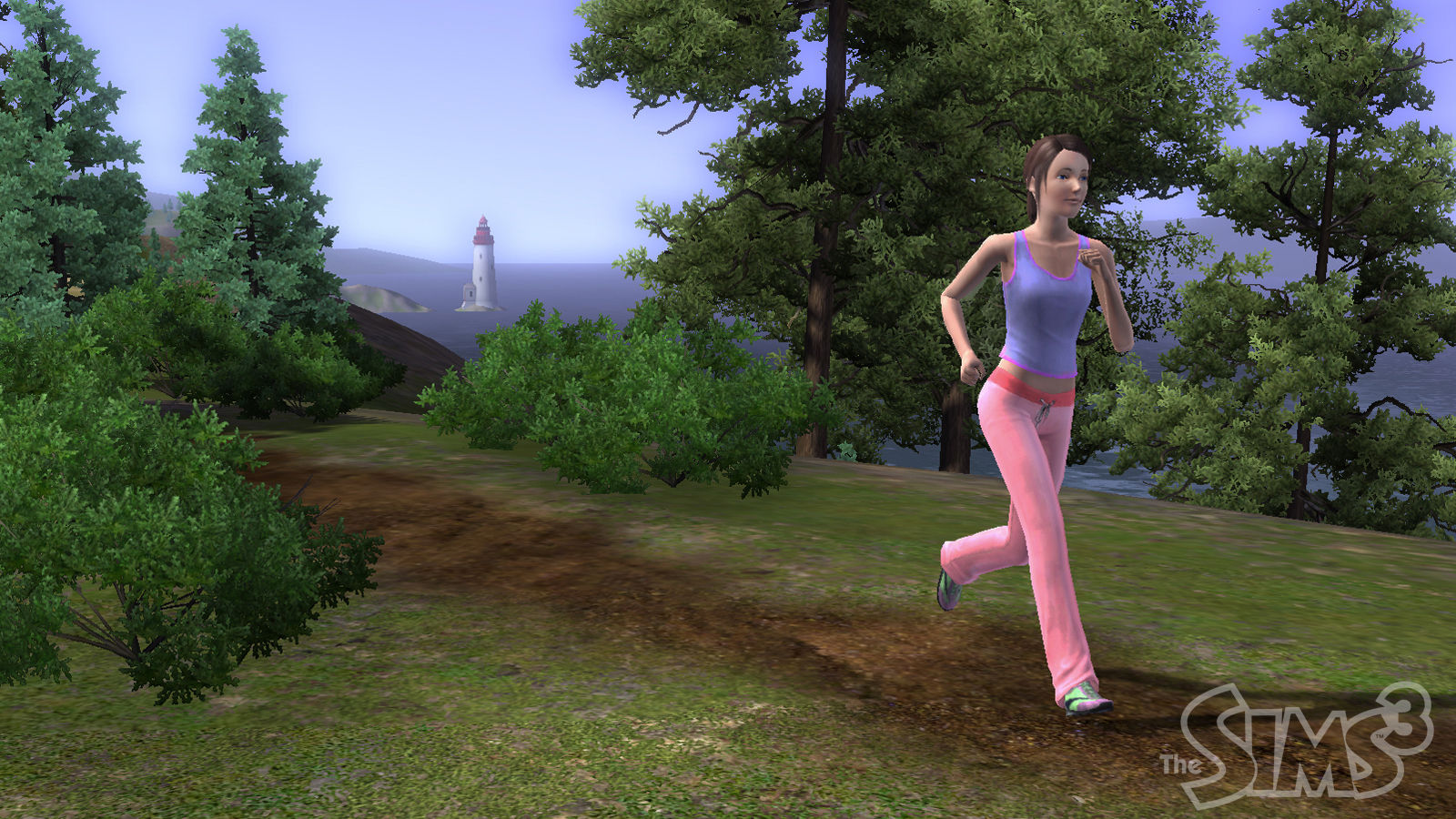
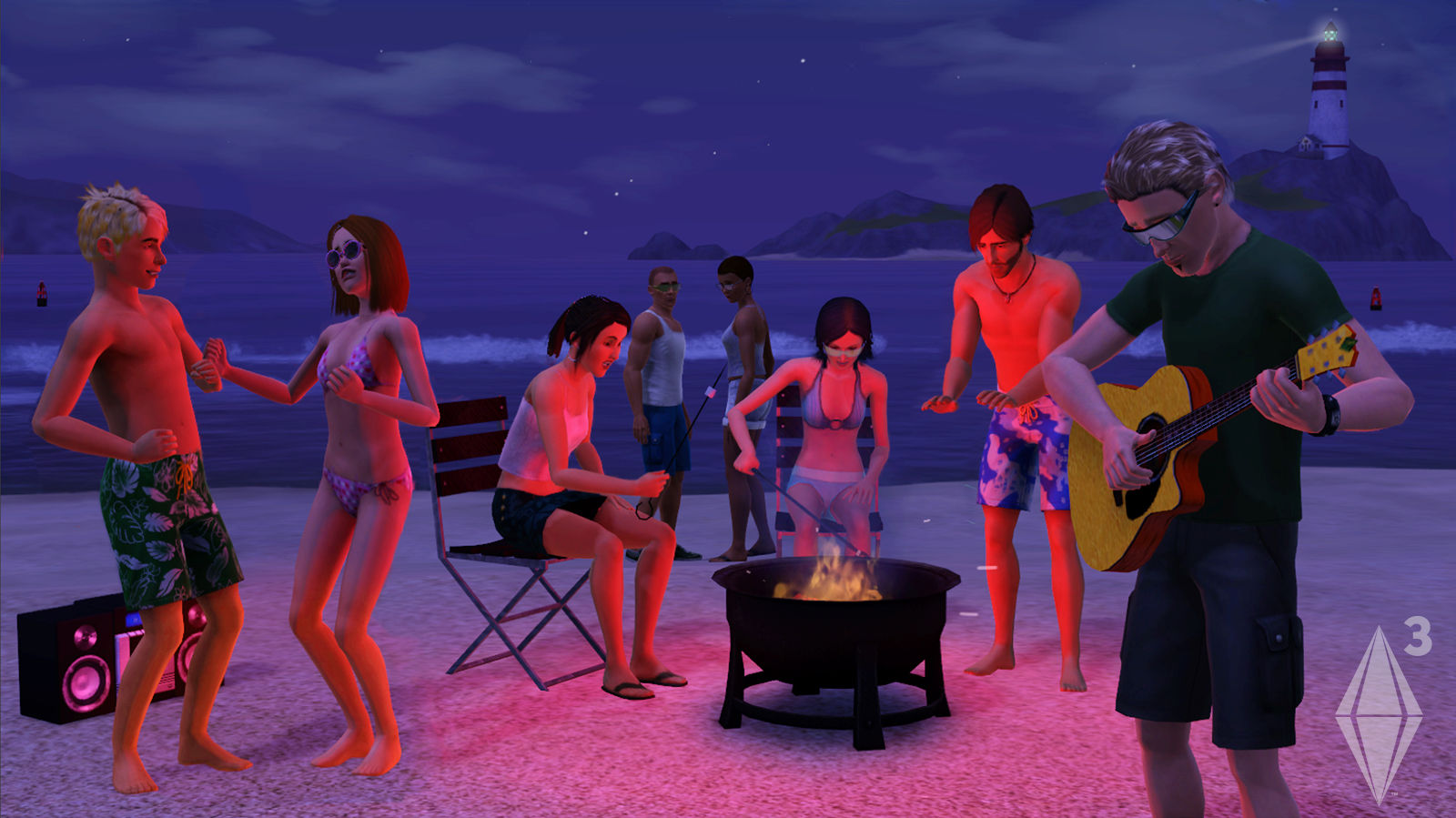
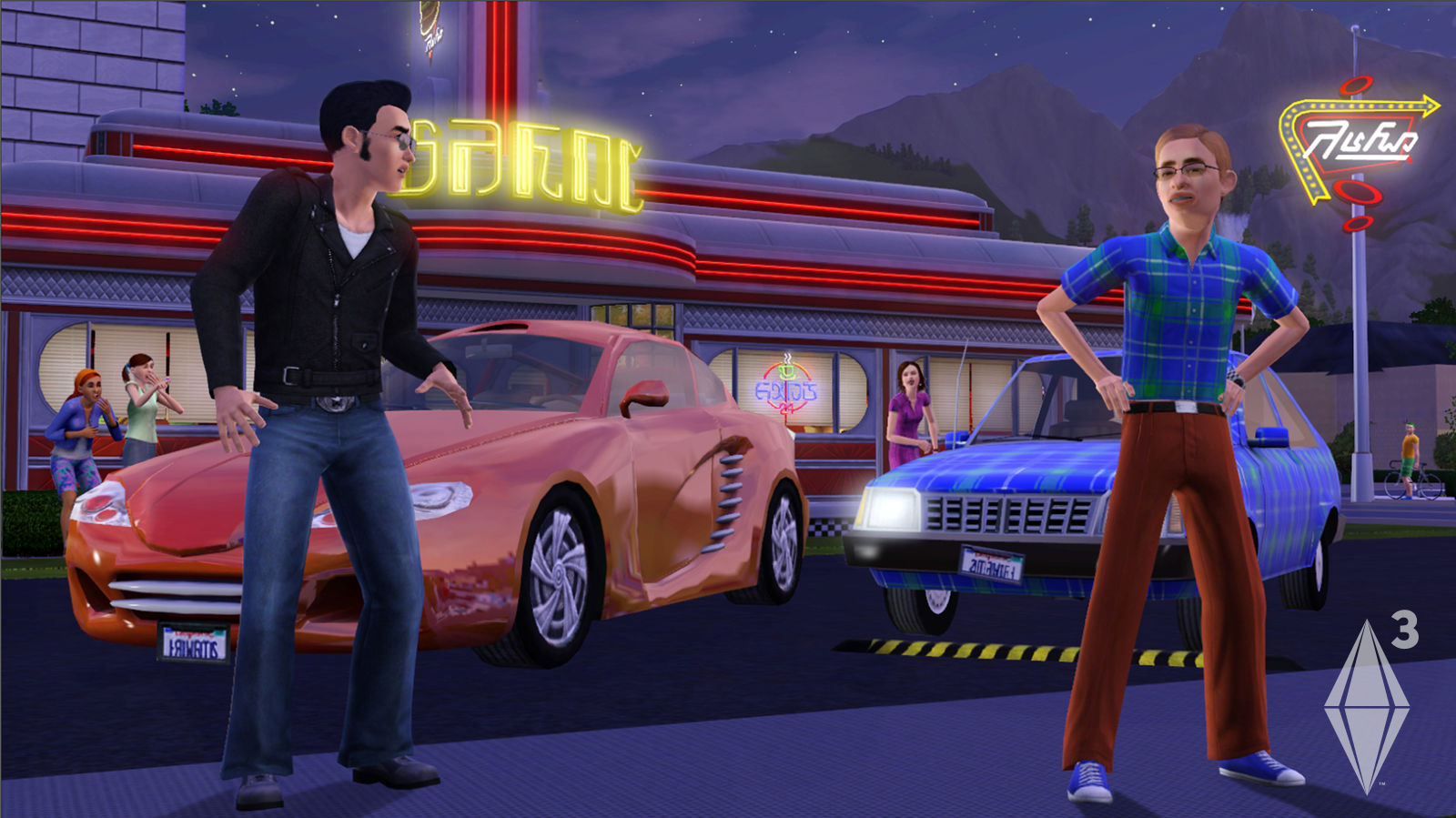
For the first time in the series, Sims can leave their houses and walk around a lively neighborhood filled with community lots and other residents.
Exploring the area introduces new venues, characters, and events that can affect a Sim’s mood and relationships.
- Visit community lots to meet new friends.
- Watch for neighborhood events that change Sim moods.
04 / THE GUIDE
Career and Life Goals
Guiding a Sim involves choosing a career, pursuing education, and working toward personal dreams, such as love or artistic achievements.
Balancing work, friendships, and hobbies creates a dynamic life path that evolves as the Sim experiences new situations.
- Set clear short‑term goals for career progress.
- Schedule regular social time to keep moods high.
05 / THE GUIDE
Community Sharing
The game includes a built‑in movie recorder, allowing you to capture Sim adventures and create short clips or longer stories.
Recorded movies can be uploaded to an ever‑growing online community where other players view and comment on them.
- Record key moments to keep videos concise.
- Browse community uploads for inspiration.
COMMUNITY
Player discussion