 GameWiki
GET YOUR BEARINGS
About The Signal State
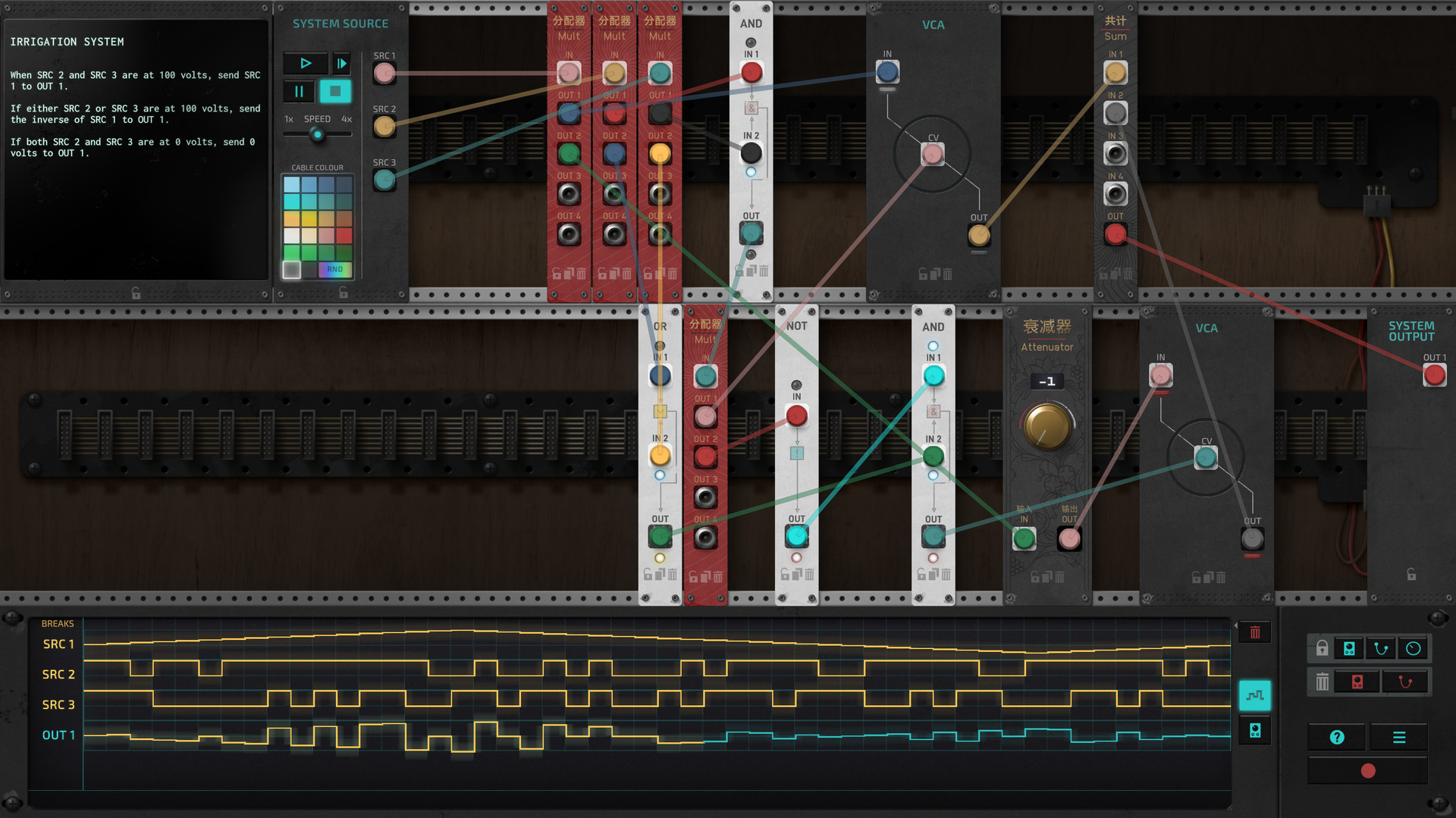
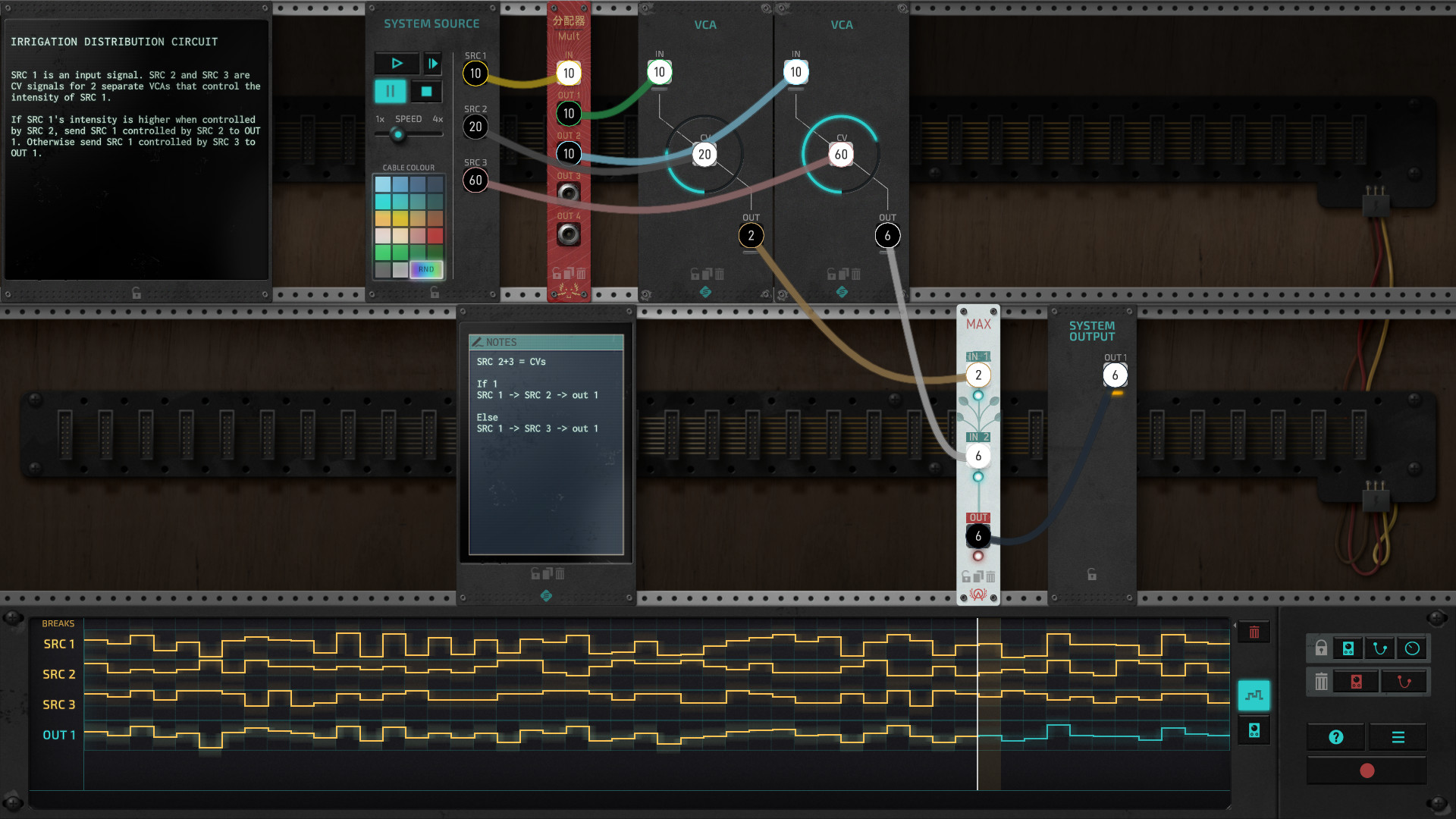
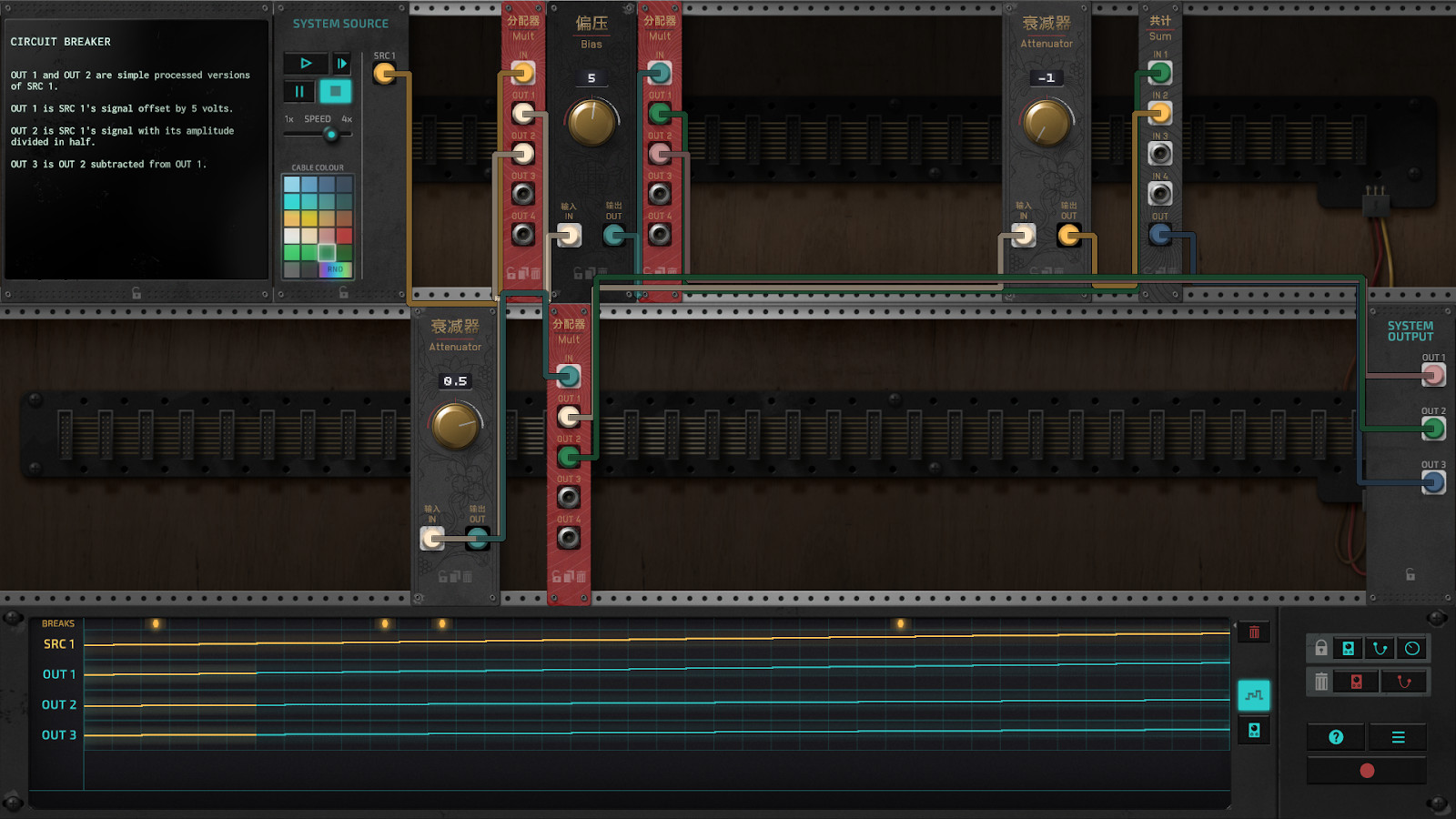
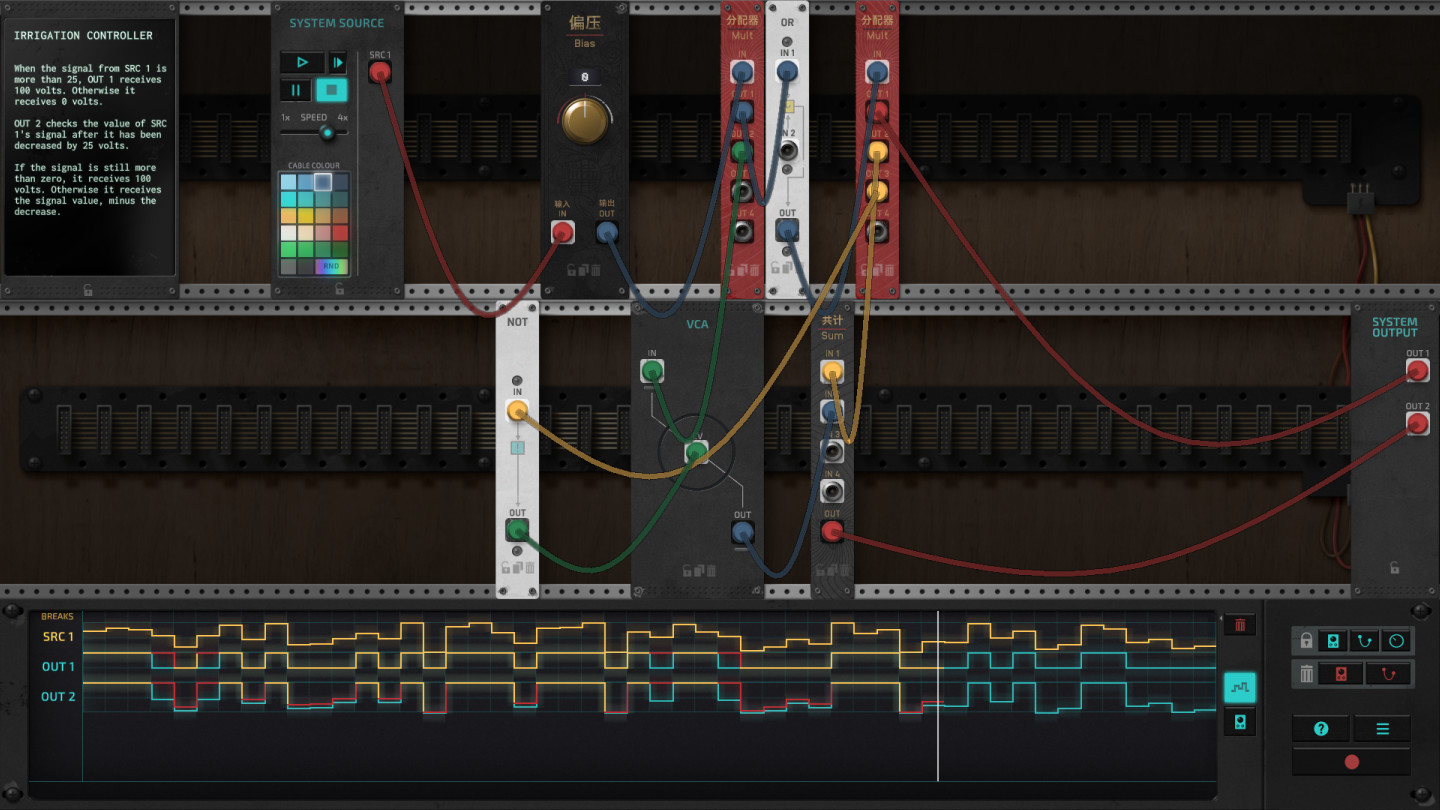
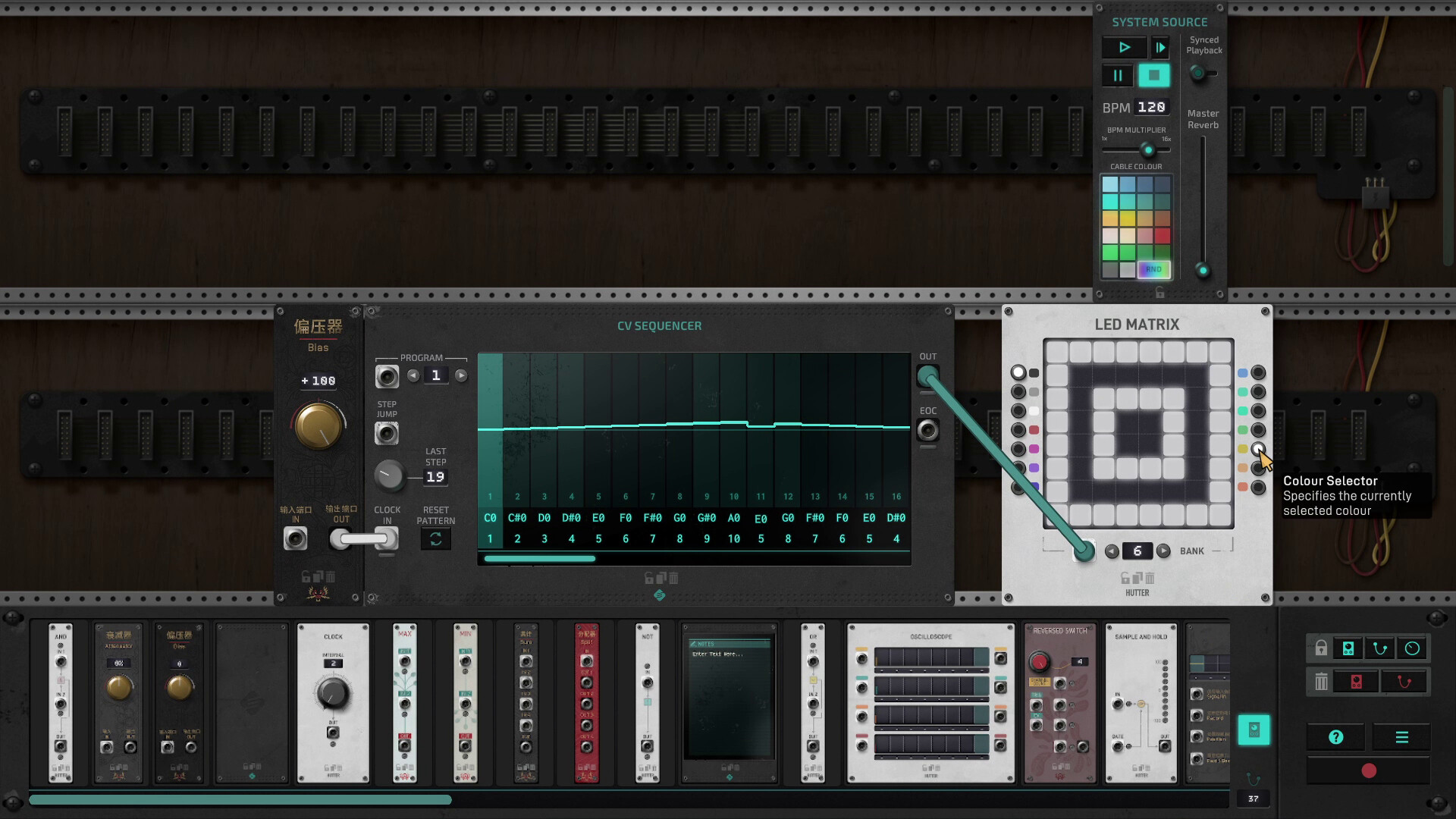
The Signal State is a simulation where players manipulate inputs using unique modules and drag‑and‑drop cable patching. Over forty puzzles challenge players to become the ultimate machine whisperer, with scores displayed on Steam leaderboards.
The game offers a sandbox playground without constraints, a puzzle designer, and Steam Workshop support for sharing creations. Interface aesthetics can be tuned with cable colour palettes and three rendering styles; Papernoise has also contributed designs that take immersion to the next level.
01 / THE GUIDE
Puzzle Solving
Players face more than 40 distinct puzzles that require arranging modules and connecting cables through a simple drag‑and‑drop system. Success is measured by completing each challenge and climbing the Steam leaderboards.
Each puzzle tests the player’s ability to understand signal flow and module interaction, encouraging experimentation and logical reasoning to achieve the correct configuration.
- Observe how modules react to different cable connections before committing to a full layout.
- Take note of patterns that recur across puzzles; they often hint at underlying principles.
02 / THE GUIDE
Interface Customization
The game lets you personalize the visual interface by selecting colour palettes for cables and choosing among three cable rendering styles. These options let players tailor the look to their preference.
Customization does not affect gameplay mechanics, but it can improve readability and personal immersion while patching modules.
- Pick high‑contrast colours for cables to make complex patches easier to follow.
- Experiment with different rendering styles to find the one that best highlights signal paths.
03 / THE GUIDE
Sandbox Mode
Sandbox mode provides a free‑for‑all playground without any constraint, allowing unrestricted experimentation with modules and cable layouts.
Because there are no preset goals, players can explore creative signal chains, test module behaviours, and develop personal techniques at their own pace.
- Use sandbox sessions to prototype solutions before applying them to timed puzzles.
- Try combining modules in unconventional ways to discover new sonic or functional possibilities.
04 / THE GUIDE
Steam Workshop Integration
The built‑in puzzle designer lets players create their own challenges and share them via Steam Workshop, where others can download and play community‑made puzzles.
Accessing the Workshop expands the game’s content beyond the base set, offering endless new configurations and design ideas.
- Browse the Workshop for puzzles that target specific module types you want to master.
- When publishing your own puzzle, include clear instructions to help others understand the intended solution.
05 / THE GUIDE
Leaderboards & Achievements
Steam leaderboards track player performance across the puzzle suite, encouraging competition for the highest scores. Steam achievements reward milestones as you play.
Both features are integrated with the Steam platform, providing visible progress markers and a sense of community accomplishment.
- Review your leaderboard ranking after each puzzle to gauge where improvement is needed.
- Aim for achievement milestones as a structured way to explore all puzzles.
COMMUNITY
Player discussion