 GameWiki
GET YOUR BEARINGS
About The Outer Worlds 2
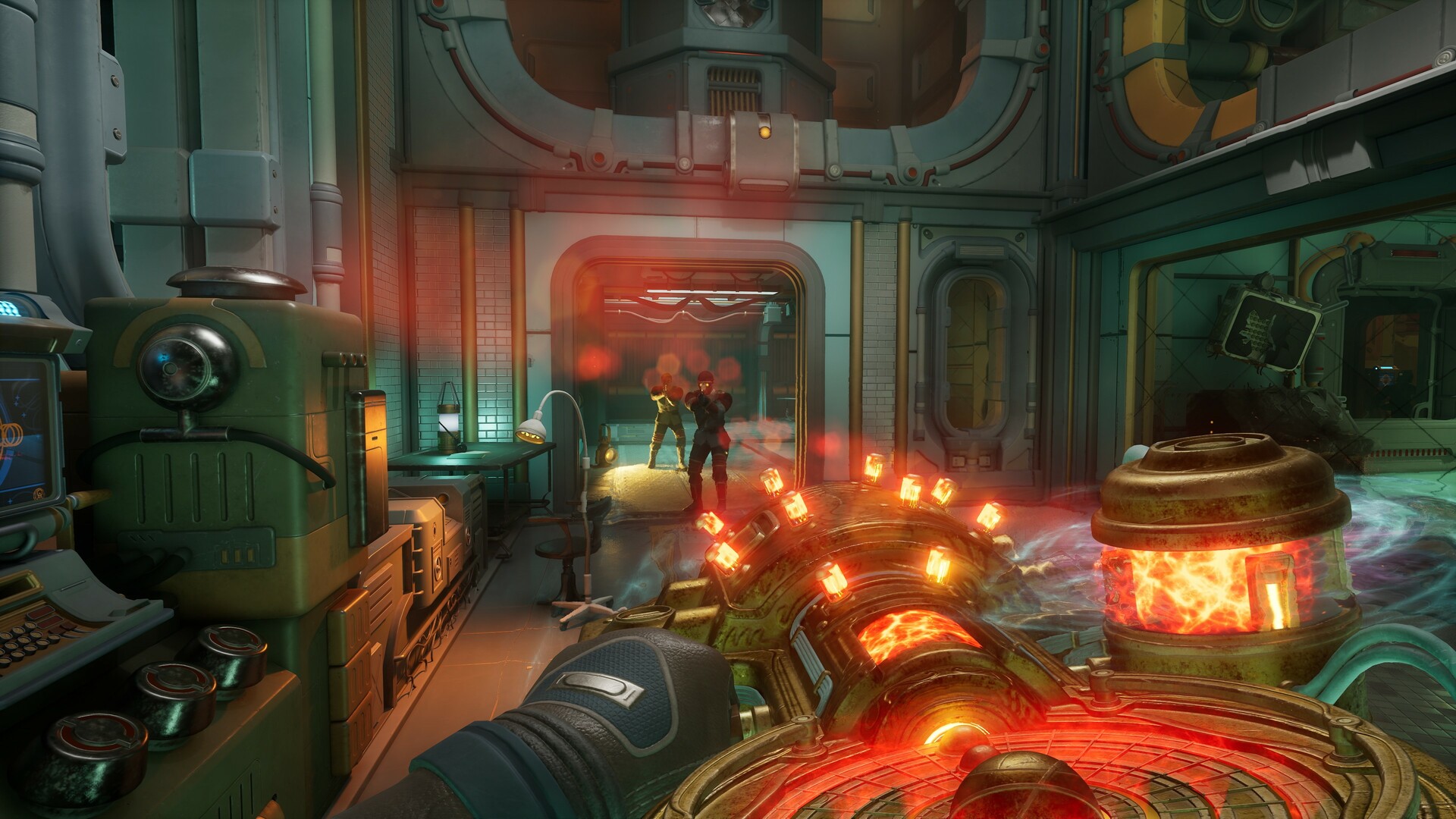
The Outer Worlds 2 continues Obsidian Entertainment’s first‑person sci‑fi RPG legacy, placing you in the role of an Earth Directorate agent tasked with investigating mysterious rifts threatening humanity. Your investigation leads to the Arcadia colony, a contested world where the Protectorate, a rebellious religious order, and a corporate invasion vie for control amid spreading rifts. Every decision you make influences the colony’s fate and the galaxy beyond.
01 / THE GUIDE
Arcadia Colony and Faction Conflict
Arcadia is embroiled in a factional war, with the Protectorate’s rule challenged by a religious rebellion and corporate forces.
Rifts spread across the colony, and each faction seeks to either control or close them for their own aims.
- Observe which faction offers quests aligned with your playstyle.
- Take note of rift locations to anticipate environmental challenges.
02 / THE GUIDE
Player Role and Decision Impact
Players create an Earth Directorate agent, selecting abilities and choices that match their preferred approach, whether diplomatic, strategic, chaotic, or other.
The colony reacts dynamically to each decision, shaping narrative outcomes based on the strengths, flaws, and alliances you develop.
- Experiment with different ability builds across playthroughs.
- Pay attention to how faction responses shift after major choices.
03 / THE GUIDE
Companion Recruitment and Influence
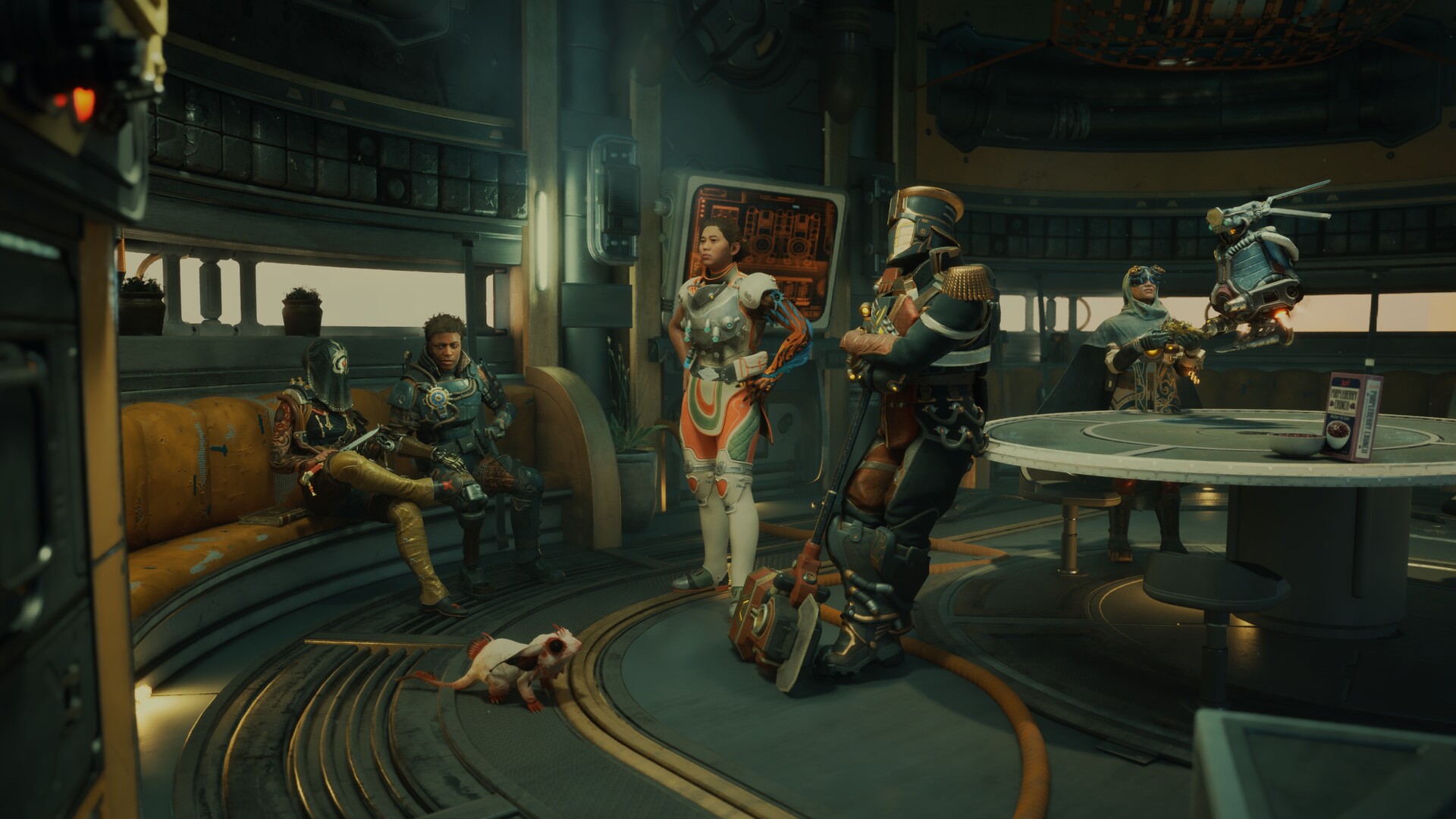
The game offers recruitable companions, each possessing distinct traits, backgrounds, and personal goals that intertwine with the main storyline.
Guiding companions toward their ambitions or aligning them with your objectives influences their development and can affect story moments.
- Talk to companions early to learn their motivations.
- Consider how supporting a companion’s goal may open unique dialogue options.
04 / THE GUIDE
Graphics Options and Display Support
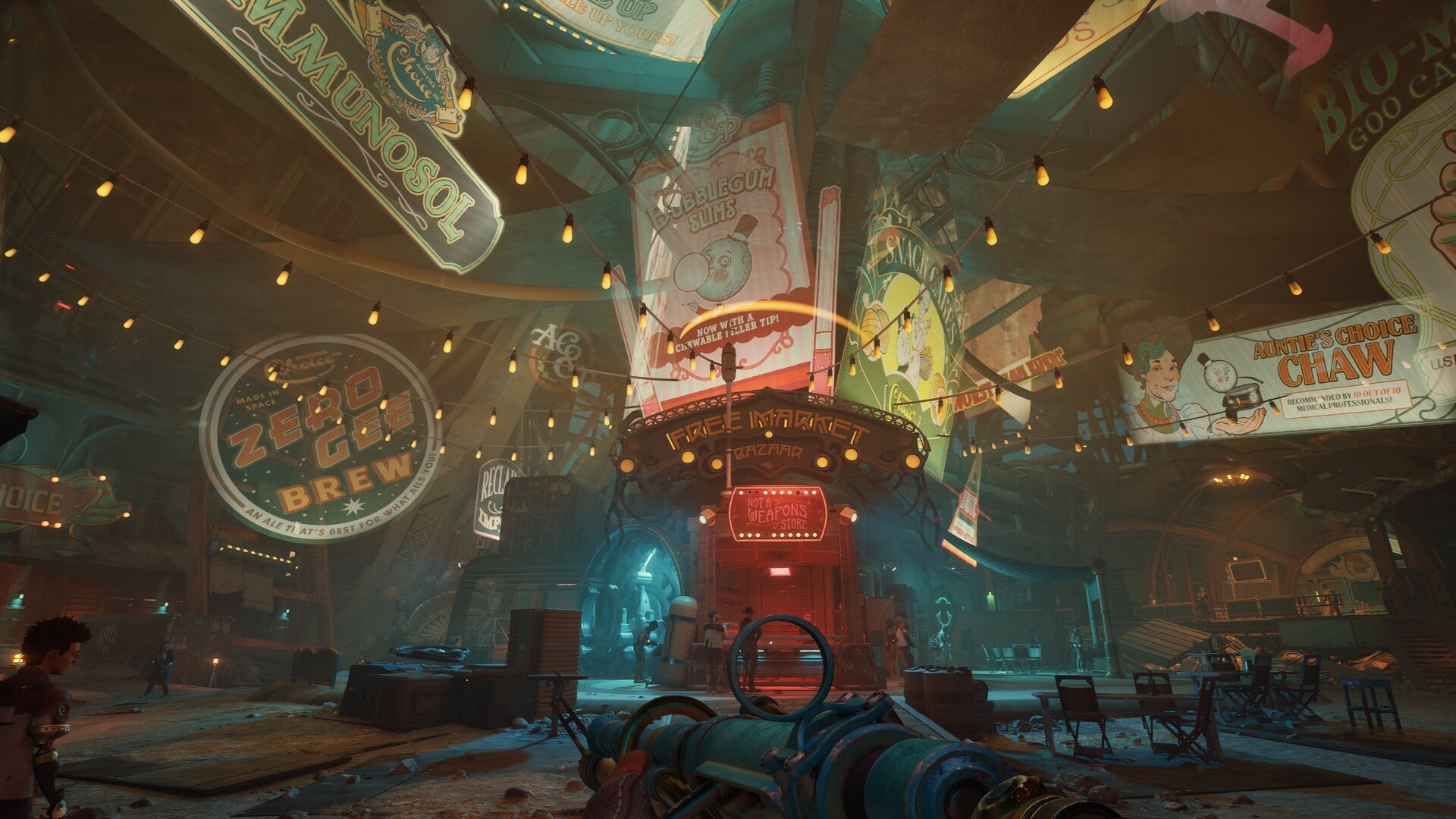
Arcadia’s environments are rendered with high‑fidelity graphics, supporting true 4K resolution, ray tracing, and unlocked framerates on PC for smooth exploration.
Use DLSS, FSR, or XeSS upscaling, and enable HDR with ultra‑wide mode for richer visuals.
- Enable DLSS or FSR if your GPU supports it for higher frame rates.
- Activate HDR and ultra‑wide mode to experience richer colors and a broader field of view.
05 / THE GUIDE
Core Gameplay Features
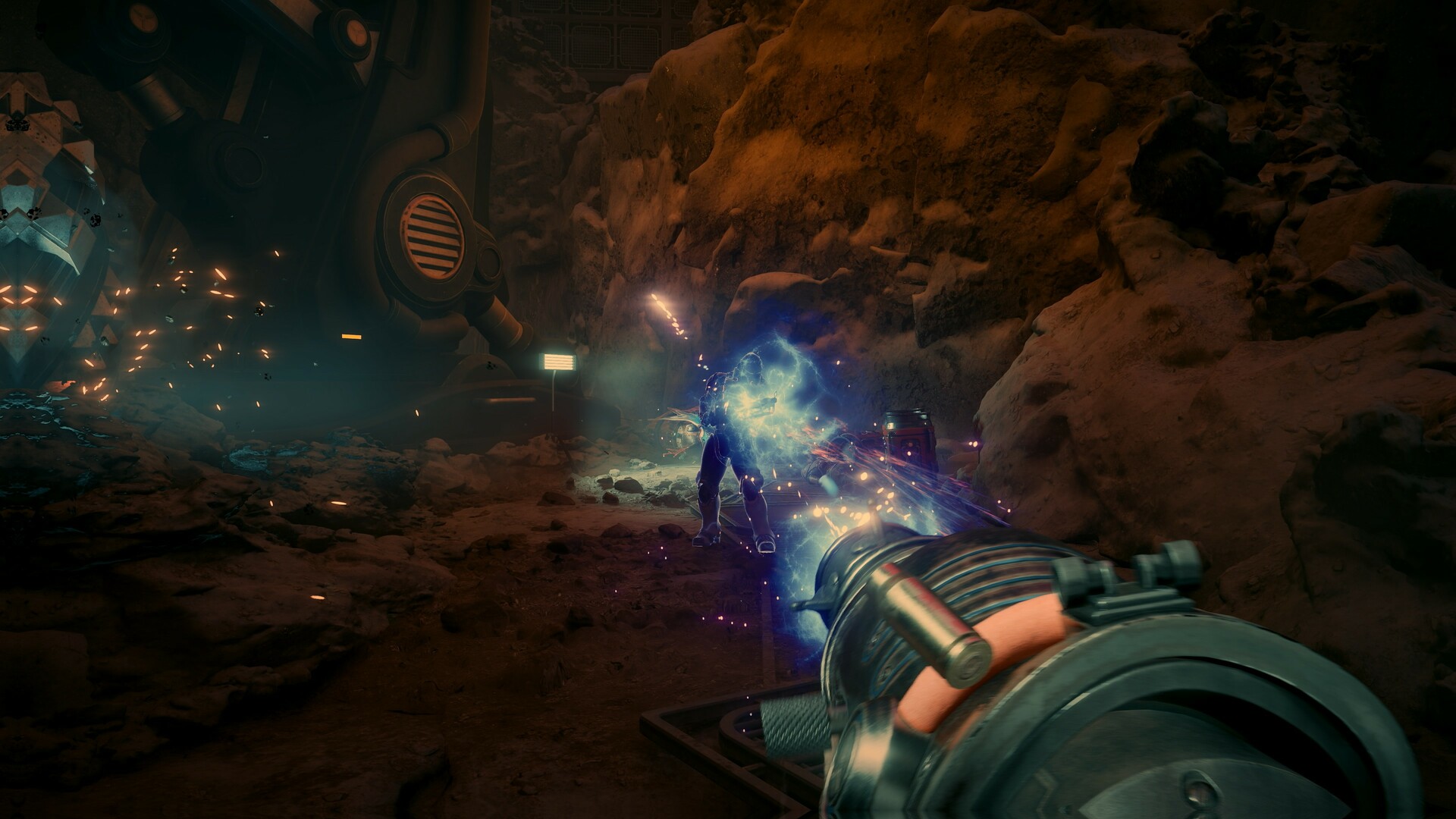
The title is a single‑player experience that includes Adjustable Difficulty, Save Anytime, and Full controller support, allowing flexible play sessions.
Additional Steam integrations provide Achievements, Trading Cards, Cloud saves, and Family Sharing, enhancing the overall ecosystem without affecting core gameplay.
- Adjust difficulty early to match your comfort level.
- Use the Save Anytime feature before major decisions to revisit outcomes.

COMMUNITY
Player discussion