 GameWiki
GET YOUR BEARINGS
About The Orville - Interactive Fan Experience
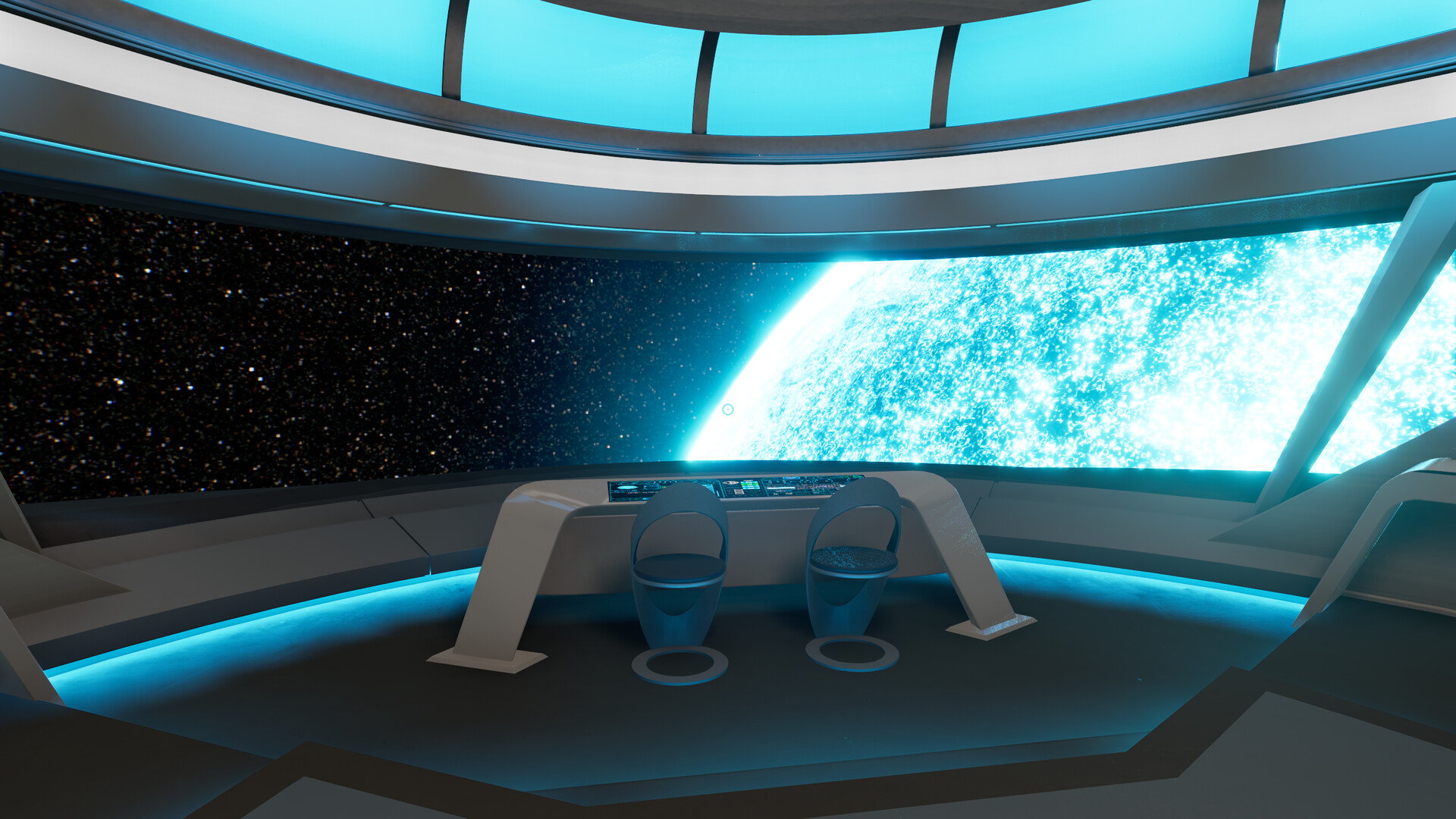
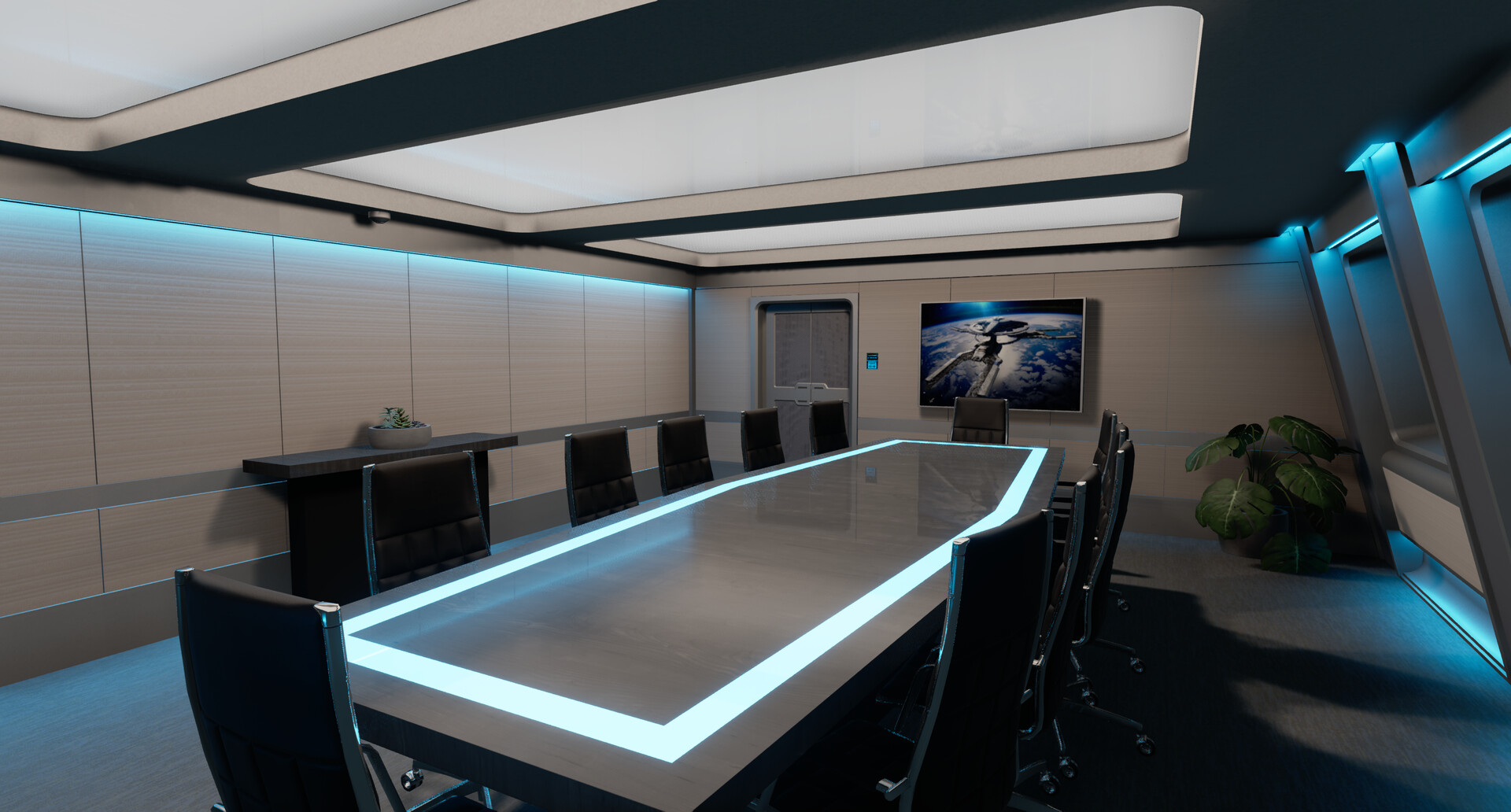
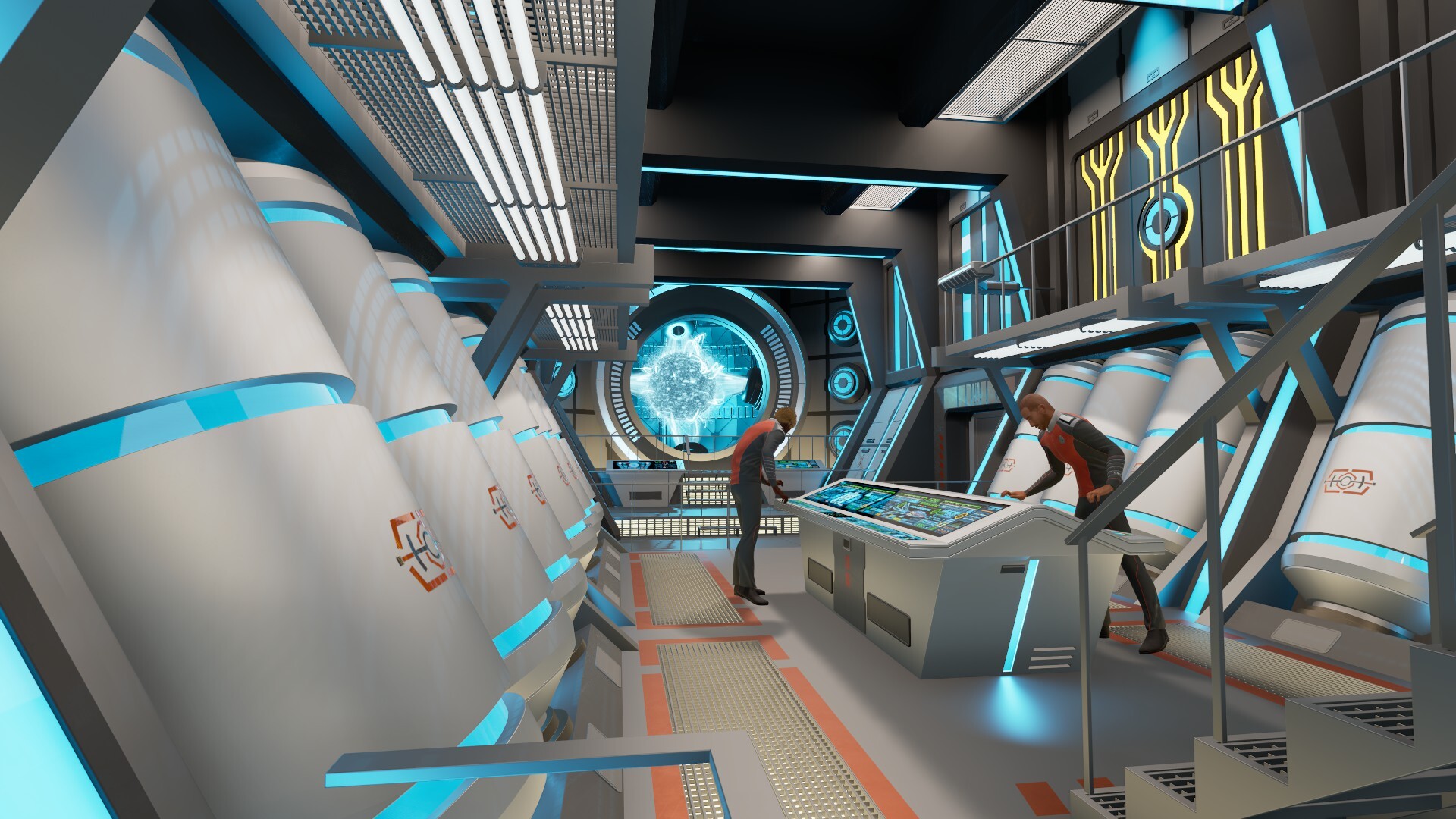
Step aboard the USS Orville, a meticulously recreated mid‑level exploratory cruiser, and wander its decks at your own pace. The experience offers both first‑person and third‑person views, letting you soak in the ship’s details alone or with friends.
Beyond roaming, you can pilot the vessel, test weapons, customize quarters, and trigger a range of alert atmospheres. A community‑driven Steam Workshop lets you share designs, while in‑game chat supports text and voice for a lively multiplayer atmosphere.
01 / THE GUIDE
Free Exploration
Every room on every deck is accessible, allowing you to move through the ship without restrictions. Both first‑person and third‑person perspectives are provided, giving you flexibility in how you view the environment.
Exploration can be undertaken solo or with friends in multiplayer, letting groups discover corners together while experiencing the ship’s quirky details.
- Switch between first‑ and third‑person to notice details that may be hidden in one view.
- Explore with a friend to compare perspectives and spot areas you might miss alone.
02 / THE GUIDE
Multiplayer Interaction
Multiplayer lets several players explore the ship together, using in‑game text and voice chat to coordinate their movements and conversations.
The mode supports cross‑platform play, so participants on Windows, macOS, or other supported systems can join the same session.
- Use voice chat for quick coordination when navigating large areas together.
- Invite players on different platforms to verify cross‑platform compatibility.

03 / THE GUIDE
Helm and Combat
At the helm you can take the Orville for a spin, testing navigation and ship handling in a sandbox setting.
You can also pick up a Longbow to practice marksmanship and engage Kaylon ships in the Unknown Sector for combat encounters.
- Try piloting before switching to the Longbow to compare vehicle handling with personal weapon use.
- Visit the Unknown Sector after familiarising yourself with basic controls for smoother combat practice.
04 / THE GUIDE
Customization & Workshop
Character customisation lets you define your avatar’s appearance, while matter synthesizers let you create and place objects throughout the ship.
Quarter layouts you design can be uploaded to the Steam Workshop, where the community can view your creations.
- Create a unique quarter layout and share it on the Workshop for community feedback.
- Experiment with object placement using matter synthesizers before finalising a design.
05 / THE GUIDE
Alert Modes & Ambiance
A variety of alert modes can be activated, each changing the ambiance throughout the ship.
These modes let you select an atmosphere that matches your mood, from calm settings to a party‑like Moclan vibe.
- Cycle through alert modes to find the one that best fits your current activity.
- Pair a preferred alert mode with your customized quarters for a cohesive feel.

COMMUNITY
Player discussion