 GameWiki
GET YOUR BEARINGS
About The Operator
The Operator puts you in the role of a fresh FDI analyst, tasked with solving crimes ranging from murders to cyber attacks. Each case begins with a brief that outlines the incident and the evidence you must examine.
Gameplay revolves around point‑and‑click interaction with a computer console, using tools such as a video analyzer, databases, and a terminal. Accessibility options like captions, adjustable text size, and controller support let you tailor the experience.
01 / THE GUIDE
Case Investigation
Every mission presents a distinct crime scenario described as “mind‑bending.” You start by reviewing the case brief, then explore documents, photos, and videos to identify suspects, motives, and connections.
The design encourages you to revisit earlier clues as new information appears, ensuring that the investigative path can twist and turn based on the evidence you uncover.
- Re‑examine earlier evidence after unlocking new clues; patterns often become clearer.
- Keep a brief note in the Notepad tool to track hypotheses and avoid missing details.
02 / THE GUIDE
FDI Software Tools
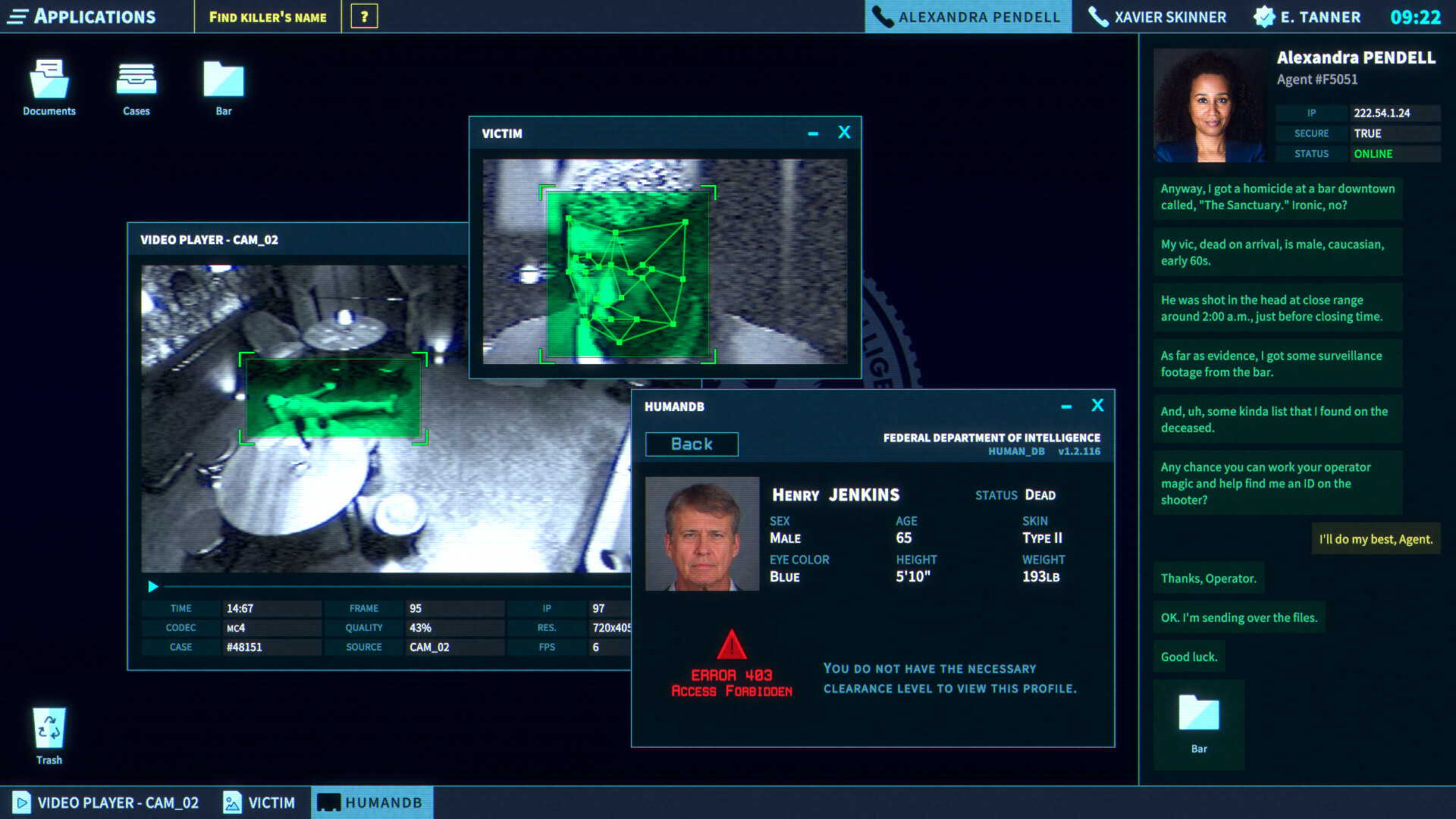
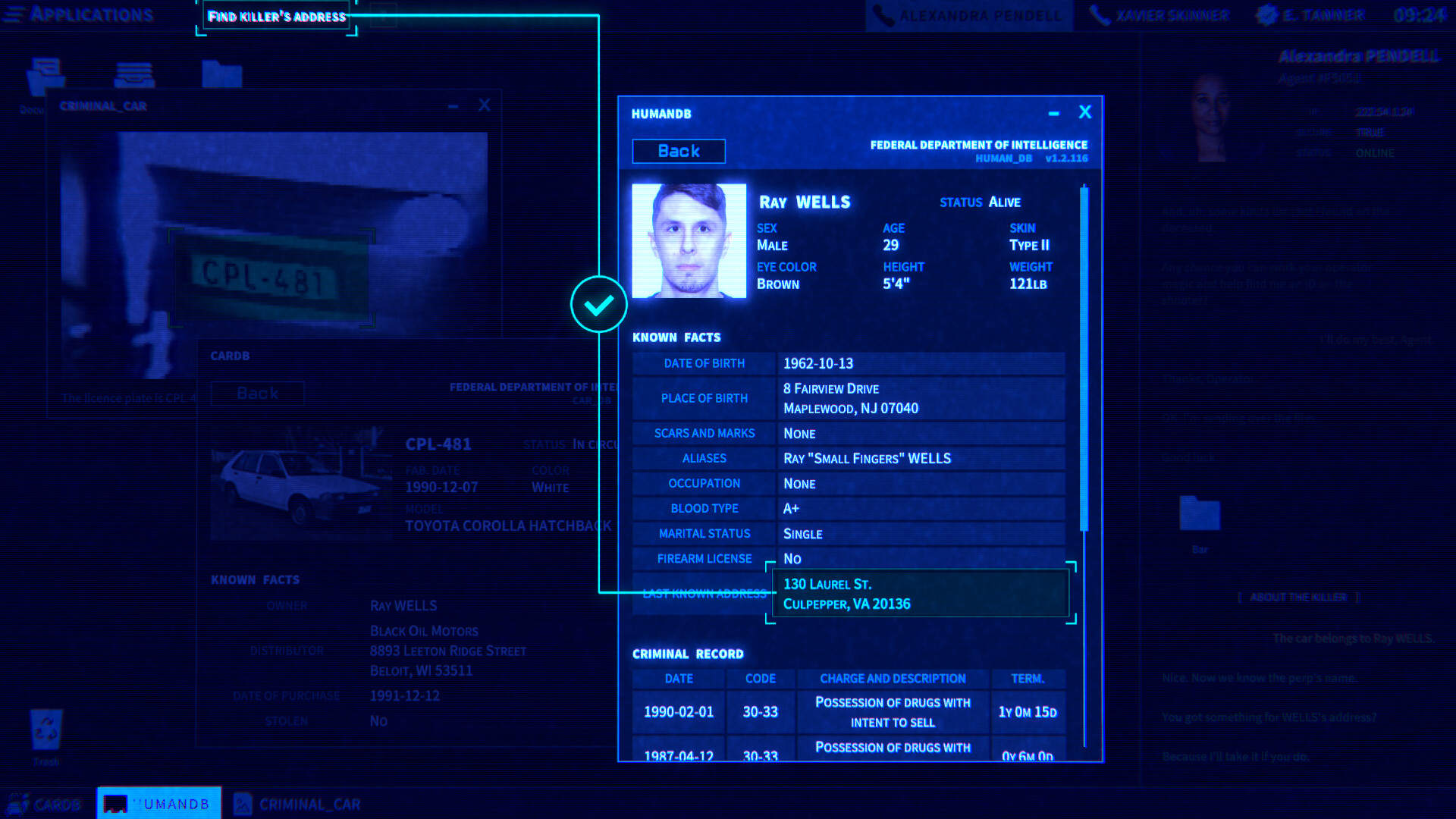
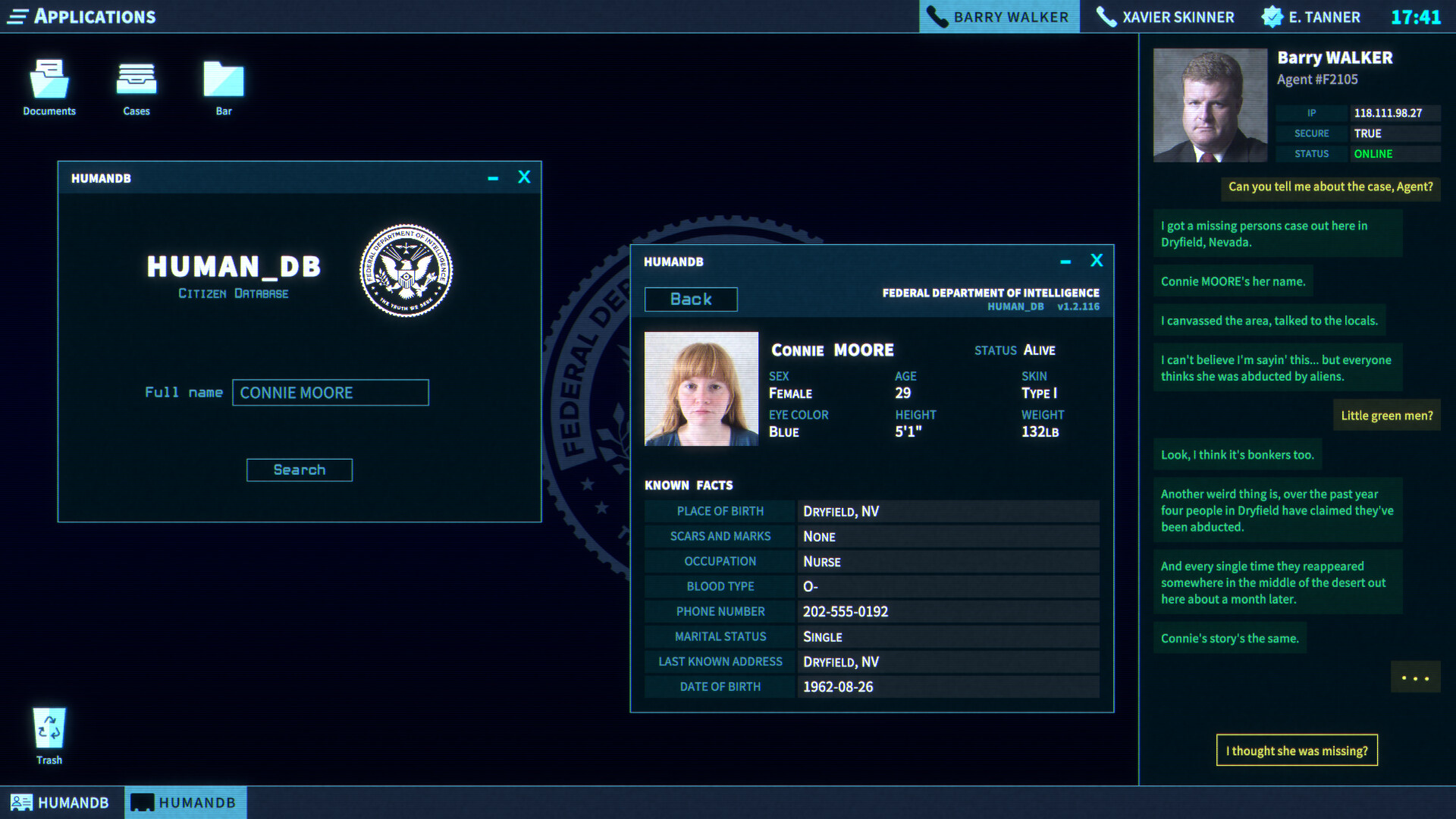
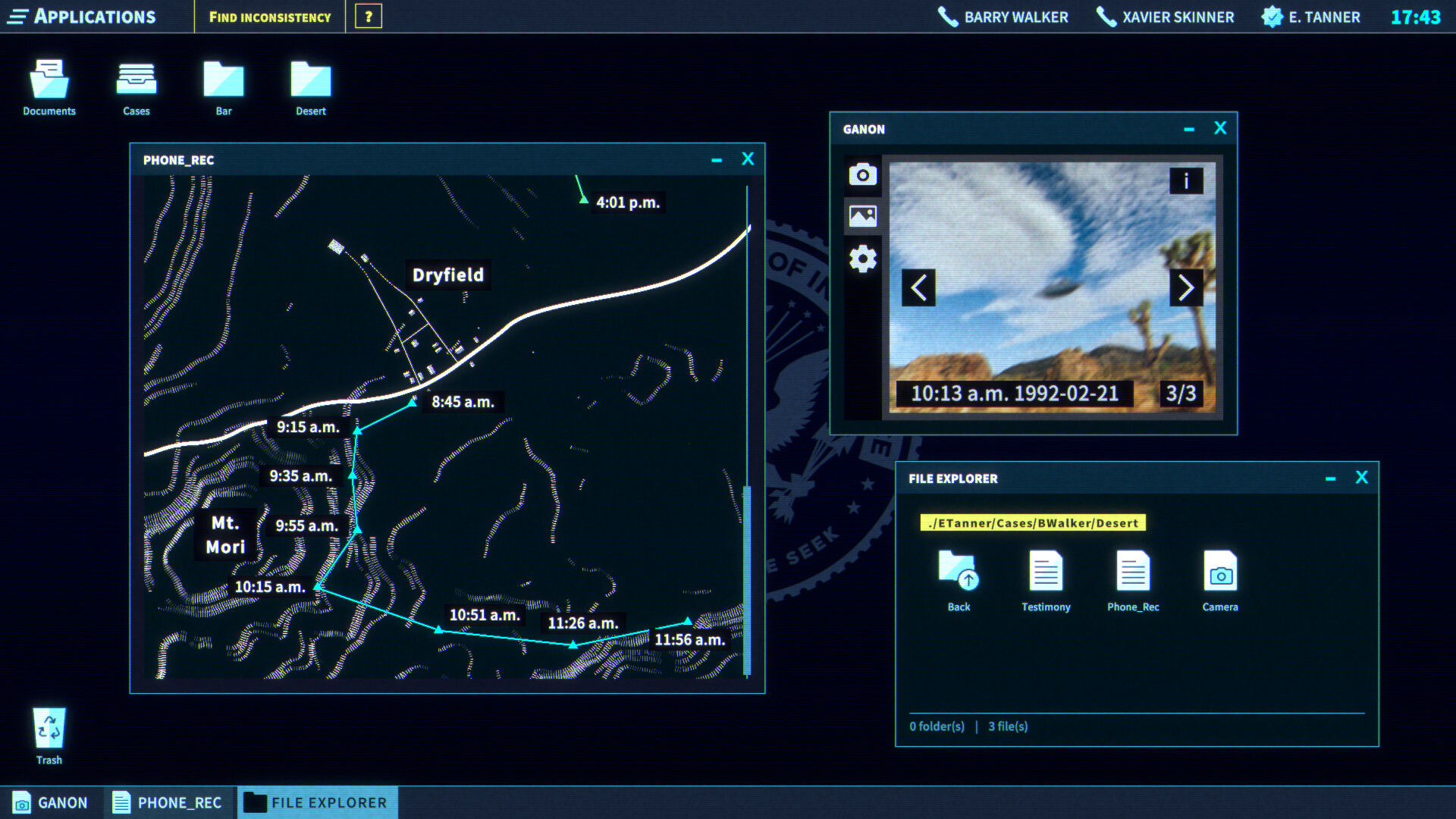
The console offers a suite of applications—including a Video and Photo Analyzer, Citizen and Vehicle Database, ChemScan, Notepad, and a functional Terminal—described as “cutting‑edge” and accessible at any point.
You point and click through each program to extract data, cross‑reference records, and run chemical analyses, all without leaving the main interface.
- Use the Terminal for text searches in case files to track down what you need.
- Leverage ChemScan when dealing with substances as part of your analysis.
03 / THE GUIDE
Field Agent Interaction
Field agents will call you when they need support, requesting fact‑checks, database look‑ups, or suspect identification. Their dialogue is scripted as “when our field agents need support, they’ll call you.”
Your role is to provide timely information, helping agents on the ground make informed decisions while you remain at the console.
- Prioritize requests that involve time‑sensitive evidence to keep agents moving forward.
- Confirm details with agents before finalizing a suspect identification to avoid missteps.
04 / THE GUIDE
Evidence Management
Each case contains multiple pieces of evidence that must be evaluated and linked. The description stresses “follow the evidence as it twists and turns, no matter where it leads.”
You are expected to document findings, connect clues, and report any new information—especially regarding the cyber criminal HAL—to your supervisor.
- Create a visual map of connections between evidence items to spot hidden relationships.
- Report any HAL‑related findings immediately, as the game instructs.
05 / THE GUIDE
Accessibility Features
The game lists captions, adjustable text size, color alternatives, custom volume controls, and full controller support. These options can be toggled to suit personal preferences.
Such settings ensure the investigative experience remains comfortable for a wide audience, allowing you to focus on the case rather than UI constraints.
- Enable captions and larger text if on‑screen dialogue feels dense.
- Try a controller if you prefer that input style.

COMMUNITY
Player discussion