 GameWiki
GET YOUR BEARINGS
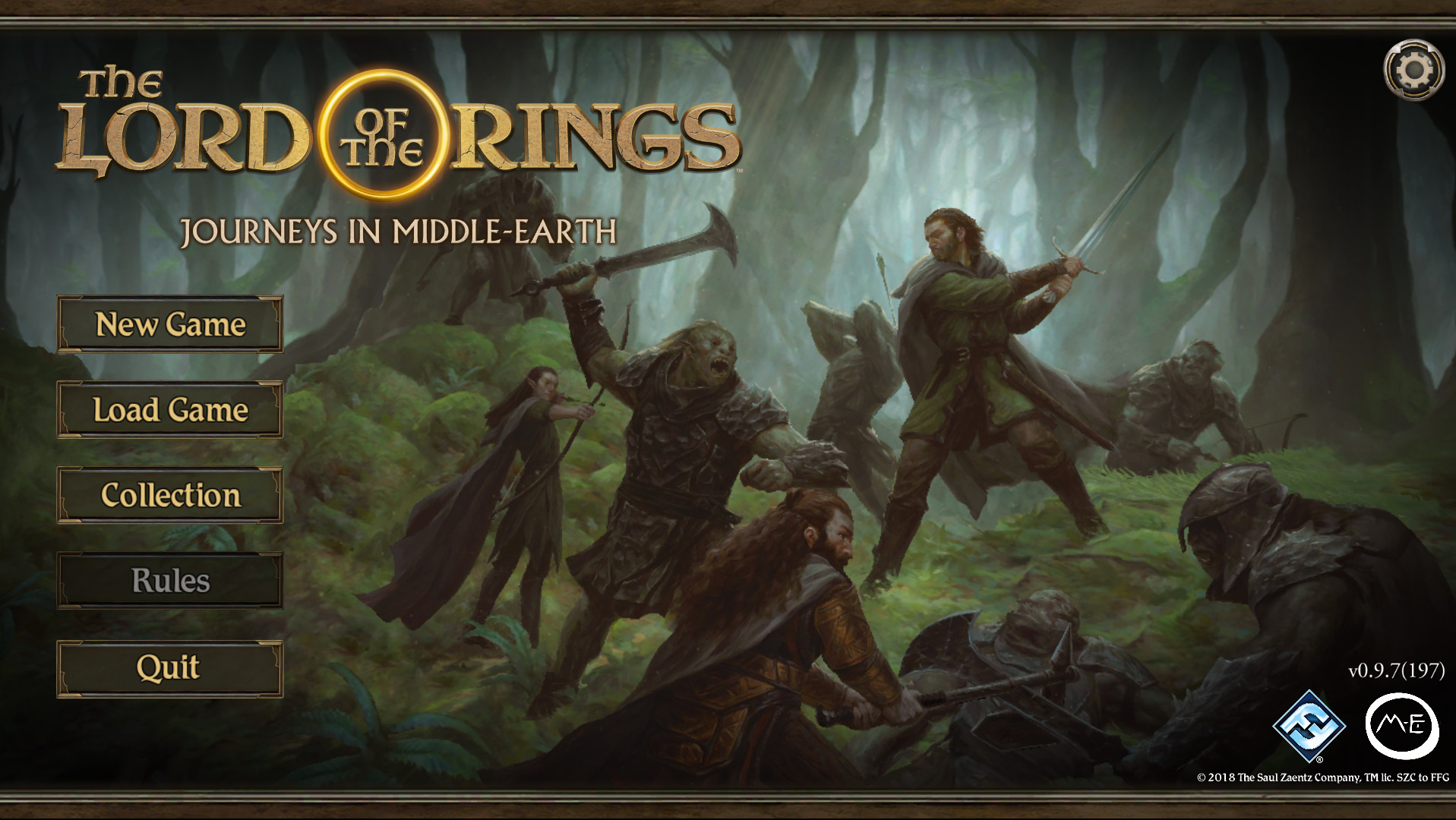
About The Lord of the Rings: Journeys in Middle-earth
The Lord of the Rings: Journeys in Middle‑earth™ is a cooperative adventure for one to five players that lets a fellowship of heroes explore Tolkien’s world. Players work together to battle foes, uncover lore, and collect treasures while customizing each hero’s skills for their role.
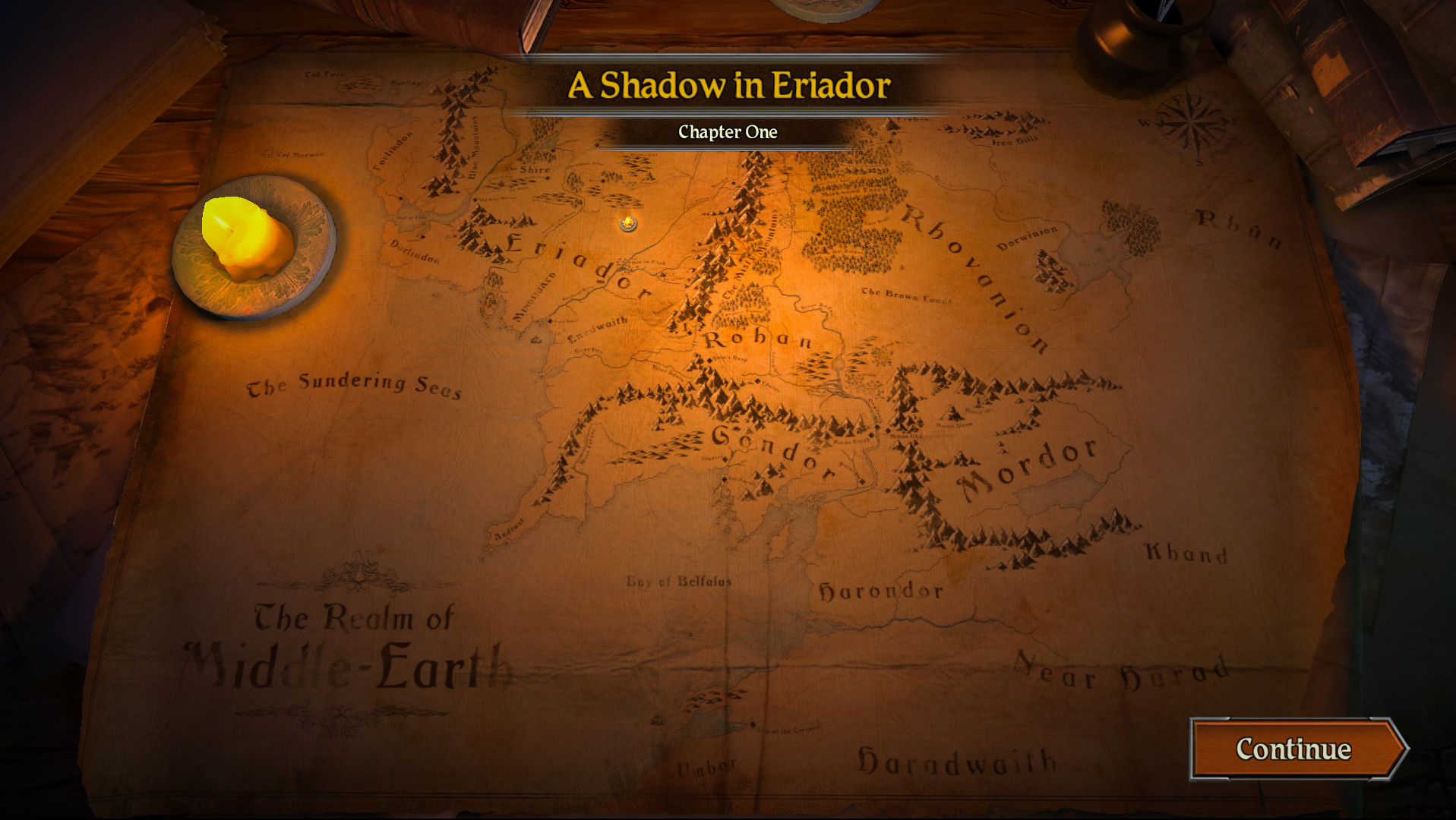
The free Journeys in Middle‑earth app runs on Windows and macOS, generating tile placement, enemy behavior, and other challenges. It also records campaign progress, so a game can span multiple sessions and be resumed later.
01 / THE GUIDE
Co‑op Gameplay
The game supports cooperative play for up to five participants, encouraging teamwork as heroes explore and survive together. Cooperation is central, with each player contributing to battles, discoveries, and skill choices. Co‑op can be shared on a single screen or split across multiple displays, matching the listed Shared/Split Screen Co‑op feature.
- Coordinate hero roles early to cover a range of abilities.
- Discuss enemy tactics before each encounter to streamline decisions.
02 / THE GUIDE
App‑Driven Challenges
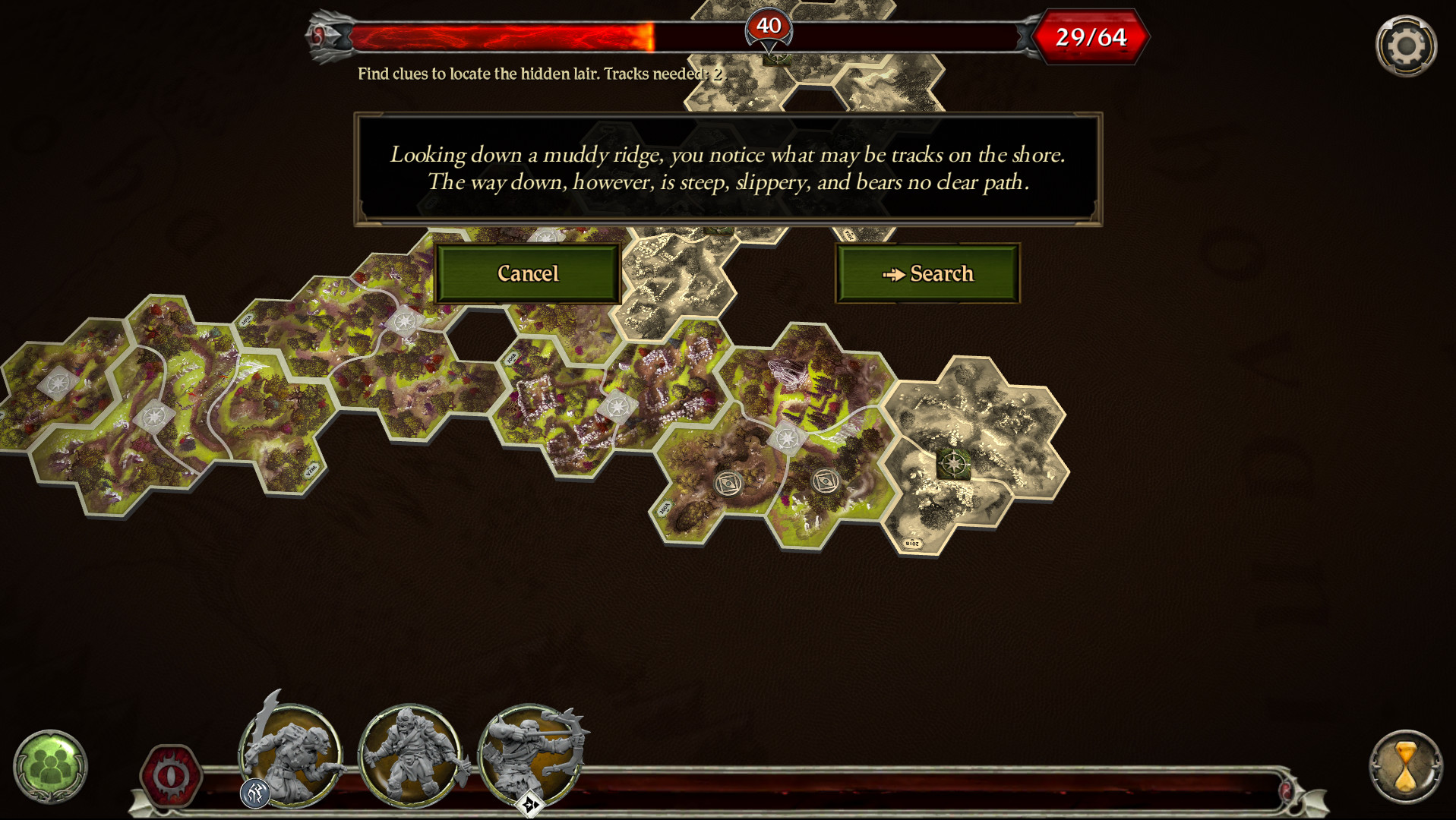
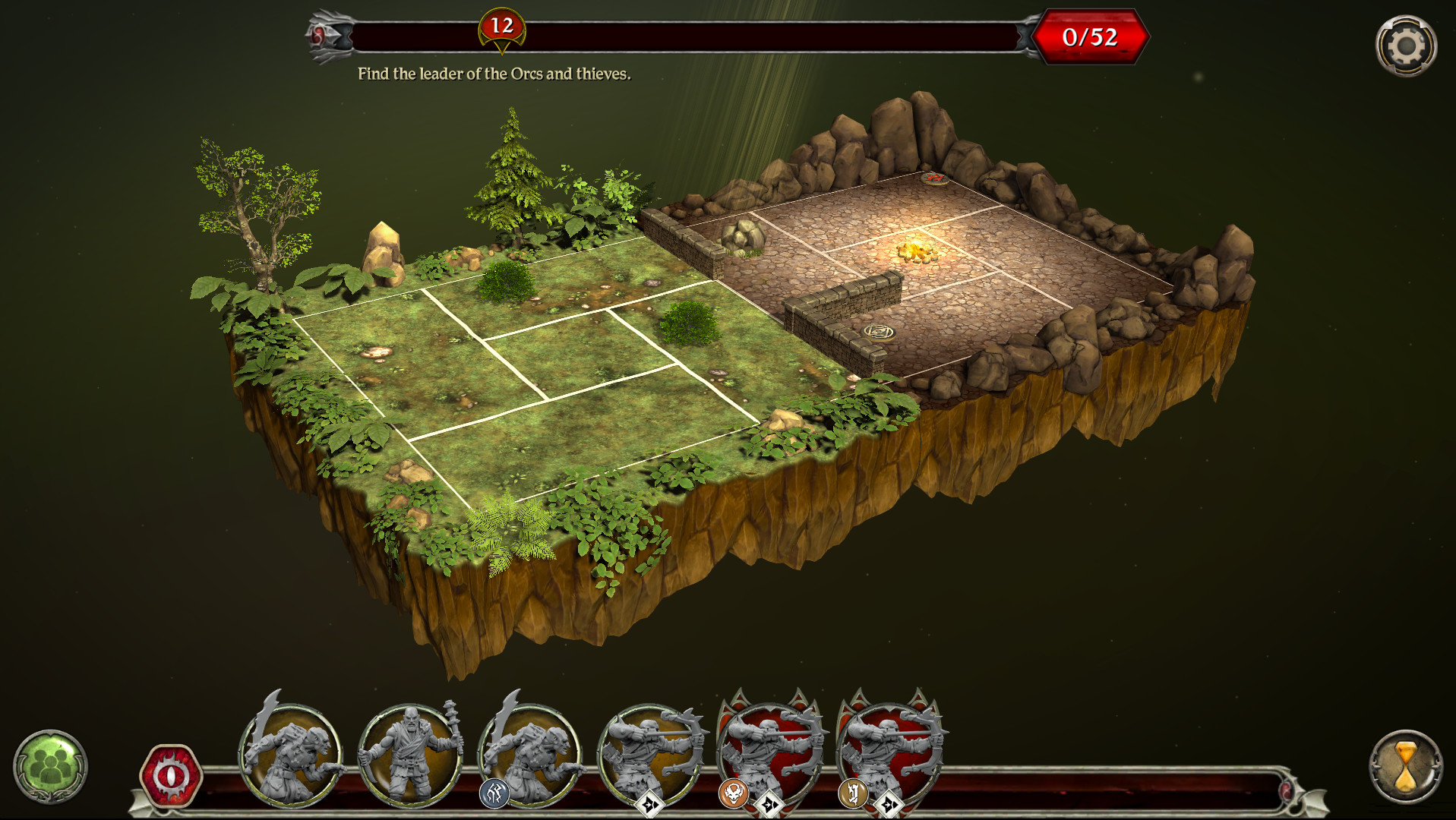
A free app on compatible devices determines the challenges and content the heroes face, including tile and token placement and enemy behavior. This digital component shapes each session’s layout and encounters. Because the app controls these elements, the physical board remains flexible while the app determines the challenges and content the heroes encounter.
- Keep the device charged to avoid interruptions during a session.
- Review the app’s prompts before placing tiles to maintain pacing.
03 / THE GUIDE
Skill Customization
Heroes can customize their skills according to their role within the fellowship, allowing each player to tailor abilities to preferred play styles. Customization occurs during the campaign and reflects each hero’s development. Skill choices influence how players contribute to combat, exploration, and lore discovery, reinforcing the cooperative nature of the game.
- Align skill upgrades with the hero’s narrative role for thematic consistency.
- Balance offensive and defensive abilities across the group.
04 / THE GUIDE
Campaign Saving
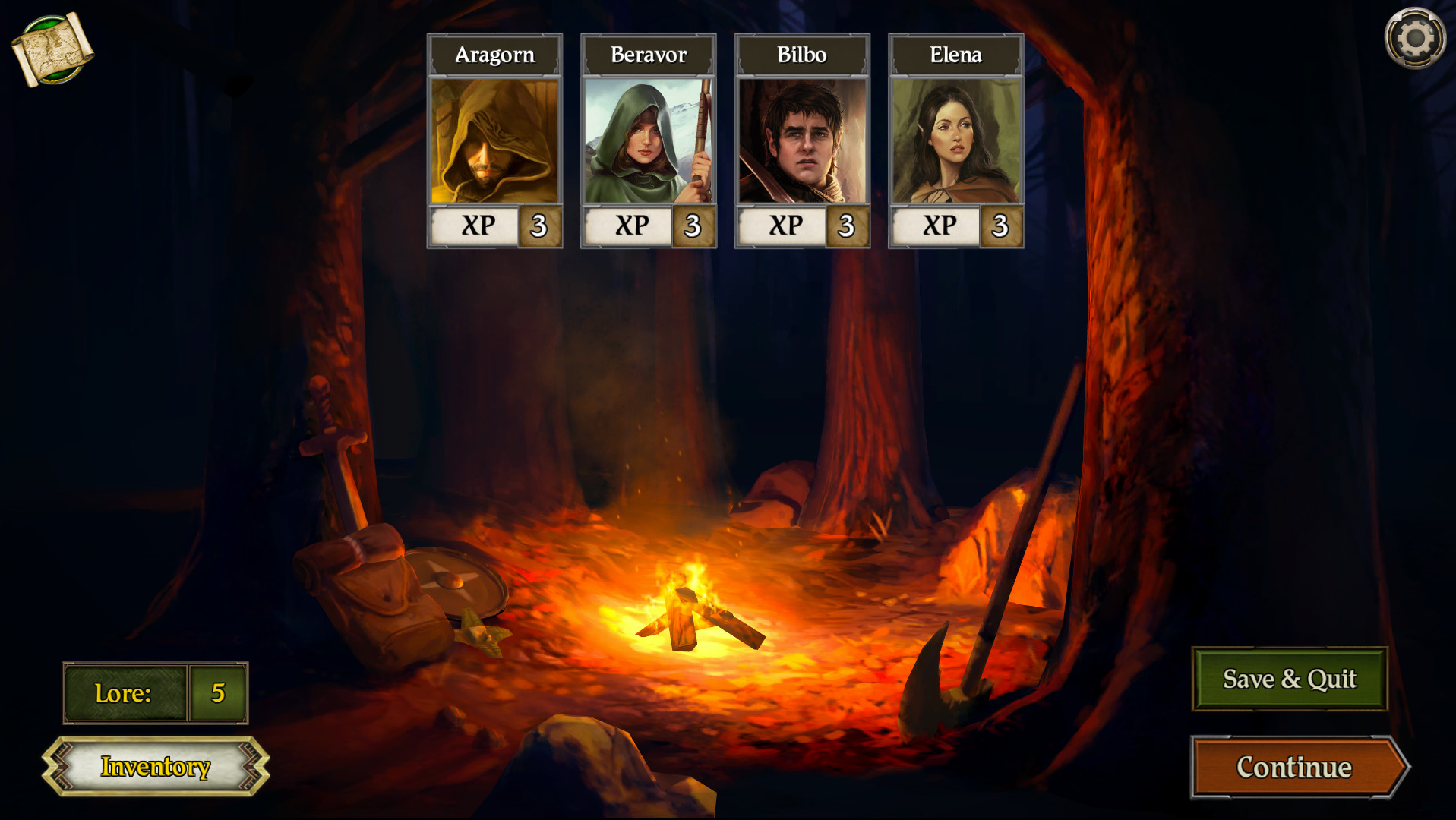
The app lets players save their campaign, enabling a storyline to continue over several gaming sessions. The app lets heroes save their campaign so it can continue over several gaming sessions. This feature supports longer narratives and allows groups to pause and resume without losing achievements or story context.
- Save regularly so the campaign can be resumed in later sessions.
- Rely on the app’s campaign saving to continue the story across sessions.
05 / THE GUIDE
Platform Support
Journeys in Middle‑earth runs on Windows and macOS computers, providing access for players on those operating systems. Linux is not listed as a supported platform. The game’s features, such as Remote Play Together and Family Sharing, work within the supported platforms, expanding how groups can connect.
- Verify your OS version meets the minimum requirements before installing.
- Use Remote Play Together to involve friends who lack the app locally.
COMMUNITY
Player discussion