 GameWiki
GET YOUR BEARINGS
About The Little UNI
The Little UNI is a free‑to‑play indie adventure that follows Uni, a little girl who leaves her home planet after a conflict with the entity called “Rose.” She journeys across a series of worlds, each with its own personality, listening to the stories of their inhabitants.
The narrative is delivered through hand‑drawn illustrations and spoken dialogue, culminating in Uni’s final decision to either return to Rose’s planet or settle on a new one. The game emphasizes listening and reflection rather than traditional gameplay challenges.
01 / THE GUIDE
Story premise
Uni departs the planet she has known after a fight with “Rose,” seeking a place where she can live peacefully. The premise highlights the emotional weight of leaving a familiar world behind.
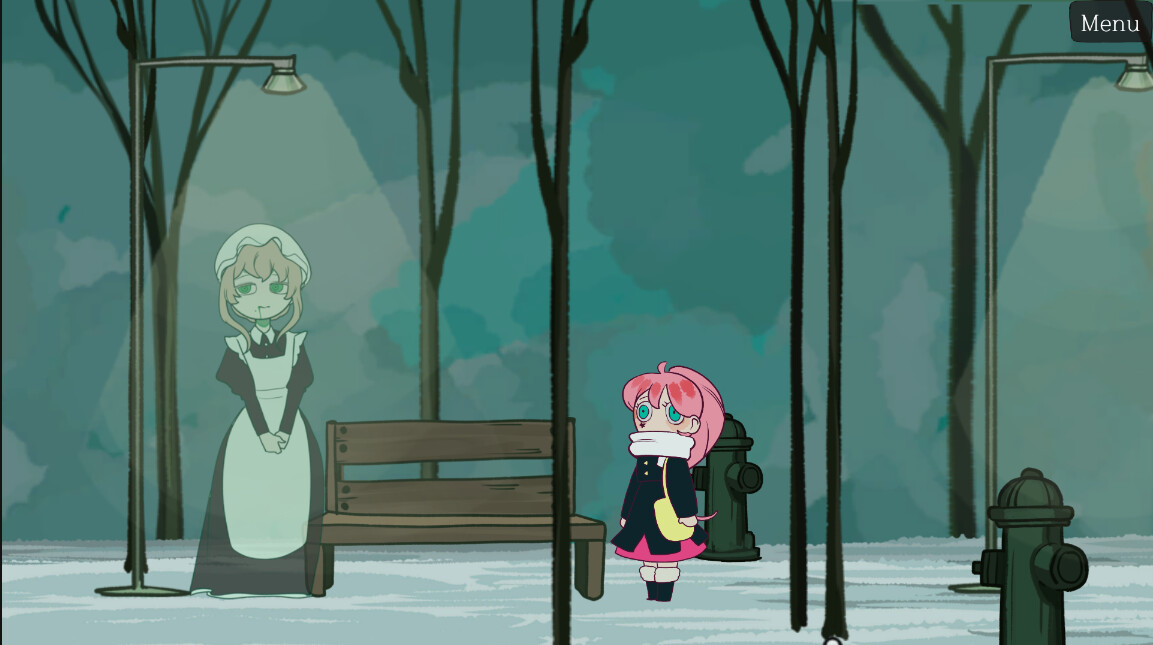
During her travels she meets characters who share the histories and moods of their own planets. These encounters are presented as stories that the player can listen to, providing insight into each world’s unique personality.
- Take time to absorb each character’s story; details often hint at Uni’s possible choices later.
- Notice how the tone of each planet’s narrative may shape your perception of the ending.
02 / THE GUIDE
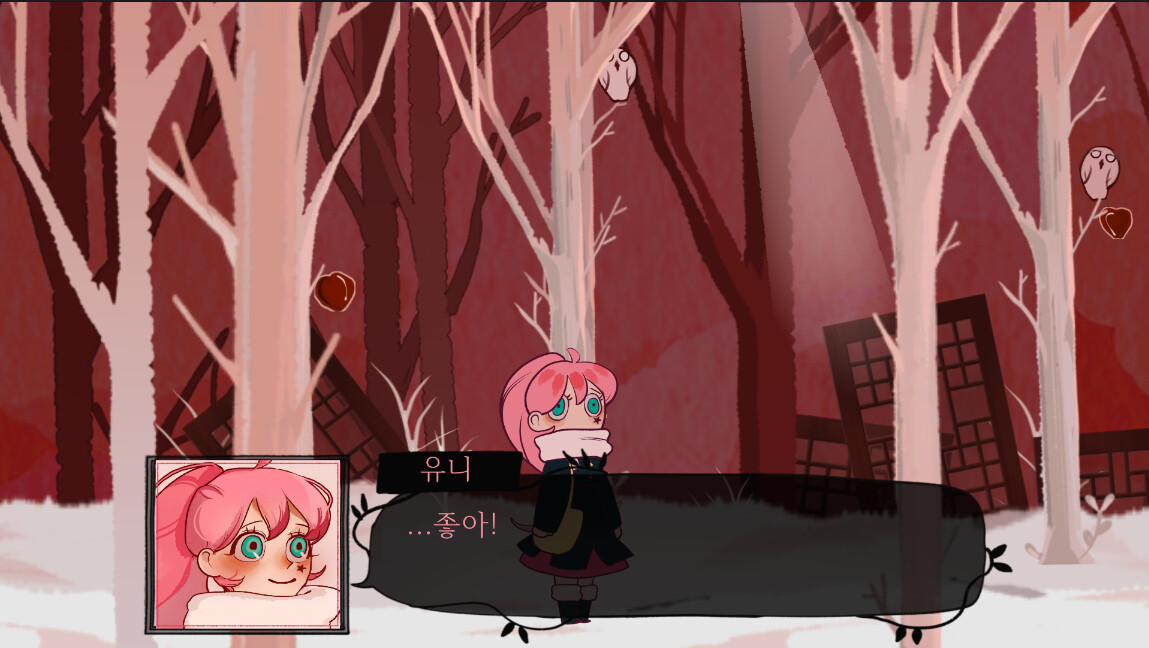
Hand‑drawn illustrations
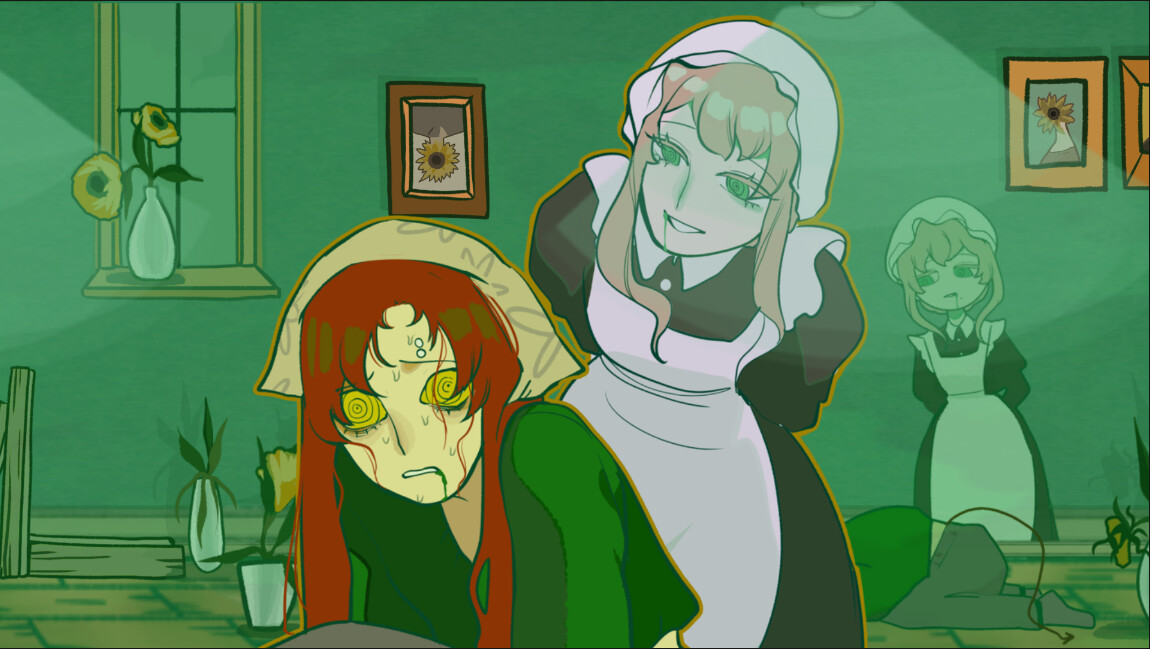
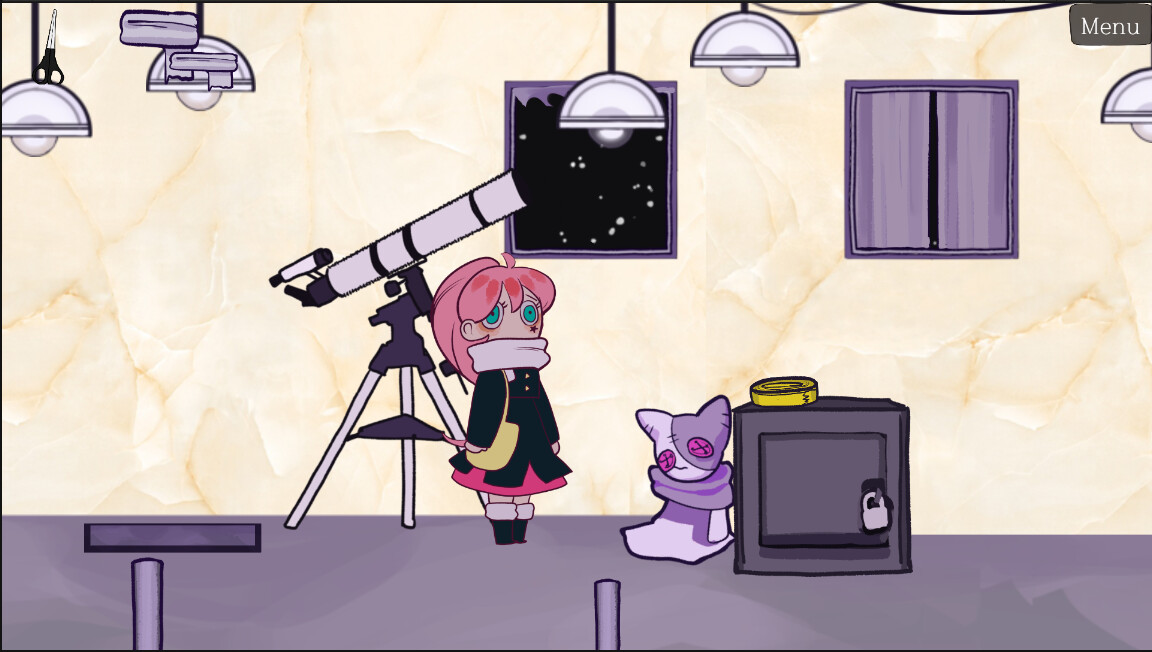
The visual presentation relies on hand‑drawn illustrations that accompany each character’s story. These drawings convey the personality of each planet without requiring complex graphics.
Illustrations appear between narrative segments, offering visual breaks that reinforce the mood of the spoken stories while keeping the focus on listening.
- Observe the colour palette of each illustration; it often reflects the planet’s emotional tone.
- Look for recurring visual motifs that may link different characters or worlds together.
03 / THE GUIDE
Uni’s final decision
At the conclusion of the game, players witness Uni’s ultimate choice: to return to the planet where Rose resides or to settle on a newly discovered world. The decision is presented as a narrative outcome rather than a gameplay mechanic.
The game encourages players to contemplate the stories they have heard as Uni’s final decision is revealed.
- Reflect on the themes presented in earlier stories to inform your interpretation of Uni’s choice.
- Discuss the ending with others to explore different perspectives on the narrative.
04 / THE GUIDE
Supported platforms
The Little UNI is available on Windows and macOS through Steam; Linux is not listed as a supported operating system, so the game cannot be installed on that platform via official channels.
As a Steam title, the game benefits from the platform’s standard delivery and update mechanisms for the supported operating systems.
- Verify that your computer meets Steam’s listed system requirements for Windows or macOS before installing.
- If you run multiple operating systems, install the game on the one you intend to play on to avoid unnecessary duplication.
05 / THE GUIDE
Steam Achievements
The game includes Steam Achievements, allowing players to earn recognitions for completing certain milestones. These achievements are tracked through the Steam client and appear on a player’s profile.
They serve as optional markers of progress for players who enjoy collecting them.
- Review the achievement list on the Steam store page to set personal goals.
- Complete the story first, then revisit specific sections if you wish to chase particular achievements.

COMMUNITY
Player discussion