 GameWiki

GET YOUR BEARINGS
About The Legend of Heroes: Trails to Azure
The Legend of Heroes: Trails to Azure continues the Crossbell storyline a few months after Trails from Zero, following Lloyd Bannings and the Special Support Section as they confront new organizations and growing political pressure from the Erebonian Empire and the Republic of Calvard. Their temporary peace is tested, leading toward the finale of the Crossbell arc.
The Windows release adds combat options such as Burst and Back Attack, includes a customizable car feature, and supports full controller use. Players may import a Trails from Zero save for extra scenes, and their save can later provide bonuses in Trails into Reverie.
01 / THE GUIDE
Story Continuation
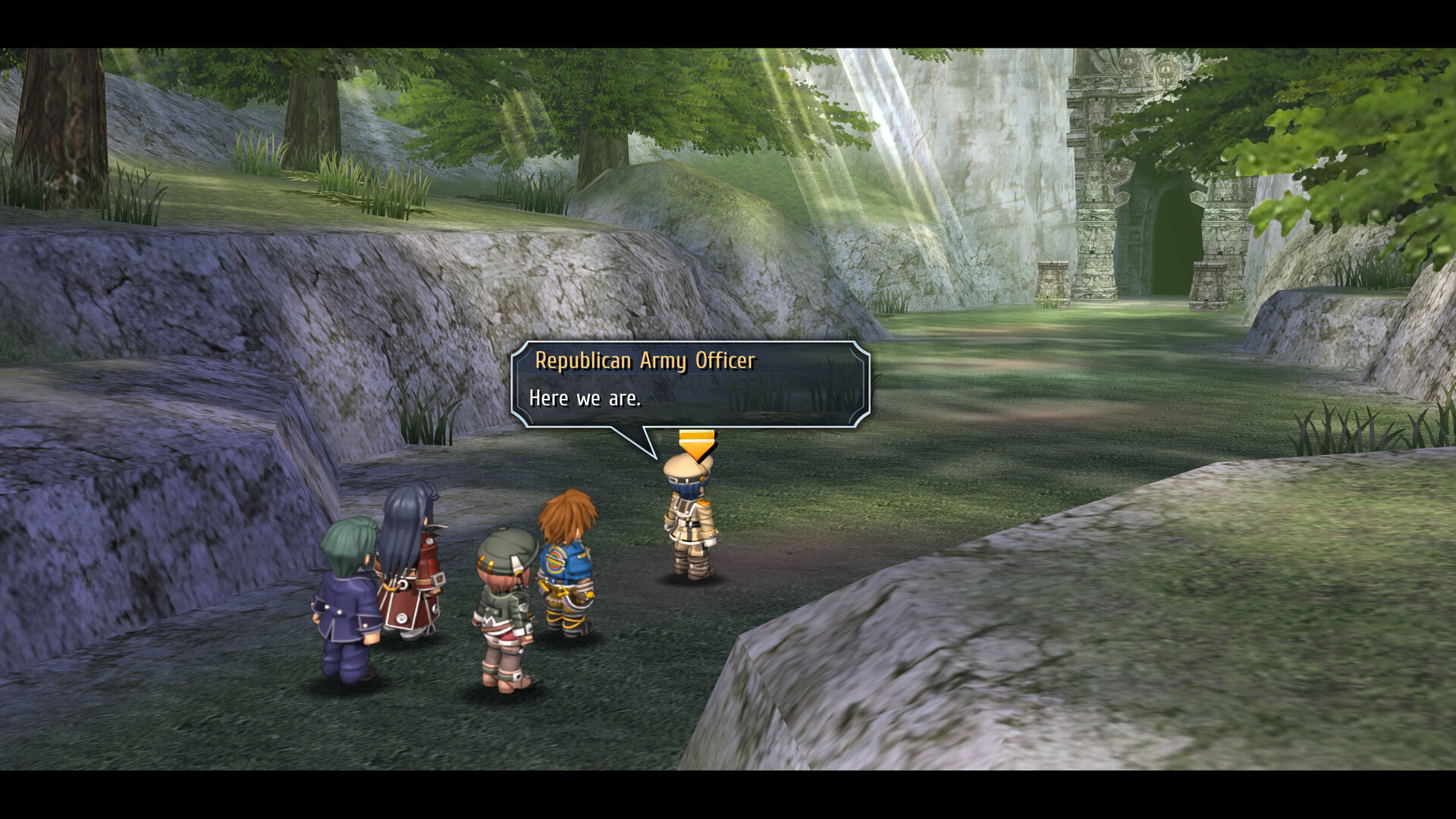
Set a few months after Trails from Zero, the narrative follows Lloyd Bannings and his team as they navigate a fragile peace in Crossbell. New groups with unclear motives appear, creating tension that drives the conclusion of the city‑state’s arc.
External pressure from the Erebonian Empire and the Republic of Calvard frames Crossbell as a contested zone. These forces influence the safety of the city and the unity of the Special Support Section throughout the story.
- Pay attention to dialogue that hints at each faction’s goals.
- Track how character relationships shift after key events.
02 / THE GUIDE
New Combat Mechanics
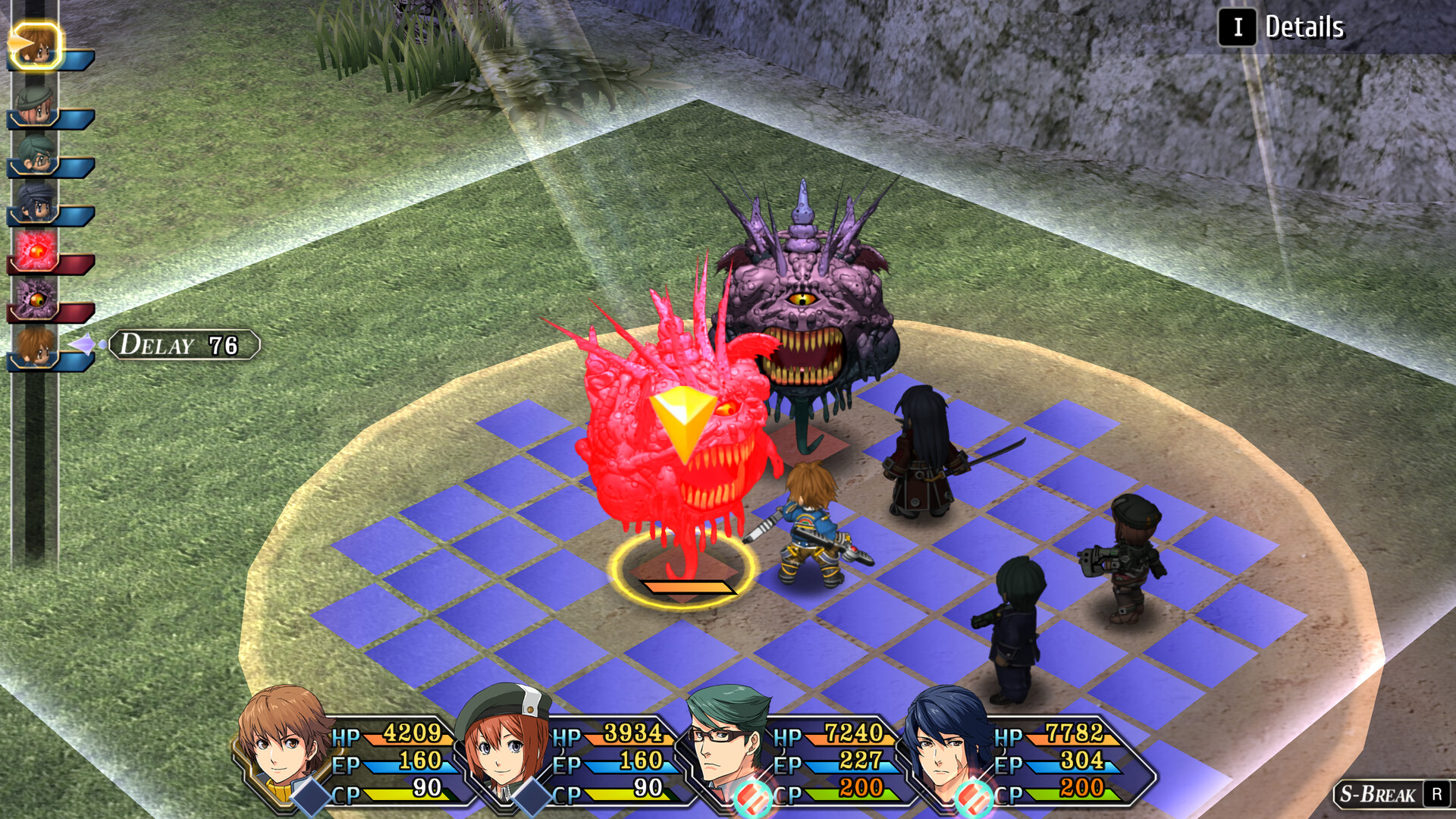
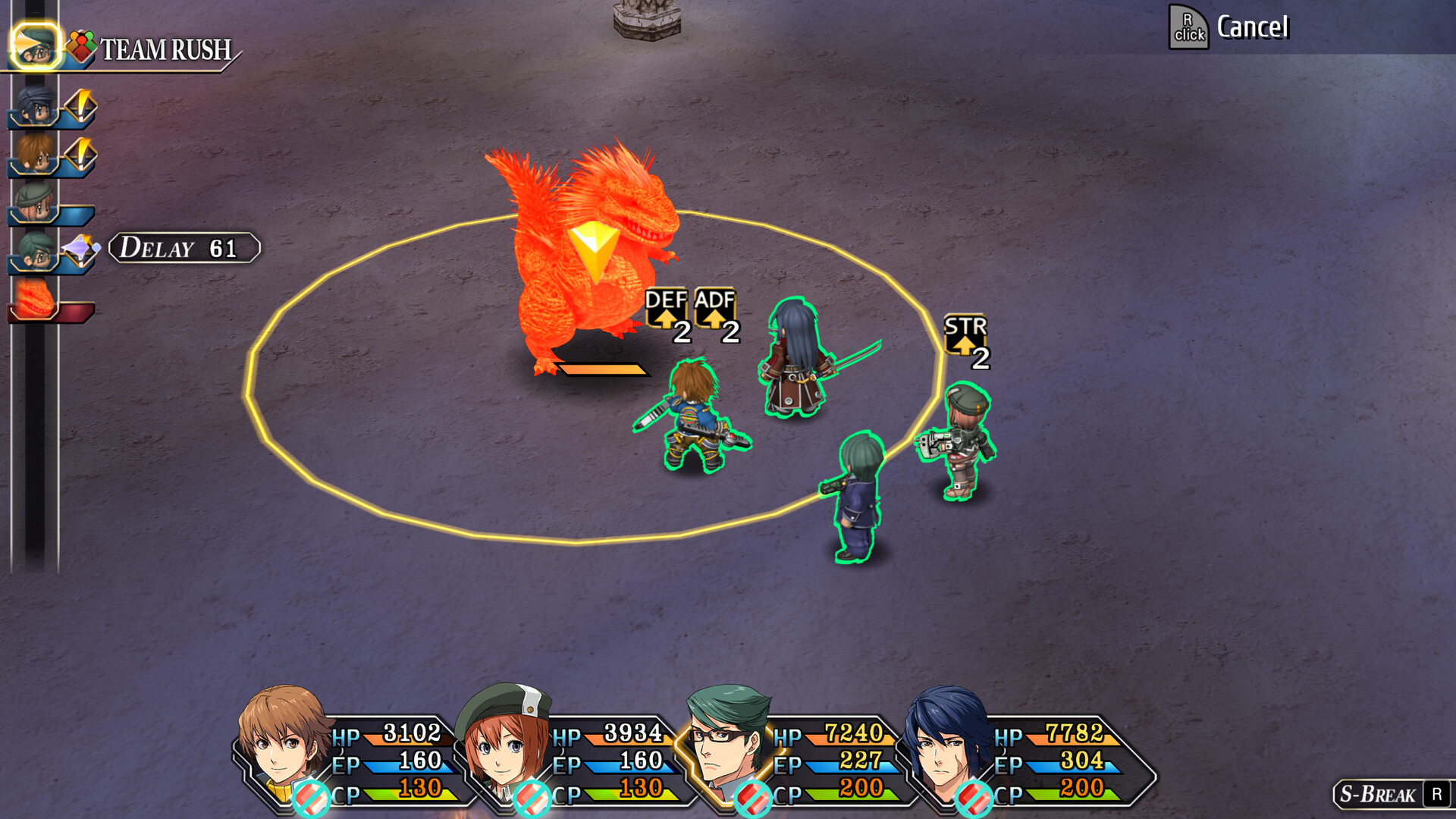
Trails to Azure introduces Burst attacks, allowing a character to act twice consecutively, and Back Attacks, which grant extra damage when striking an enemy from behind. These mechanics expand tactical options within the series’ turn‑based system.
The game also includes a customizable car that players can modify. While the store description does not detail battle deployment, the car is presented as a new element for players to personalize.
- Experiment with Burst on enemies with low defense to see its impact.
- Observe how positioning influences Back Attack opportunities.
03 / THE GUIDE
Save Data Import
Players can import a save file from Trails from Zero, which unlocks a different story experience that includes additional event scenes and entirely new moments. This option adds continuity for returning players while keeping the game playable on its own.
Using a Trails to Azure save may also grant bonuses in the upcoming release of Trails into Reverie, linking progress across titles as described in the store information.
- Back up your original save before importing.
- Verify that imported scenes appear during playthrough.
04 / THE GUIDE
Controller Compatibility
The title offers full controller support on PC, including compatibility with DualShock and DualSense gamepads. Players may choose a controller instead of keyboard and mouse without loss of functionality.
Controller support works alongside other input options, allowing players to switch devices during a session if desired.
- Test both DualShock and DualSense to see which feels more comfortable.
- Switch to keyboard if a particular action feels easier that way.
05 / THE GUIDE
PC Platform Features
Available on Windows, Trails to Azure includes Steam Achievements, Trading Cards, Cloud saves, and Family Sharing. Audio options feature custom volume controls and stereo sound, while visual accessibility includes adjustable text size.
The game also provides a save‑anytime function, letting players pause the story at any point without losing progress, and it supports both DualShock and DualSense controllers.
- Enable Steam Cloud to keep saves synced across devices.
- Adjust text size in settings for clearer reading.
COMMUNITY
Player discussion