 GameWiki
GET YOUR BEARINGS
About The Legend of Heroes: Kuro no Kiseki
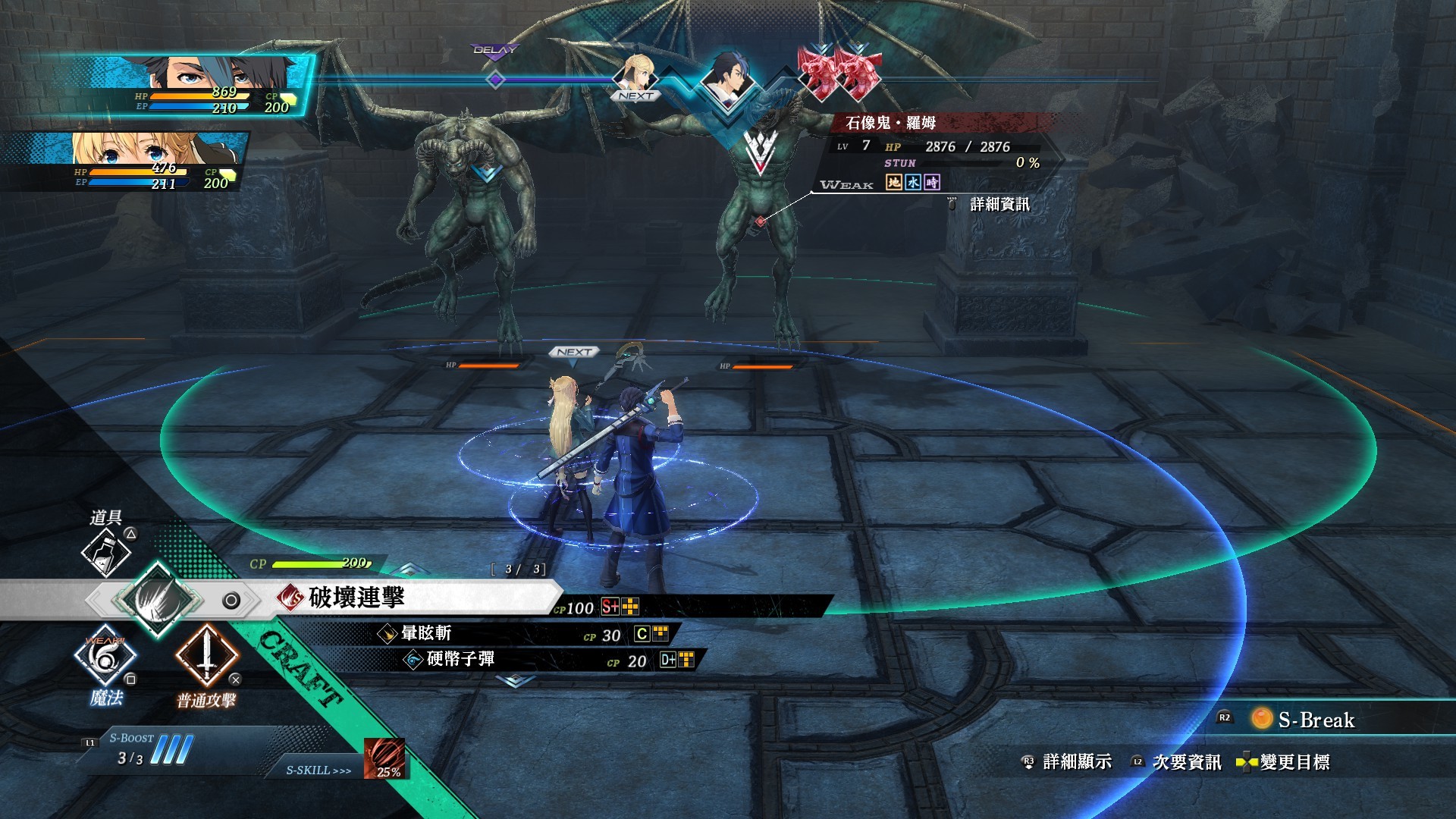
The Legend of Heroes: Kuro no Kiseki arrives on Steam with a combat system that fluidly moves between field encounters and command‑based turn battles. Players can switch to command mode with a single button, choosing attacks, techniques, magic or items to defeat foes.
The Steam version adds High‑Speed Mode, adjustable text size, and support for 21:9 ultra‑wide monitors, expanding left‑right view for better offense and defense. Set in the booming Republic of Calvard, the story follows Spriggan Van as he tackles a request that could destabilise the nation.
01 / THE GUIDE
Combat System
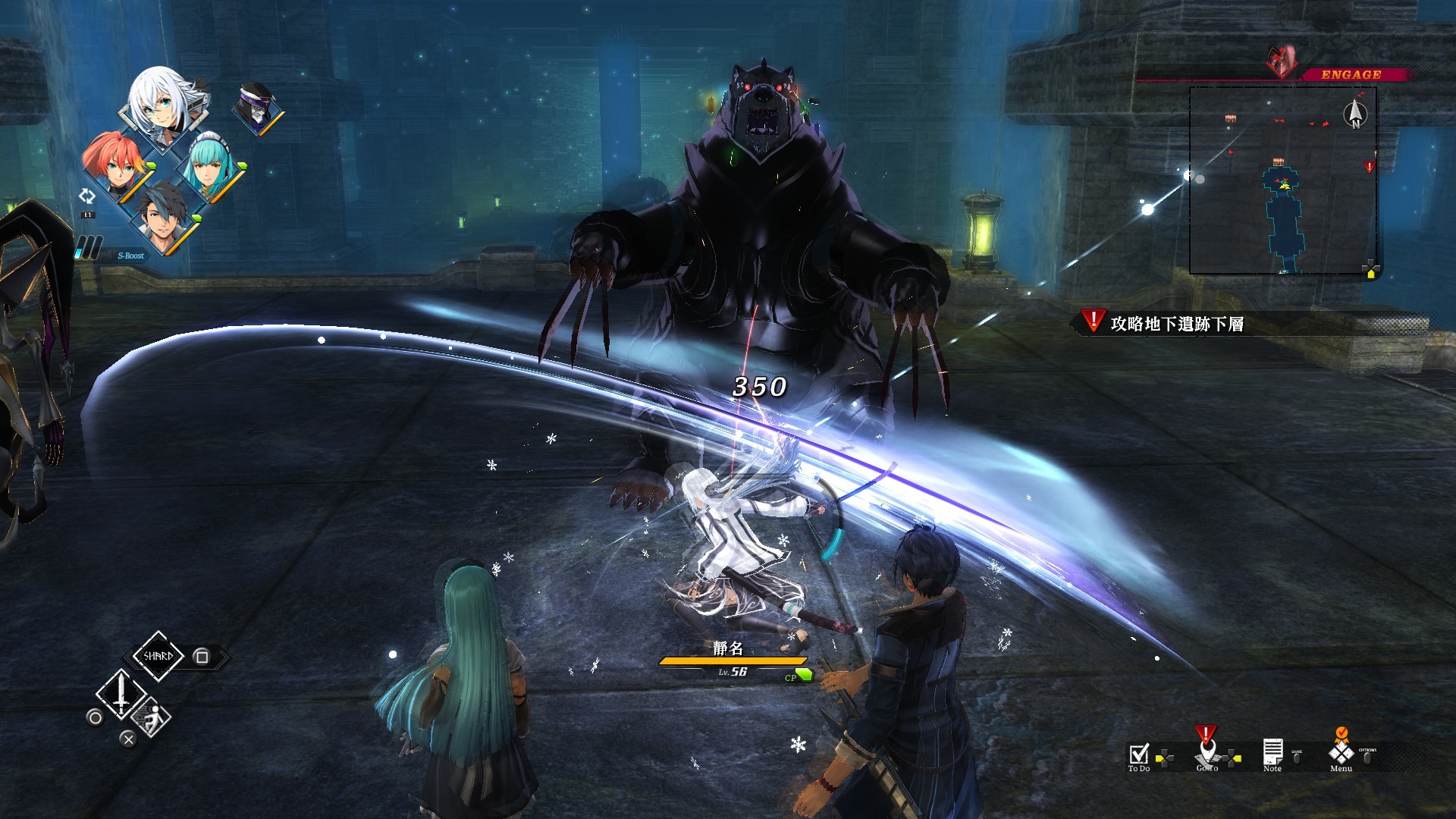
Kuro no Kiseki’s combat blends field battles with command‑based turn battles, allowing a seamless transition at any moment with one button press. In command battles, players select normal attacks, battle techniques, magic, or items to progress.
Success depends on understanding how these components interact, especially their special effects, to overcome strong enemies.
- Observe how different command choices affect enemy reactions before committing to a full attack.
- Experiment with mixing magic and items to discover synergistic effects.
02 / THE GUIDE
High‑Speed Mode
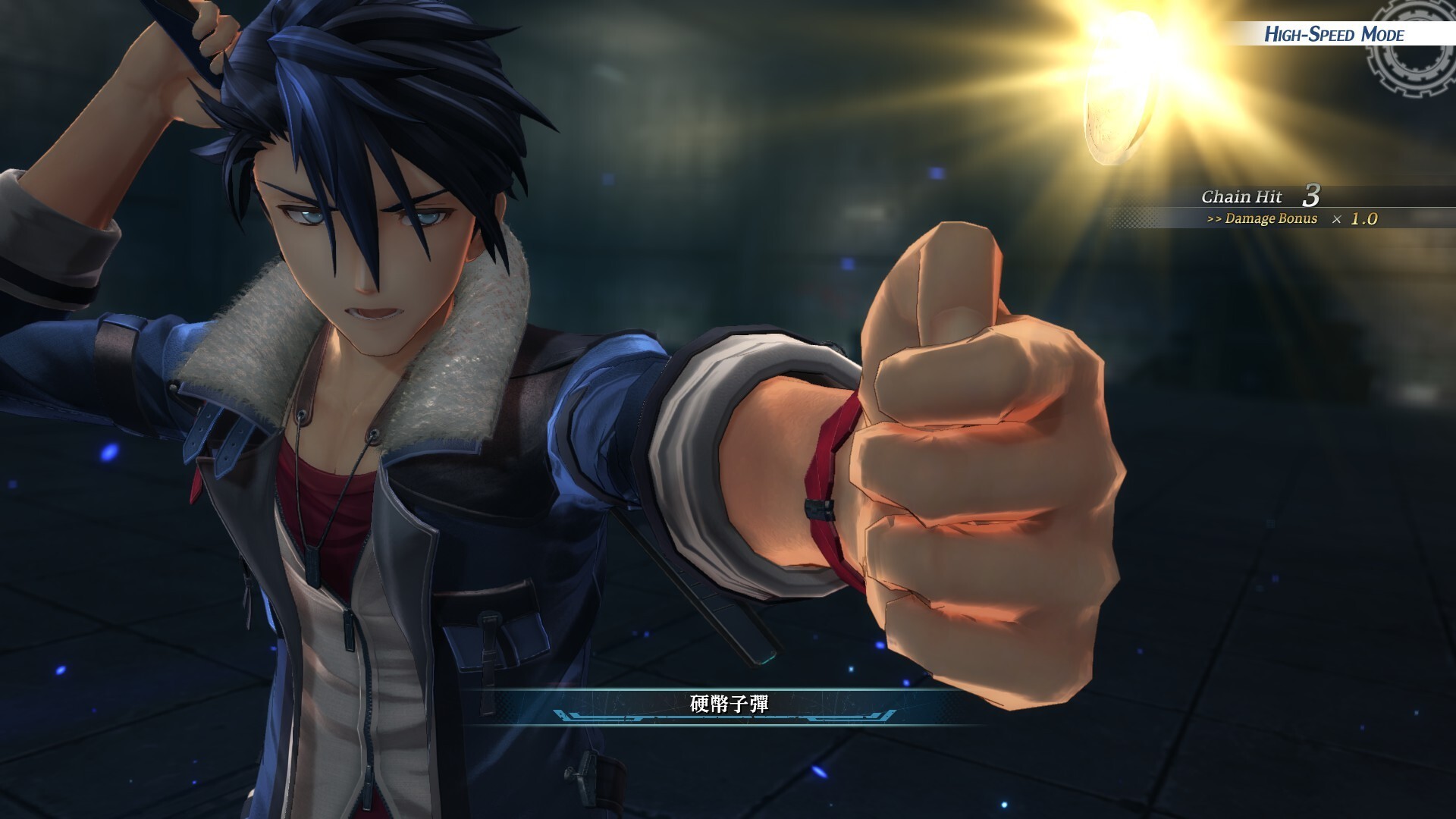
High‑Speed Mode lets players adjust the speed of both field and command battles, offering a faster or slower pacing to match personal preference.
Changing the speed can make encounters feel more dynamic or give extra time for strategic planning.
- Try a higher speed for easier grinding sessions.
- Lower the speed when learning new battle techniques.
03 / THE GUIDE
Display Customization
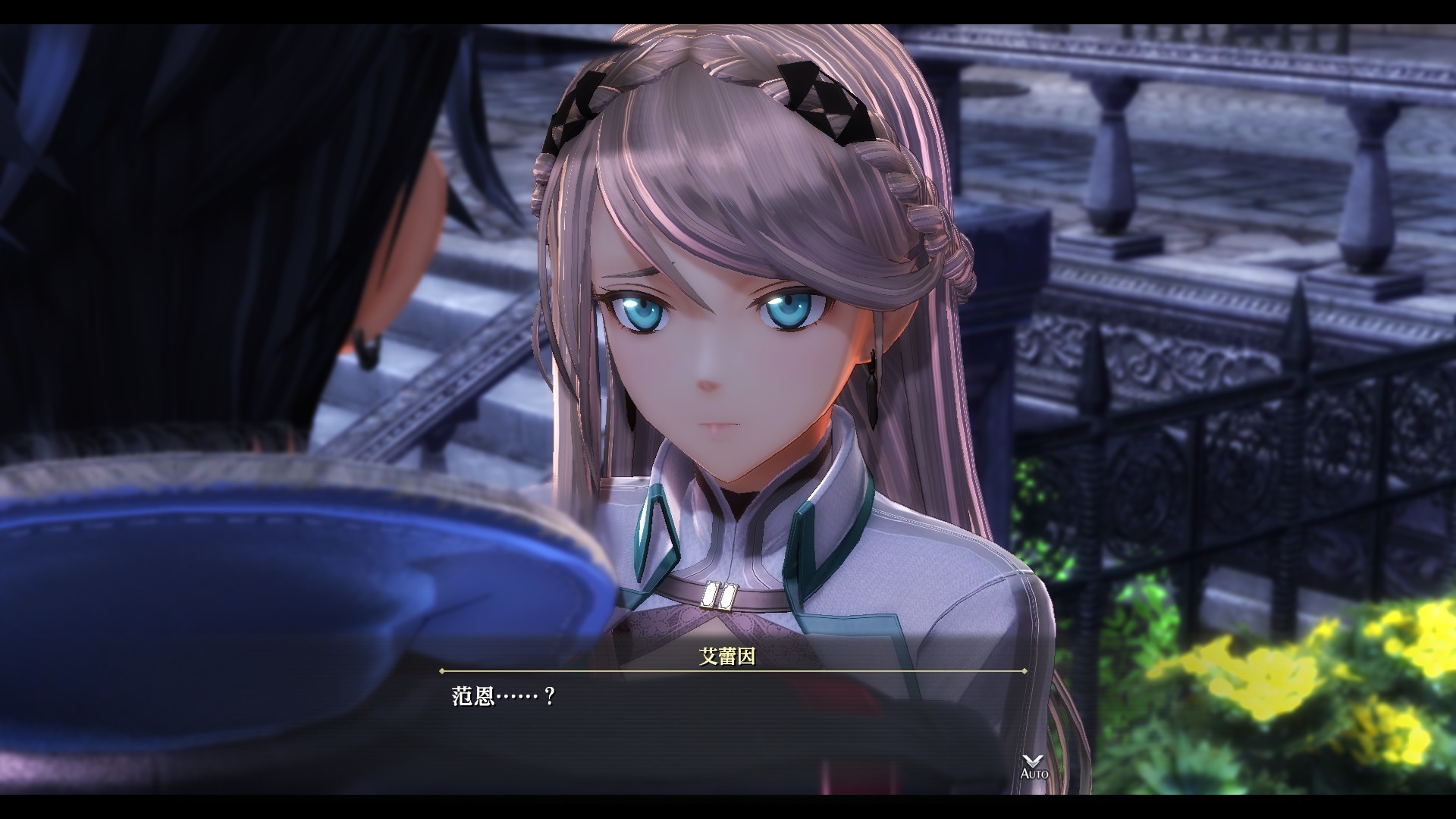
The Steam version includes a text size change function, letting players resize dialogue and UI elements for comfort.
Adjusting text size can improve readability during long narrative sections or intense battles.
- Increase text size if you find dialogue hard to read on high‑resolution displays.
- Reduce text size if you prefer less on-screen text during command mode.
04 / THE GUIDE
Ultra‑Wide Monitor Support
Kuro no Kiseki supports 21:9 ultra‑wide monitors, presenting a broader view of the game world and combat arenas.
The expanded left and right views give players a visual edge when attacking or defending.
- Use the wider view to spot enemies approaching from the sides.
- If the UI looks stretched on an ultra-wide screen, adjust your display settings to taste.
05 / THE GUIDE
Story & Setting
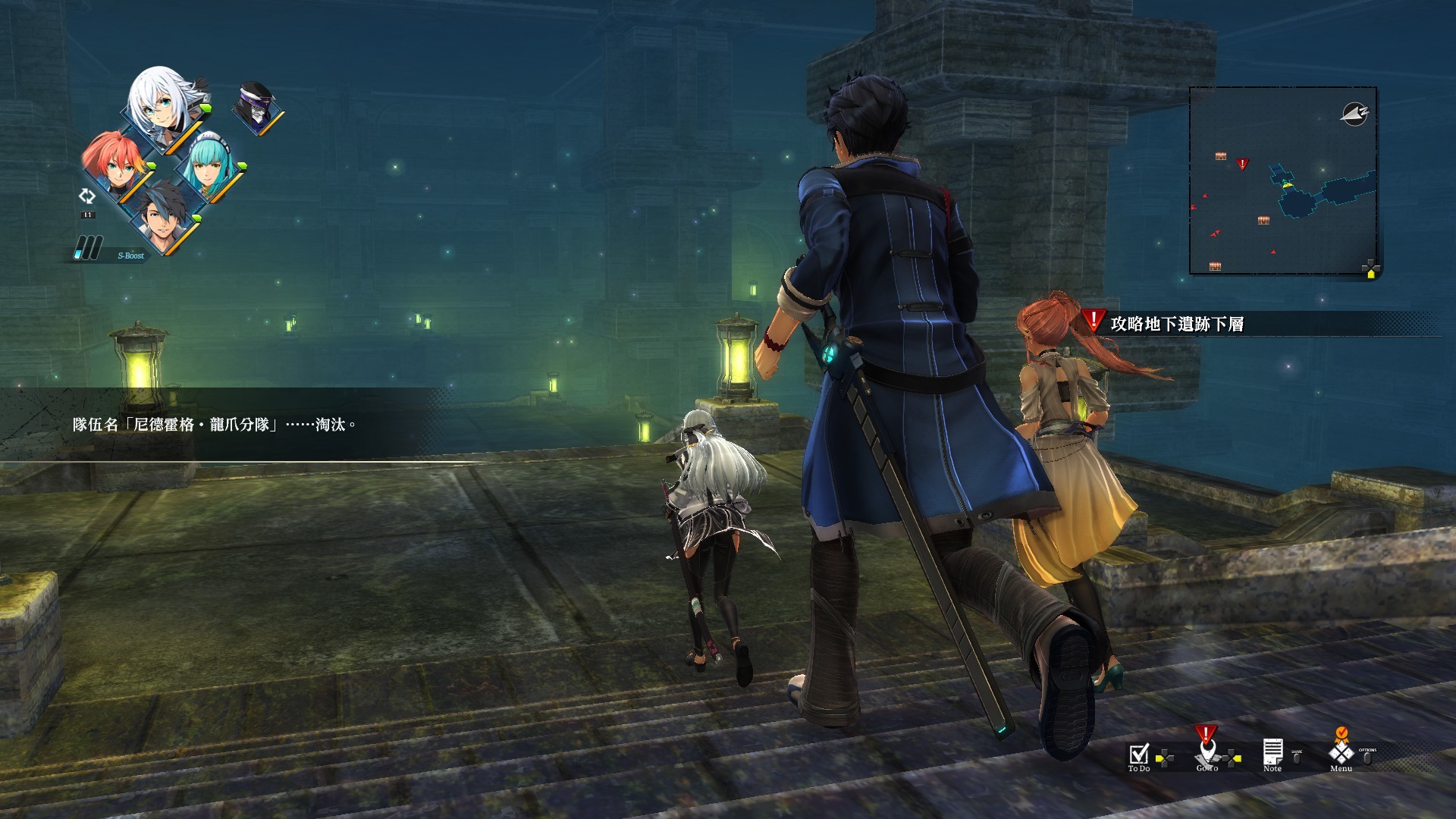
Set in the Republic of Calvard during an economic boom, the narrative follows Spriggan Van, an underground agent who handles diverse requests.
A mysterious request threatens national stability, launching the game's plot and introducing the Spriggan’s jack‑of‑all‑trades role.
- Pay attention to dialogue that hints at political tension for deeper story context.
- Note the Spriggan’s varied duties to anticipate the types of missions encountered.
COMMUNITY
Player discussion