 GameWiki
GET YOUR BEARINGS
About The Legend of Heroes: Ao no Kiseki KAI
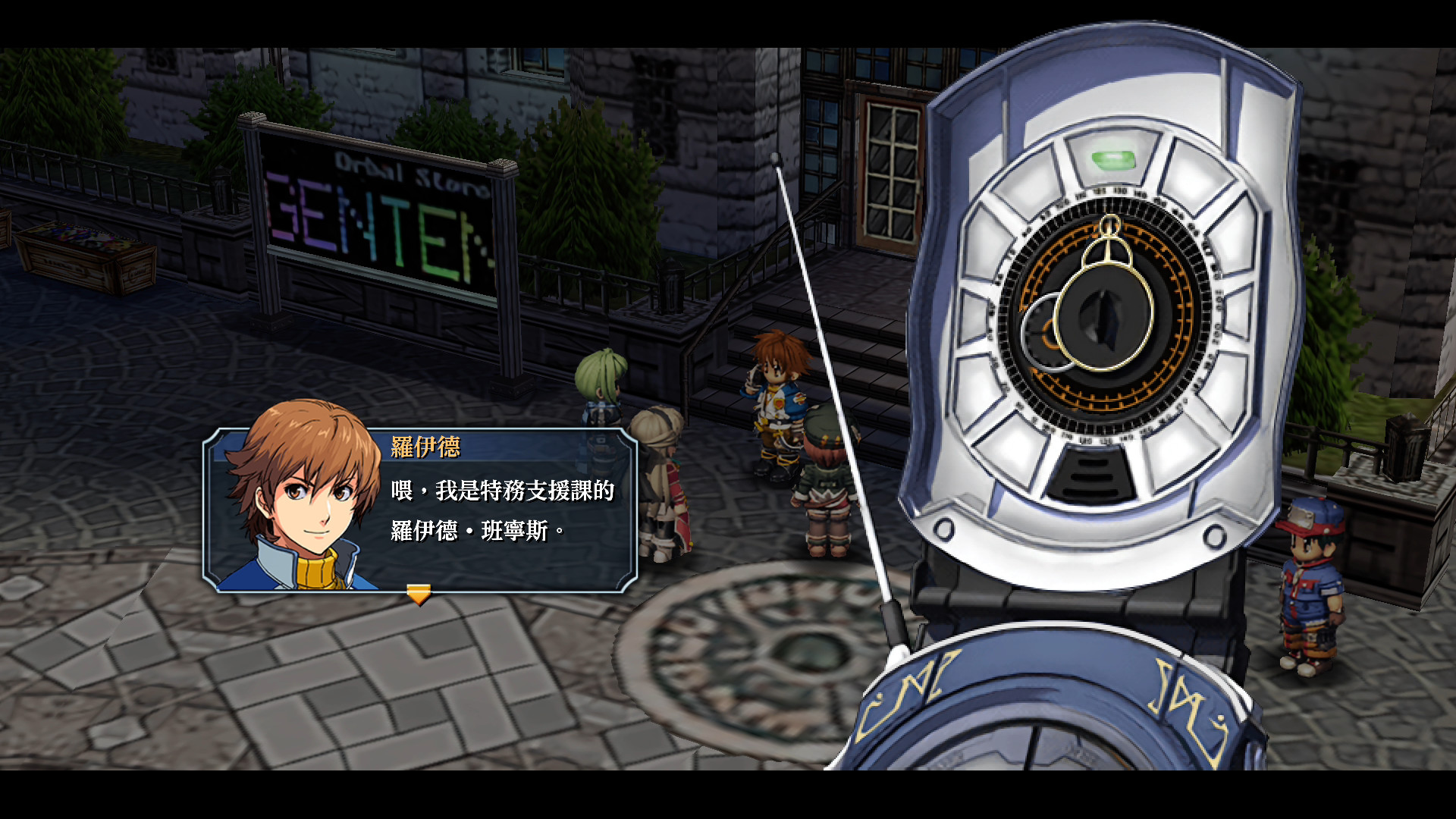
The Legend of Heroes: Ao no Kiseki KAI brings the Crossbell saga to PC via Steam, delivering a single‑player RPG that follows the Special Support Section amid political tension, mafia conflict, and looming threats. The story is set in the autonomous region of Crossbell, a prosperous state bordered by the Erebonian Empire and the Calvard Republic.
Steam adds 60 fps performance, high‑definition picture and sound, and the high‑speed Skip Mode from the PlayStation 4 version. The title also lists gamepad recommendation, DualShock and partial controller support, Steam Cloud, achievements, and family sharing.
01 / THE GUIDE
Crossbell Setting and Story
The game takes place in Crossbell, an autonomous region bordered by the Erebonian Empire to the west and the Calvard Republic to the east. Historically the state faced crisis from a fanatical religious group, a mafia war, and the narcotic Gnosis manipulating security forces.
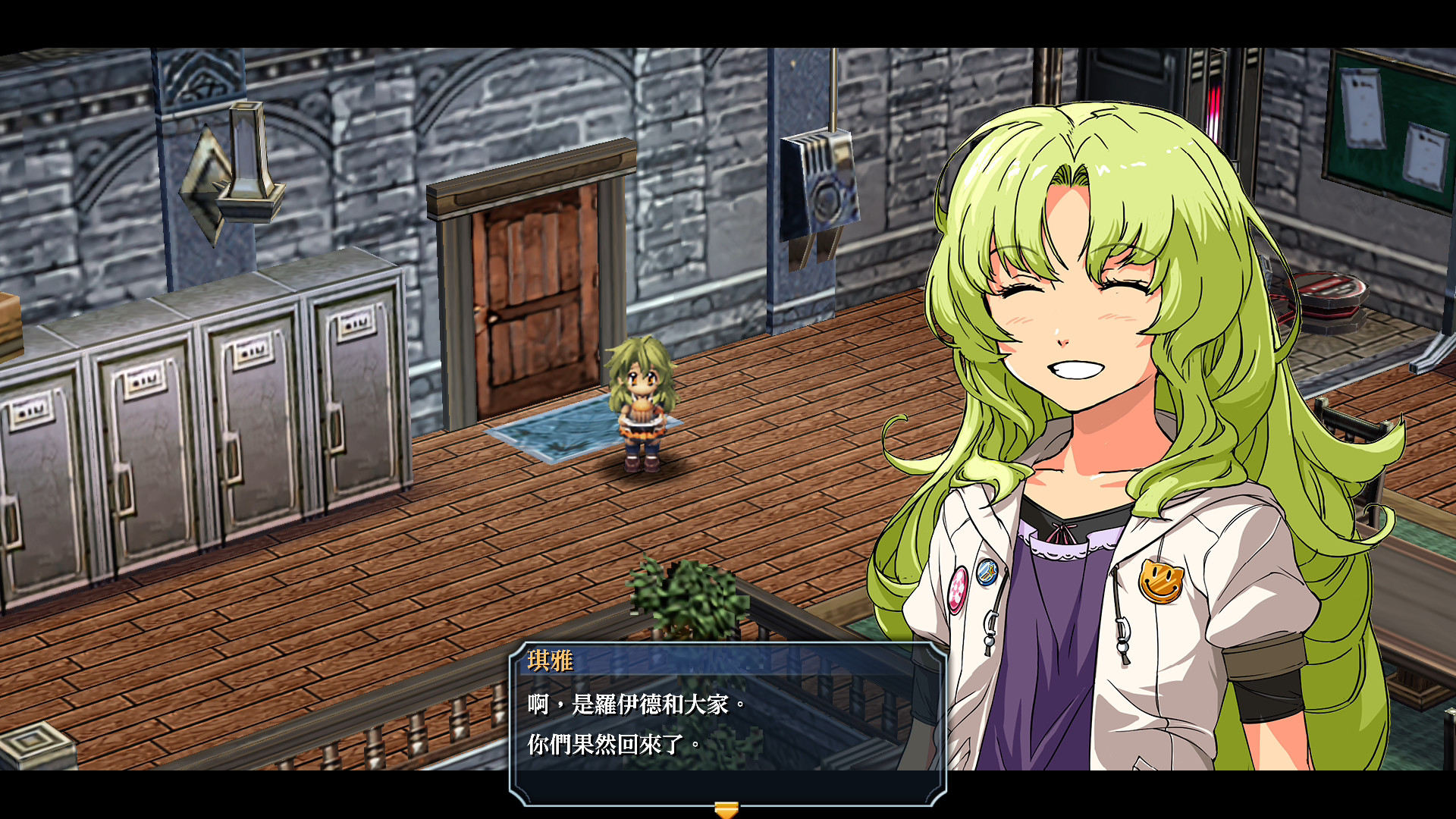
Peace was restored by the Crossbell Police Department's Special Support Section, yet pressure from neighboring powers and groups such as Red Constellation, Heiyue, and Ouroboros suggests fresh upheaval. The narrative explores modern‑time struggles while hinting at ancient mysteries.
- Observe how each faction’s introduction foreshadows later plot developments.
- Note references to Gnosis for deeper thematic insight.
02 / THE GUIDE
High‑Speed Skip Mode
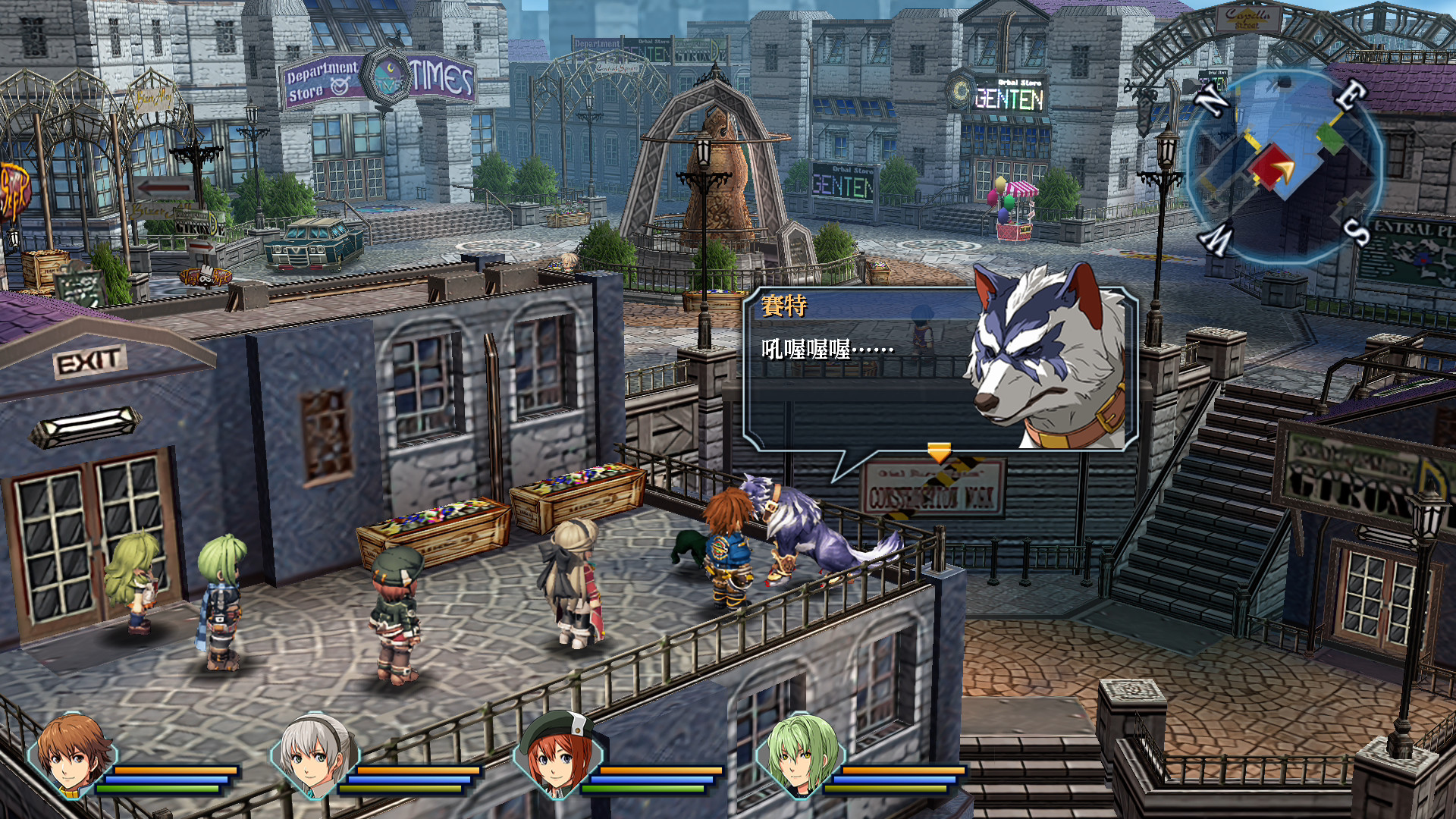
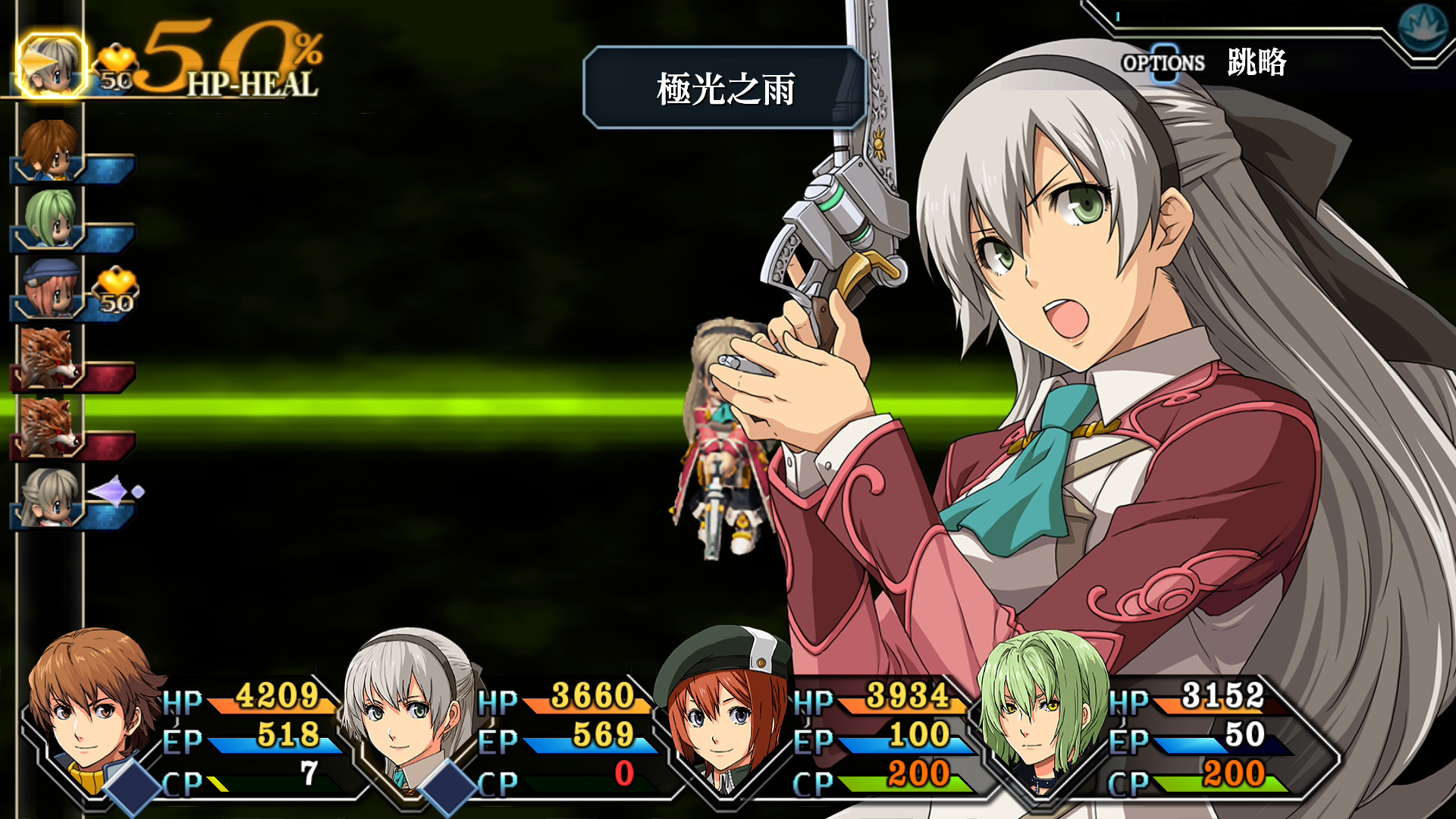
Ao no Kiseki KAI includes the Skip Mode from the PlayStation 4 version, letting players accelerate story events and field travel to twice the normal speed with a single button press. Battles can be sped up to four times their usual pace using the same control.
The feature reduces downtime, letting players move through lengthy travel or conversation segments more quickly.
- Activate Skip Mode during long travel to keep pacing brisk.
- Use battle acceleration only when you feel comfortable following fast combat.
03 / THE GUIDE
Visual and Audio Enhancements
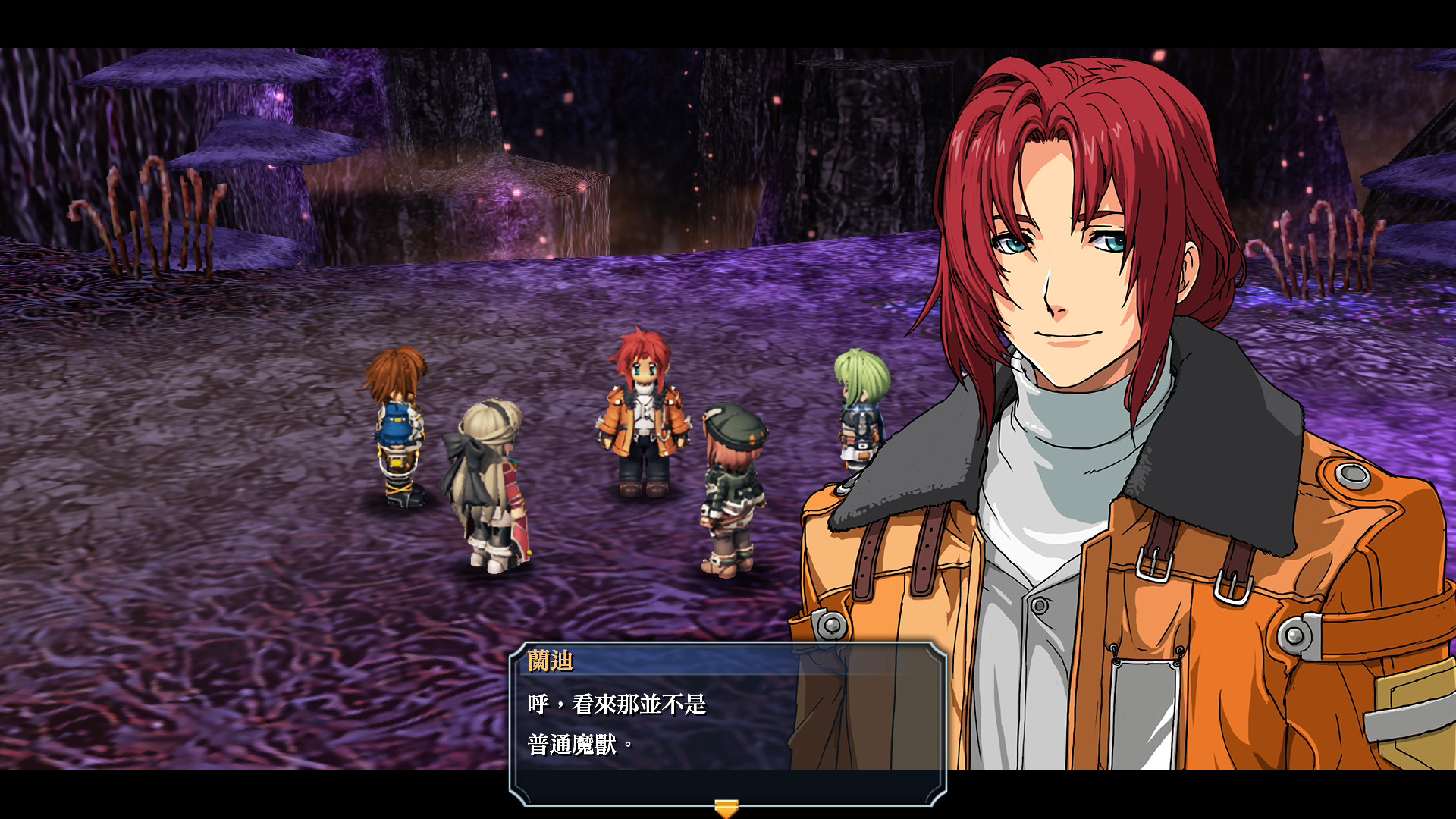
The Steam version runs at 60 fps and provides high‑definition picture and sound for an enhanced gameplay experience. These upgrades improve immersion during cutscenes, exploration, and combat encounters.
The high‑definition picture and sound complement Skip Mode's accelerated pacing during events and battles.
- Set the display to full‑screen to maximize the benefit of 60 fps rendering.
- Adjust the audio volume to highlight the enhanced soundtrack during key moments.
04 / THE GUIDE
Controller Support
Ao no Kiseki KAI lists DualShock Controller Support, Partial Controller Support, and a recommendation for gamepads, indicating that a compatible controller can be used for navigation and combat. No exclusive input method is required, so the game remains playable without a controller.
The recommendation suggests a gamepad may provide a smoother experience, particularly during the accelerated battle sequences offered by Skip Mode, though core gameplay does not depend on any specific controller feature.
- Try the default controller layout before adjusting any settings.
- Consider using a gamepad for fast‑paced battles to benefit from analog input.
05 / THE GUIDE
Steam Platform Features
Steam integration adds achievements, cloud‑save synchronization, and family sharing to Ao no Kiseki KAI. Achievements provide optional goals, while Cloud ensures progress is retained across installations on the same account.
Family sharing lets multiple Steam accounts access the game without separate purchases. These features operate independently of the core gameplay and do not alter story or combat mechanics.
- Review the achievement list to set personal milestones.
- Enable Cloud sync in Steam settings to protect your save data.
COMMUNITY
Player discussion