 GameWiki

GET YOUR BEARINGS
About The Last of Us Part I
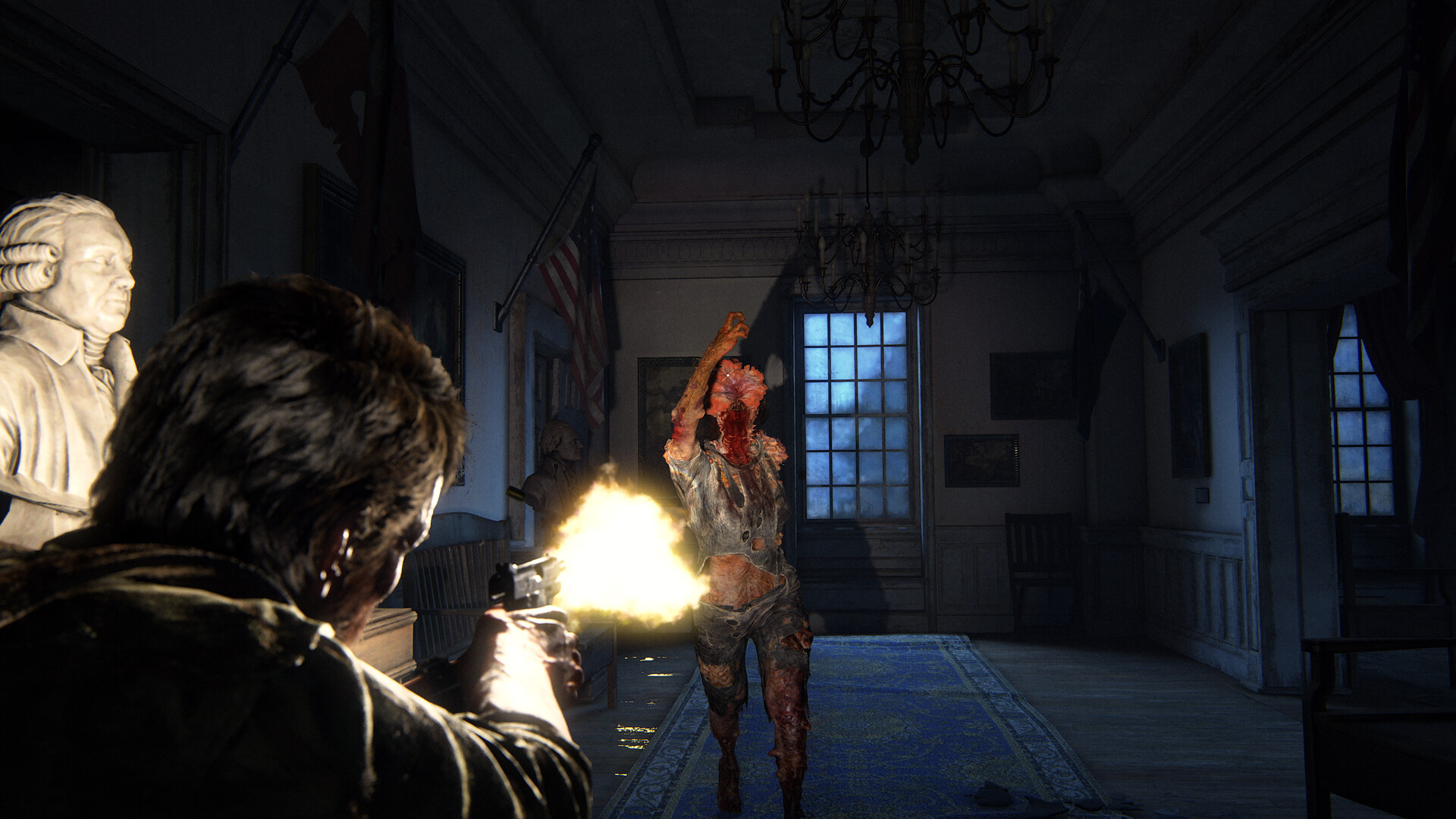
The Last of Us™ Part I delivers a narrative‑driven adventure where Joel escorts teenage Ellie across a devastated United States. The story unfolds from Boston’s quarantine zone to overgrown towns, blending stealth, combat, and emotional moments.
On PC the title adds a suite of visual and audio options—FSR 2.2, DLSS, 4K support, ultra‑wide aspect ratios, and 3D audio—plus full controller, keyboard‑mouse, and accessibility customizations for a tailored experience.
01 / THE GUIDE
Story and Characters
Players follow Joel, a weary smuggler, as he escorts 14‑year‑old Ellie out of a military quarantine zone. Their journey expands into a cross‑country trek that reveals the world’s collapse and personal stakes.
The release also includes the prequel chapter Left Behind, which shows Ellie’s past with her friend Riley, adding depth to the main narrative.
- Pay attention to dialogue cues; they often hint at upcoming threats.
- Explore Left Behind after the main story to understand Ellie’s motivations.
02 / THE GUIDE
Visual Options
PC players can enable AMD FSR 2.2 or Nvidia DLSS Super Resolution, adjust texture quality, shadows, reflections, and ambient occlusion, and choose a frame‑rate cap or VSync.
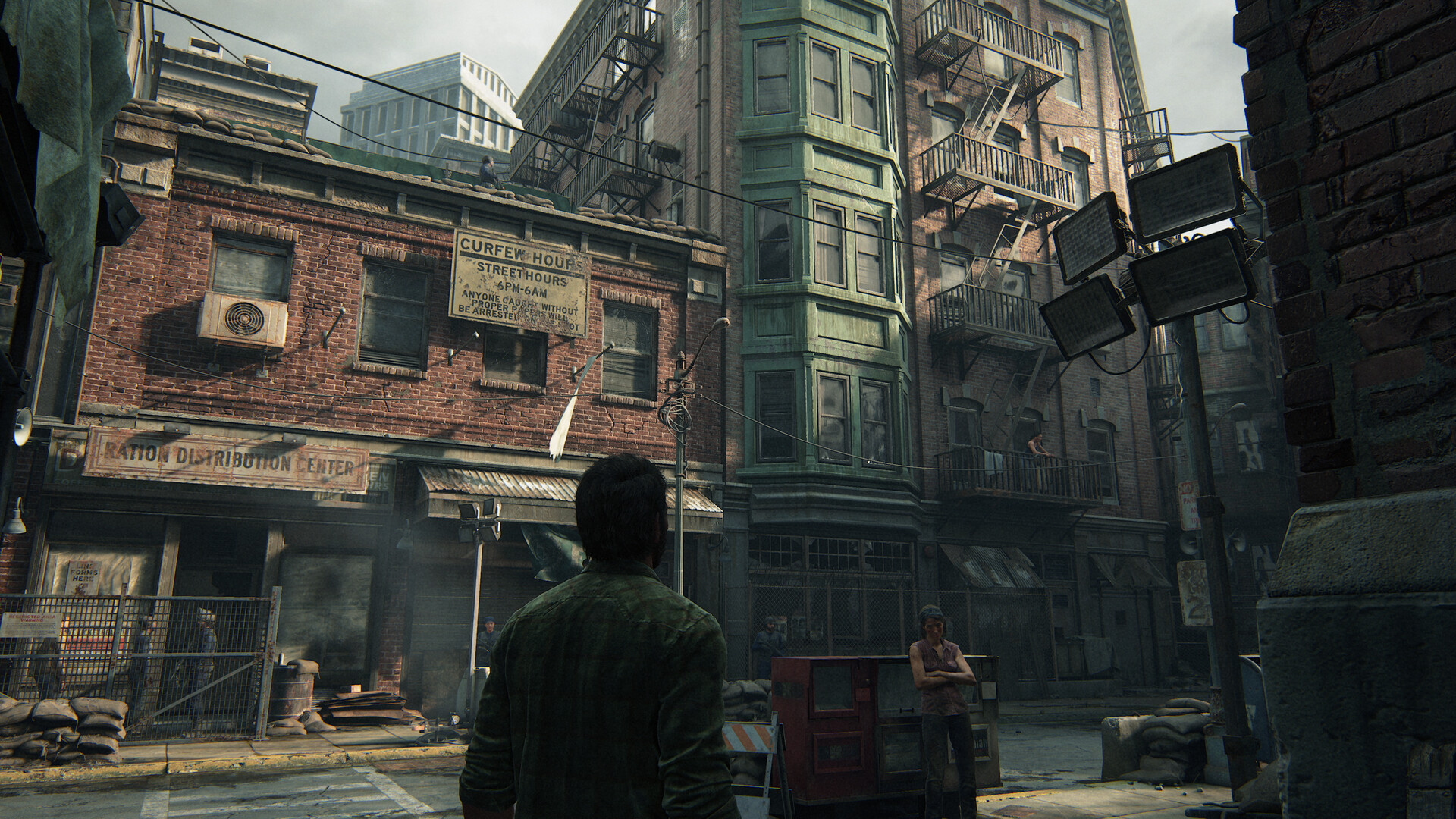
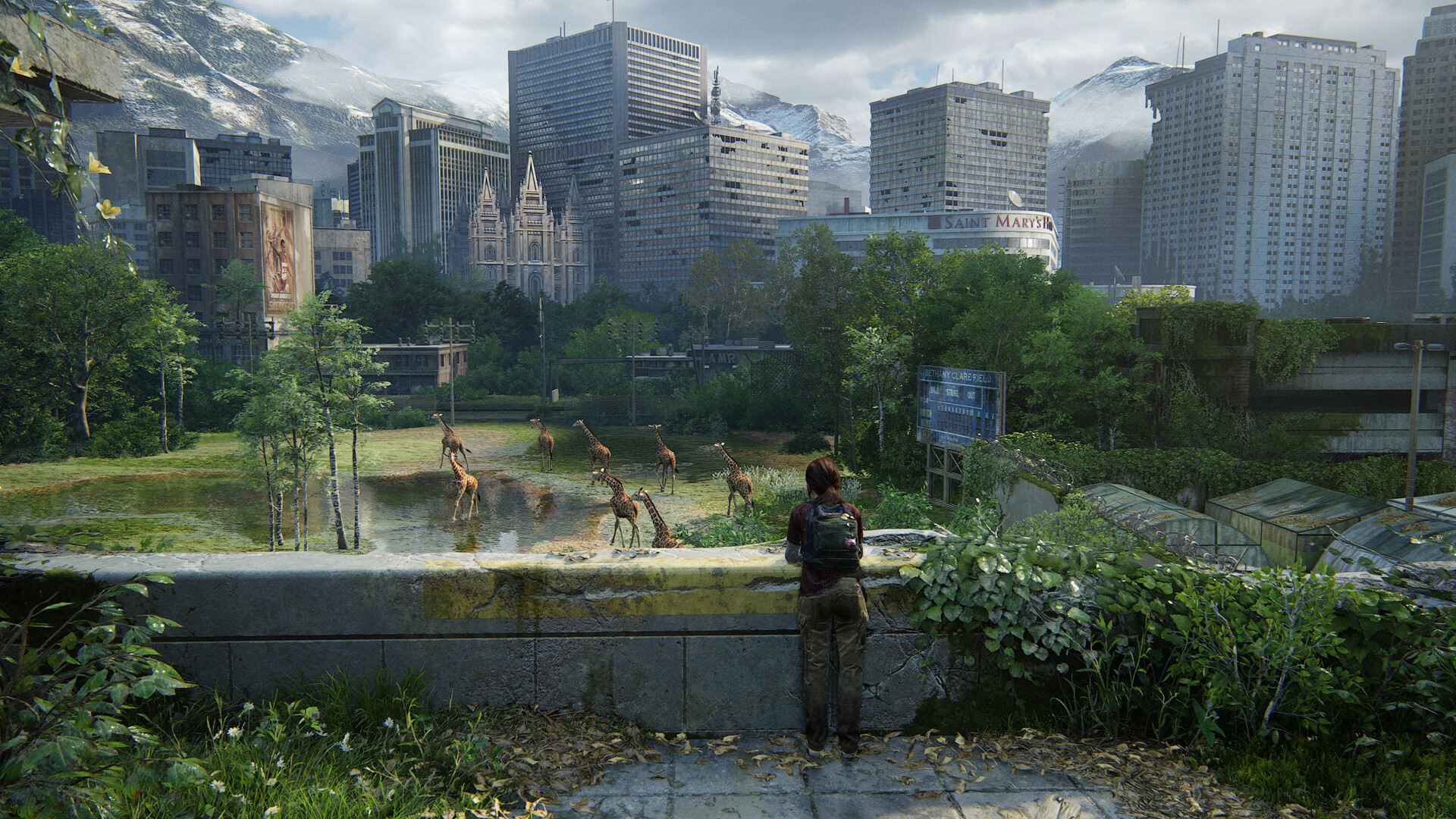
The game supports true 4K resolution and ultra‑wide monitors (21:9 and 32:9), allowing the environments to be viewed in high detail.
- Use FSR 2.2 on lower‑end GPUs to improve frame rates without major quality loss.
- Select an ultra‑wide aspect ratio for a broader field of view in open areas.
03 / THE GUIDE
Audio Immersion
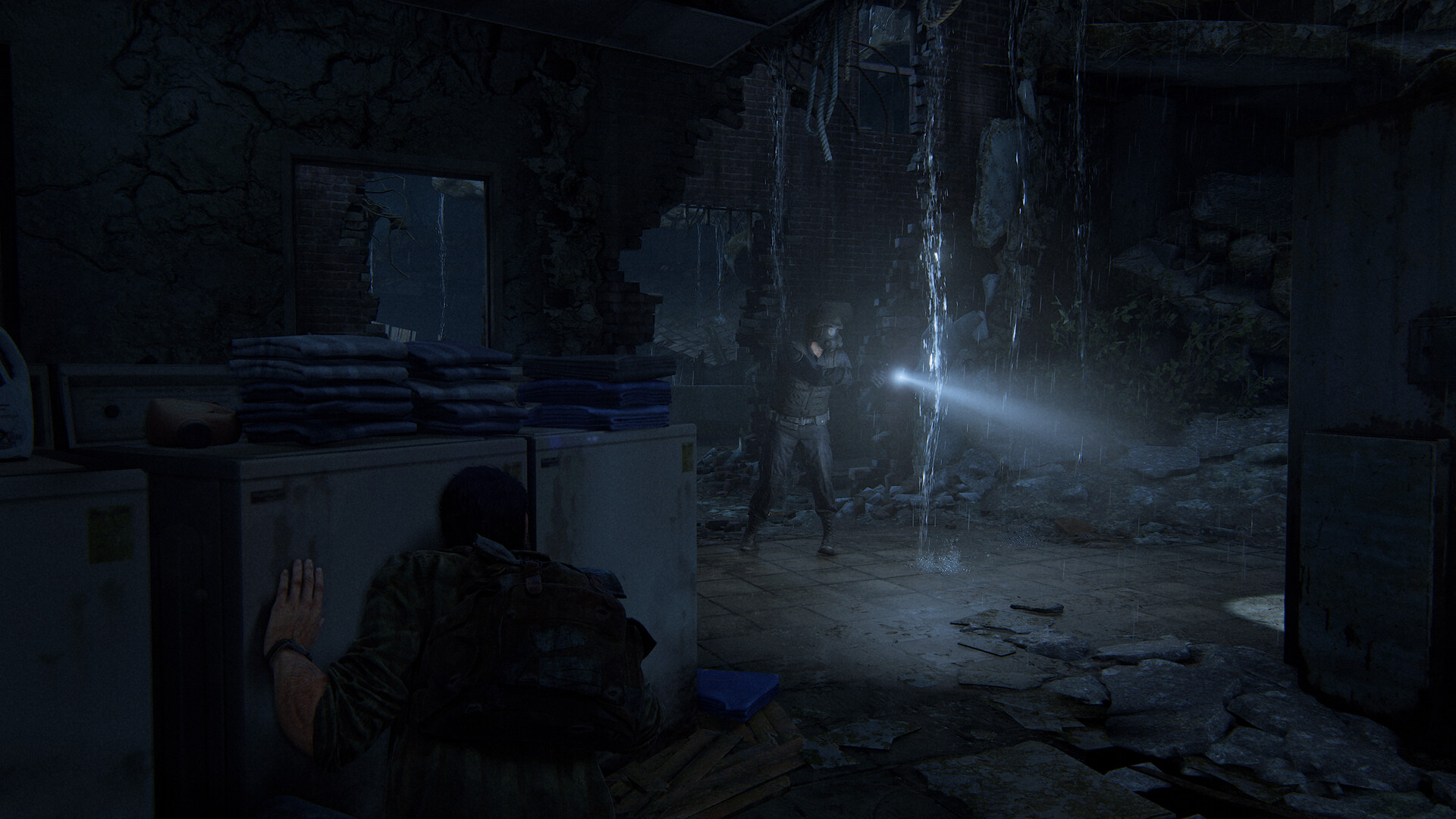
3D audio reproduces environmental sounds such as rustling leaves, glass breaking, and enemy footfalls, requiring stereo headphones or compatible speakers.
DualSense haptic feedback and adaptive triggers convey in‑game impacts like explosions or a tank’s rumble.
- Enable 3D audio with headphones for precise enemy location cues.
- Activate DualSense features if using a compatible controller for tactile feedback.
04 / THE GUIDE
Control Customization
The PC version offers full control remapping, primary and secondary bindings for keyboard‑mouse, and an adaptive mode that mixes inputs from both devices.
Supported inputs include DualSense, DualShock 4, a wide range of gamepads, and keyboard‑mouse setups.
- Map frequently used actions to easily reachable keys for smoother combat.
- Try the adaptive mode if you prefer using both keyboard and controller simultaneously.
05 / THE GUIDE
Accessibility Features
A suite of accessibility options lets players adjust text size, subtitles, color alternatives, camera comfort, and difficulty to suit personal needs.
Features also include narrated game menus, custom volume controls, and the ability to save anytime.
- Increase text size if reading dialogue becomes difficult during long sessions.
- Use narrated menus if you prefer audio guidance over visual prompts.
COMMUNITY
Player discussion