 GameWiki
GET YOUR BEARINGS
About The Horrorscope
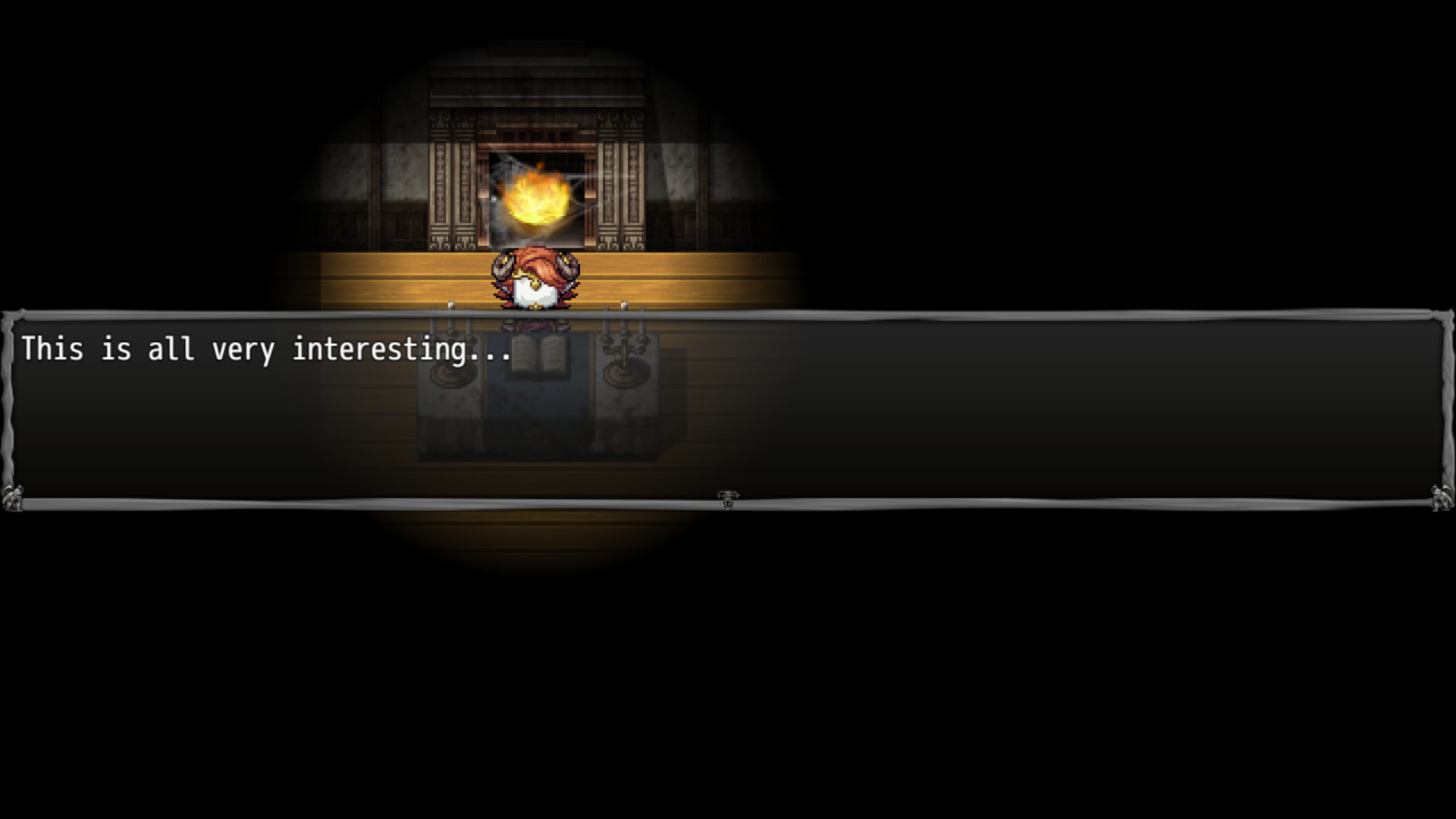
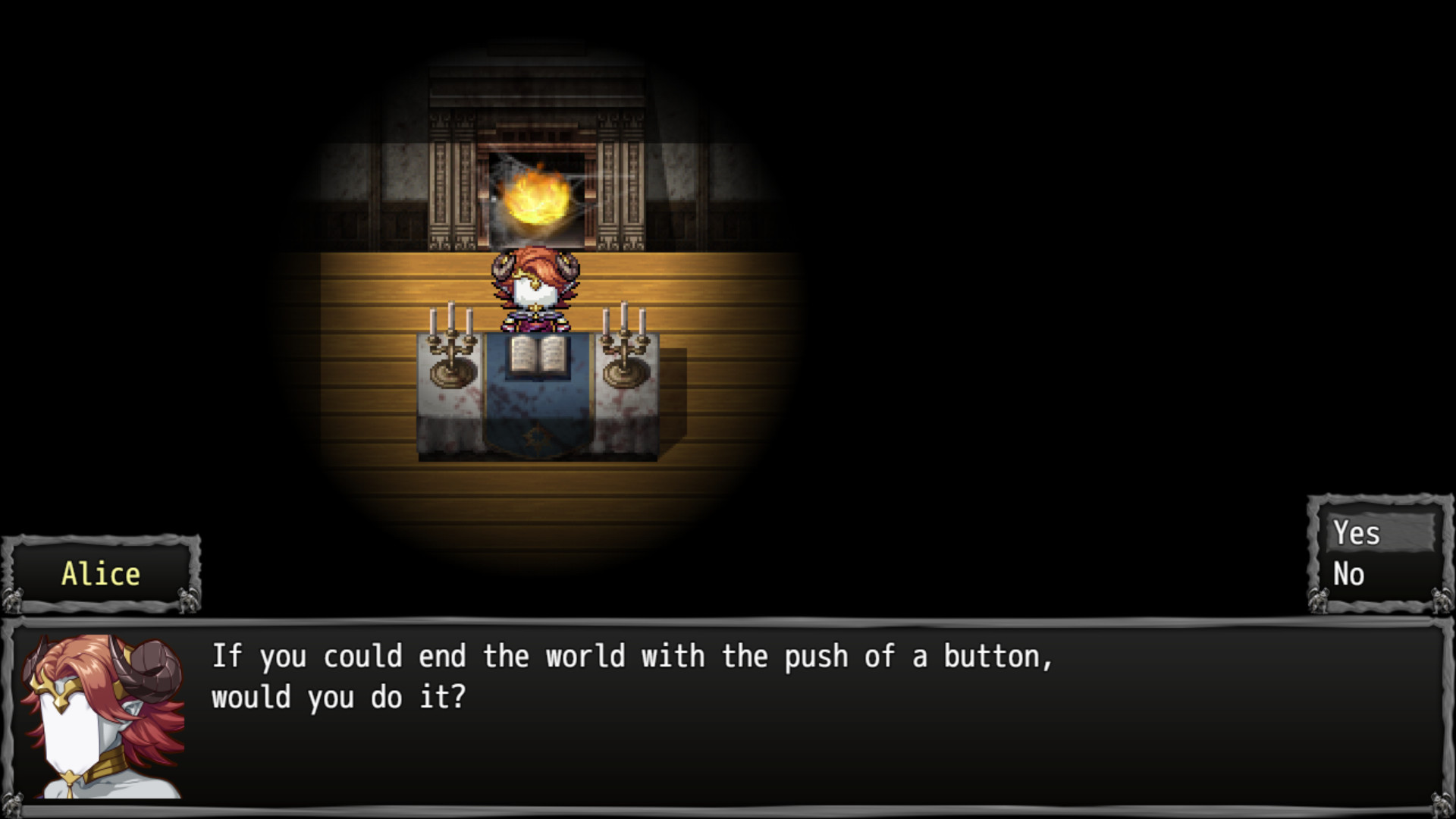
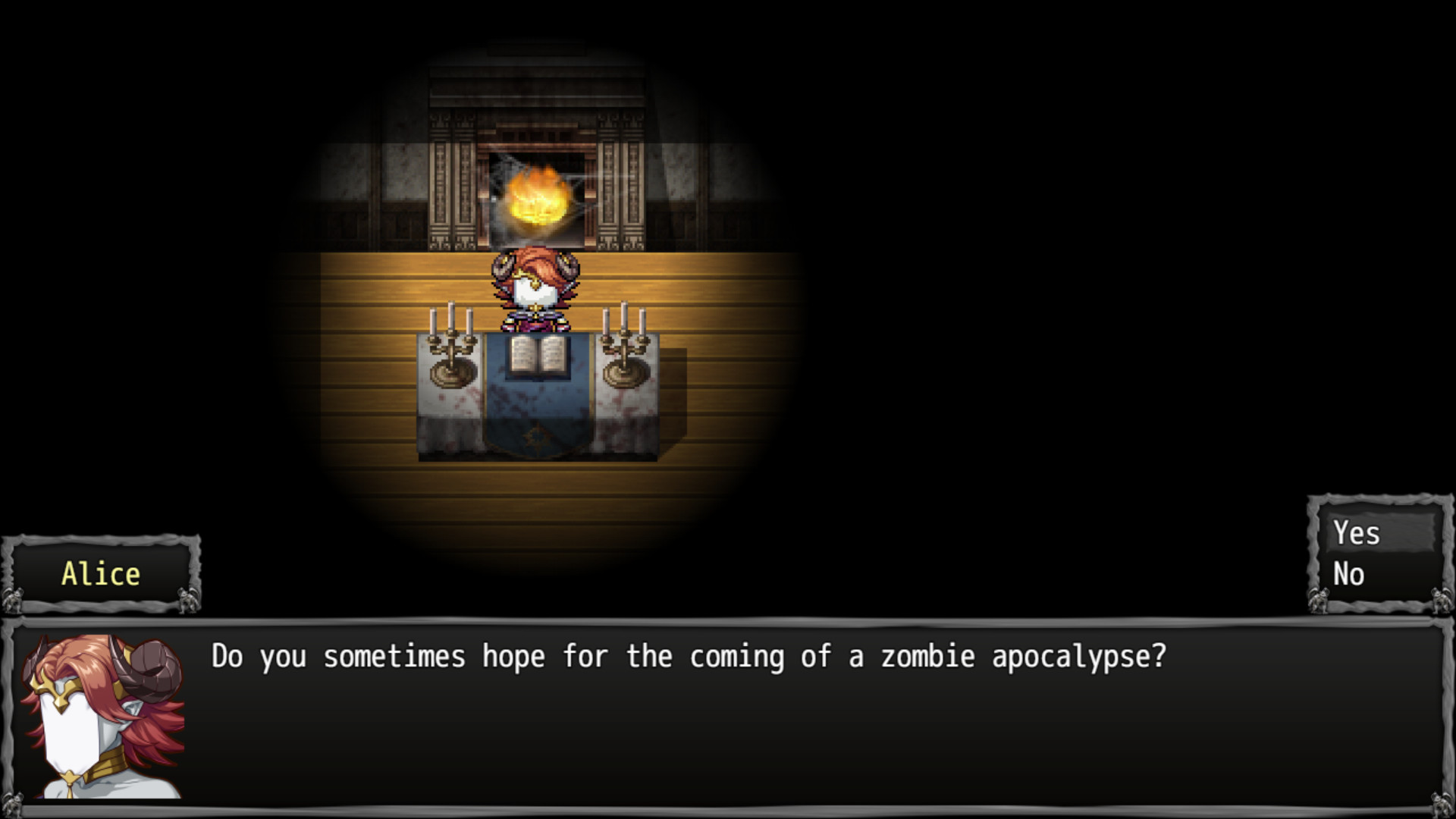
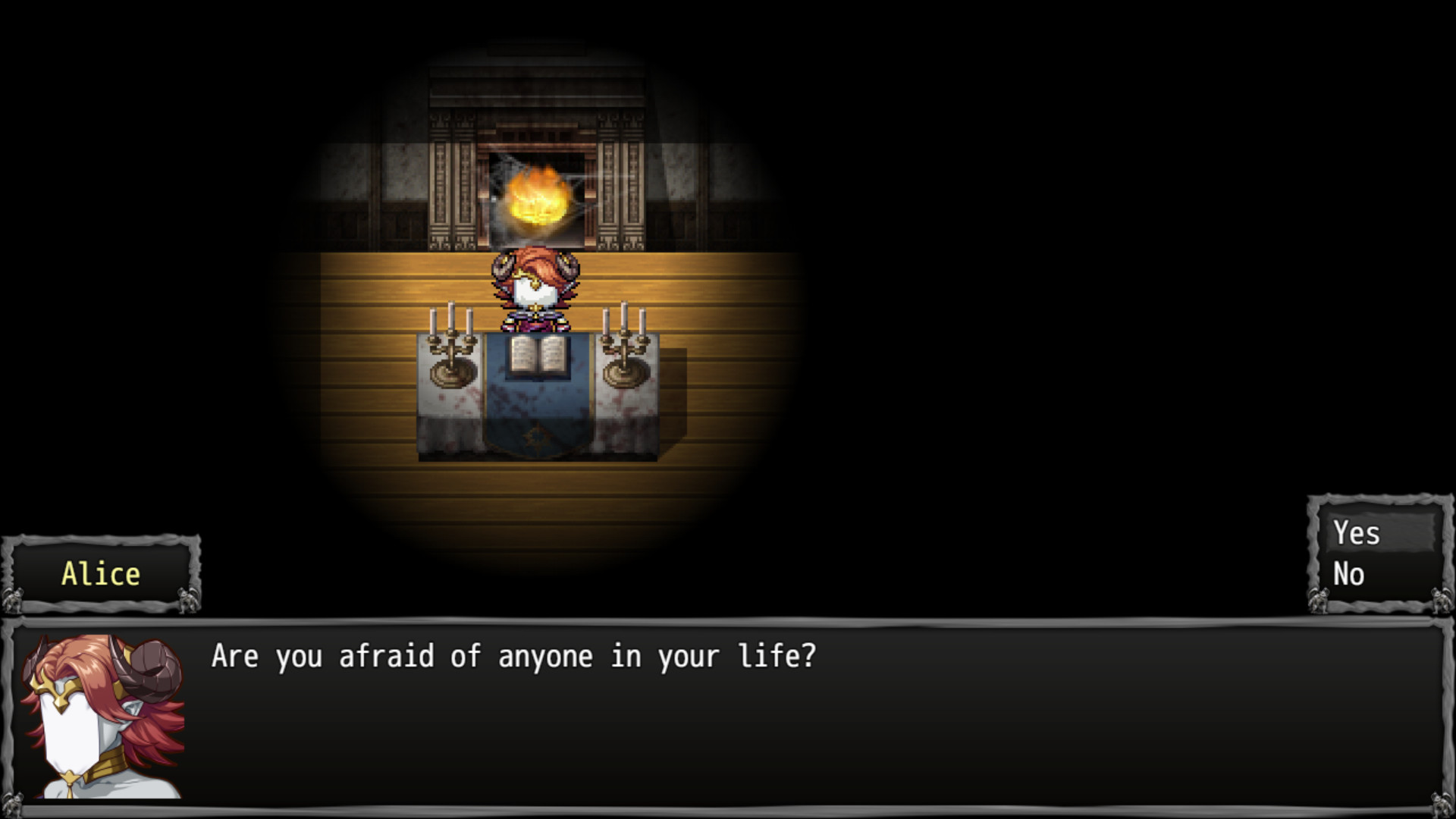
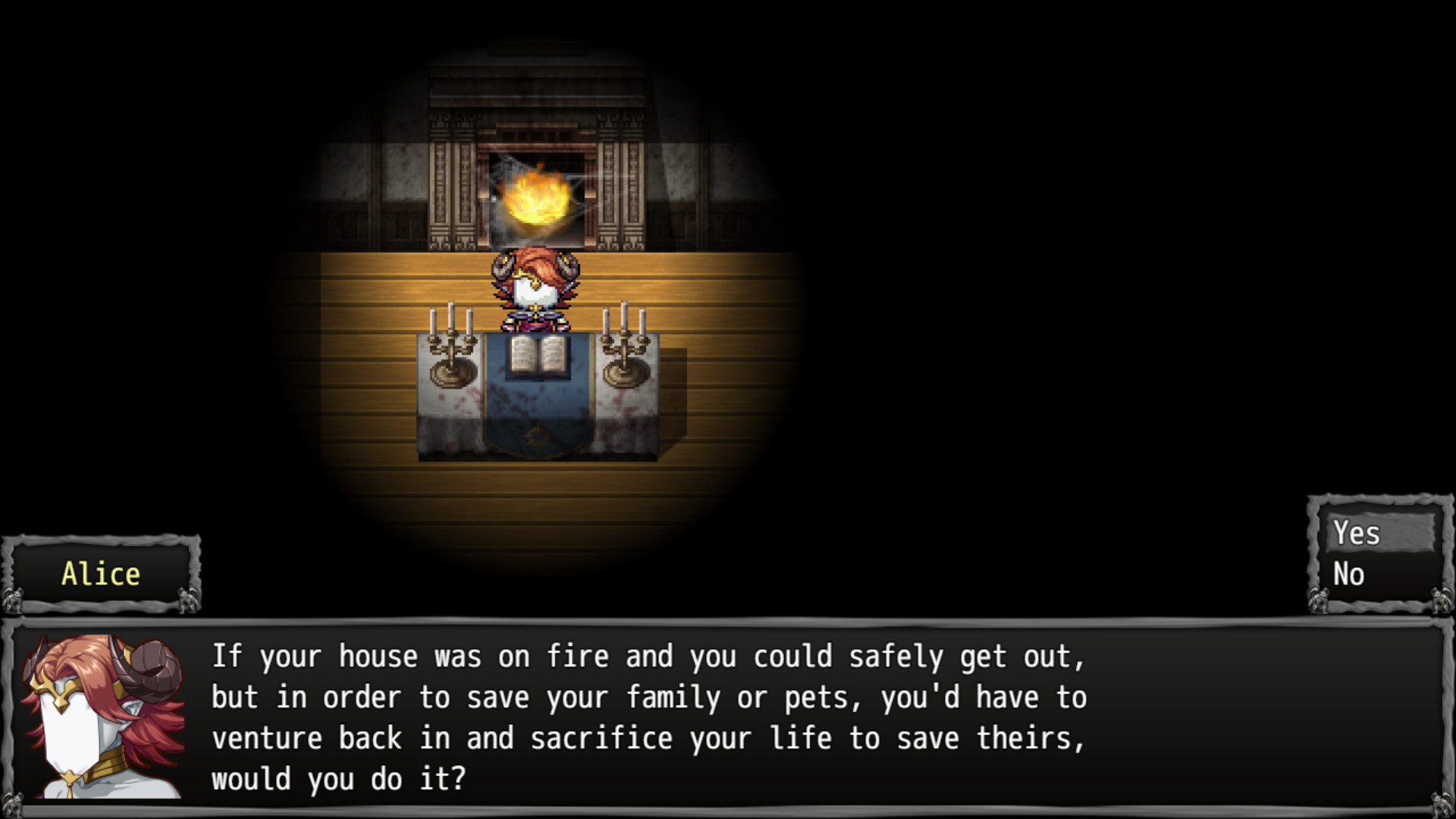
The Horrorscope is an atmospheric, psychological‑simulation with horror elements that asks players to answer a series of Yes or No questions. Marketed as short and sweet, it offers a concise solo experience that encourages introspection.
The game runs in single‑player mode, supports full controller input, and includes Family Sharing as a listed feature. Its affordable price and brief format make it suitable for quick sessions, whether streamed, recorded, or played alone.
01 / THE GUIDE
Gameplay Flow
Players sit back and answer a sequence of Yes or No questions; each answer reveals a deeper layer of personal insight, as described in the official description.
The question series is presented as a continuous flow, building a narrative of hidden truths without requiring additional mechanics or actions.
- Pause briefly before each answer to consider its relevance.
- Treat the session as a reflective exercise rather than a traditional challenge.
02 / THE GUIDE
Psychological Theme
The game frames itself as a social experiment that probes the player’s psyche, promising knowledge that may feel uncomfortable, per the developer’s description.
Horror elements are conveyed through internal revelation, emphasizing emotional sacrifice rather than external threats.
- Approach each question with openness to engage the premise fully.
- Reflect on any emotional impact after the session.
03 / THE GUIDE
Content Length
The experience is marketed as “short and sweet,” indicating a design for a single, concise play session.
Its limited scope encourages quick reflection and allows the player to complete the entire experience without a large time commitment.
- Set aside a brief, uninterrupted period for the session.
- Use the brevity to experiment with different mindsets across attempts.
04 / THE GUIDE
Controller Support
Full controller support is listed as a feature, meaning Yes/No selections can be made using a gamepad.
The core interaction stays simple, making the experience accessible from a couch setting.
- Try a controller for a relaxed, hands‑off feel.
- Observe how the controller’s layout influences answer pacing.
05 / THE GUIDE
Family Sharing
Family Sharing appears in the feature list, indicating the game can be accessed through Steam’s sharing system.
The exact behavior of shared access is not detailed beyond its inclusion as a supported feature.
- Consider sharing the game with household members to compare personal insights.
- Use the feature to introduce new players without purchasing an additional copy.
COMMUNITY
Player discussion