 GameWiki
GET YOUR BEARINGS
About The Hokkaido Serial Murder Case The Okhotsk Disappearance ~Memories in Ice, Tearful Figurine~
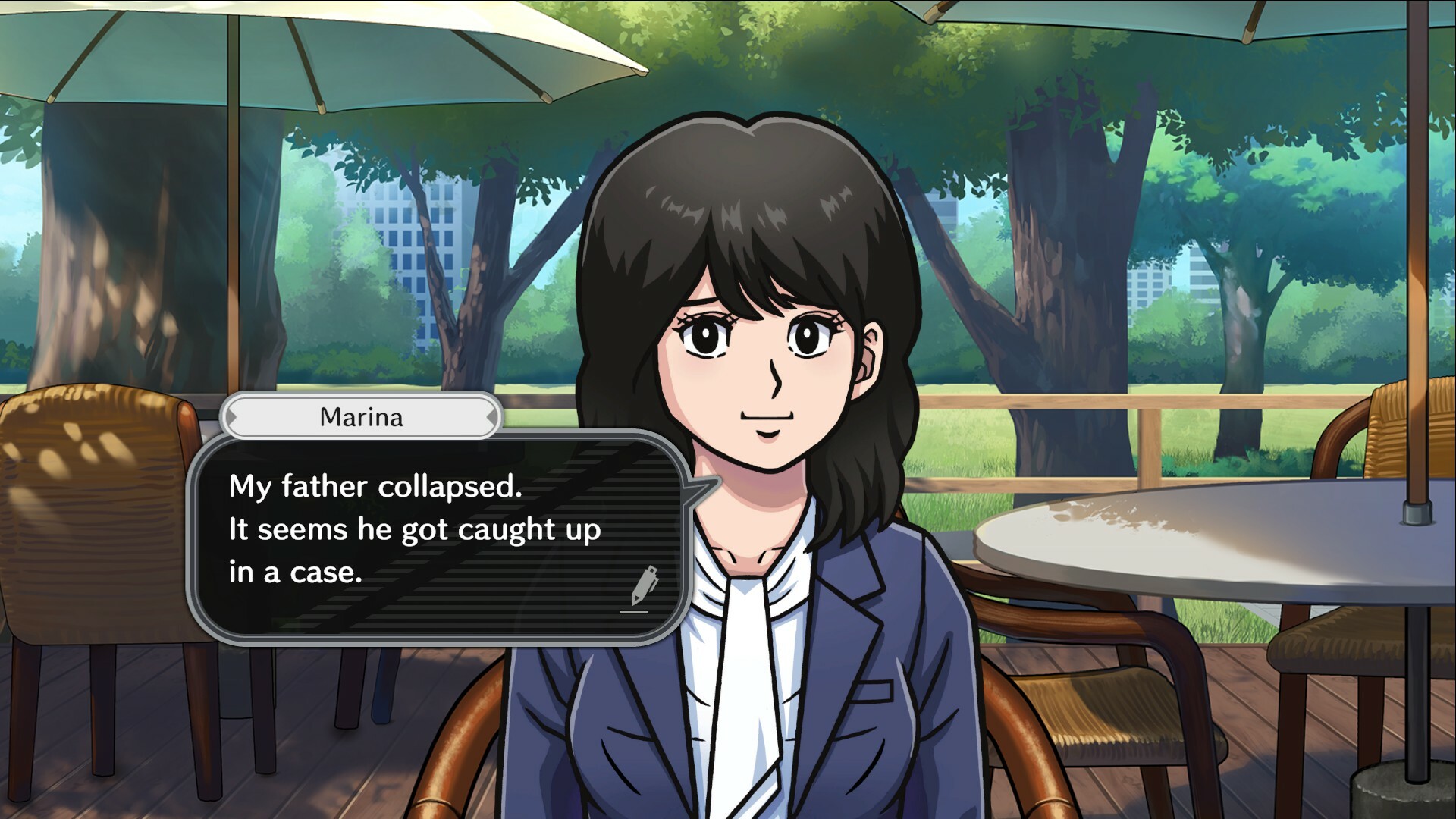
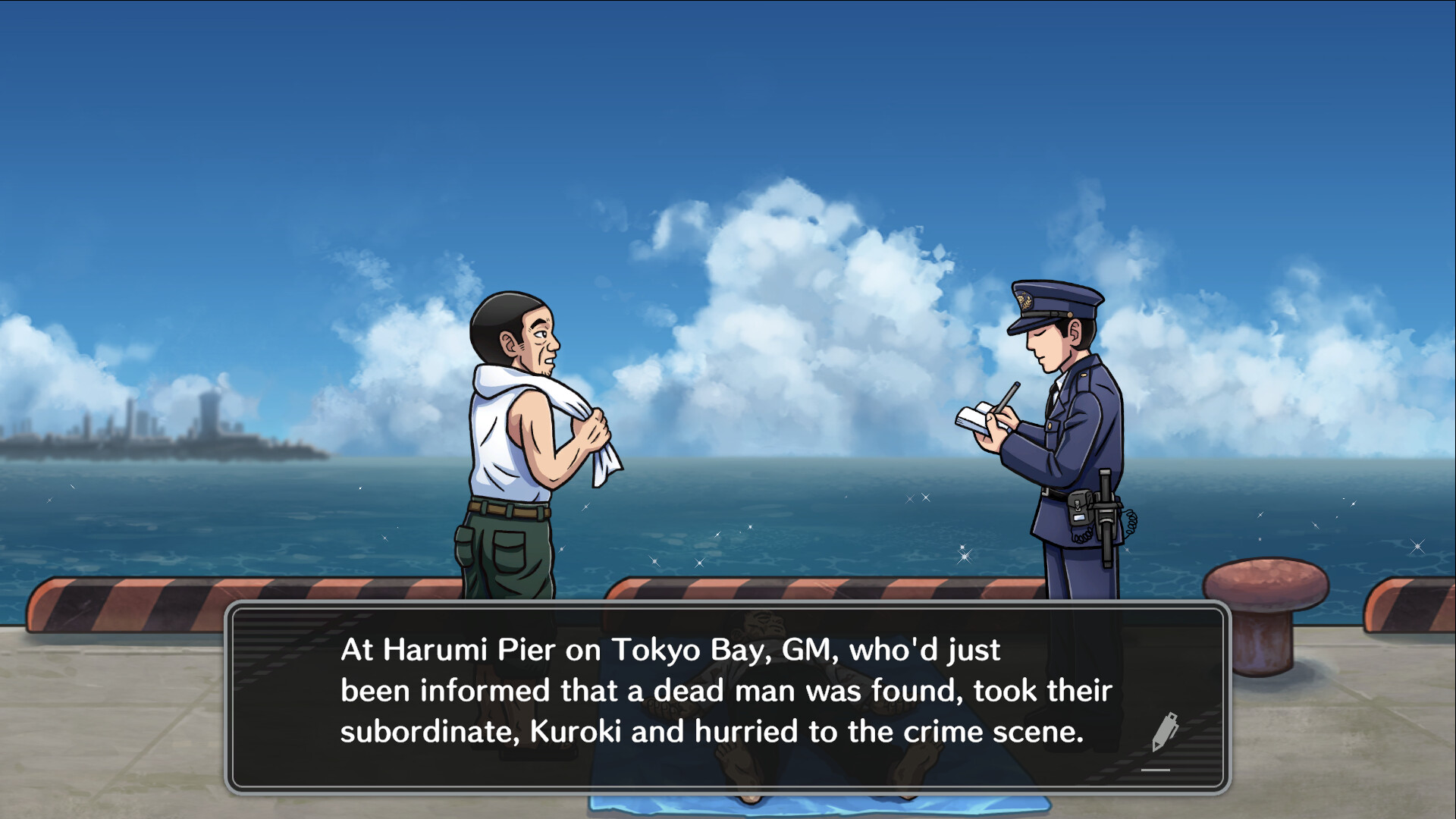
The Hokkaido Serial Murder Case: The Okhotsk Disappearance ~Memories in Ice, Tearful Figurine~ is a graphic‑adventure title that casts the player as a police detective. The opening shows a Nipopo doll shedding a tear, followed by a middle‑aged man's body discovered in Tokyo Bay.
The investigation quickly spreads to Hokkaido’s coastal cities—Kushiro, Abashiri, Shiretoko, and Monbetsu—linking multiple murders. The game runs on Windows via Steam, supports DualShock and DualSense gamepads, and recommends a gamepad for navigation.
01 / THE GUIDE
Plot Summary
The narrative opens with a Nipopo doll shedding a tear, a symbolic cue that another death has occurred. A man in his forties is found floating in Tokyo Bay, prompting the detective to begin an inquiry.
Clues uncovered in Kushiro, Abashiri, Shiretoko and Monbetsu each tie back to the Tokyo incident, forming a chain of murders that the detective must untangle to reveal the serial killer’s motive.
- Record each location’s key evidence to see how the story threads interconnect.
- Note recurring symbols such as the doll for thematic insight.
02 / THE GUIDE
Gameplay Interface
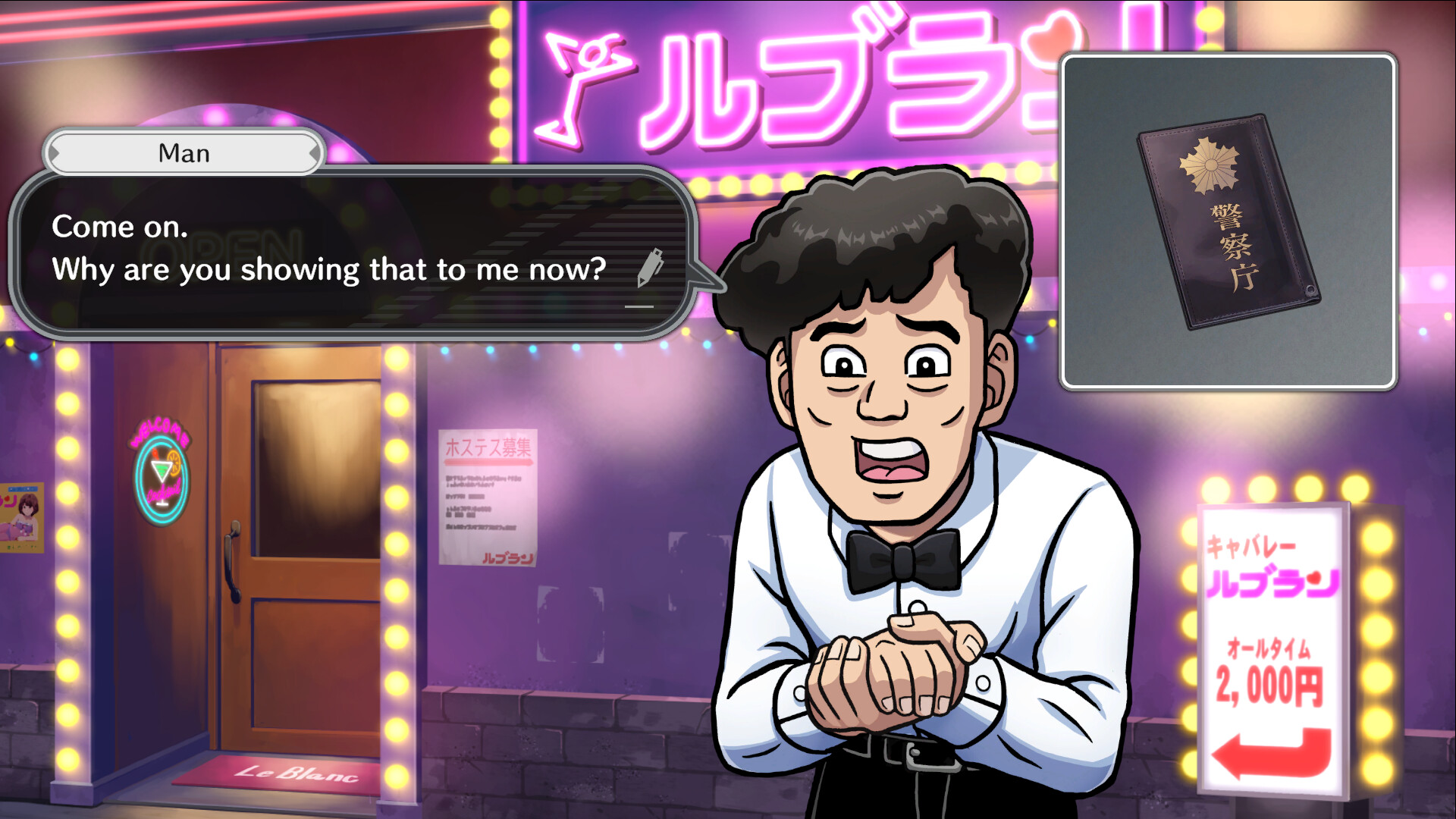
The game presents a graphic‑adventure format where the player acts as a police detective. Interaction occurs through a command interface offering fourteen distinct actions, including “Change Location” and “Ask someone.”
These actions let the detective move between scenes, interrogate characters, and progress the investigation without combat or resource‑management systems.
- Try each command at least once to understand its narrative effect.
- Use “Change Location” deliberately to ensure all relevant areas are visited.
03 / THE GUIDE
Platform Availability
The title is released for Windows PCs only; macOS and Linux are listed as unsupported. It is distributed through Steam and runs on the Windows operating system.
Because the game is Windows‑only, players on other platforms must either use a compatible environment or cannot access the game directly.
- Verify that your Windows version meets Steam’s minimum specifications before purchase.
- If you need to run it on another OS, consider a virtual machine or compatibility layer.
04 / THE GUIDE
Controller Recommendations
Feature tags list DualShock and DualSense controller support and note “Gamepad Recommended.” Partial controller support indicates a gamepad can operate the command interface, though no exclusive input method is stated.
Using a compatible controller may make navigating the fourteen‑action menu smoother for players accustomed to gamepad layouts.
- If you own a DualShock controller, try it first to see how its layout matches the menu.
- Test a DualSense controller as an alternative to compare button placement.
05 / THE GUIDE
Steam Cloud Saving
Steam Cloud appears among the game’s features, meaning save data can be stored online through Steam. This allows progress to persist across installations on the same Steam account.
The feature does not detail limits, but it provides a safety net for players who reinstall the game or move to another Windows machine.
- Check that Steam Cloud is enabled in the game’s properties before starting.
- Keep a local backup of the save folder as an extra precaution.


COMMUNITY
Player discussion