 GameWiki
GET YOUR BEARINGS
About The Grade 5B Case Files
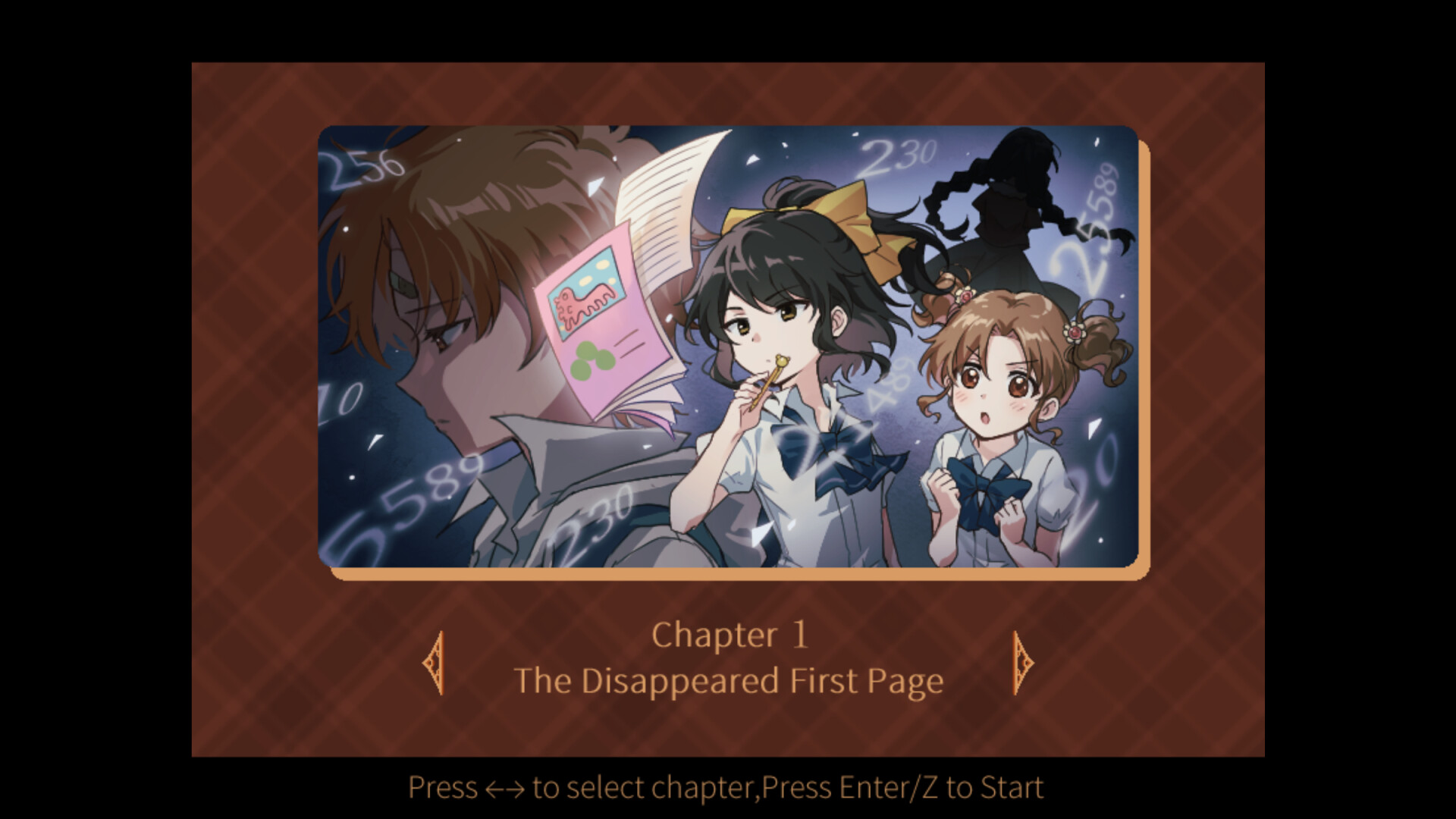
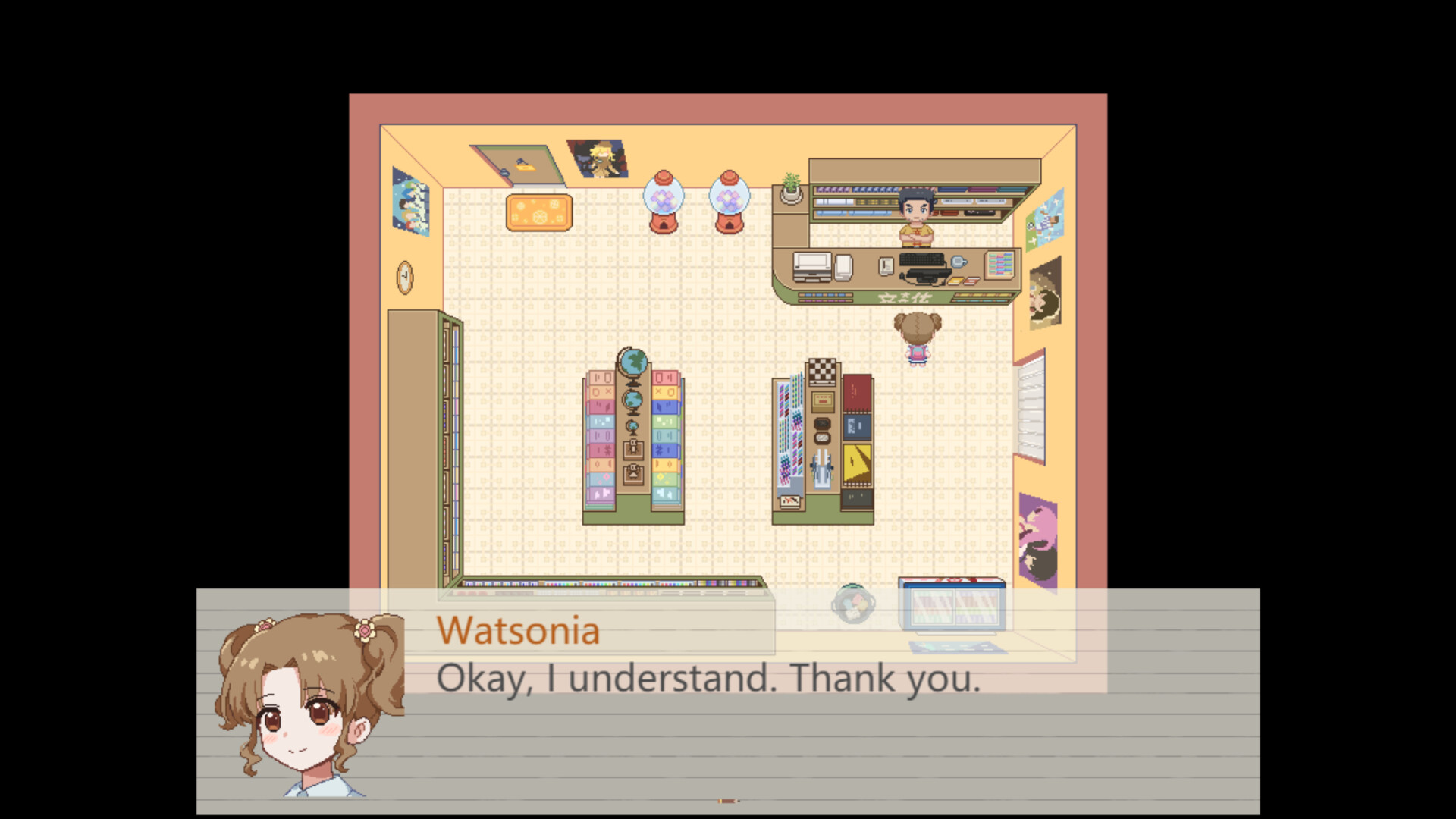
The Grade 5B Case Files follows Watsonia and Holmlyn, two Grade‑5 students at Seashell Elementary, as they turn everyday school oddities into investigations. Watsonia buys a cute notebook that becomes the duo’s record‑keeping tool while they collect clues, deduce causes, and piece together a larger picture of school life.
The game is presented in a linear, chapter‑based format with five chapters, each about an hour long. Chapter 1 is free and self‑contained; later chapters arrive as DLC, and the title launches a planned series that will continue documenting hidden mysteries.
01 / THE GUIDE
Notebook as Investigation Tool
Watsonia’s notebook records every clue the pair discovers. Players can open it at any time during dialogue or free investigation to review items, helping to keep track of evidence and avoid missing connections.
The notebook is accessed by pressing Shift, which also opens a menu where items can be checked and the game saved. This design integrates clue management directly into the narrative flow.
- Re‑open the notebook after each new clue to verify how it fits with earlier notes.
- Use the save option in the notebook before making a major deduction.
02 / THE GUIDE
Chapter Structure and DLC
The story unfolds across five chapters, each roughly one hour in length. Chapter 1 is released for free and offers a complete standalone experience, while Chapters 2–3 are bundled as DLC.
Chapters 4–5 will be released later as additional DLC, extending the narrative. This staggered release lets players experience a self‑contained mystery before committing to the broader plot.
- Complete Chapter 1 before purchasing DLC to ensure you understand the core mechanics.
- Track which chapters you own so you don’t miss future releases.
03 / THE GUIDE
Basic Controls and Navigation
Movement in explorable scenes uses the arrow keys. Interaction keys include Z or Enter to confirm or investigate, X or Esc to cancel, and S to fast‑forward dialogue.
Q or the scroll wheel opens the log, and F5 quickly returns to the title screen. These inputs are consistent across dialogue and free‑investigation modes.
- Press S during repetitive dialogue to speed up the conversation.
- Keep the log open with Q while investigating to compare new clues with earlier entries.
04 / THE GUIDE
Watsonia and Holmlyn Dynamics
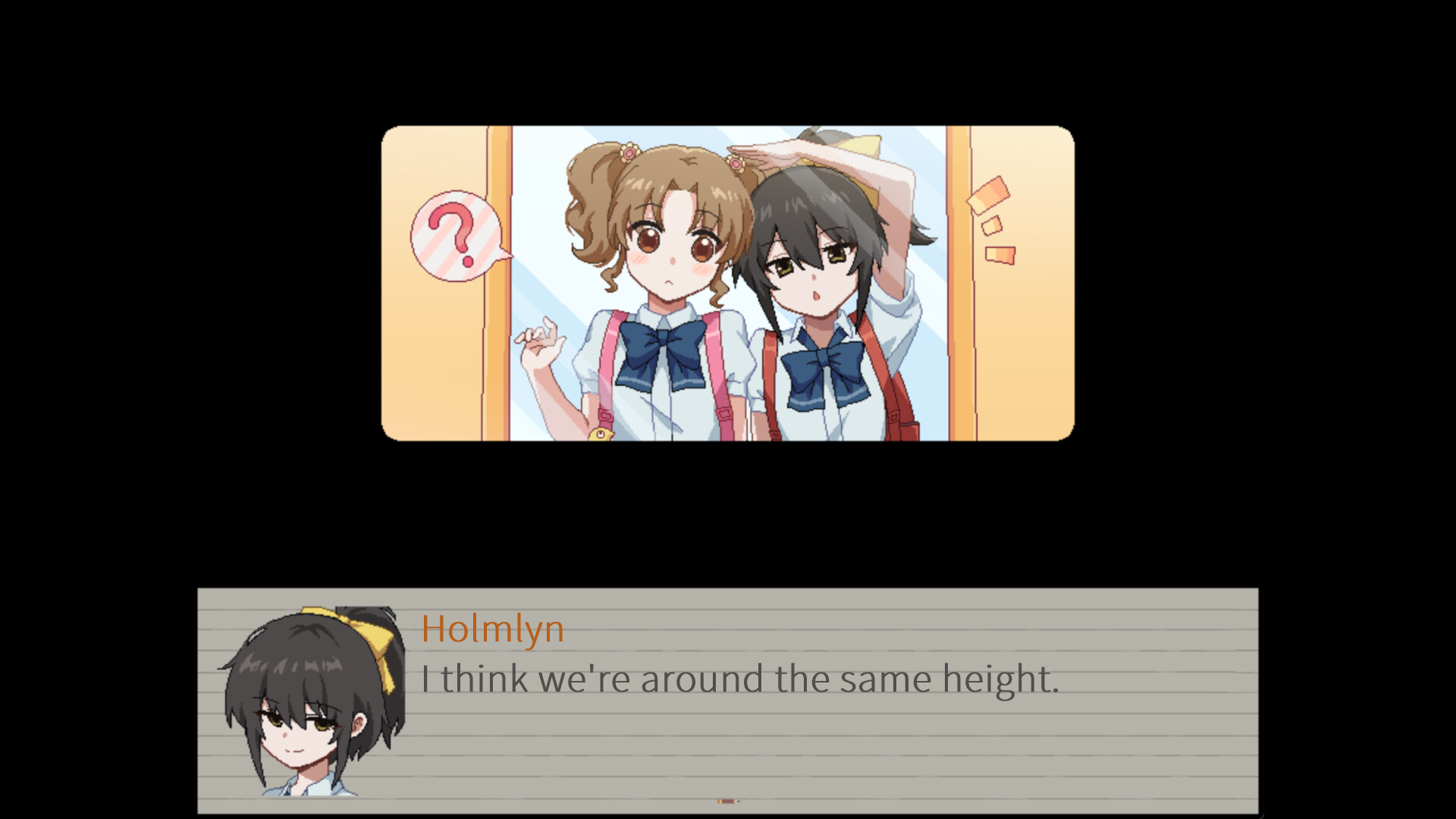
Watsonia is cheerful and innocent, acting as the “assistant” who records clues. Holmlyn is quiet, detail‑oriented, and action‑driven, focusing on deduction and analysis.
Their complementary personalities shape investigations: Watsonia gathers and organizes information, while Holmlyn highlights subtle details, allowing the duo to solve cases that seem trivial to others.
- Notice how Holmlyn points out specifics you might overlook; use those hints to guide your deductions.
- Refer to Watsonia’s notes for a concise summary of Holmlyn’s observations.
05 / THE GUIDE
Platform Features and Availability
The game is available on Windows via Steam and supports single‑player, Steam Achievements, Steam Cloud, and Family Sharing. Steam Cloud allows saved progress to be stored online, while Achievements and Family Sharing round out the Steam integration.
No other operating systems are listed, emphasizing a focused, accessible experience without additional platform‑specific requirements.
- Enable Steam Cloud so your saved progress can be synced through Steam.
- Review the Achievements list for optional goals that encourage thorough investigation.


COMMUNITY
Player discussion