 GameWiki
GET YOUR BEARINGS
About THE GAME OF LIFE
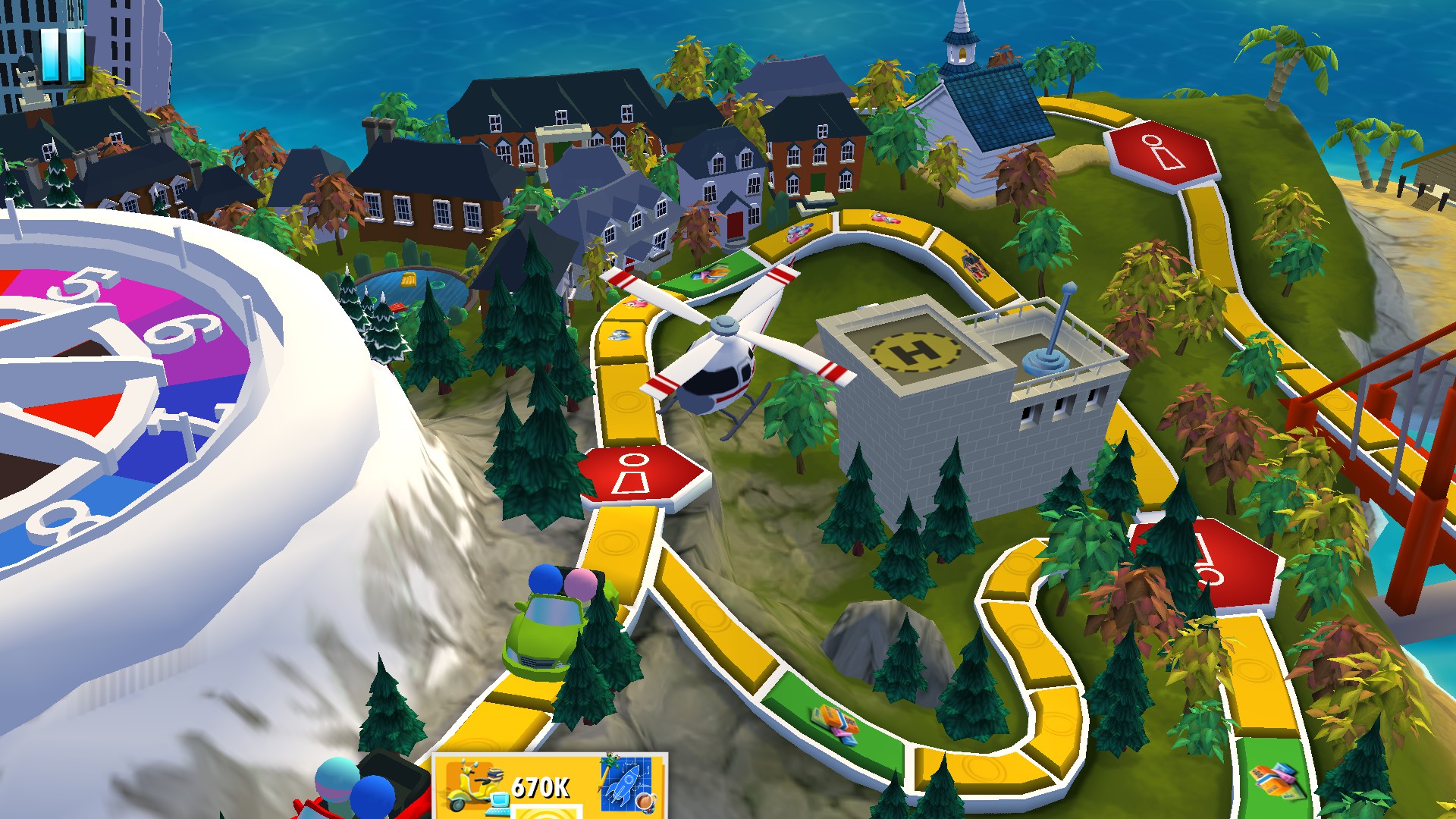
THE GAME OF LIFE brings the classic board‑game experience to a digital format, featuring a beautifully rendered board, cards and spinner that mirror the original’s adventure and surprise elements. Players choose a college or career path, earn money, buy houses and start families, aiming to retire with the most wealth.
The title supports 1‑4 players, includes a single‑player option, and offers fast‑play modes. It allows games to be saved and resumed, runs on Windows and macOS, and provides language options for English, French, Italian, Portuguese, Spanish, German, Russian, Traditional Chinese and Simplified Chinese.
01 / THE GUIDE
Digital Board and Components
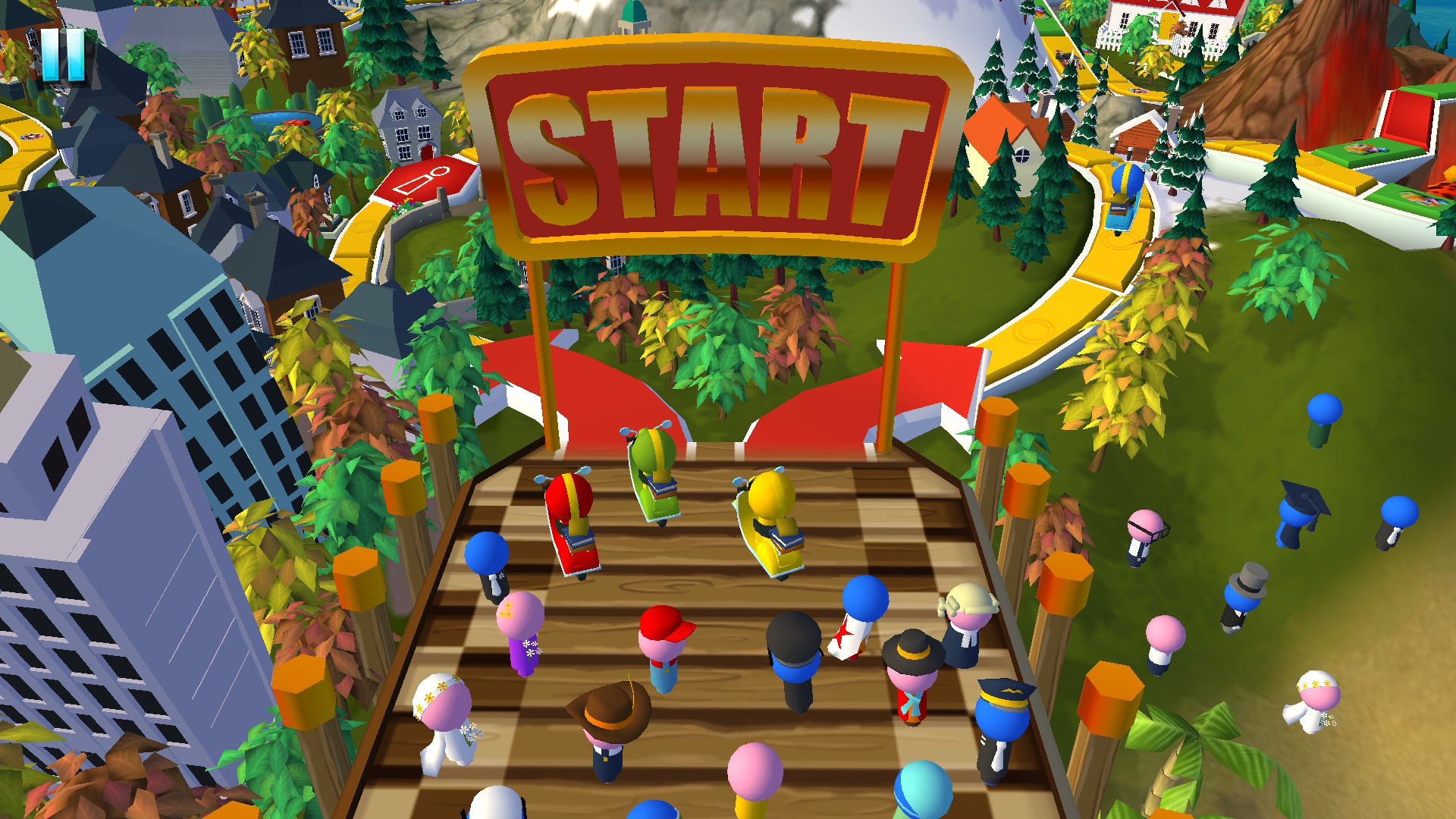
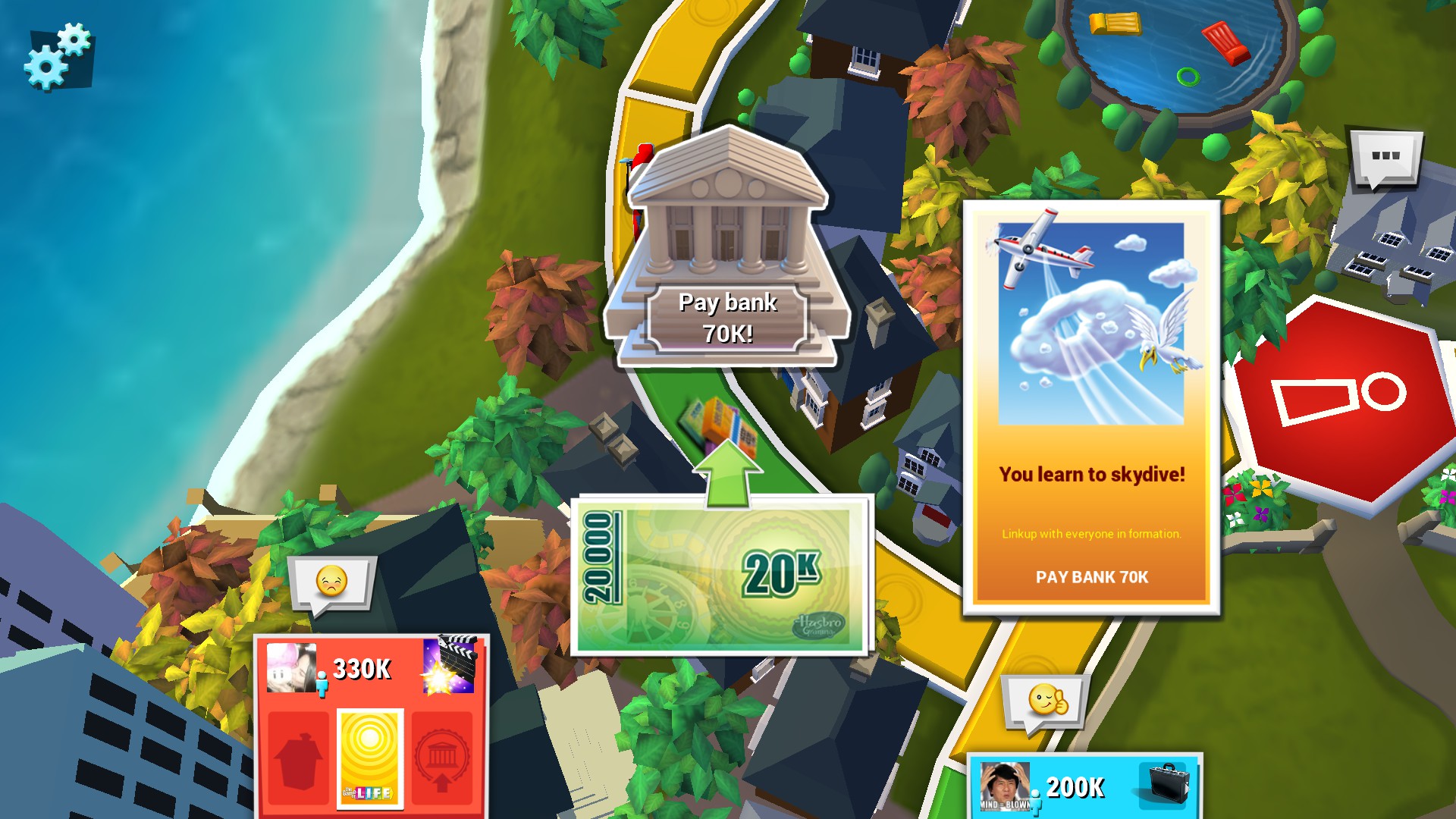
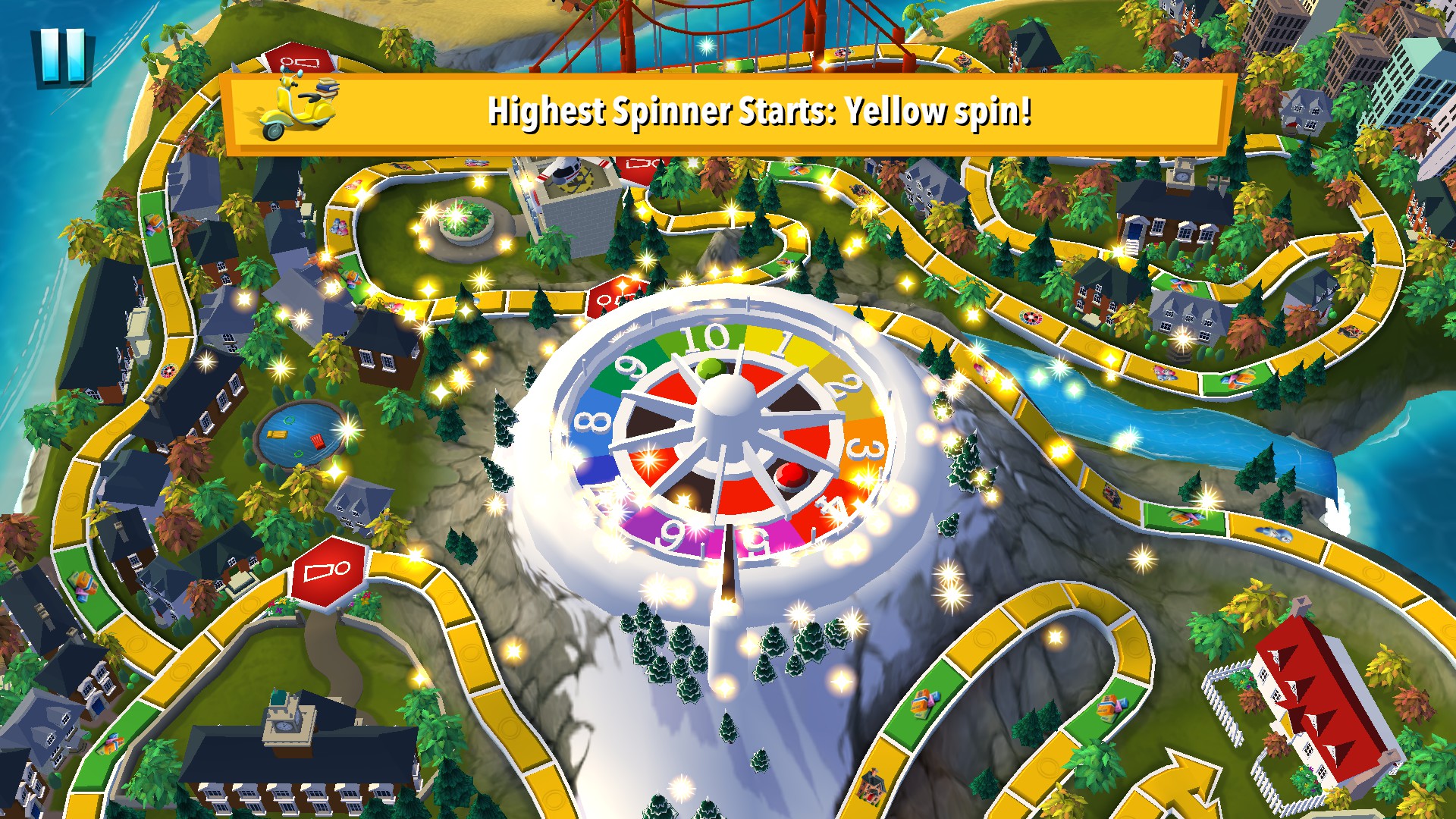
The game displays a digital recreation of the classic board, described as “beautifully rendered,” together with on‑screen cards and a spinner. This visual presentation lets players interact with the same elements found in the physical version without needing physical pieces.
All core components—board spaces, cards and spinner—are integrated into the software, allowing direct on‑screen interaction. The digital format preserves the tactile feel of moving a spinner and drawing cards while adding visual polish.
- Observe the spinner animation to anticipate which board space will be reached.
- Compare the layout of digital cards to the physical ones for quicker recognition.
02 / THE GUIDE
College and Career Paths
At the start, players select either a college route or a direct career, a choice that determines early income and influences later financial decisions such as buying a house or starting a family.
The description notes that paths can be “safe” or “risky,” encouraging players to weigh long‑term benefits against immediate gains as they navigate the many roads of life.
- Consider the early salary impact of a college path versus immediate earnings from a career start.
- Track how early decisions affect later opportunities like property purchases.
03 / THE GUIDE
Multiplayer and Split‑Screen Options
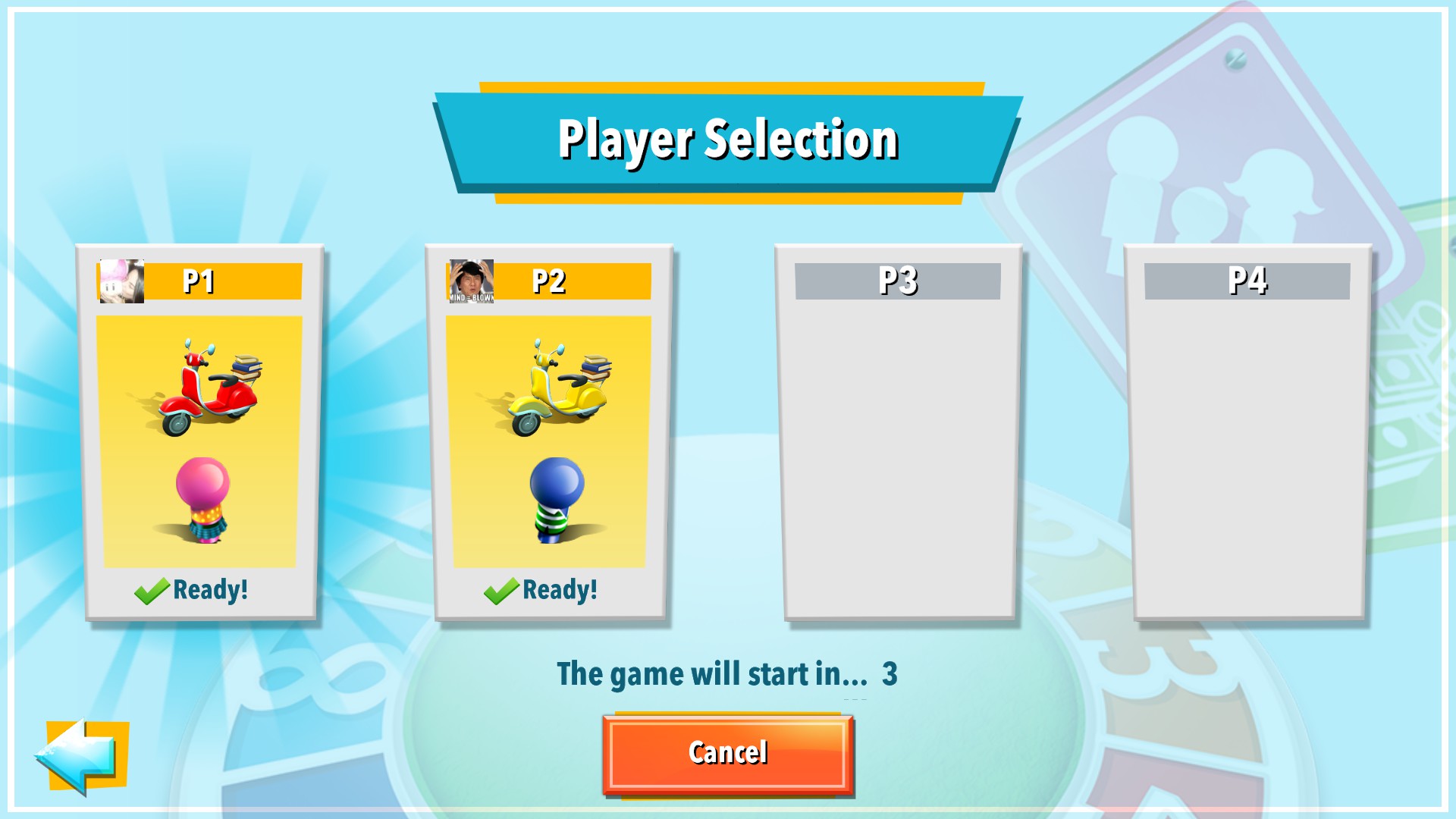
Multiple game modes support 1‑4 players, including new fast‑play modes and a single‑player option. This range lets groups or solo players experience the full board journey.
Shared/split‑screen play and Steam’s Remote Play Together feature allow friends to compete locally or over the internet, reflecting the social nature of the original board game.
- Use split‑screen for local sessions to keep all players’ views visible.
- Try Remote Play Together when local co‑op isn’t possible.
04 / THE GUIDE
Save and Resume Functionality
Players can save in‑progress games and later resume them, allowing long sessions to be paused without losing progress. This applies to any game mode that supports saving.
The feature is useful during the career and retirement phases, where strategic planning may span many turns and players may wish to pause between decisions.
- Save before major financial decisions to experiment with different outcomes.
- Check the options menu to confirm that saving is enabled for your chosen mode.
05 / THE GUIDE
Multilingual Options
The game offers full language support, including English, French, Italian, Portuguese, Spanish, German, Russian, Traditional Chinese and Simplified Chinese, selectable from the options menu before starting a session.
This broad coverage makes the game accessible to a global audience, preserving the family‑friendly appeal of the original board game across many regions.
- Set your preferred language at the start to avoid needing to adjust later.
- Compare terminology in different languages to see how financial terms are translated.
COMMUNITY
Player discussion