 GameWiki

GET YOUR BEARINGS
About The Exit 8
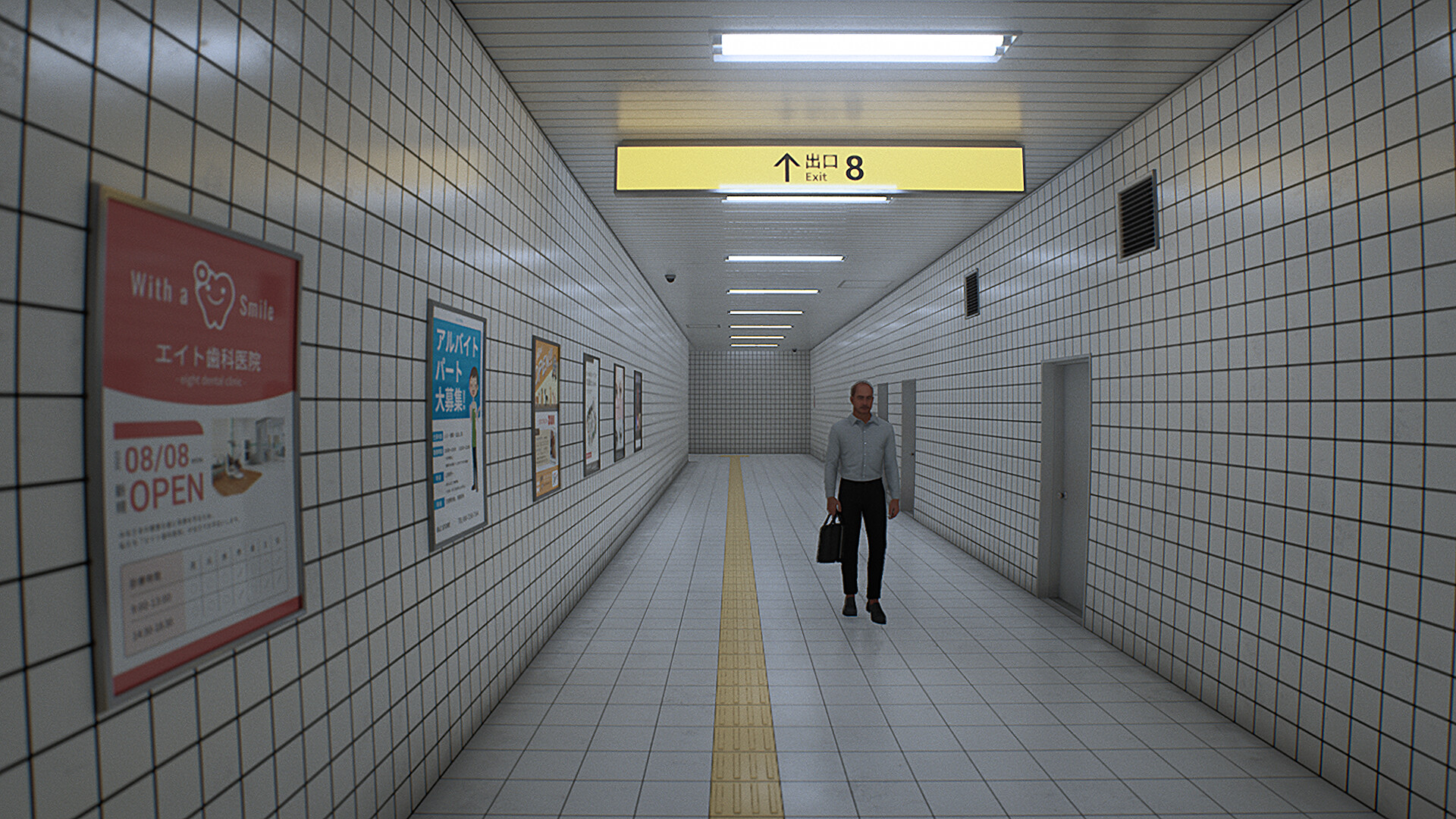
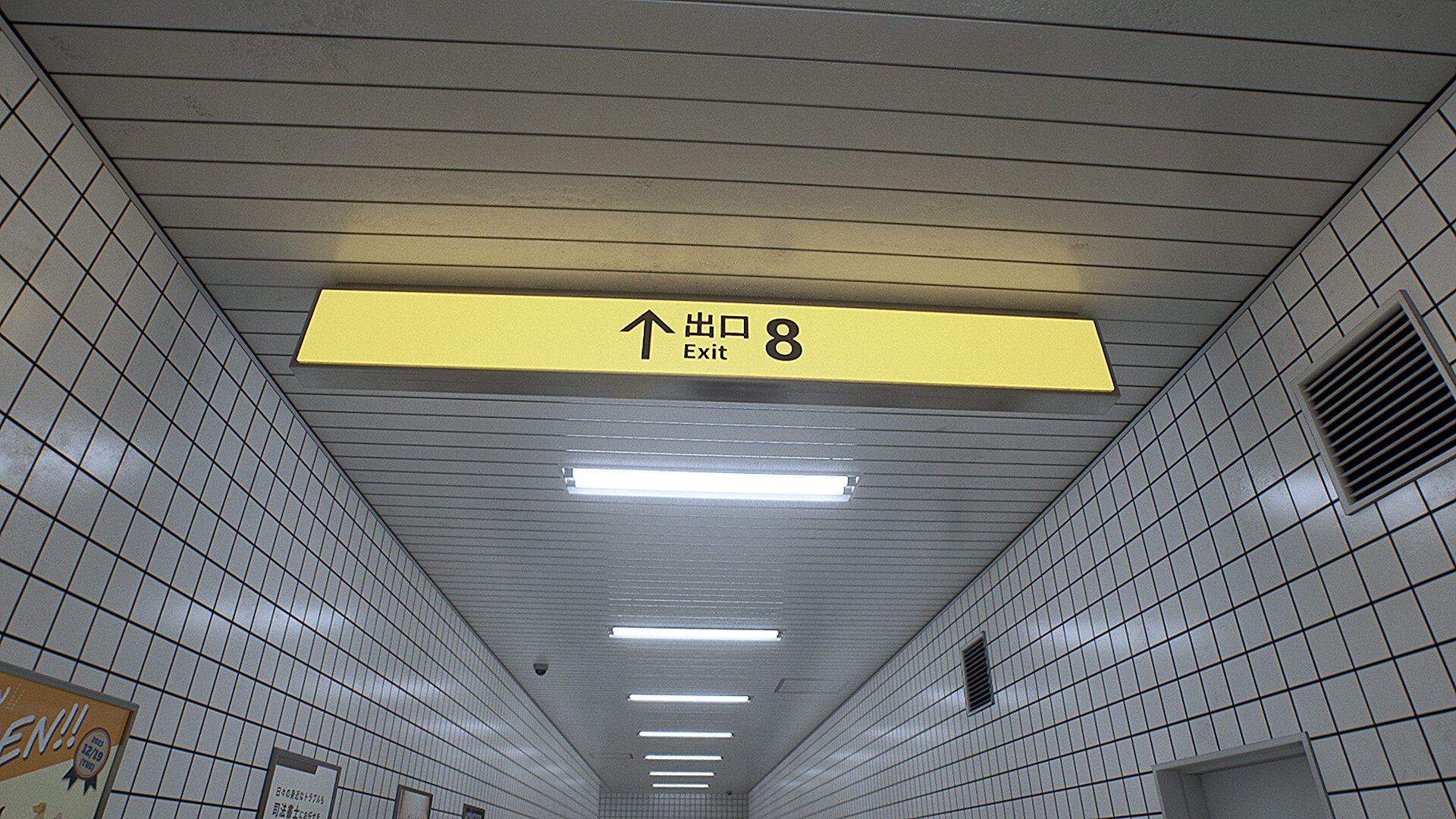
The Exit 8 is a short walking‑simulator that places you in an endless underground passageway inspired by Japanese liminal spaces. Players must observe their surroundings for anomalies and follow a simple rule: turn back only when an anomaly is found. The experience lasts 15–60 minutes, offers Japanese and English text, and runs on Windows with configurable graphics, camera, and motion‑blur settings to reduce discomfort.
01 / THE GUIDE
Gameplay Rules
The core loop consists of walking through a seemingly infinite tunnel while watching for visual irregularities. If an anomaly appears, the player must immediately reverse direction; otherwise, they continue forward toward the exit.
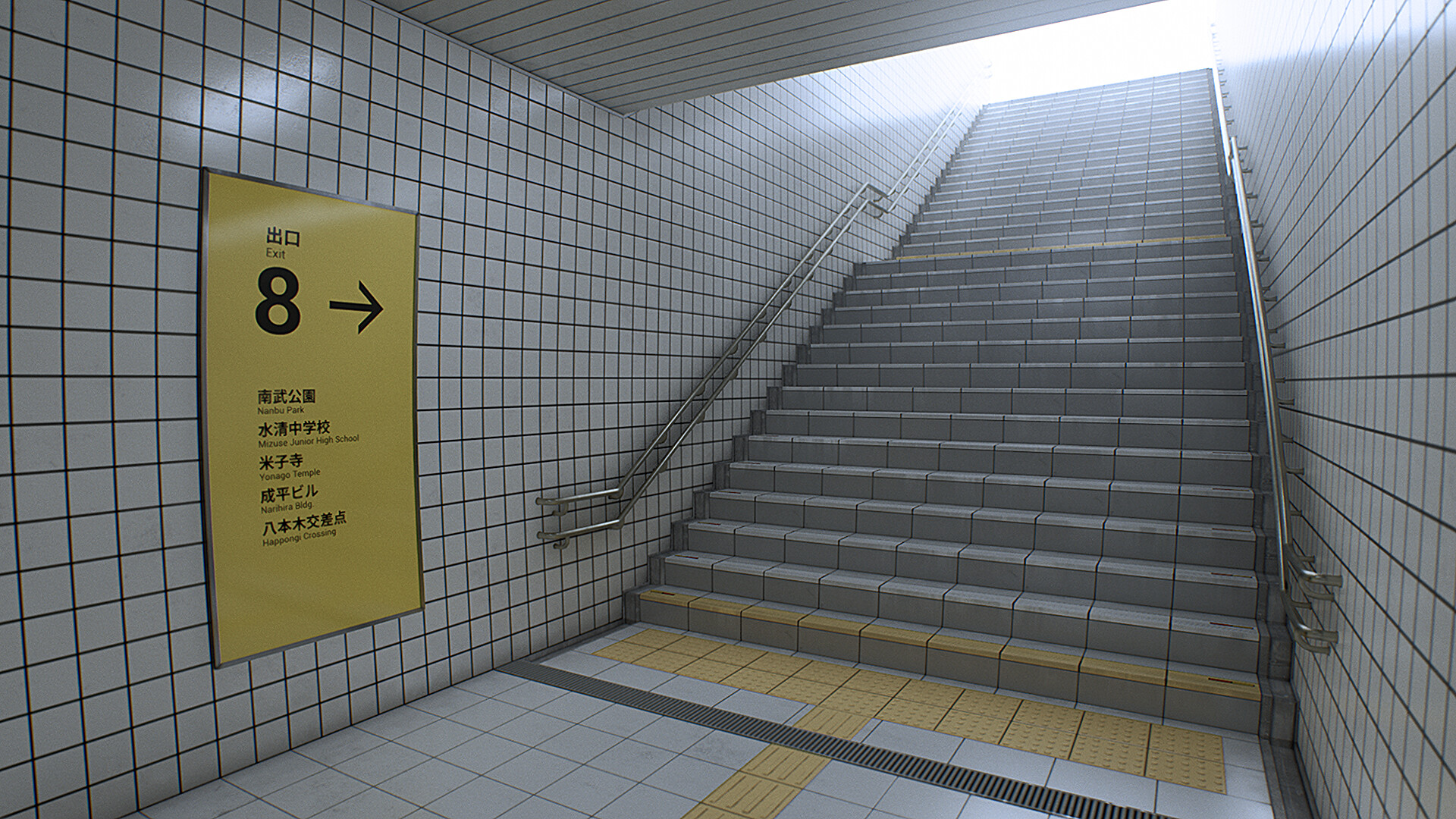
There is no combat, inventory, or branching narrative. Success is measured by reaching the designated "Exit 8" without missing any required turn‑backs.
- Keep your focus on the periphery to spot subtle changes.
- Move at a steady pace to give yourself time to react.
02 / THE GUIDE
Visual Settings
Graphics can be adjusted via presets or individual sliders for camera shake, acceleration, sensitivity, and motion blur. Lowering these values helps players who are prone to motion sickness.
Disabling motion blur is recommended when the game runs at around 30 FPS, as afterimages may become distracting.
- Set Camera Shake to 0.0 for a completely steady view.
- Reduce Motion Blur if you notice lingering trails.
03 / THE GUIDE
Language Options
The game is released in both Japanese and English. No additional language packs are mentioned, so players must choose between these two options at launch.
Understanding the anomaly description in either language is sufficient to complete the experience.
- Select English if you are not fluent in Japanese.
- Read the anomaly rule carefully before starting.
04 / THE GUIDE
Platform Support
The Exit 8 runs on Windows computers; no macOS or Linux versions are listed. This limits play to compatible Windows hardware.
The title supports full controller input, allowing players to navigate without a mouse if preferred.
- Use a controller if mouse movement feels imprecise.
- Check Windows system requirements before installing.
05 / THE GUIDE
Family Sharing
The game includes a Family Sharing feature, meaning a purchased copy can be accessed by other accounts on the same platform without additional cost.
This feature does not affect gameplay mechanics; it simply broadens who can play the title.
- Enable Family Sharing in your platform's settings to share the game.
- Make sure the primary account has completed the purchase.

COMMUNITY
Player discussion