 GameWiki
GET YOUR BEARINGS
About The Elder Scrolls V: Skyrim VR
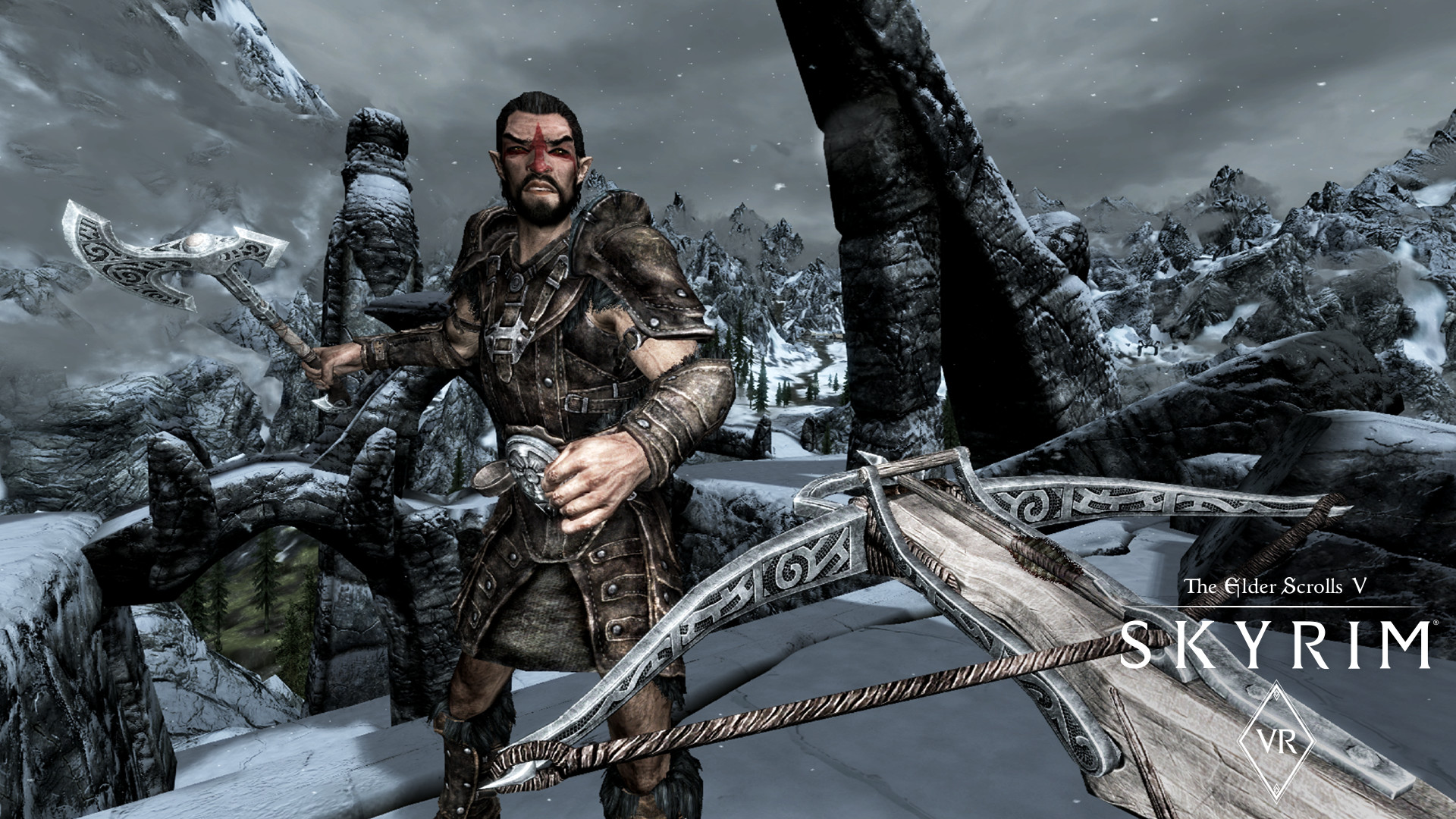
Skyrim VR delivers the full Elder Scrolls V: Skyrim experience—including the base game and the Dawnguard, Hearthfire, and Dragonborn expansions—in virtual reality for Windows.
As the Dragonborn you can explore the same open world, battle dragons, and interact using VR‑compatible controllers.
01 / THE GUIDE
Open‑World Exploration
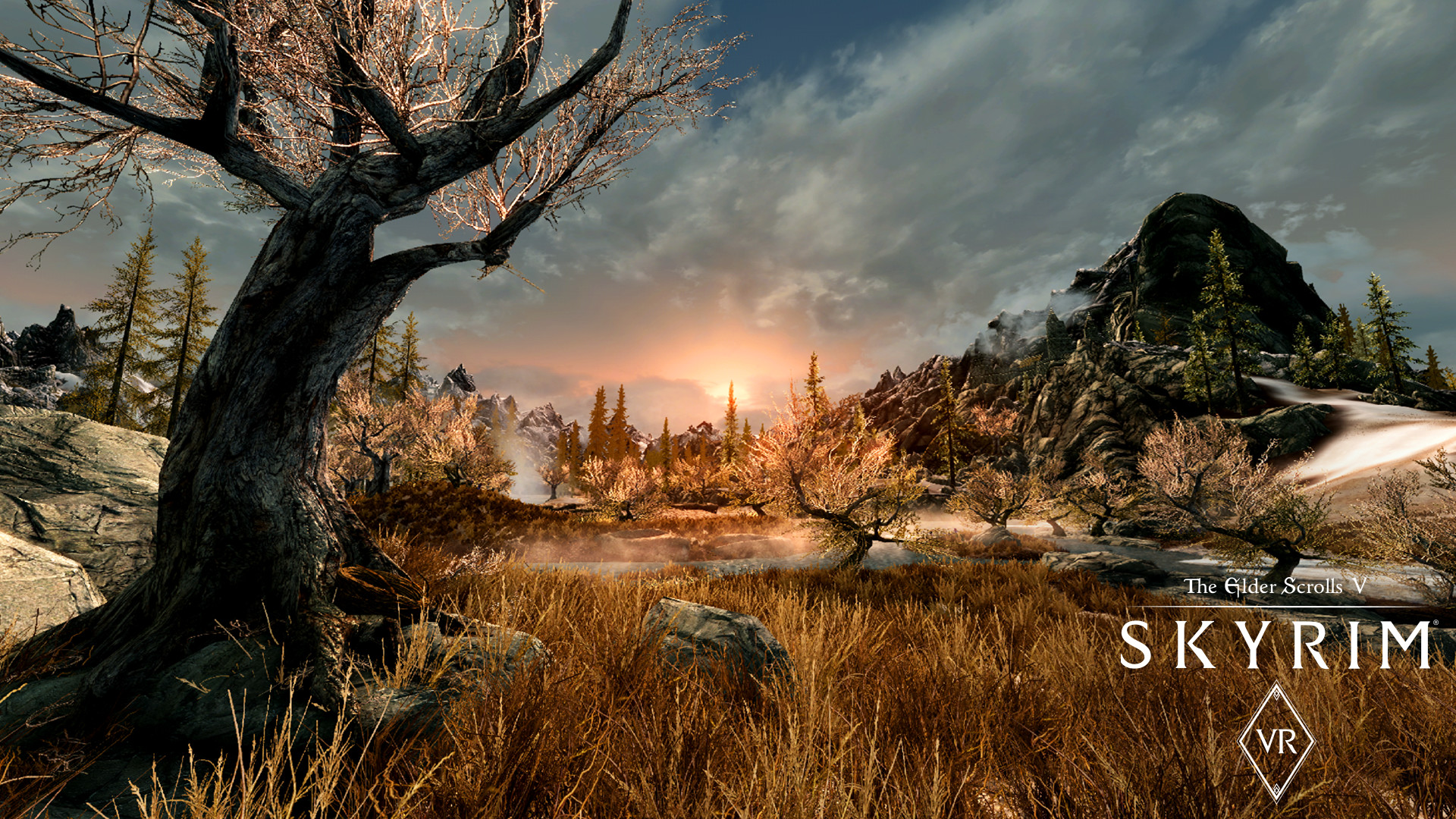
The description calls Skyrim VR a “complete open world for you to experience any way you choose,” confirming that the entire landscape of mountains, ruins, and towns from the original game is present in VR.
Because the world is unchanged from the non‑VR version, all locations, quests, and points of interest remain accessible, letting you decide where to travel next without preset routes.
- Use the headset’s turn‑rate to look around before moving to maintain orientation.
- Take short breaks if motion discomfort appears during long travel sessions.
02 / THE GUIDE
Dragonborn Questline
The source identifies the player as the “prophesied hero born with the power of The Voice,” positioning you as the Dragonborn who can stand against the returning dragons.
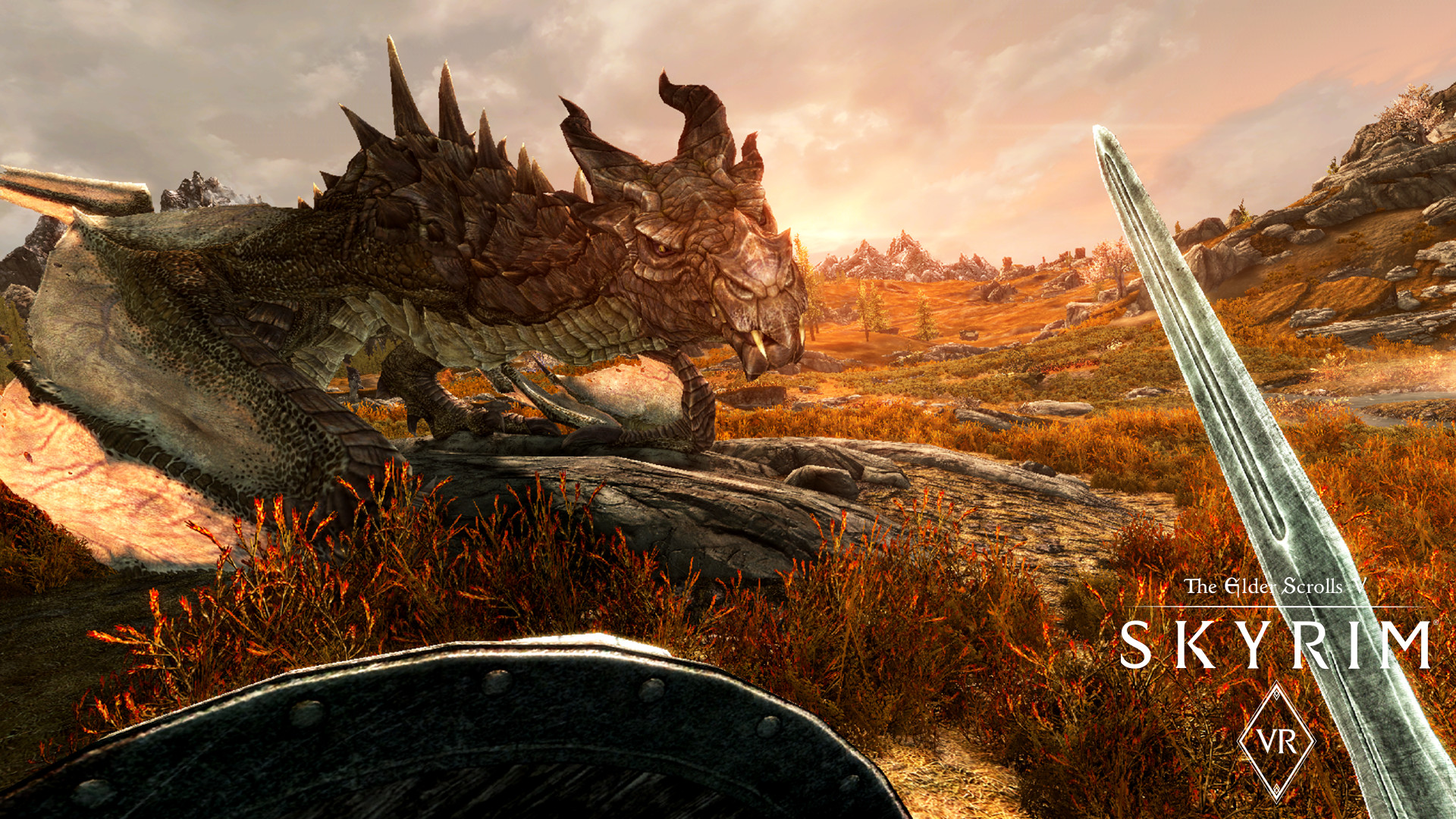
This role drives the main storyline and its associated quests, with shouts and dragon encounters functioning as in the original game but viewed through a headset.
- Listen for dragon roars through the headset to locate aerial threats.
- Observe how shouts are projected in the VR view to gauge effective range.
03 / THE GUIDE
Official Add‑Ons
Skyrim VR bundles the three official expansions—Dawnguard, Hearthfire, and Dragonborn—alongside the base game, as stated in the description: “includes the critically‑acclaimed core game and official add‑ons – Dawnguard, Hearthfire, and Dragonborn.”
Each expansion adds distinct content: Dawnguard introduces vampire hunters, Hearthfire adds home‑building options, and Dragonborn brings the island of Solstheim.
- After finishing the main quest, explore each add‑on’s new region for additional story content.
- Check your inventory after loading an expansion to discover new gear and spells.
04 / THE GUIDE
Controller Support
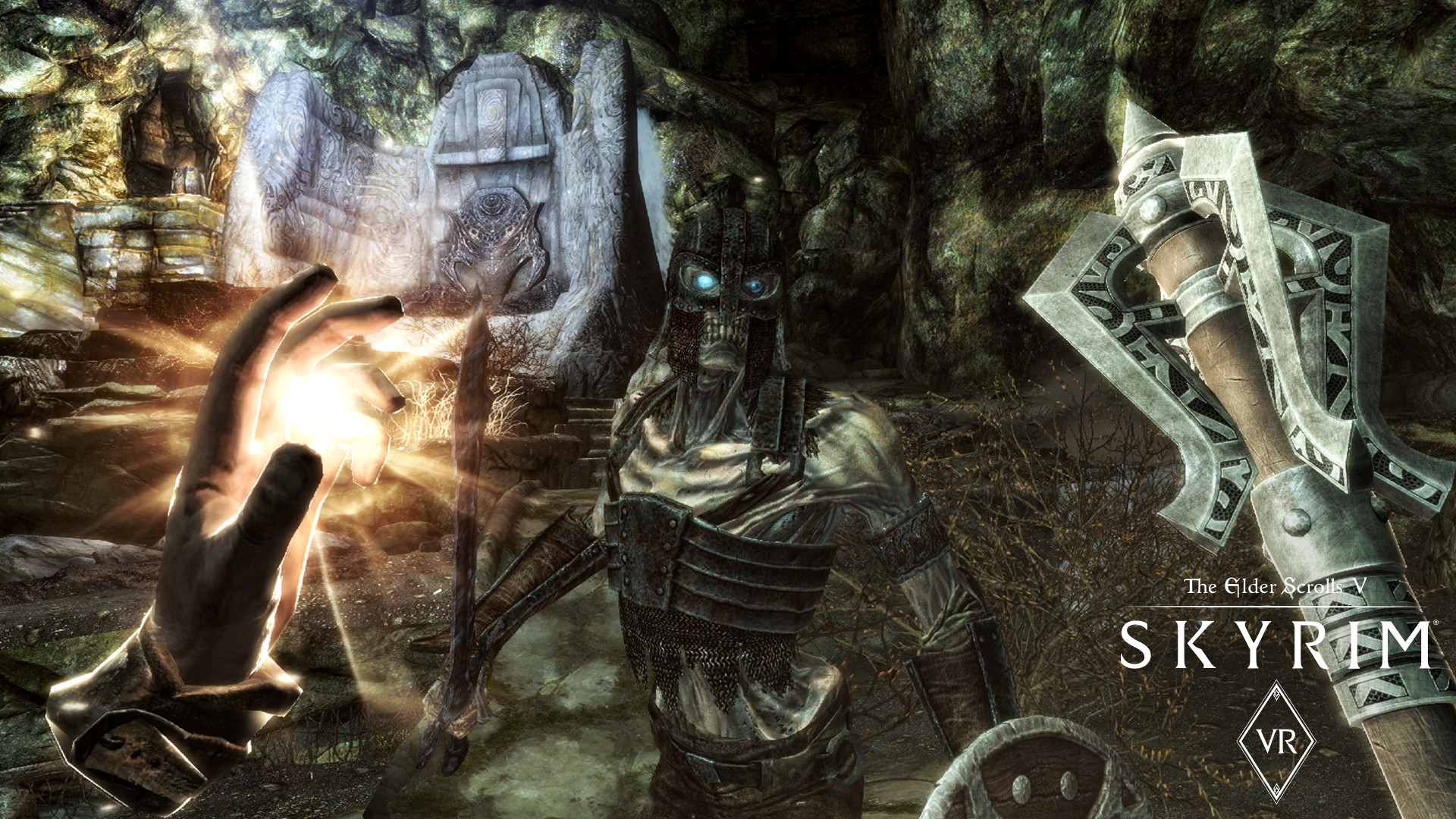
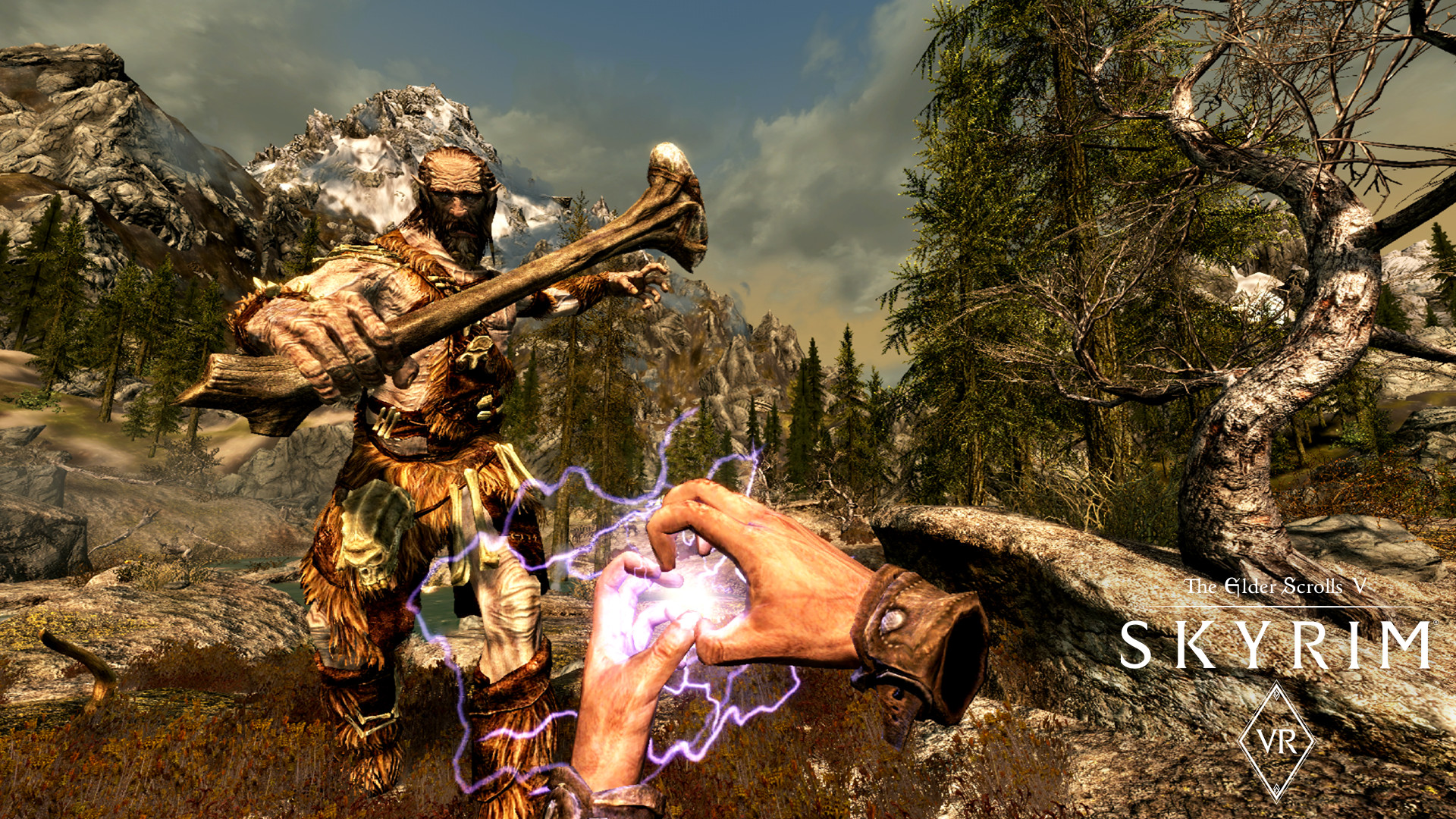
The feature list mentions “Full controller support” and “Tracked Controller Support,” indicating that both standard gamepads and VR motion controllers can be used for navigation, combat, and menus.
The description’s opening line, “A true, full‑length open‑world game for VR has arrived,” confirms that the title is designed for VR hardware, which inherently requires compatible input devices.
- Experiment with each supported input method in a safe area to see which feels more natural for combat and exploration.
- Observe how motion‑based gestures differ from gamepad inputs when casting spells or using shouts.
05 / THE GUIDE
Steam Integration
The feature list includes “Steam Achievements,” “Steam Cloud,” and “Family Sharing,” meaning the game connects to Steam services for progress tracking, cloud‑based saves, and shared access across accounts.
These Steam features apply to the core game and its bundled expansions, allowing you to keep saves synchronized and share the title with other Steam accounts.
- Enable cloud sync in Steam settings to keep saves backed up automatically.
- Review the achievement list to set short‑term goals for each play session.
COMMUNITY
Player discussion