 GameWiki
GET YOUR BEARINGS
About The Dream Machine: Chapter 1 & 2
The Dream Machine: Chapter 1 & 2 is a handcrafted point‑and‑click adventure that invites players to wander a mysterious apartment complex. Using mouse‑only controls, you explore detailed clay‑crafted environments while uncovering the secrets of the building’s residents.
The narrative follows Victor Neff as he investigates unsettling events in his new home and later confronts the enigmatic landlord, Mr. Morton. The game blends surreal storytelling with a haunting soundtrack, offering a single‑player experience that can be saved at any time.
01 / THE GUIDE
World Exploration
Players move through a creepy apartment complex built from physical clay, cardboard and other materials. Each hallway and room is designed to feel both intimate and unsettling, encouraging careful observation.
The environment is populated with neighbors whose personal spaces hint at hidden backstories. Exploring these areas reveals clues that deepen the mystery and drive the plot forward.
- Take time to examine every object; subtle details often serve as puzzle hints.
- Compare the layout of different apartments to spot recurring motifs that may indicate larger patterns.
02 / THE GUIDE
Story & Characters
Victor Neff, the husband of a young couple, is the central figure in Chapter 1, navigating a seemingly ordinary building that quickly turns strange. In Chapter 2 he seeks the landlord, Mr. Morton, after finding his own apartment empty.
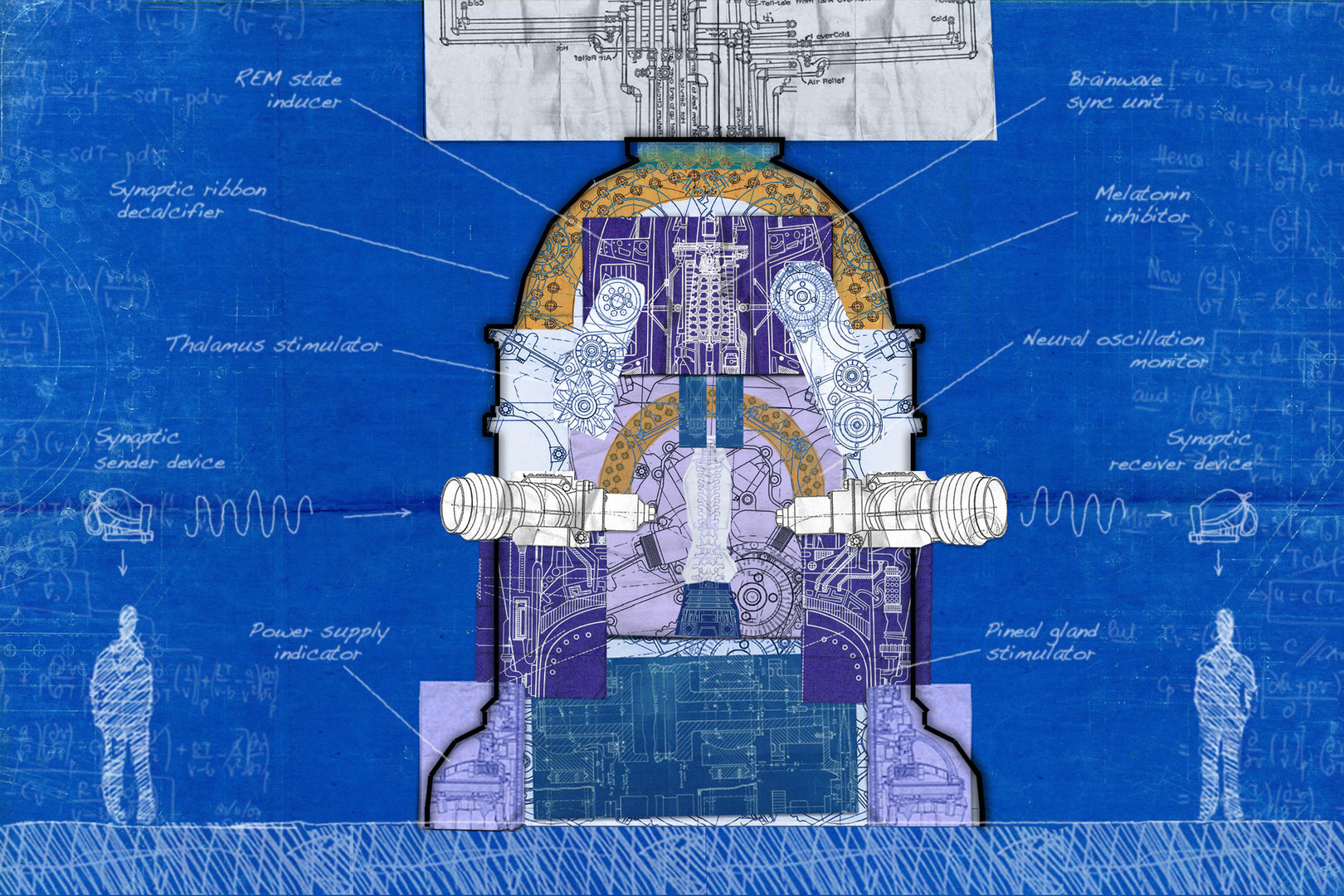
The game delves into the minds of strangers and loved ones, aiming to rescue them from the influence of The Dream Machine, which ties the narrative together across both chapters.
- Note each character’s dialogue for hints about their hidden motives.
- Track the timeline of events between chapters to understand cause and effect.
03 / THE GUIDE
Visual Style
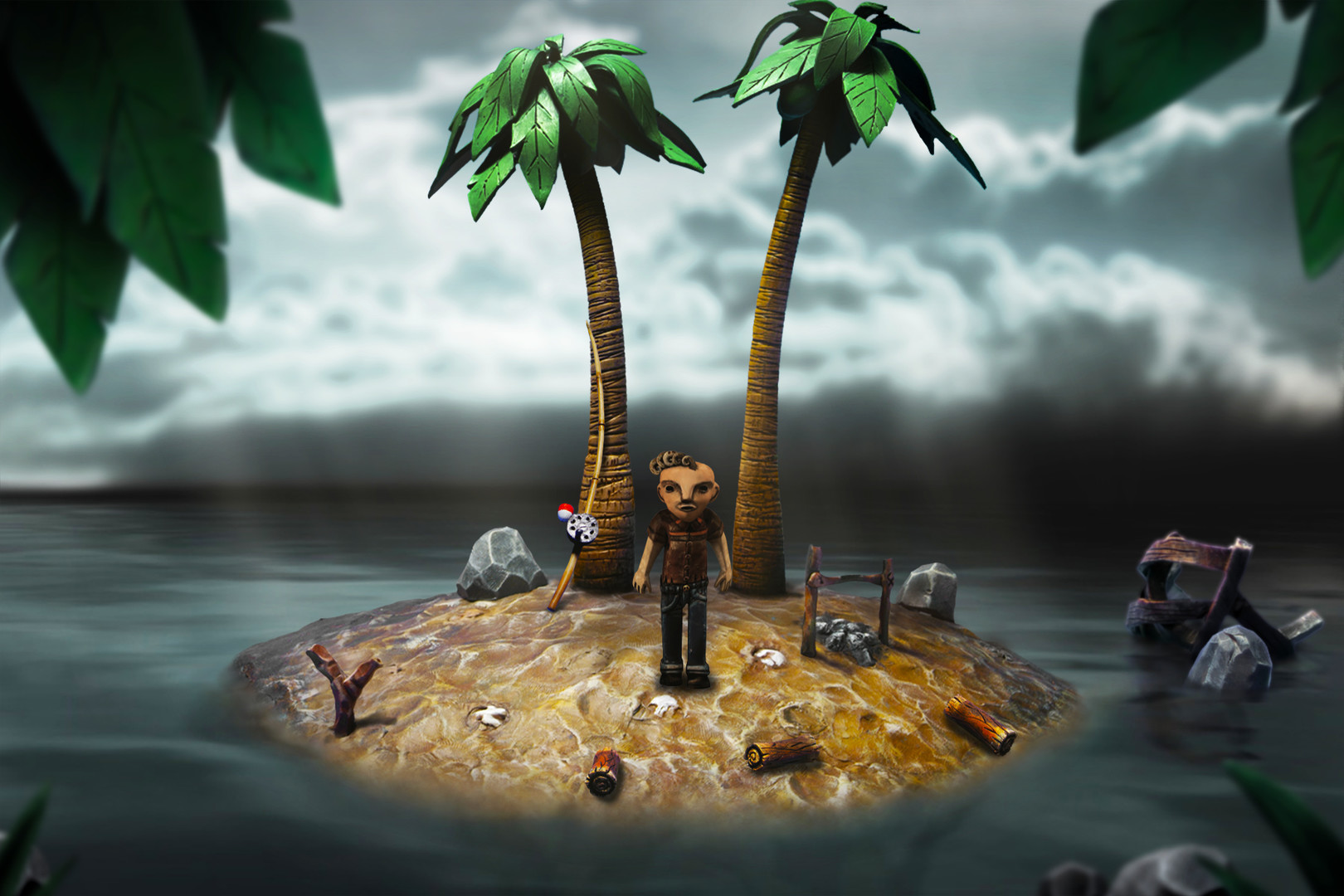
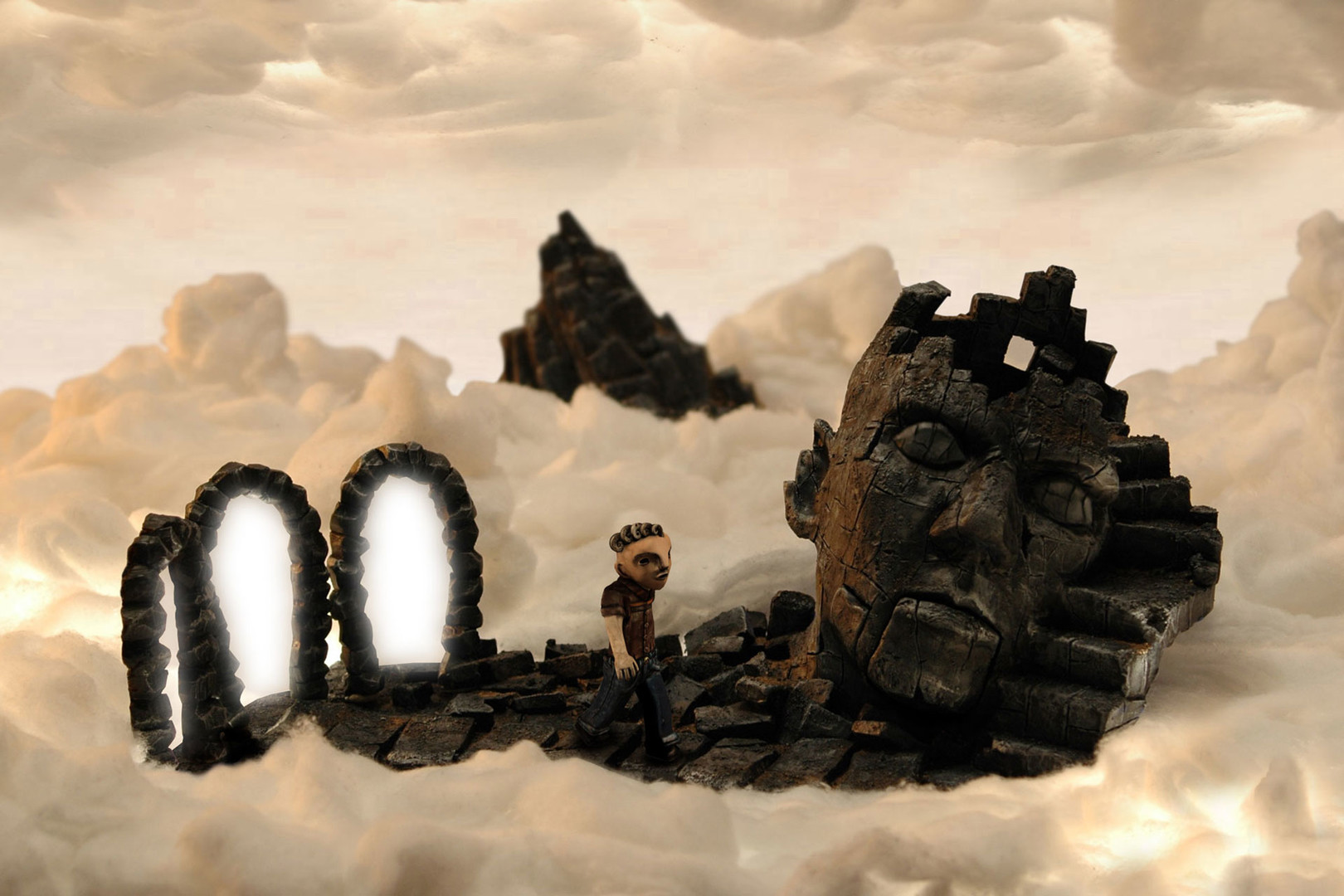
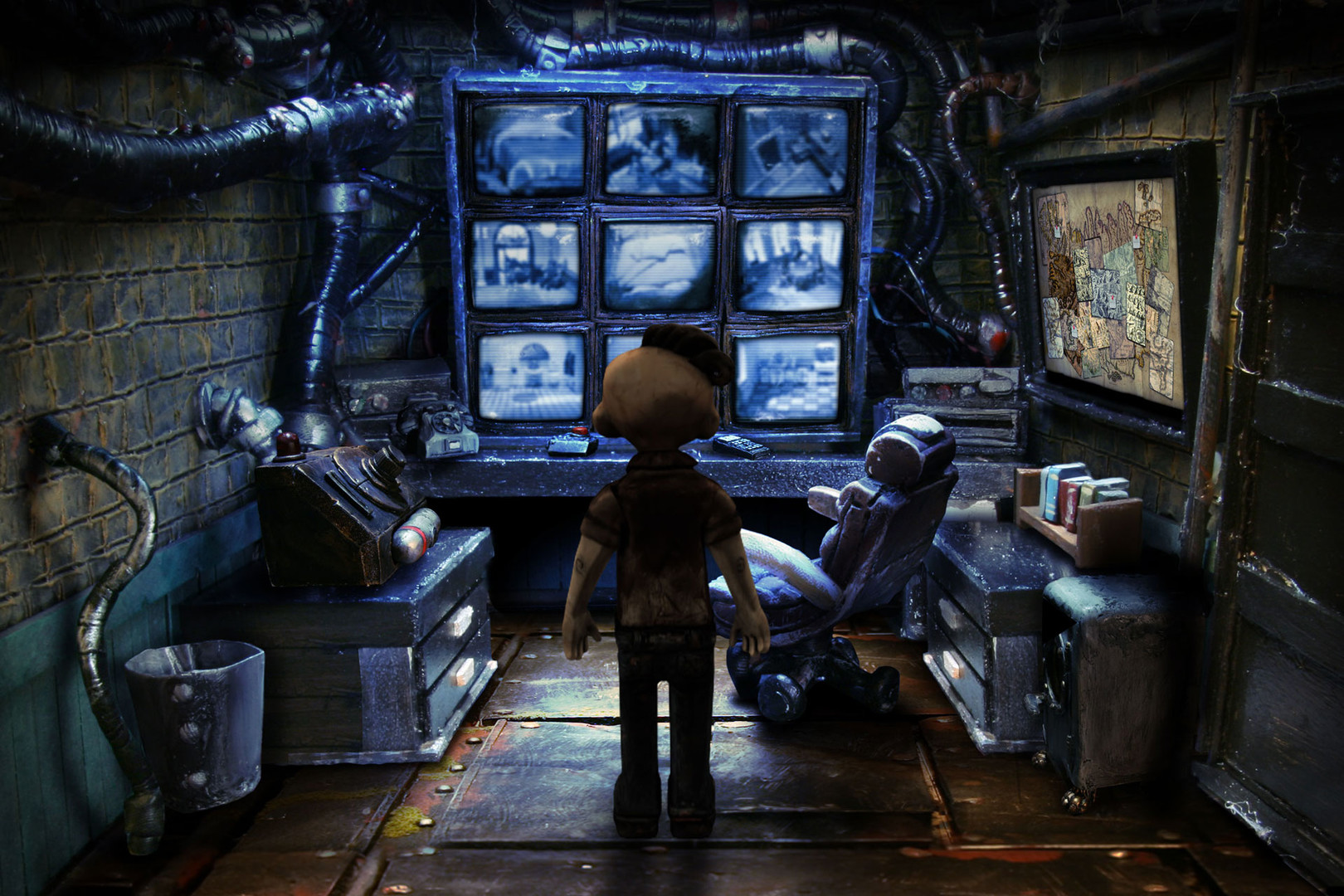
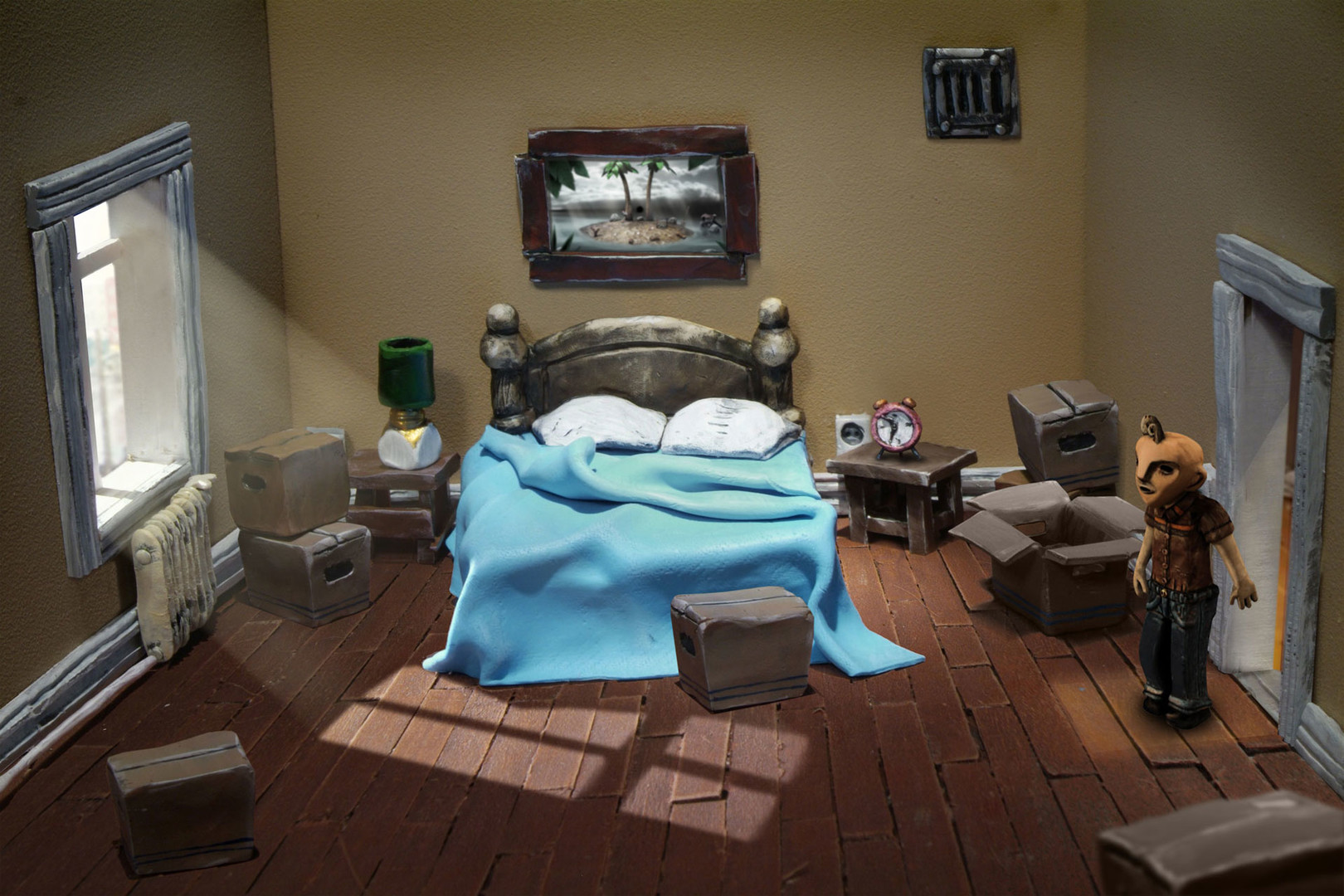
All environments are rendered from hand‑crafted sets, giving the game a tactile, almost surreal aesthetic. Clay models and cardboard constructions create a distinct visual texture that stands out from typical digital art.
The detailed scenery supports the eerie atmosphere, making each scene feel like a miniature stage set that players can explore at their own pace.
- Observe lighting changes; they often highlight interactive elements.
- Compare the color palette of different rooms to gauge emotional tone.
04 / THE GUIDE
Puzzle Design
Progression relies on solving a range of puzzles, from simple push‑over mechanics to more complex brainteasers. Each puzzle is integrated into the environment, requiring players to think about object placement and narrative context.
The puzzles range from simple pushovers to fiendish brainteasers, encouraging players to develop increasingly nuanced problem‑solving strategies while staying immersed in the story.
- Experiment with moving objects in multiple directions; some puzzles have non‑obvious solutions.
- Use the save‑anytime feature to test risky approaches without losing progress.
05 / THE GUIDE
Audio & Atmosphere
A haunting original soundtrack underscores the surreal mood, shifting with each scene to reinforce tension or curiosity. Stereo sound and subtitle options allow players to tailor the experience to personal preferences.
Narrated game menus and custom volume controls give additional accessibility, ensuring the audio cues remain clear and impactful throughout the adventure.
- Adjust volume levels to emphasize ambient sounds that may hint at hidden objects.
- Listen for recurring musical motifs; they can signal narrative connections.
COMMUNITY
Player discussion