 GameWiki
GET YOUR BEARINGS
About The Disney Afternoon Collection
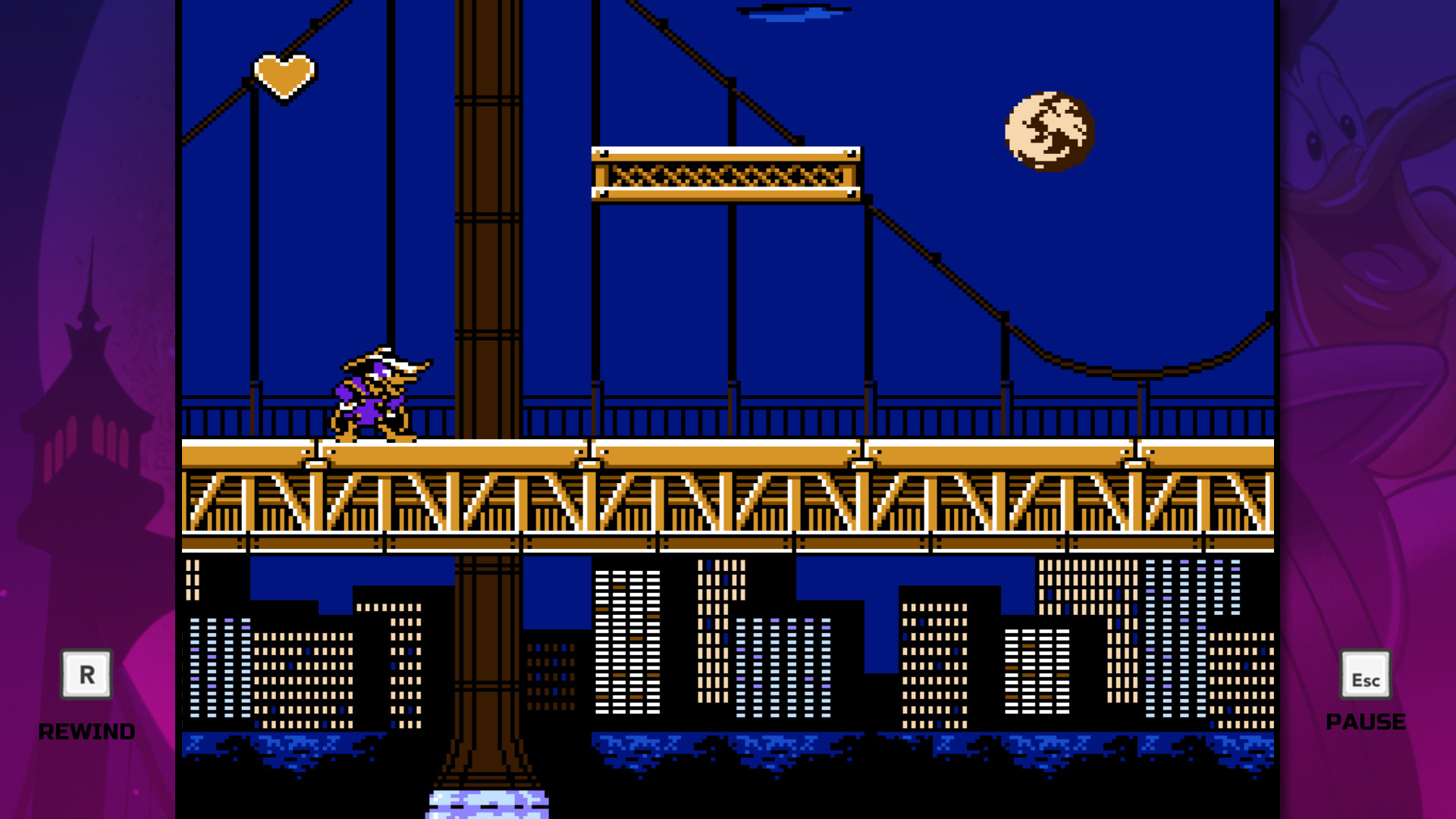
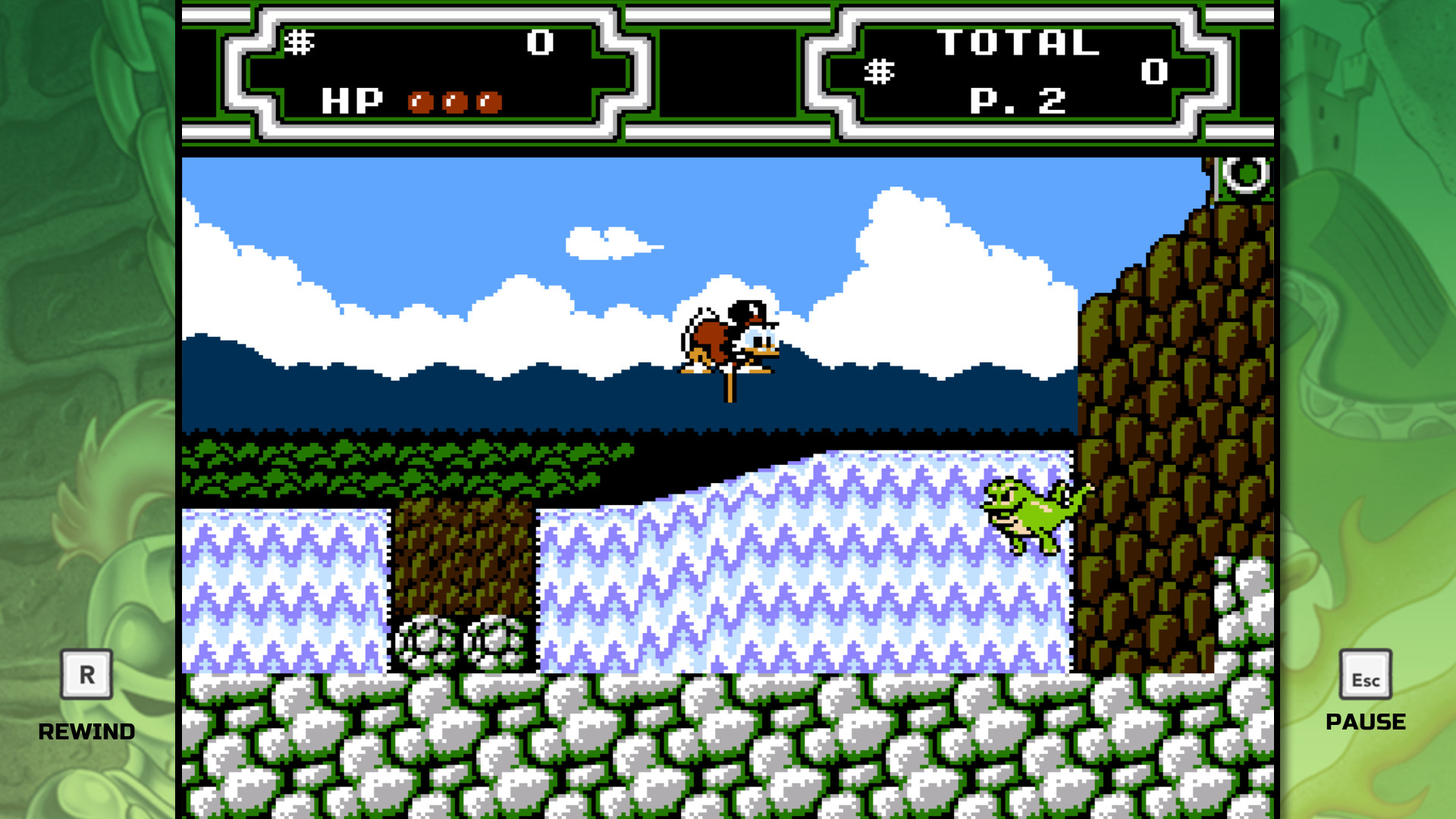
The Disney Afternoon Collection bundles six classic Capcom action titles starring iconic Disney heroes. Players can hunt treasure with Scrooge McDuck, fight crime as Darkwing Duck, soar with Baloo, or team up as Chip and Dale in co‑op adventures.
The compilation adds Boss Rush and Time Attack modes with online leaderboards, a Rewind mechanic that lets players reverse recent mistakes, visual filters that emulate a retro look, and an in‑game Museum showcasing concept art and music from the original releases.
01 / THE GUIDE
Included Games
The collection features six titles: Chip 'n Dale Rescue Rangers, Chip 'n Dale Rescue Rangers 2, DuckTales, DuckTales 2, Darkwing Duck, and TaleSpin. Each game retains its original storyline and characters, offering distinct gameplay experiences within the same package.
All six games come together in one collection, letting players enjoy a range of classic adventures in a single package.
- Open the menu and select each title to see which gameplay style you enjoy most.
- Use the quick‑launch option for short play sessions.
02 / THE GUIDE
Visual Filters & Retro Look
All six games receive new and improved visuals, and the collection provides optional filtering that can replicate a retro appearance. The filters affect only the graphical presentation, leaving gameplay mechanics unchanged.
Switching between modern polish and retro filters is a visual preference, since the filters replicate a retro look and feel.
- Toggle a filter before a level to compare sprite detail with the retro view.
- Choose the retro filter for a nostalgic feel during co‑op sessions.

03 / THE GUIDE
Boss Rush & Time Attack Modes
Boss Rush and Time Attack are new modes that focus on speed‑based challenges. Each run records a completion time and posts scores to online leaderboards, enabling competition with other players.
These modes encourage time-based gameplay, giving players repeated opportunities to improve their times.
- Use Time Attack to practice a specific level and gauge improvement.
- Check the leaderboards for benchmark times before tackling Boss Rush.
04 / THE GUIDE
Rewind Mechanic
The Rewind feature lets players reverse time after a mistake, providing a safety net for newcomers. Activating Rewind returns the game to a recent point, allowing a quick recovery without restarting the level.
Rewind functions across all six titles and does not modify any in‑game assets; it simply moves the play state backward, making difficult sections more approachable.
- Trigger Rewind on a tough platform segment to learn the correct timing.
- Use Rewind when you encounter an unexpected enemy pattern to retry without losing progress.
05 / THE GUIDE
In‑Game Museum
The collection includes an in‑game Museum that showcases concept art, music, and other extras from the original releases. This archive serves fans who want to explore the development background of each title.
The Museum is an in-game archive that does not affect gameplay; it provides a curated showcase of the era’s creative assets for players to browse.
- Visit the Museum between play sessions to appreciate the series’ legacy.
- Listen to the original tracks while reviewing concept art for added context.


COMMUNITY
Player discussion