 GameWiki
GET YOUR BEARINGS
About The Darkside Detective: A Fumble in the Dark
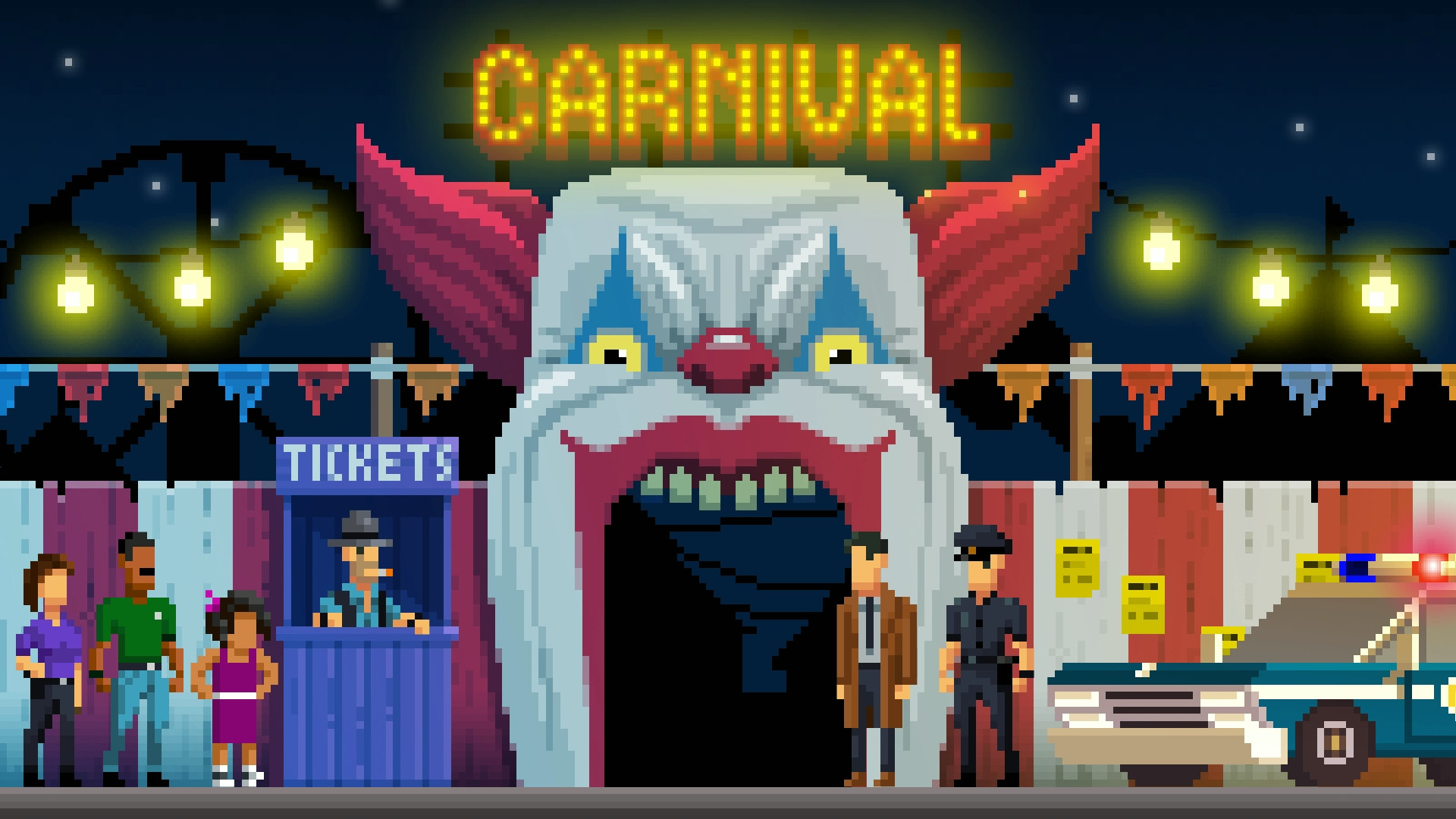
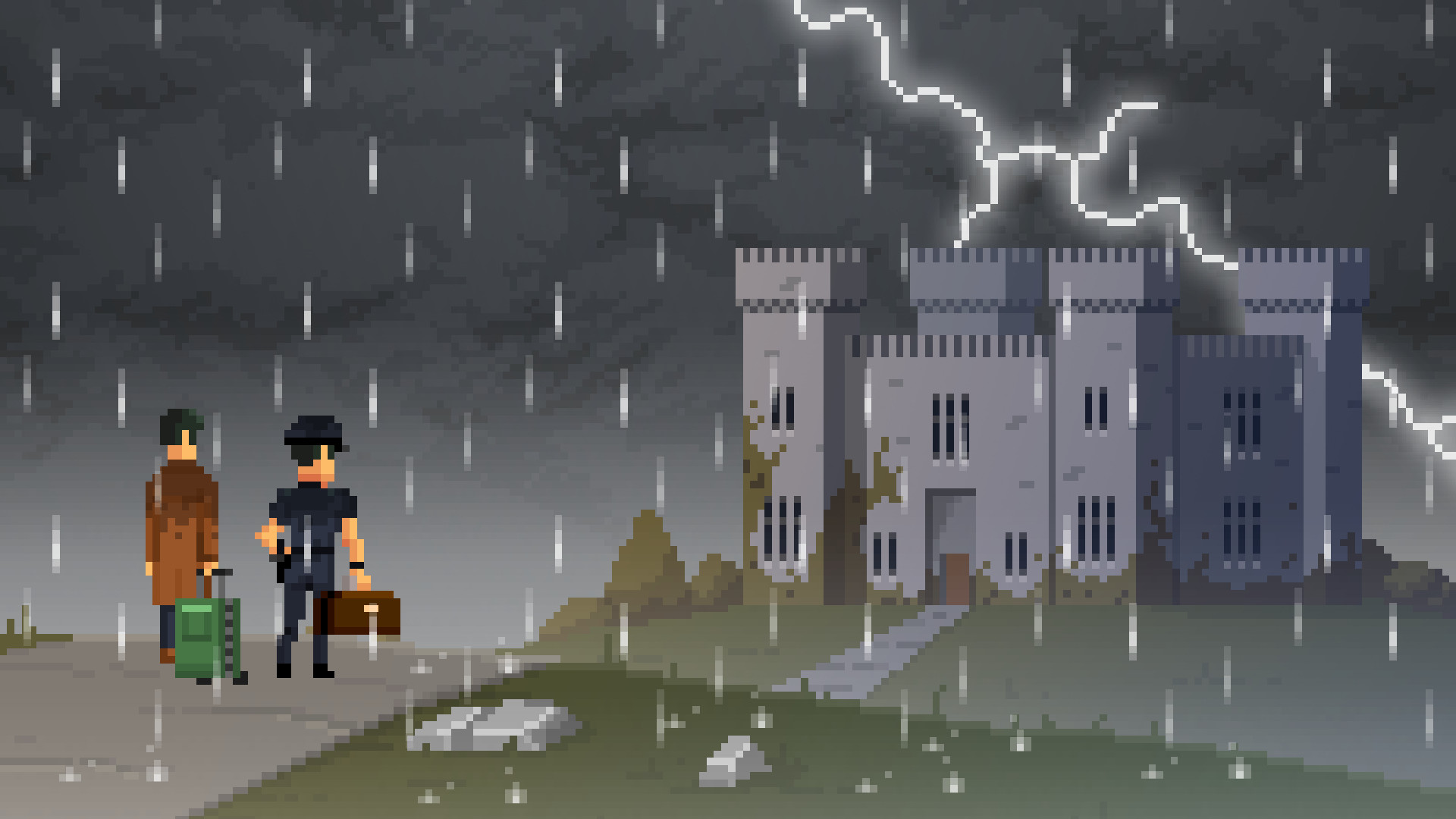
The Darkside Detective: A Fumble in the Dark returns to Twin Lakes, described as America’s 34th most haunted city. Detective Francis McQueen and Officer Dooley investigate nine standalone, humor‑infused cases that take them from a local carnival to an Irish setting.
The game is a single‑player point‑and‑click adventure that offers full controller support, a mouse‑only option, custom volume controls, and the ability to save at any time. Steam features such as Achievements, Trading Cards, Cloud saves, and Family Sharing are integrated for Windows, macOS, and Linux.
01 / THE GUIDE
Story and Setting
Twin Lakes is portrayed as a city that sits “roughly in the middle of the cursed scale,” providing a spooky yet comedic backdrop. Detective McQueen must rescue Officer Dooley from the Darkside, driving the narrative of each case.
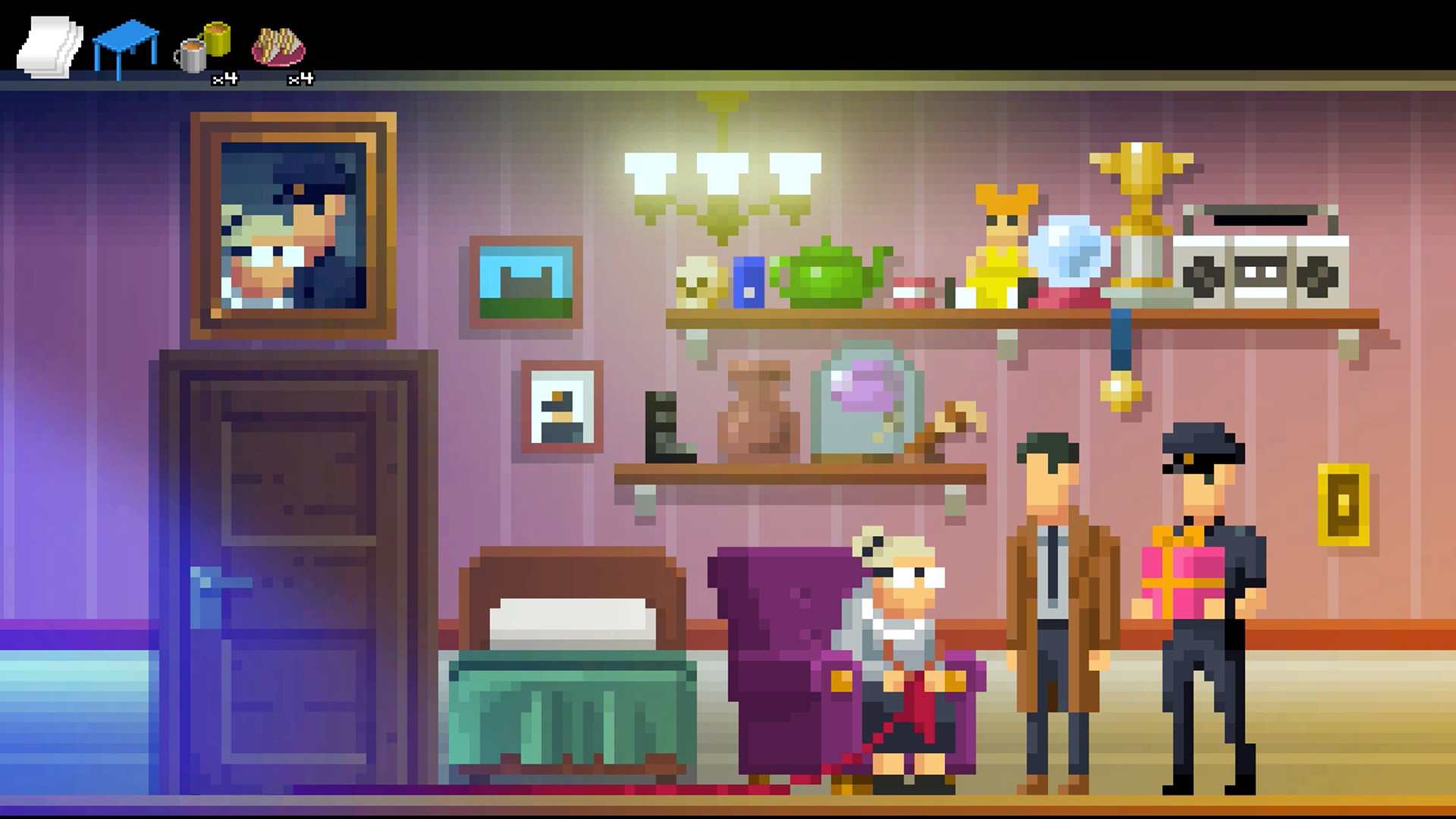
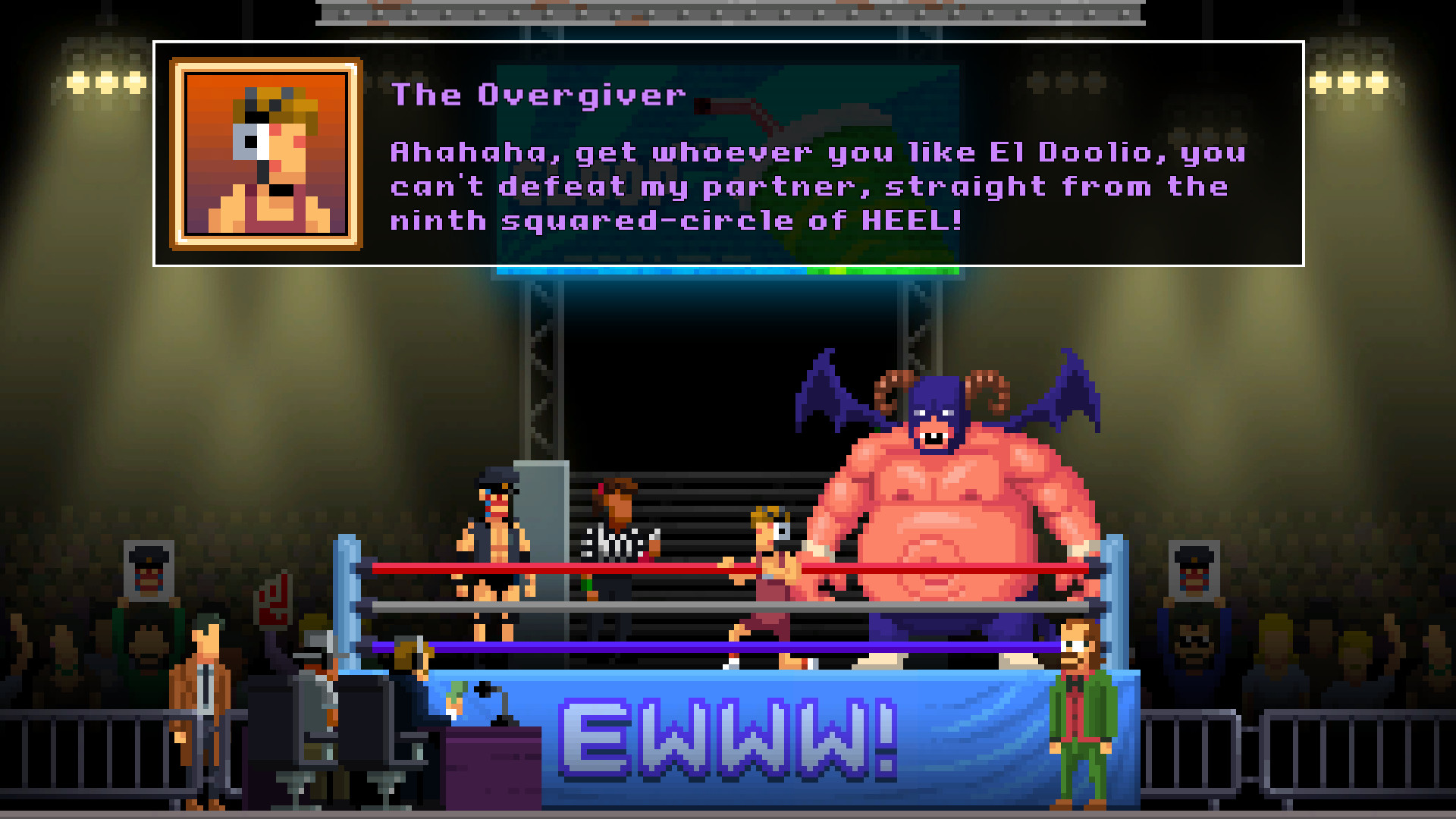
Each of the nine cases stands alone, sending the duo to varied locales such as a carnival, a retirement home, a wrestling circuit, and even Ireland, expanding the town’s quirky lore while keeping a consistent tone.
- Take note of environmental jokes; they often hide clues.
- Look for recurring characters across cases for subtle narrative links.
02 / THE GUIDE
Gameplay Mechanics
The adventure uses classic point‑and‑click interaction, allowing you to investigate scenes, collect items, and solve puzzles without timed input. Progress can be saved anytime, preventing loss during complex sections.
Both mouse‑only and full controller support are provided, letting you choose the input method that feels most comfortable for navigating menus and interacting with the environment.
- Try the mouse‑only mode for precise clicking on hidden objects.
- Experiment with controller navigation to see which feels smoother for dialogue choices.
03 / THE GUIDE
Platform Availability
Spooky Doorway released the title for Windows, macOS, and Linux, making it accessible to a broad range of PC gamers. Steam features such as Achievements, Trading Cards, and Cloud saves are available across these platforms.
Family Sharing is supported, allowing multiple users on the same hardware to experience the game without separate purchases, which can be useful for households with varied gaming preferences.
- Verify Steam Cloud sync after each session if you plan to play on multiple devices.
- Enable Family Sharing on a shared computer to let friends try the game without extra cost.
04 / THE GUIDE
Audio and Accessibility
Custom Volume Controls let players adjust overall audio levels to suit personal comfort, while the Camera Comfort option offers a comfort setting for players sensitive to camera movement.
Combined with mouse‑only and full controller options, these settings create a flexible experience for players with different accessibility needs, keeping the narrative approachable.
- Lower the overall volume if background sounds become distracting during puzzles.
- Adjust camera settings if rapid zoom feels uncomfortable.
05 / THE GUIDE
Achievements and Collectibles
Steam Achievements track milestones such as completing cases or uncovering hidden jokes, offering optional goals for completion‑oriented players.
Steam Trading Cards are also included, providing a collectible element that exists independently of core gameplay.
- Review the achievement list before starting a case to identify optional objectives.
- Check your Trading Card collection after each play session to see what you have earned.
COMMUNITY
Player discussion