 GameWiki
GET YOUR BEARINGS
About The Conquest of Go
The Conquest of Go blends classic Go rules with a strategic campaign where players vie for territory against nations. Interactive tutorials teach the basics, while deeper tactics keep the game engaging for both newcomers and veterans.
Beyond the single‑player story, the title offers AI battles, online matches via the OGS community, and extensive customization through Steam Workshop content, letting players shape both their board and their experience.
01 / THE GUIDE
Campaign Mode
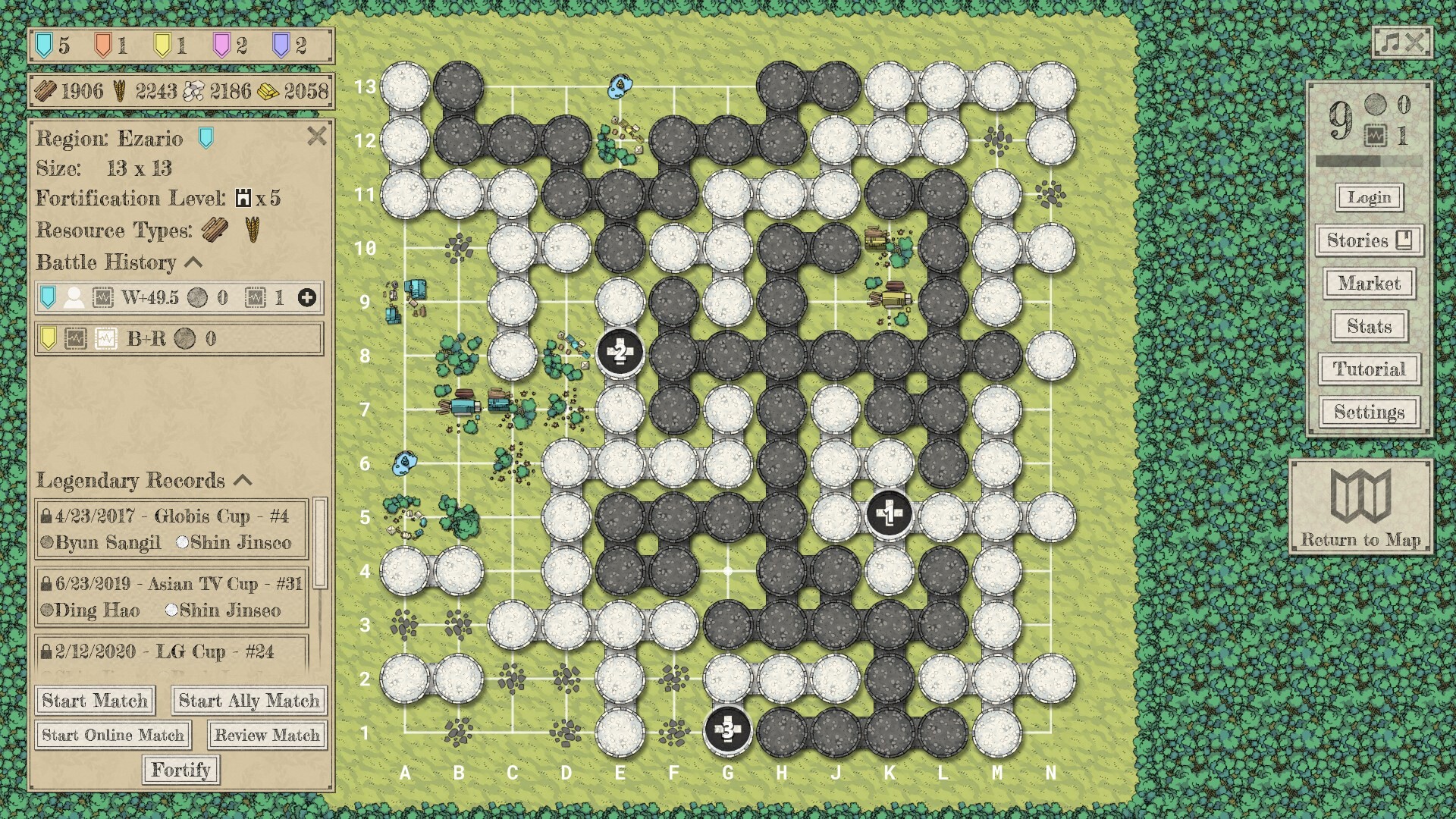
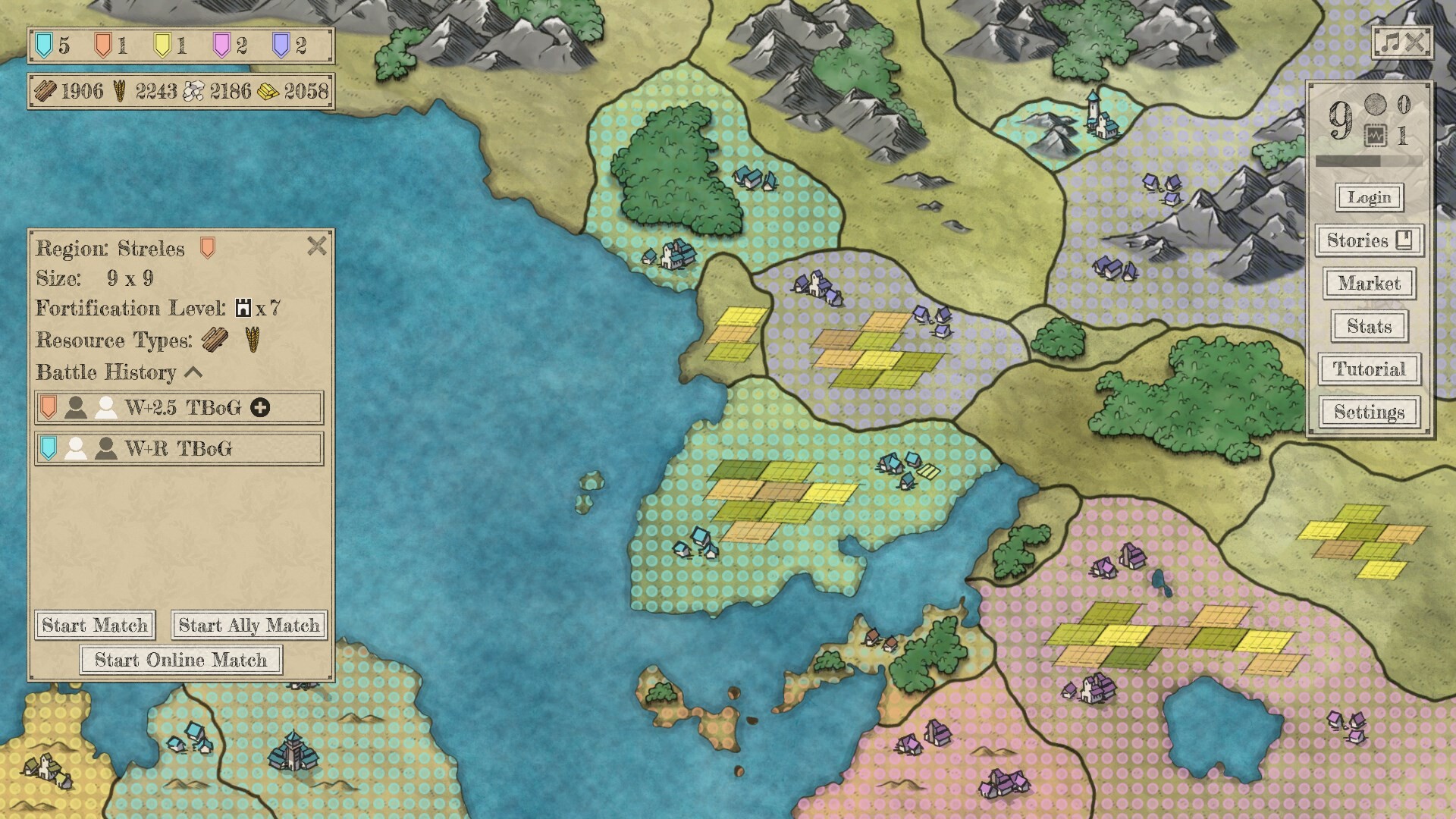
In campaign mode players battle opponent nations for land, earning resources that can be spent on abilities to aid their army. Territories are conquered across the map, linking Go matches to strategic progress.
Players can set up each campaign to their preferences, adjusting difficulty, board size, handicap, and other options, while AI skill and handicap automatically scale to match the player’s skill level.
- Experiment with different board sizes to see how territory strategies change.
- Adjust AI difficulty early to find a comfortable learning curve.
02 / THE GUIDE
AI Opponents
The game includes five distinct AI opponents, each offering multiple difficulty levels. At the highest setting the AI surpasses professional Go players, providing a rigorous challenge.
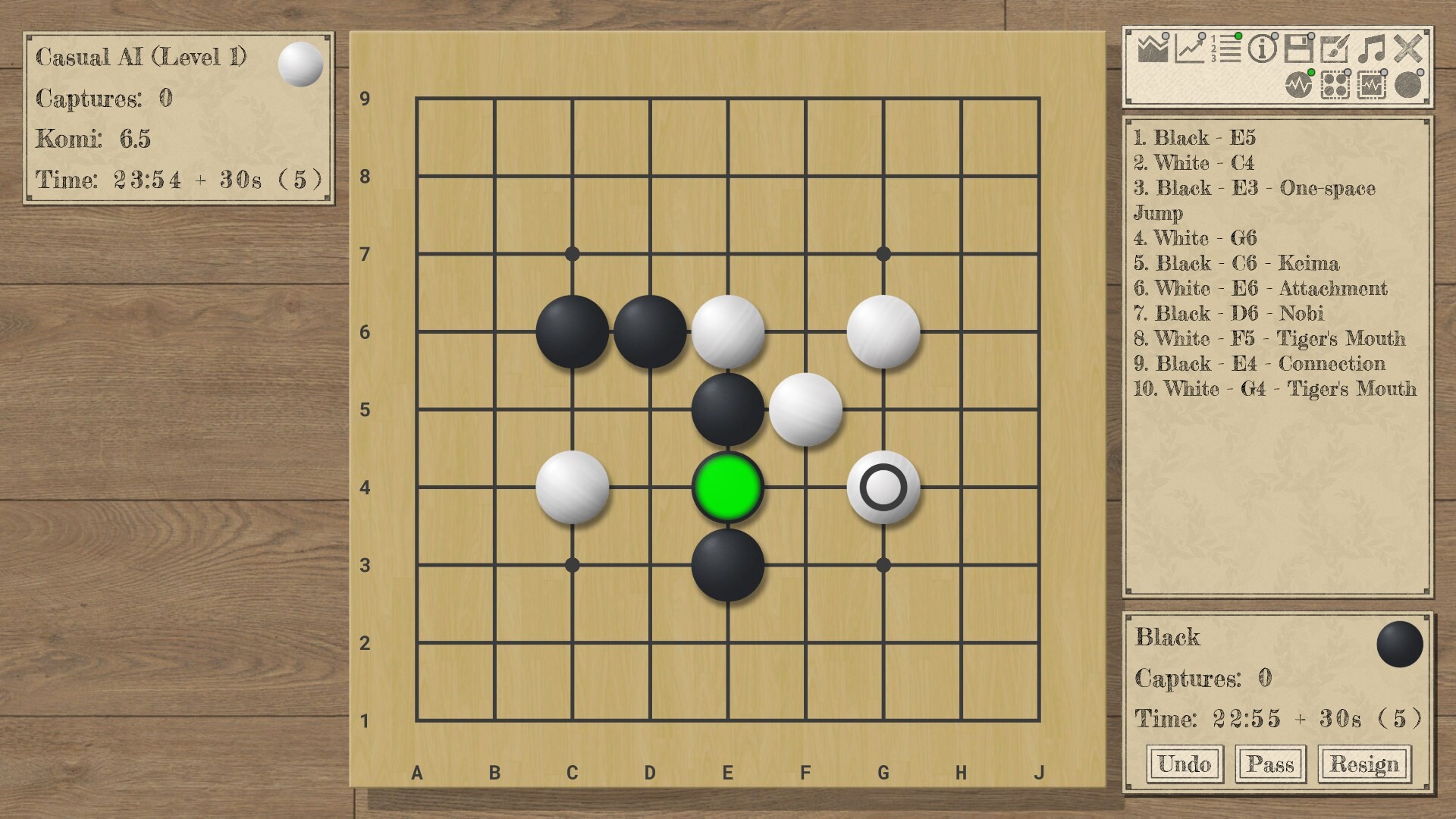
AI analysis can be toggled during matches to display optimal moves, win‑rate estimates, and score percentages, helping players understand advanced tactics.
- Use AI analysis after a match to spot missed opportunities.
- Start with lower AI levels to build confidence before tackling the strongest.
03 / THE GUIDE
Online Play via OGS
Connecting to the Online Go Server (OGS) grants access to a community of over 350,000 ranked players. Users can join live or correspondence matches, climb ranking ladders, and spectate active games.
In‑game chat enables communication with opponents and spectators, though regional firewalls may affect server connectivity.
- Try correspondence matches for flexible play schedules.
- Watch high‑ranked games to learn new opening patterns.
04 / THE GUIDE
Learning Tools
Interactive tutorials cover Go rules, basic shapes, and strategy, while an automatic shape detection system highlights patterns as they appear. Players can review matches with AI feedback to improve morale and skill.
Additional resources include opening guides, a glossary, and downloadable puzzle collections, all designed to reinforce concepts for both beginners and seasoned players.
- Review each match with AI feedback to catch subtle mistakes.
- Practice opening guides on varied board sizes for flexibility.
05 / THE GUIDE
Custom Content & Workshop
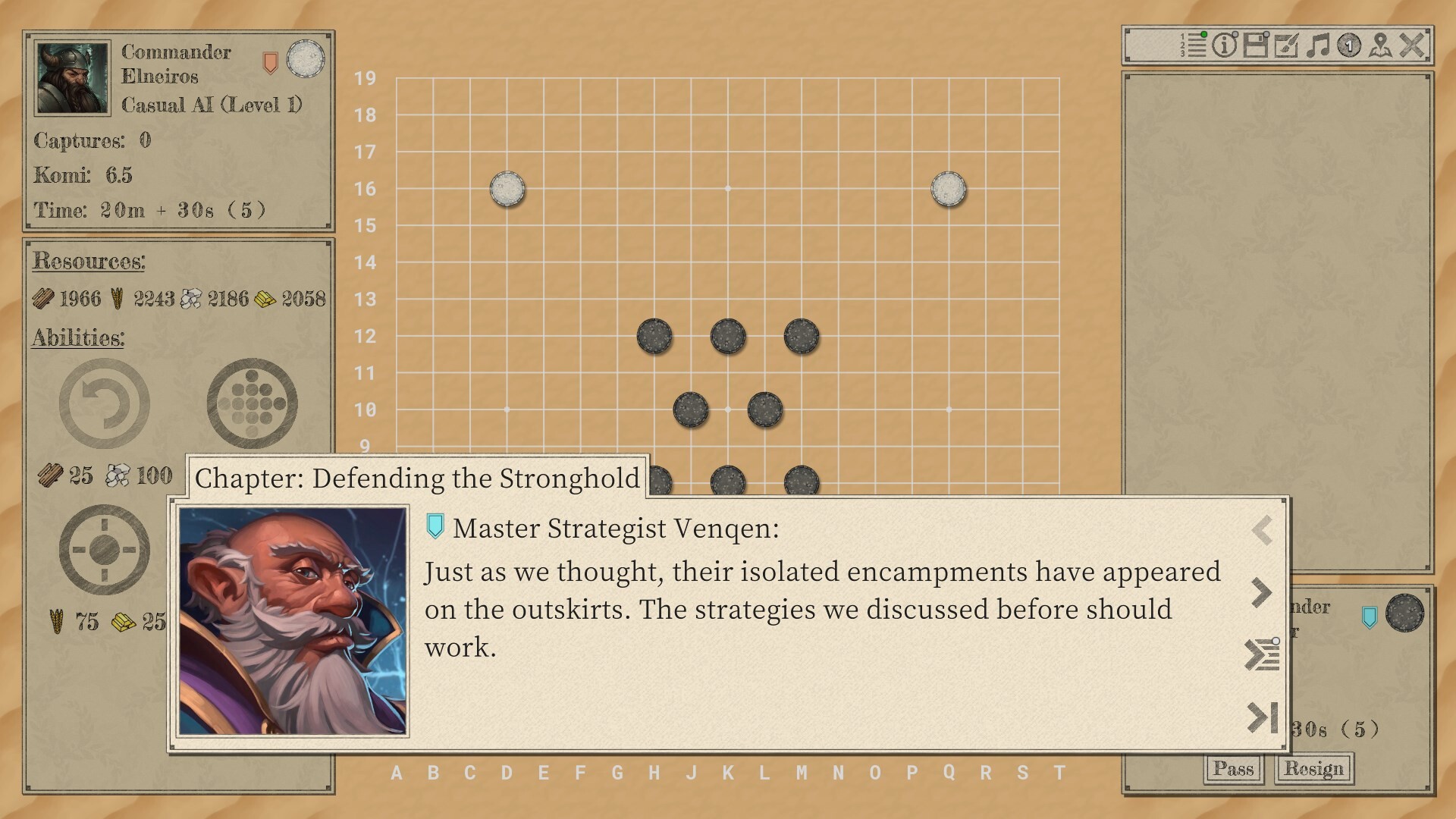
The Steam Workshop lets players browse, subscribe to, and download custom stories, color themes, puzzles, and match records. An in‑game story editor enables creation of dialogue‑driven campaigns, expanding the narrative experience.
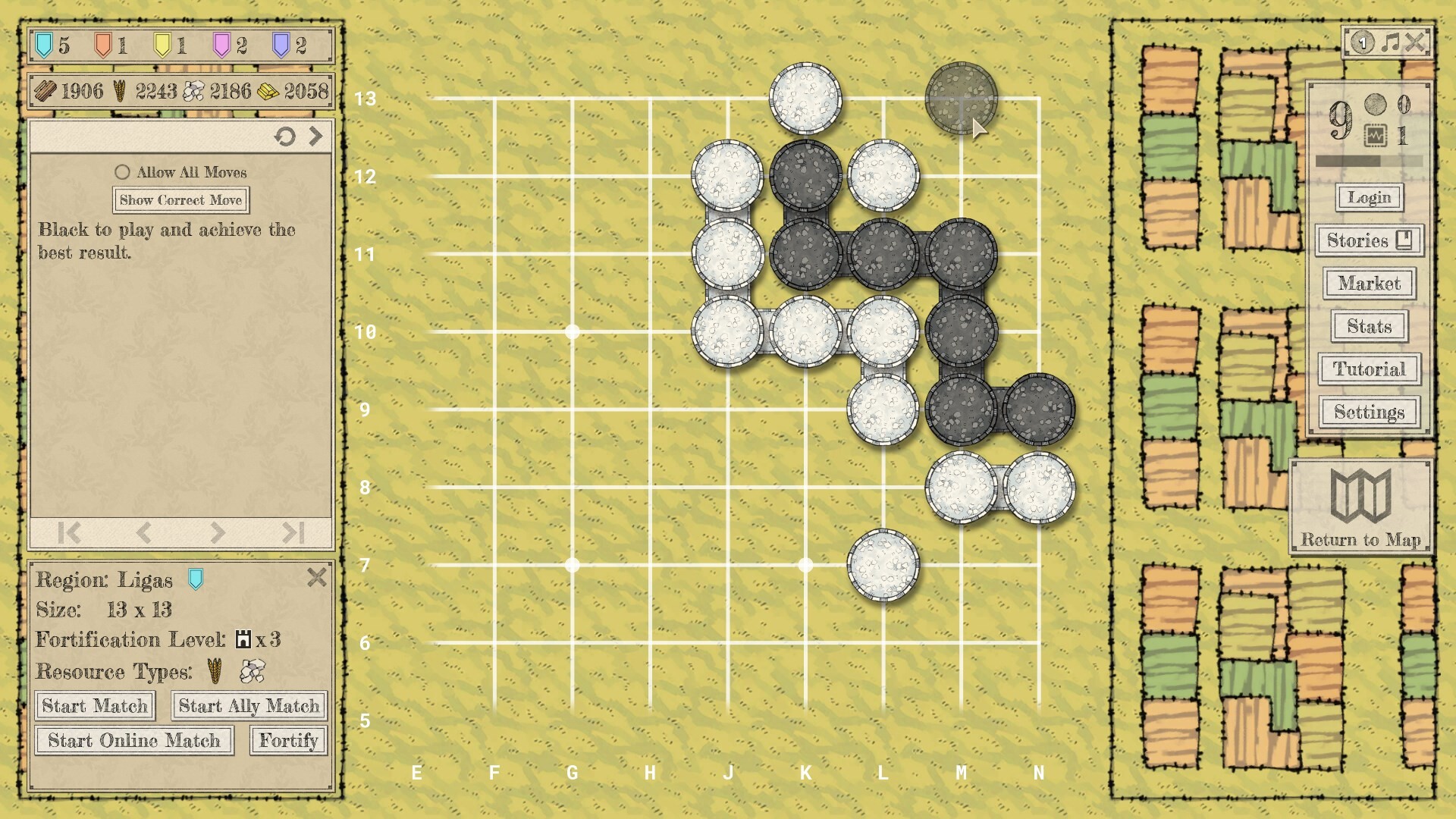
Players may also use the practice board to set up positions freely, supporting experimentation and personal scenario design.
- Subscribe to popular story packs for fresh campaign scenarios.
- Create your own color theme to improve visual comfort.
COMMUNITY
Player discussion