 GameWiki
GET YOUR BEARINGS
About The Cat Games
The Cat Games offers three core experiences: Indoor Racing, a reflex‑driven obstacle course; Swim Challenge, a reaction‑time test; and Cat Breed Billiards, a quiz of feline knowledge. Each mode is presented in a casual, single‑player format that emphasizes quick, accessible play.
Beyond the main modes, the title includes assorted mini‑games for achievement hunters, leaderboards to compare scores, and a collection of cat‑themed emoticons, badges, and backgrounds. All content is delivered through Steam with cloud saves, trading cards, and family sharing support.
01 / THE GUIDE
Indoor Racing
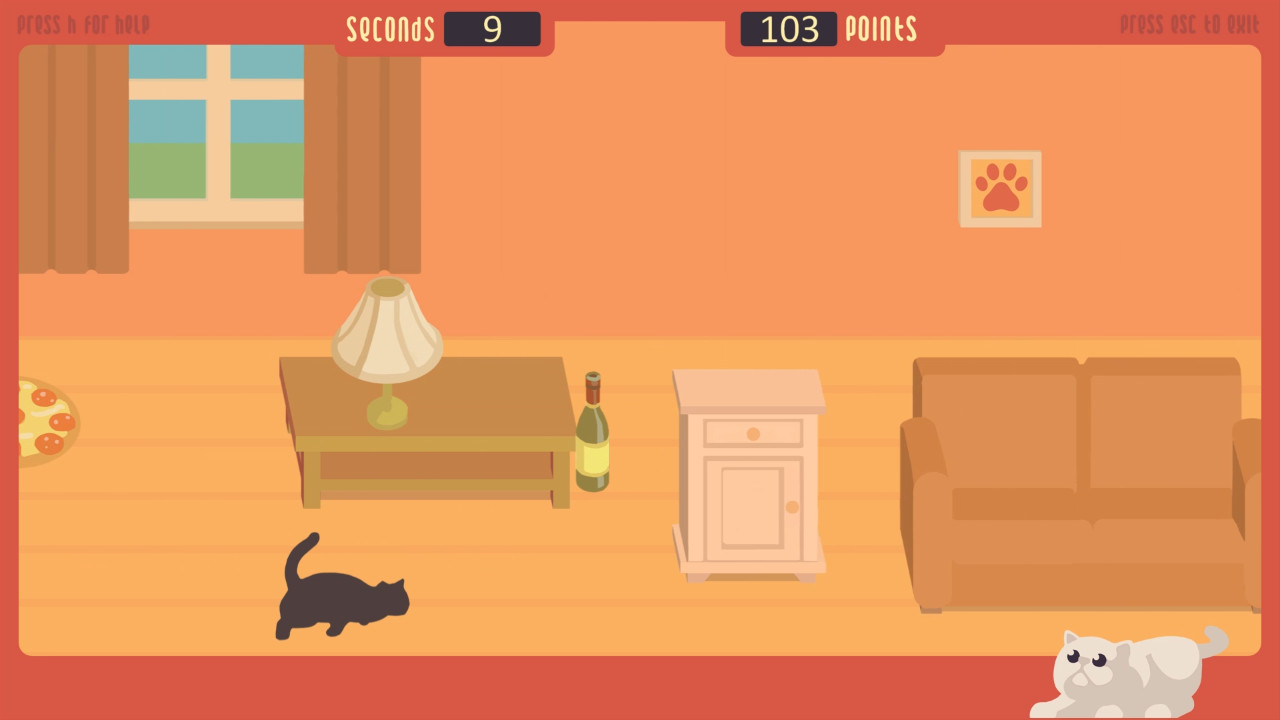
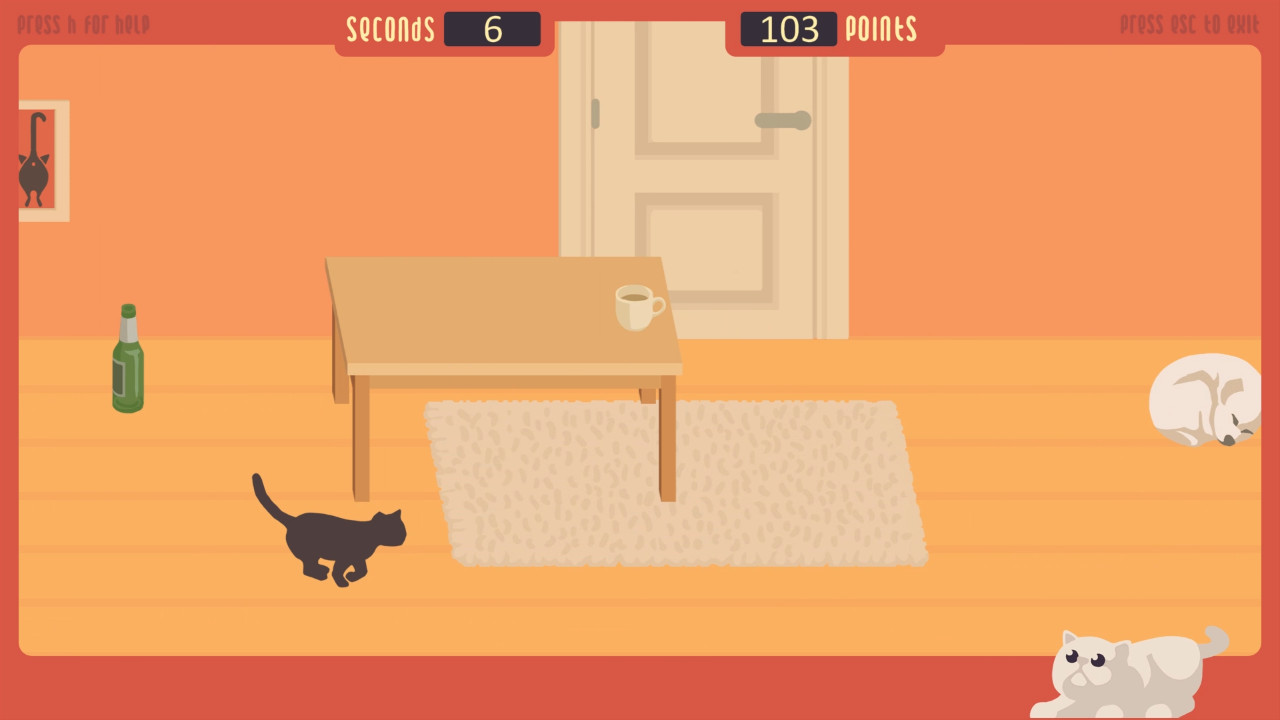
Indoor Racing challenges players to navigate an obstacle course using reflexes and dexterity. The mode focuses on quick movements and timing to complete the course.
The race is presented as a single‑player experience, allowing you to practice and improve your speed without competing directly against others in real time.
- Observe the layout of obstacles before starting to plan your path.
- Try multiple runs to refine timing and improve your personal best.
02 / THE GUIDE
Swim Challenge
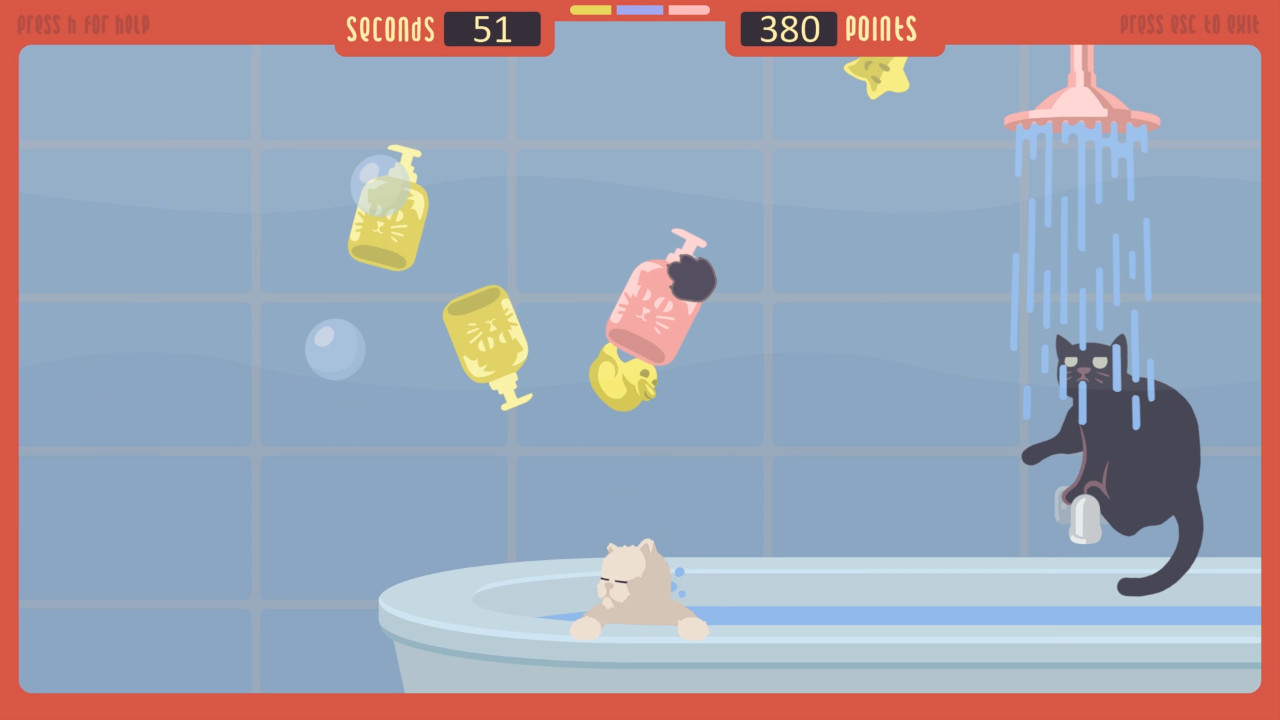
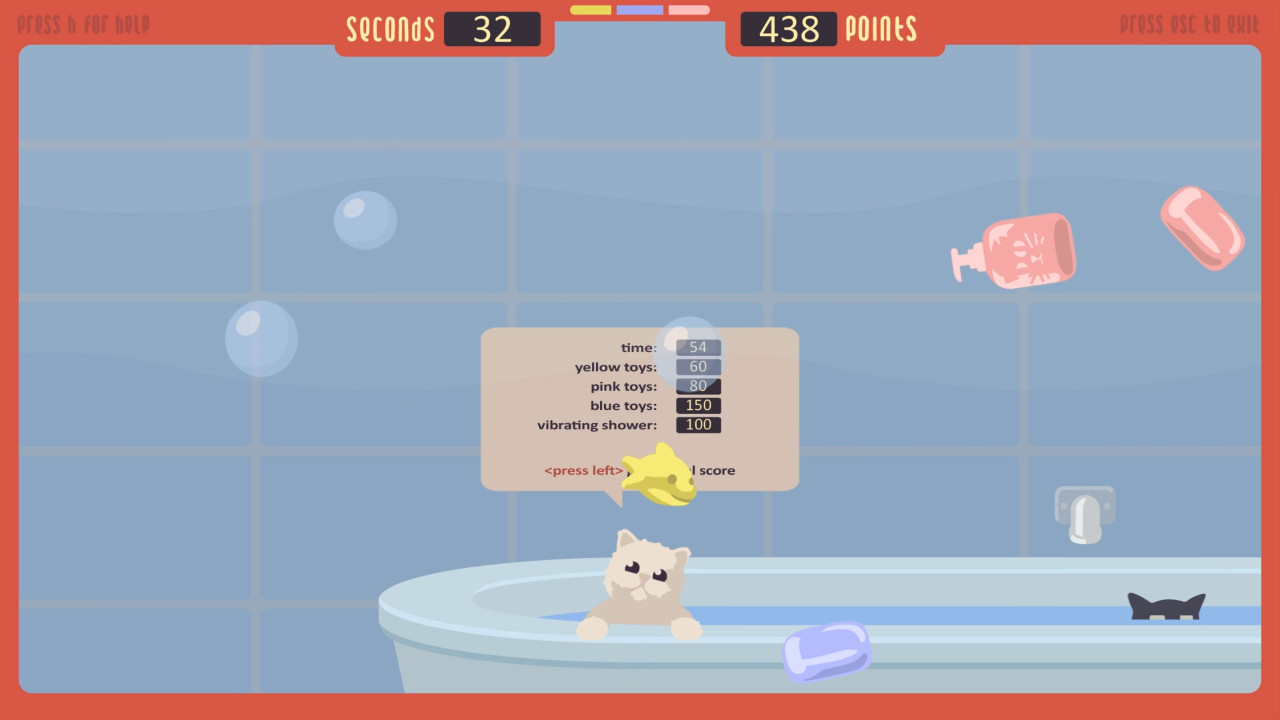
Swim Challenge tests reaction time while keeping a cool, dry head. Players must respond quickly to prompts within a water‑themed setting.
This mode is also single‑player, letting you focus on personal reaction speed without external pressure.
- Stay relaxed to maintain consistent reaction timing.
- Watch for visual cues that indicate when to act.
03 / THE GUIDE
Cat Breed Billiards
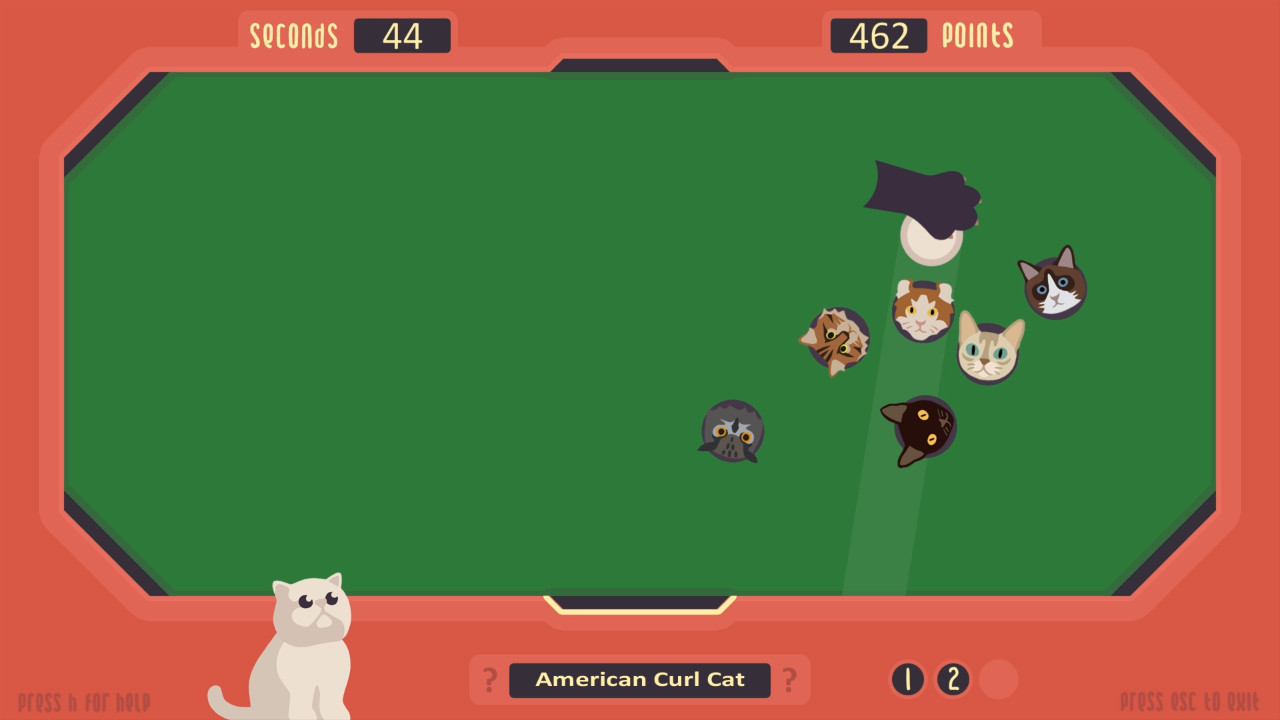
Cat Breed Billiards challenges intelligence and knowledge of cat breeds. Players answer breed‑related questions in a billiards‑styled format.
The mode is designed for solo play, encouraging learning about feline varieties while enjoying a casual puzzle feel.
- Review common cat breed traits before playing to boost accuracy.
- Take note of any breeds you find unfamiliar for future reference.
04 / THE GUIDE
Mini Games
A collection of mini games is available for players who enjoy hunting achievements. These short challenges complement the three main modes.
Mini games provide additional variety and can be accessed alongside the primary experiences, offering extra goals for completionists.
- Check the achievement list to identify which mini games grant rewards.
- Experiment with different mini games to find your preferred style.
05 / THE GUIDE
Leaderboards & Cat Cosmetics
Leaderboards let you see who the top cat is, comparing scores to see who the top cat is. Rankings are displayed within Steam's leaderboard system.
The game also offers cat‑themed emoticons, badges, and backgrounds, providing visual flair for players who enjoy customizing their profile or chat.
- Visit the leaderboard after each session to track progress.
- Explore the emoticon and badge collection for personal expression.
COMMUNITY
Player discussion