 GameWiki
GET YOUR BEARINGS
About The Bunny Graveyard
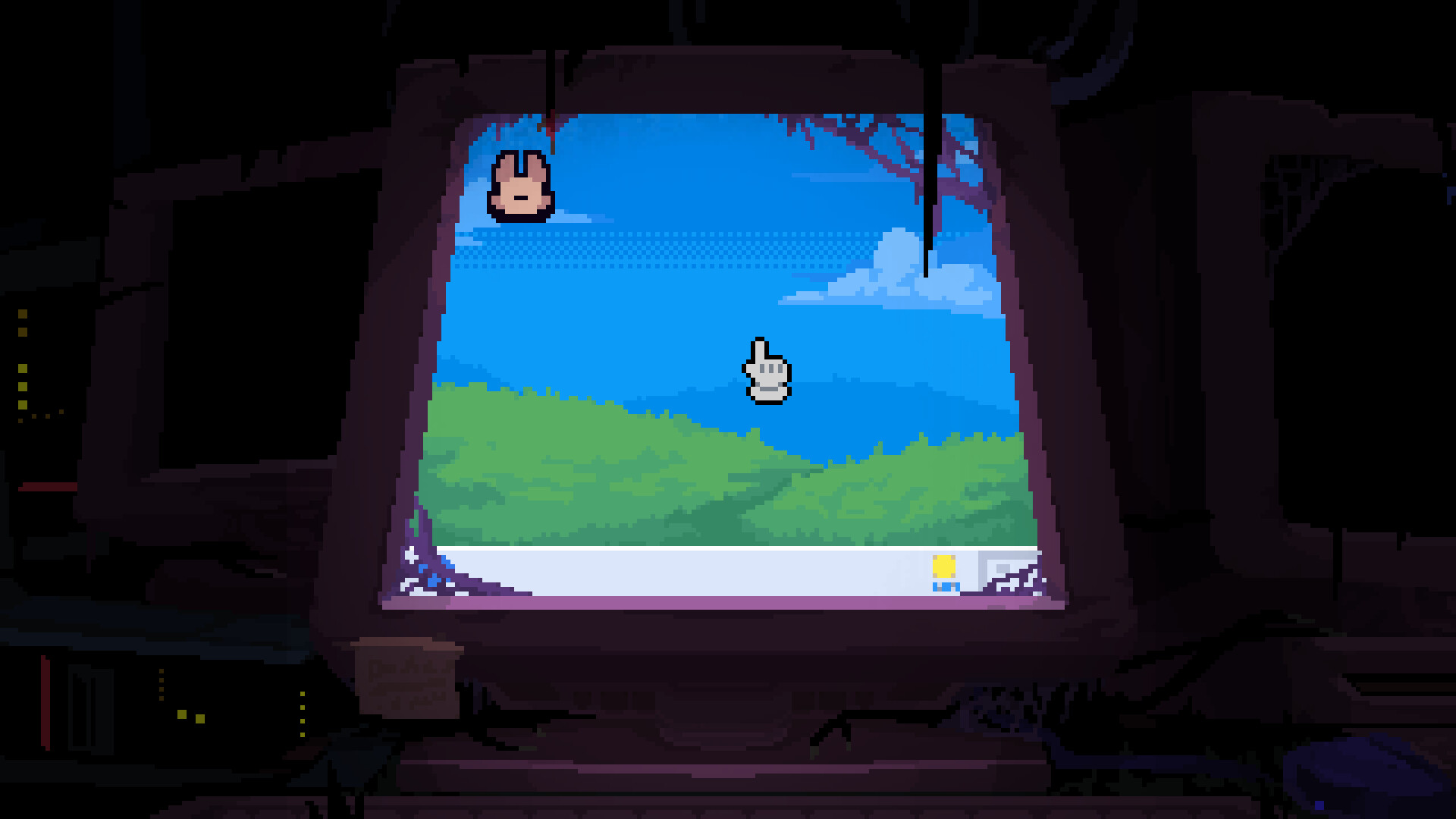
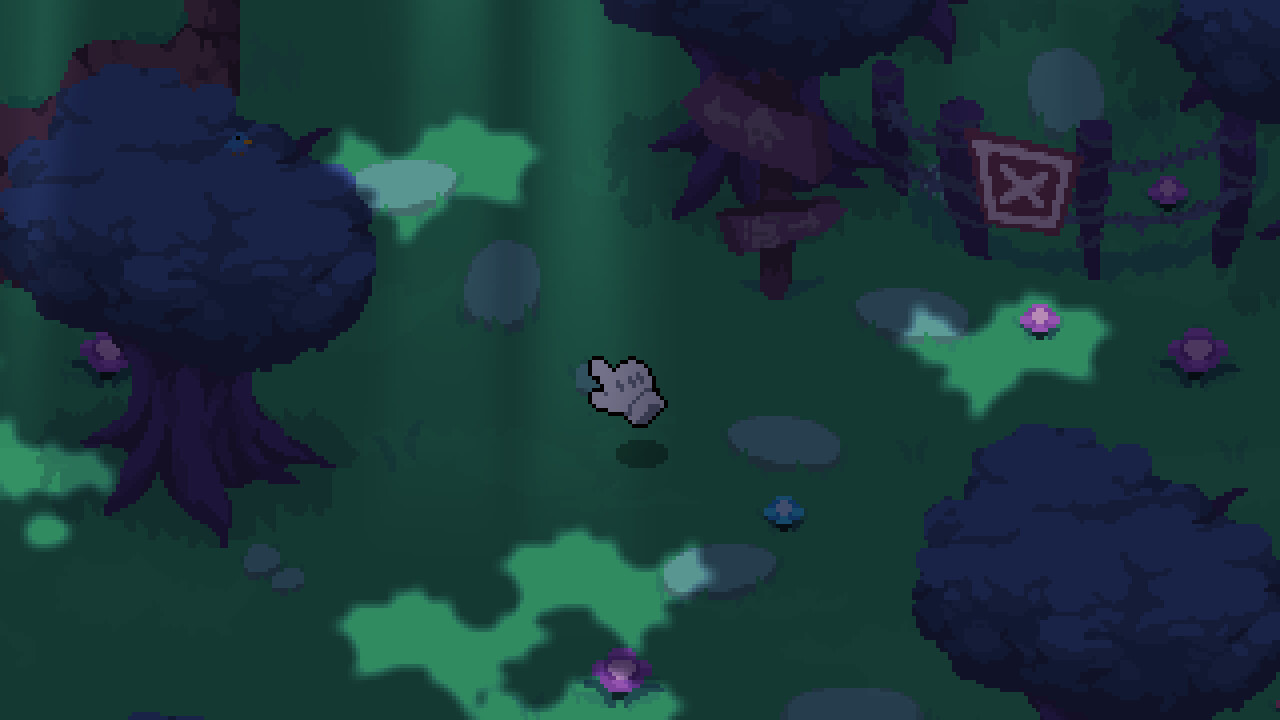
The Bunny Graveyard is a pixel‑art horror adventure where you control a cursor trapped inside a digital world. The game blends GBA‑style visuals with a mysterious storyline that tasks you with finding Skye the bunny while an unseen entity tries to keep you inside.
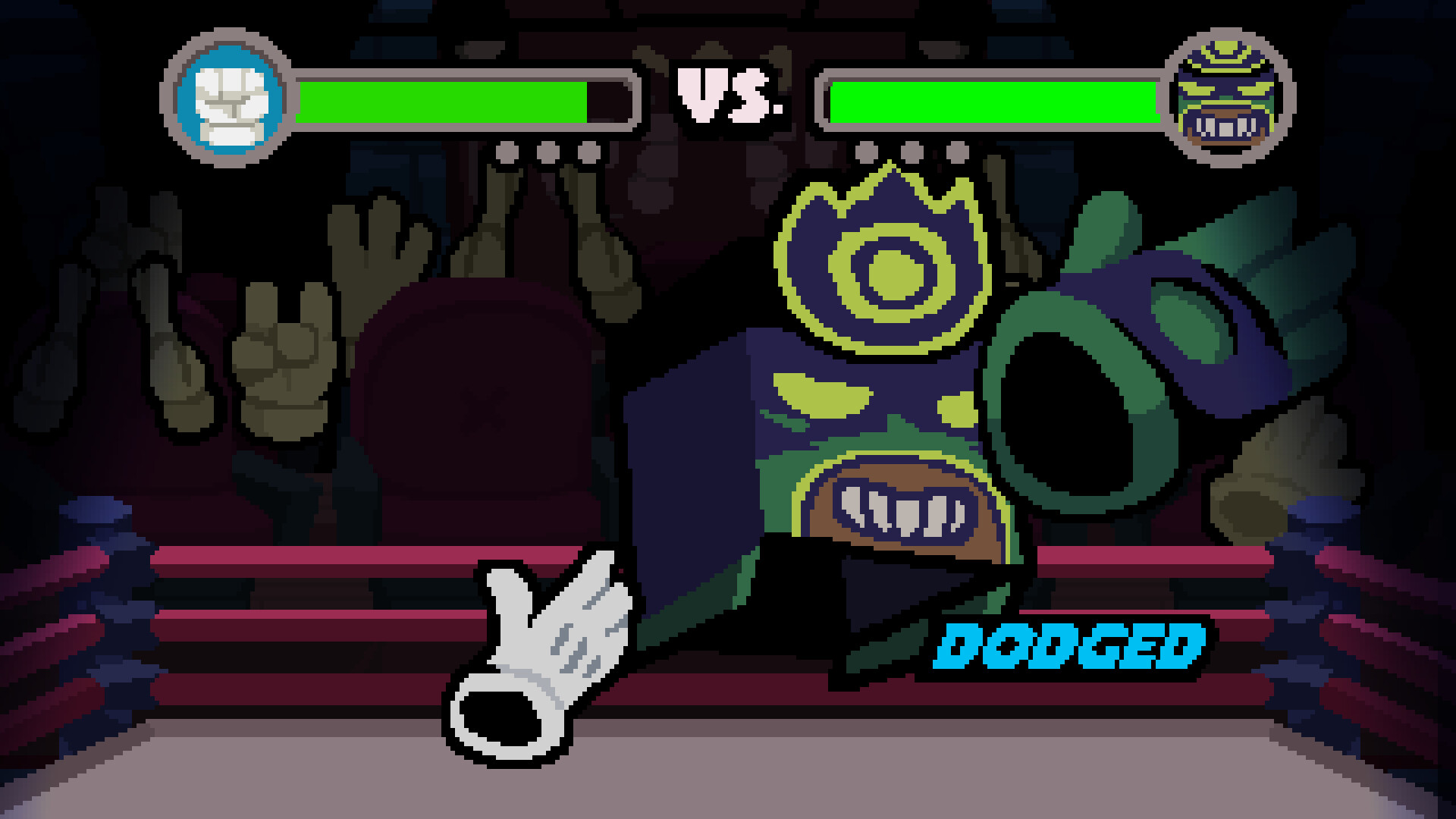
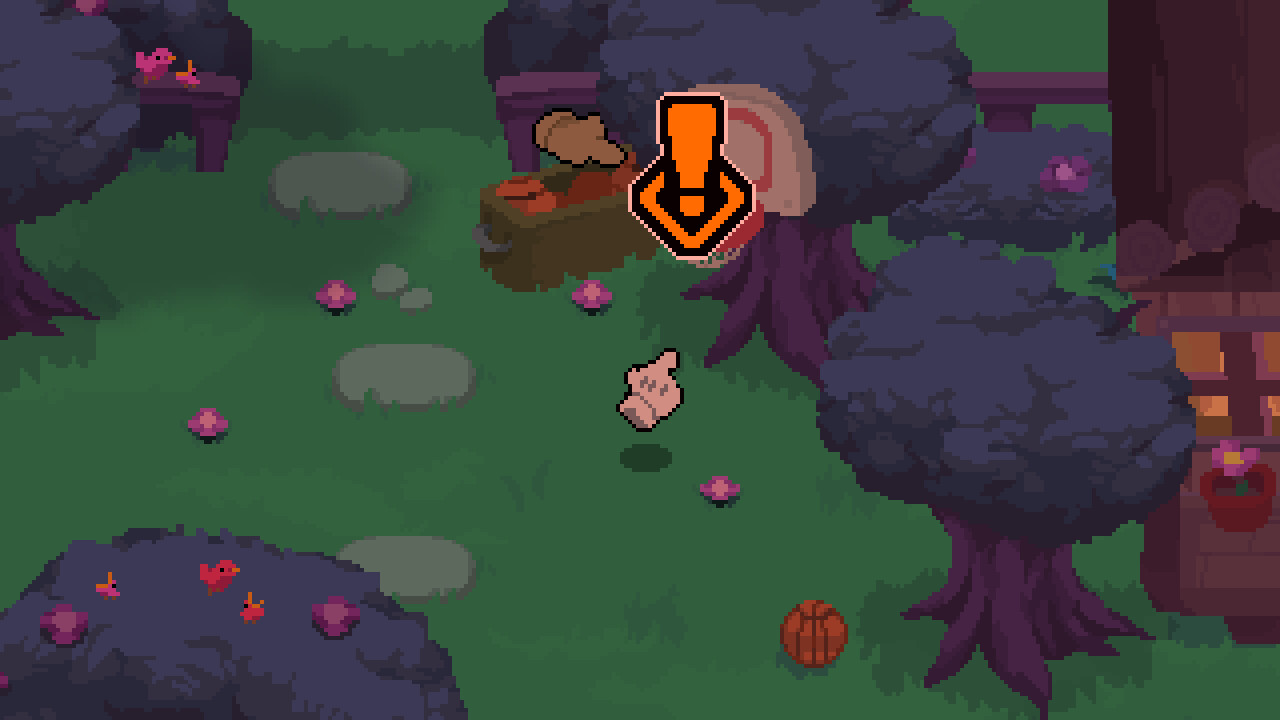
Beyond the core quest, the title offers a mix of gardening, fishing, underground fighting championships and a variety of minigames. Choices affect interactions, collectibles reveal hidden lore, and animated cutscenes add a creepy, action‑packed flavor to the single‑player experience.
01 / THE GUIDE
Story and Narrative
You begin as a cursor sucked into a computer, tasked with locating the missing bunny Skye. The narrative unfolds through animated cutscenes that build tension and hint at a strange entity preventing your escape. The first chapter sets the tone for a mystery‑driven adventure.
The world is described as “nothing is what it seems,” encouraging players to explore and survive while uncovering the truth behind the digital realm. Interactions and choices influence how the story progresses, offering different interactions.
- Observe cutscene details; they often contain hints about hidden areas.
- Take note of dialogue choices, as they may affect later interactions.
02 / THE GUIDE
Minigames Variety
The game includes several minigames such as fishing, gardening, and underground fighting championships. These activities provide a break from the main quest and let you engage with the world in different ways. Each minigame is presented in the same pixel‑art style.
Participating in these minigames can lead to new friendships or rivalries, as the description notes that some characters may become “besties, or your worst NIGHTMARE.” The variety keeps gameplay fresh and encourages exploration of new areas.
- Try each minigame early to discover which ones you enjoy most.
- Watch character reactions during minigames for clues about relationships.
03 / THE GUIDE
Collectibles and Figurines
Scattered throughout the world are collectibles that reveal more of the hidden story. Finding these items unlocks additional narrative pieces, deepening the lore. The game also features figurines of favorite characters that can be collected.
Collecting both standard items and figurines encourages thorough exploration, as each find contributes to a fuller understanding of the digital realm and its mysteries.
- Keep a mental map of areas you’ve searched to avoid missing hidden items.
- Compare collected figurines with in‑game references to spot story connections.
04 / THE GUIDE
Animated Cutscenes
Action‑packed and creepy animated cutscenes punctuate the adventure, delivering key plot moments and atmospheric tension. These sequences are designed in the same pixel‑art aesthetic, reinforcing the game’s visual identity.
The cutscenes serve both narrative and gameplay purposes, often hinting at upcoming challenges or revealing character motives, making them essential for players who want the full story experience.
- Pay attention to visual cues in cutscenes; they may foreshadow puzzles.
- Rewatch cutscenes if you feel uncertain about story details.
05 / THE GUIDE
Full Controller Support
The Bunny Graveyard offers full controller support, including DualShock and DualSense compatibility. This allows players to navigate the cursor and interact with the world using a gamepad, matching the console‑like feel of the pixel graphics.
Controller support is listed alongside other Steam features such as achievements and cloud saves, indicating a polished single‑player experience that works across Windows and macOS platforms.
- Test both DualShock and DualSense controllers to see which feels more comfortable.
- Adjust in‑game volume using the custom volume controls for a balanced audio experience.

COMMUNITY
Player discussion