 GameWiki

GET YOUR BEARINGS
About The Berlin Apartment
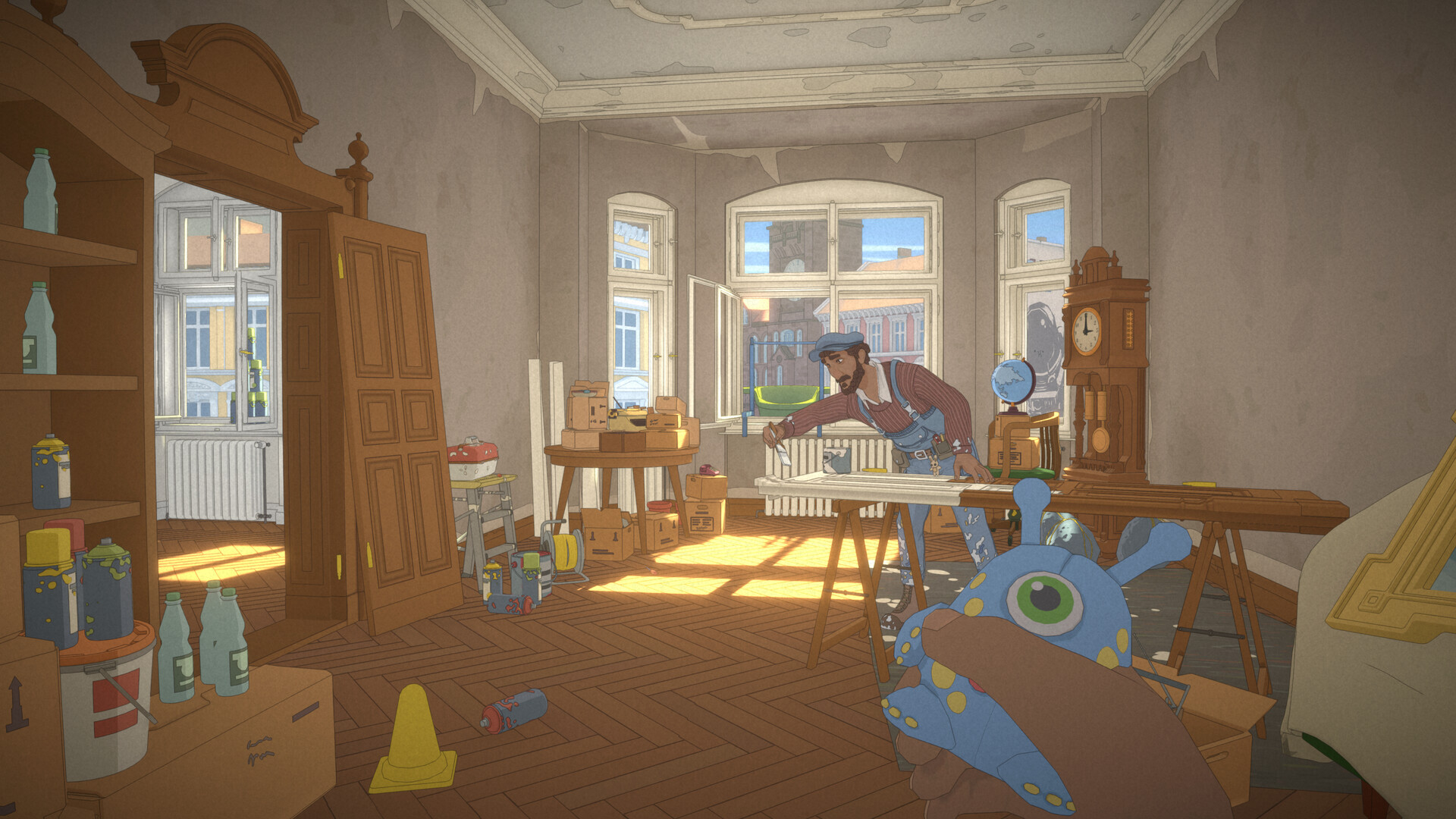
Dilara works alongside her father Malik, a handyman, to refurbish an old apartment in Berlin. While renovating, she uncovers relics that reveal the lives of former occupants, each find prompting a short, self‑contained story.
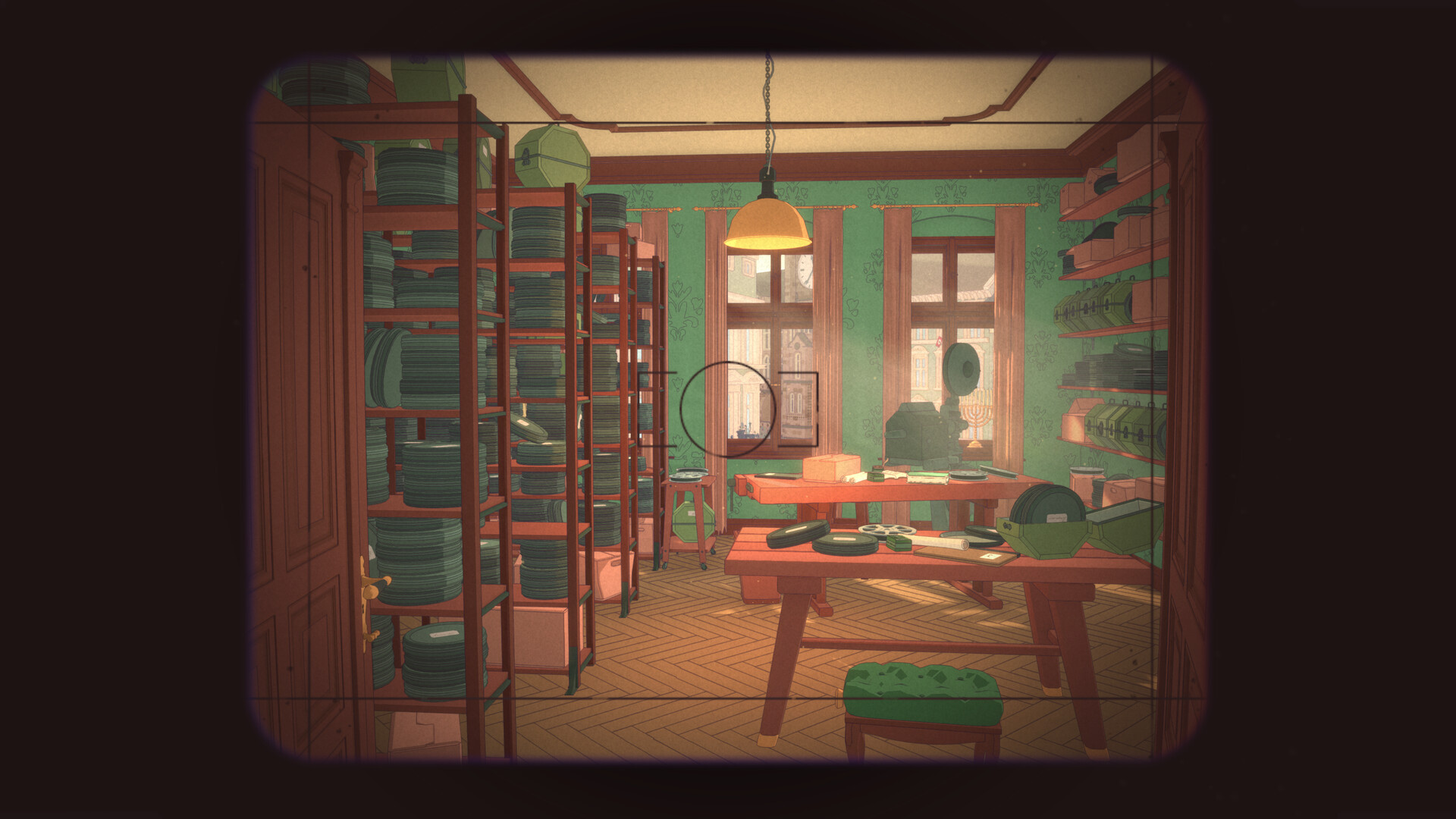
The game presents these narratives in a colorful comic‑book style within detailed 3D rooms, and it runs as a single‑player experience with full controller support and several accessibility options.
01 / THE GUIDE
Layered Storytelling
Each relic Dilara discovers triggers Malik to recount a distinct tale about a previous resident. The vignettes vary in genre and atmosphere, yet they all remain set inside the same four walls.
This structure creates a treasure‑hunt feel: players piece together the apartment’s history by exploring successive short stories, each offering a fresh narrative twist.
- Read every relic description; it often hints at the next hidden object.
- Listen closely to Malik’s narration for clues about the era of each story.
02 / THE GUIDE
Comic‑Book Aesthetic
The interiors are rendered in a vibrant, colorful comic‑book style, giving the environment an artistic look while preserving detail in the 3D spaces.
The stylized visuals make each relic stand out, helping players identify objects of interest as they explore the apartment.
- Adjust the color alternatives if the default palette feels too bright or muted.
- Use the camera comfort settings to keep the view steady while navigating detailed rooms.

03 / THE GUIDE
Berlin’s Changing Landscape
The apartment is placed within a broader depiction of Berlin, reflecting the city’s varied and turbulent past through background details.
While the focus stays on the apartment, the surrounding cityscape provides contextual clues that enrich each story’s setting.
- Observe window views for hints about the era referenced in a story.
- Compare architectural details across stories to notice how Berlin’s look evolves.
04 / THE GUIDE
Accessibility Options
The game offers adjustable text size, subtitle options, and color alternatives, allowing players to tailor the visual experience to their needs.
Audio settings include custom volume controls and the ability to switch between stereo and surround sound, matching the player’s audio setup.
- Enable subtitles if you prefer reading dialogue alongside narration.
- Set text size early to avoid missing written clues later.
05 / THE GUIDE
Steam Integration
The title supports Steam achievements, cloud saves, and family sharing, letting players track progress and share the experience across accounts.
Full controller support ensures the game can be played without timed input, catering to both keyboard‑mouse and gamepad users.
- Check the achievement list for optional challenges that encourage thorough exploration.
- Use Steam Cloud to keep your progress synced if you switch between devices.


COMMUNITY
Player discussion