 GameWiki
GET YOUR BEARINGS
About The Battle of Polytopia
The Battle of Polytopia is a turn‑based strategy game set on the Square, a flat, square‑shaped world where sixteen distinct tribes compete for dominance. Each tribe is described with its own motivations, strengths, and weaknesses, giving the player a narrative hook for their civilization.
The title supports single‑player and several multiplayer forms, including online PvP, shared‑screen PvP, and cross‑platform matchmaking. It runs on Windows, macOS, and Linux, offers partial controller support, and integrates Steam features such as turn notifications, trading cards, and Family Sharing.
01 / THE GUIDE
Tribe Variety
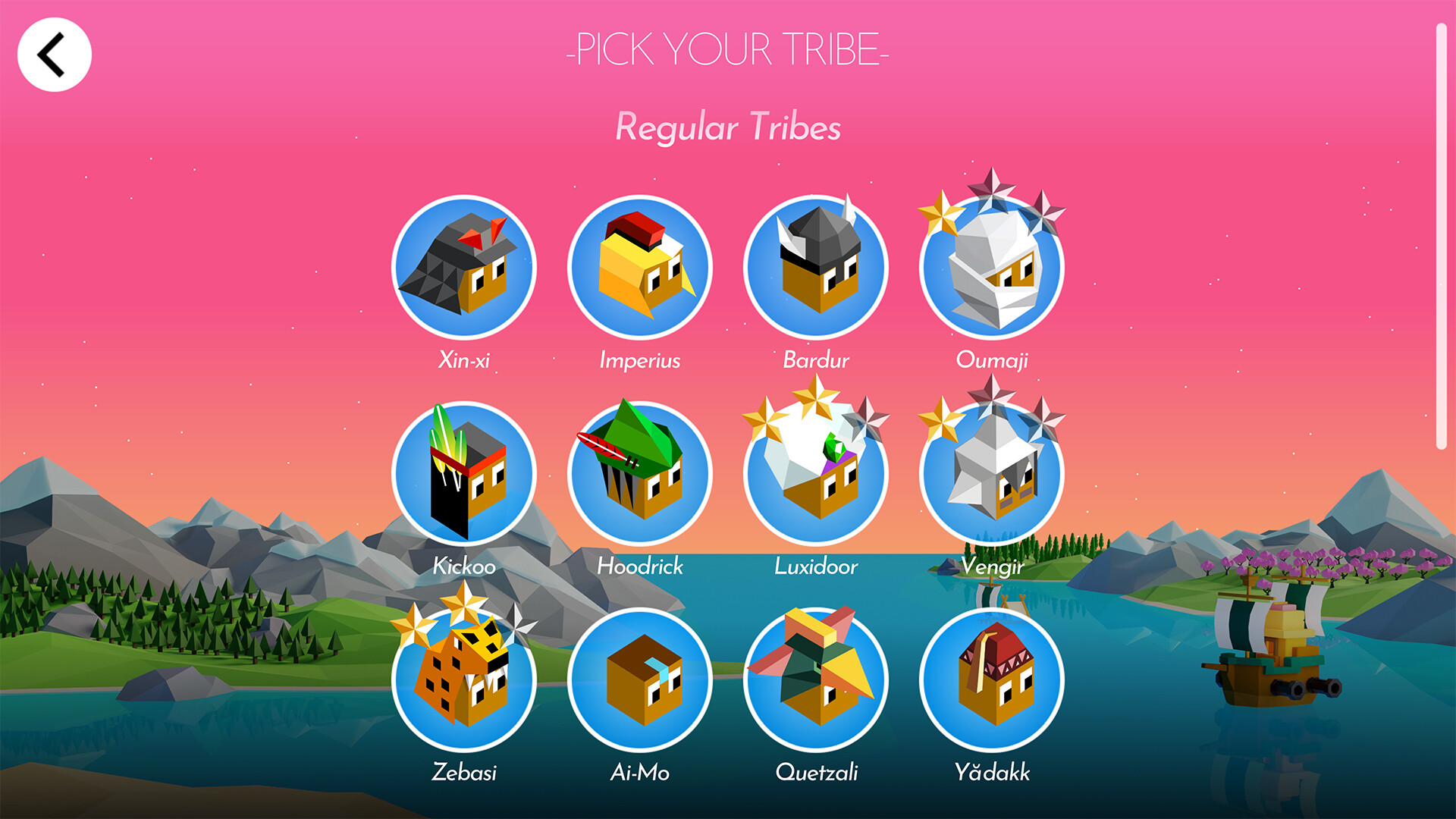
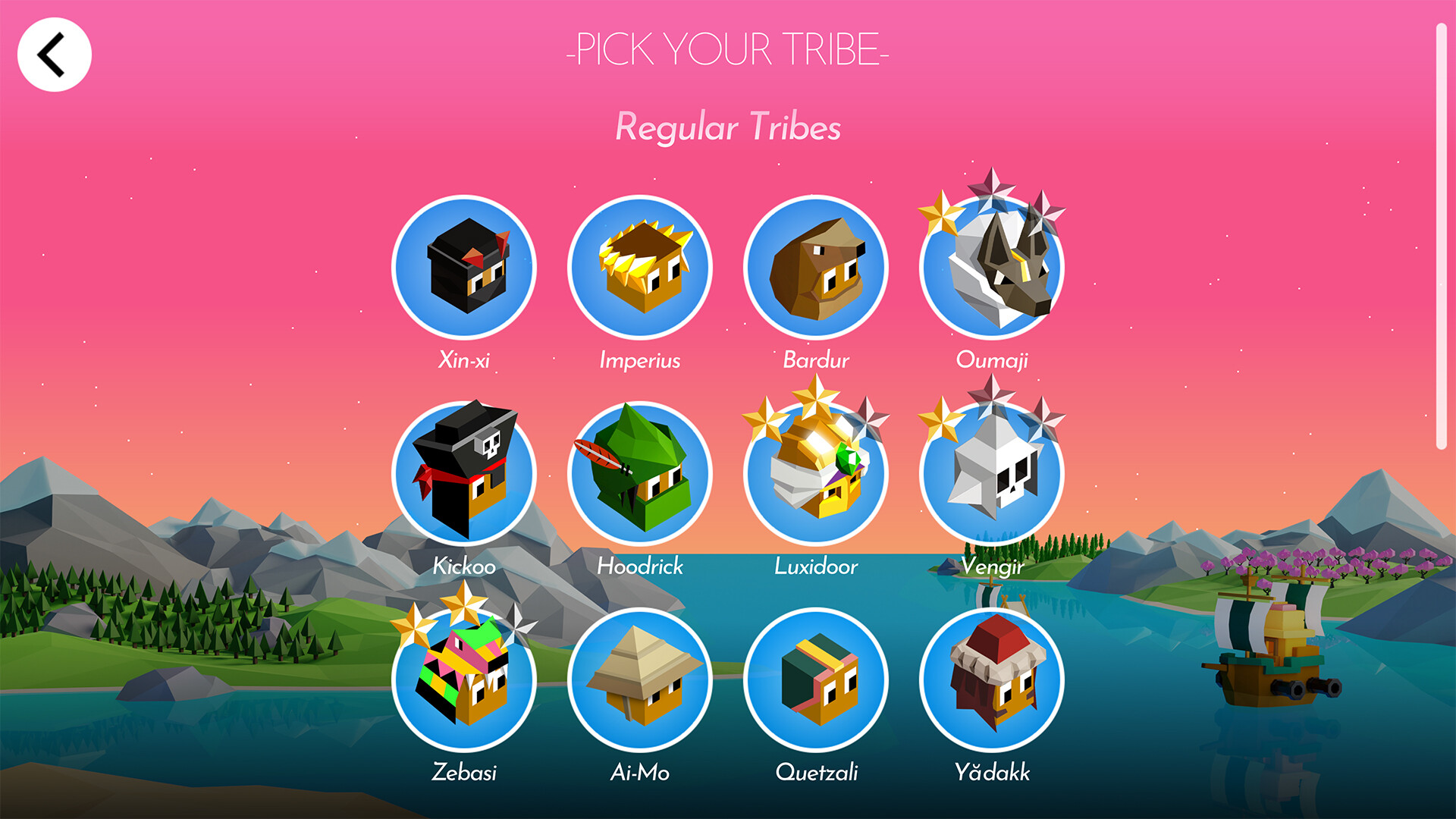
Sixteen tribes are spread across the Square, each with a brief description that mentions their cultural flavor, motivations, and hinted strengths or weaknesses. Examples include the cautious Xin‑Xi, the mushroom‑loving Hoodrick, and the sword‑wielding Vengir.
When you select a tribe, the description provides a thematic context that can guide early strategic choices, such as focusing on expansion, technology, or combat, based on the traits highlighted for that tribe.
- Read the tribe description before starting to match its narrative with your preferred early strategy.
- Try a few different tribes in separate games to see how the described traits influence your opening moves.
02 / THE GUIDE
Turn‑Based Structure
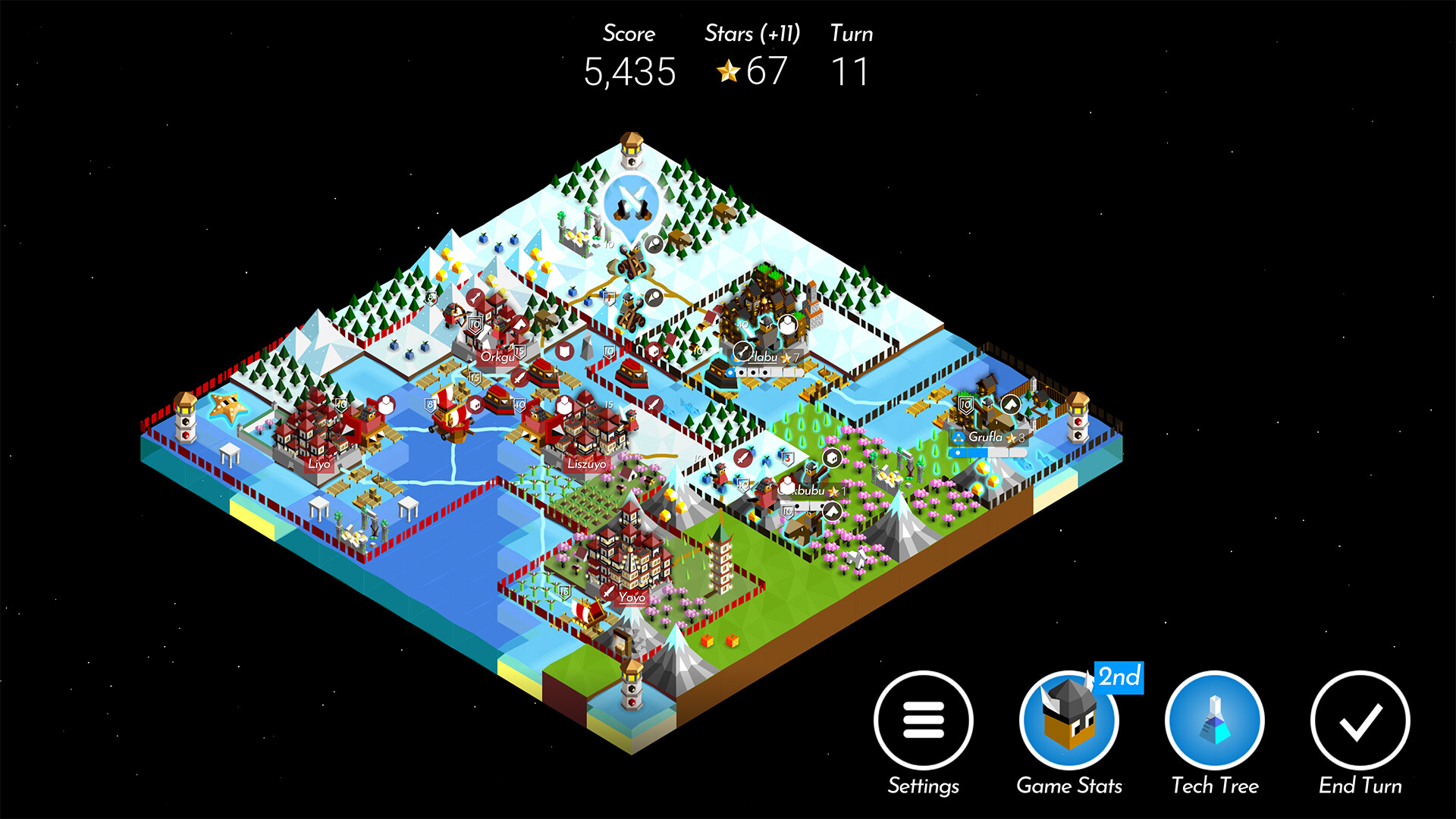
The game proceeds in discrete turns, allowing each player to move units, develop technologies, and expand territory before the next player acts. This structure emphasizes planning over reflexes.
Both single‑player and multiplayer matches use the same turn system, so the pacing and decision‑making rhythm remains consistent regardless of the mode you are playing.
- Allocate each turn between expansion and defense to keep a balanced approach.
- Pause briefly between turns to review long‑term goals and adjust your plan.
03 / THE GUIDE
Multiplayer Options
The title lists online PvP, shared/split‑screen PvP, and cross‑platform multiplayer as supported features, meaning players can compete with others over the internet or locally on the same device.
Cross‑platform support allows Windows, macOS, and Linux users to join the same matches, ensuring a broader pool of opponents without requiring a specific operating system.
- Use split‑screen mode for a quick local match when friends are nearby.
- Take advantage of cross‑platform matchmaking to find opponents if your local pool is small.
04 / THE GUIDE
Platform Support
The game is released for Windows, macOS, and Linux, with the same core content available on each platform. This broad availability means most PC users can install and play without platform‑specific restrictions.
Steam lists partial controller support, indicating that a controller can be used, though the exact functions are not detailed in the source information.
- Ensure your Steam client is up to date to receive the latest platform patches.
- Test basic controller input before a match to confirm it works on your system.
05 / THE GUIDE
Steam Integration
Steam Turn Notifications are listed as a feature, providing an alert when it is a player's turn in online matches. The game also includes Steam Trading Cards and supports Family Sharing.
These Steam‑specific features are optional enhancements that do not alter the core turn‑based gameplay but can improve the overall Steam ecosystem experience.
- Enable turn notifications if you prefer an alert for your next move in online games.
- Collect trading cards if you enjoy tracking progress through Steam’s visual rewards.
COMMUNITY
Player discussion