 GameWiki
GET YOUR BEARINGS
About The Bathhouse | 地獄銭湯 Restored Edition
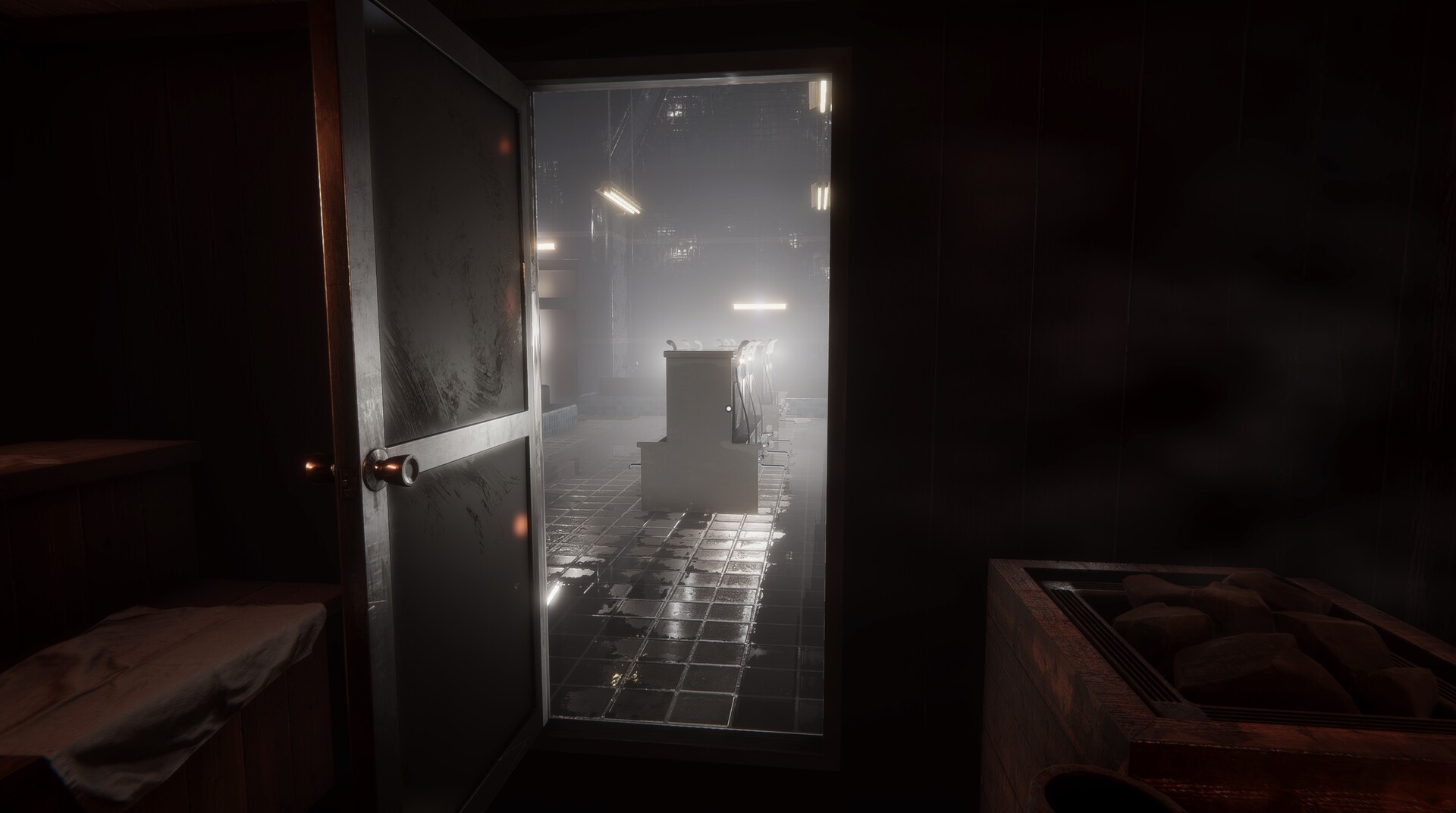
The Bathhouse | 地獄銭湯 Restored Edition is a Japanese‑style horror title where the player works inside a haunted bathhouse. The remake adds higher‑resolution graphics, refined character models, and a fresh storyline that expands on the original premise.
The game runs on Windows, supports single‑player play, Steam achievements and Family Sharing. It features an auto‑save per chapter, multiple possible endings, and a set of keyboard‑mouse controls for movement, interaction, and inventory management.
01 / THE GUIDE
Enhanced graphics and environmental detail
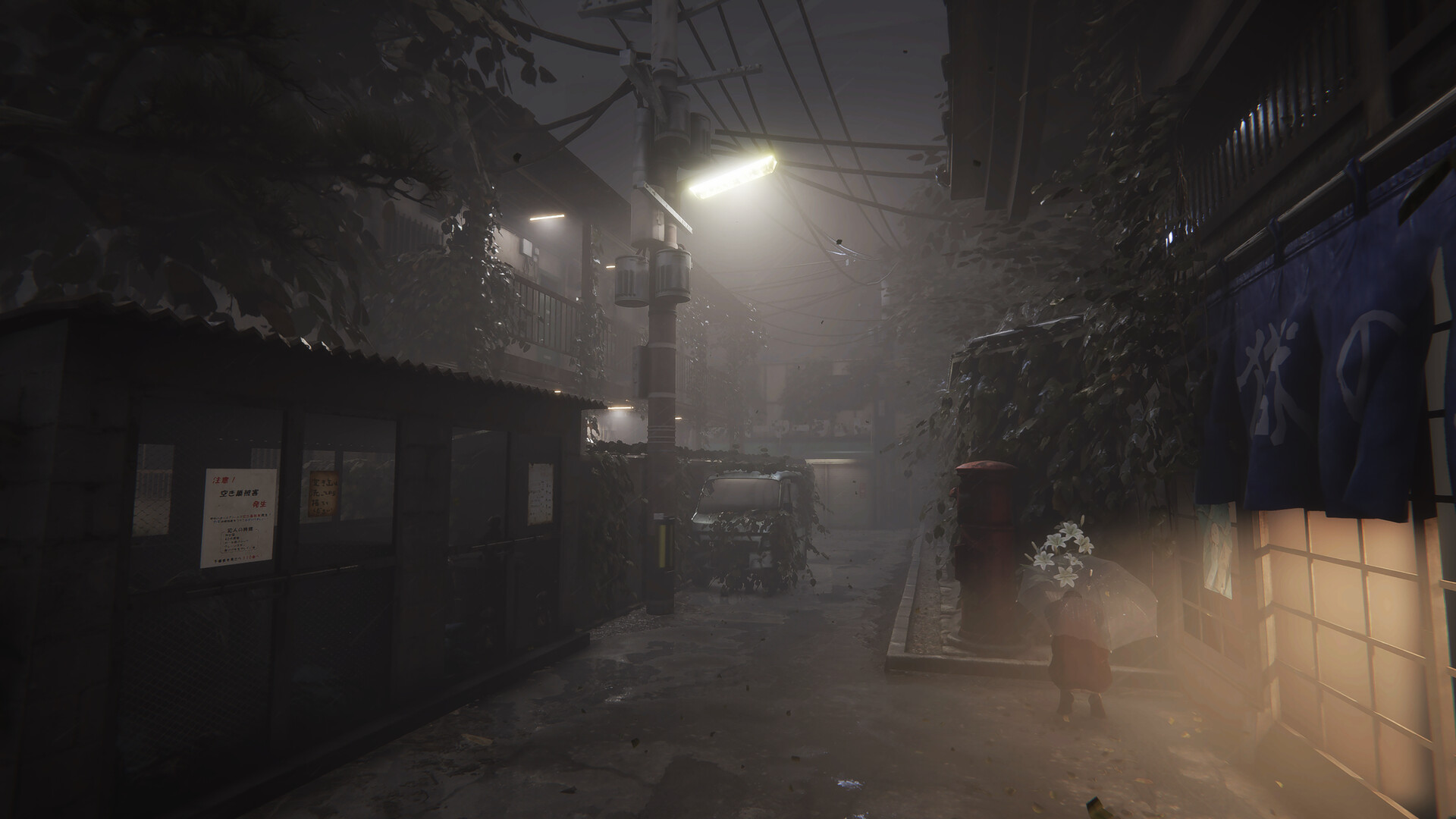
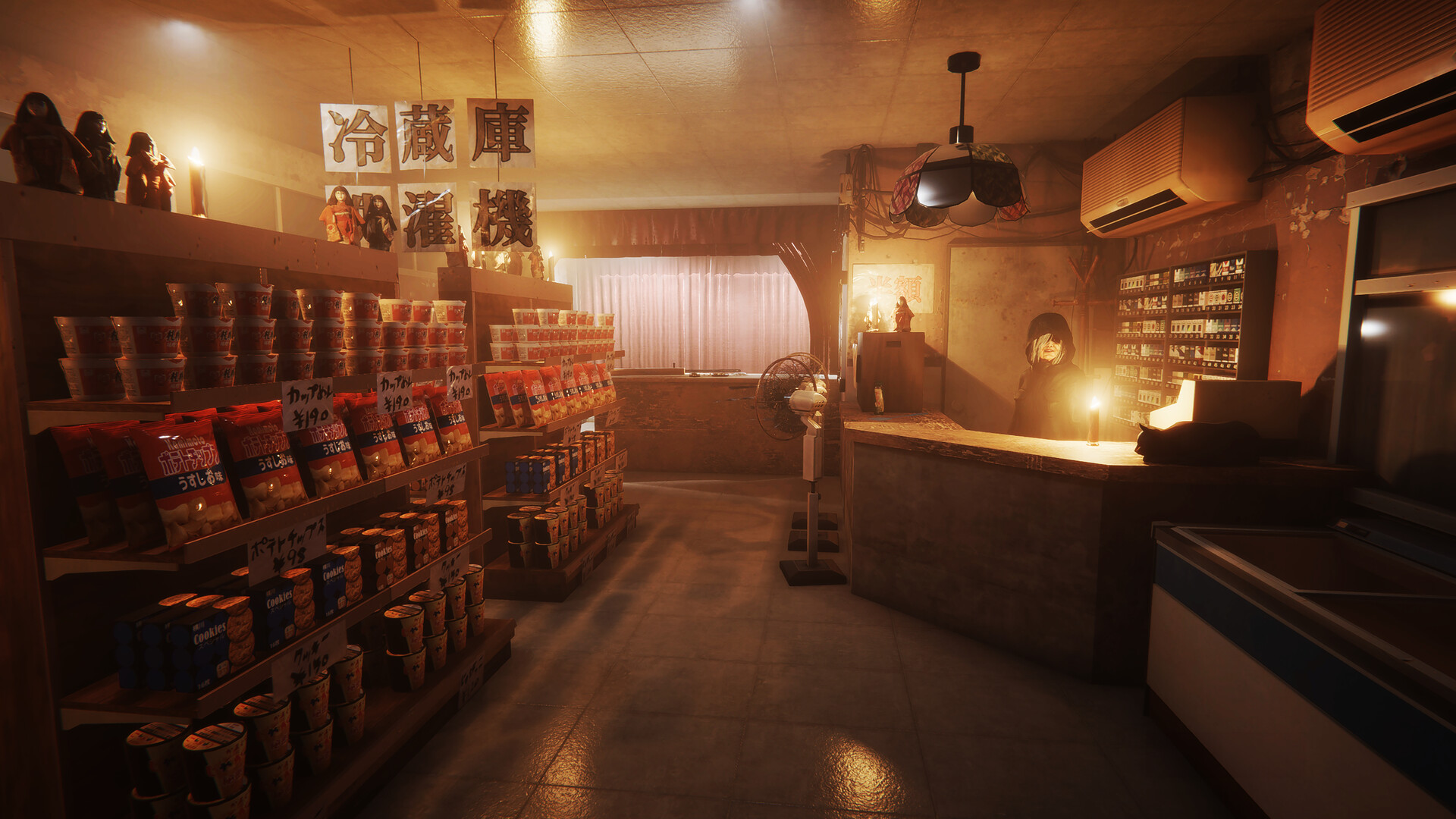
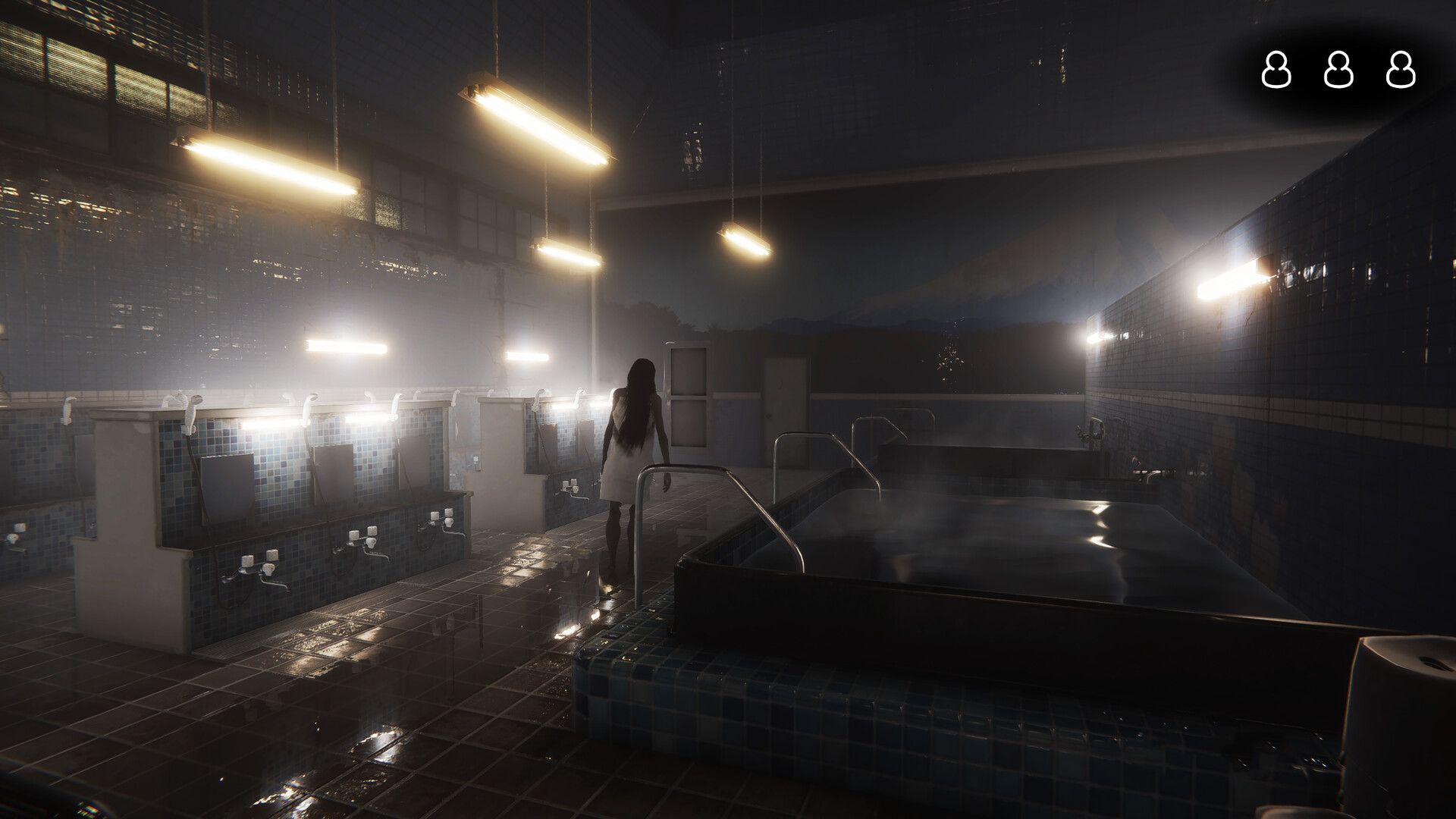
The remake upgrades textures, lighting, and overall visual fidelity, giving the bathhouse a more immersive and unsettling atmosphere. New environmental details appear throughout each room, making exploration feel richer.
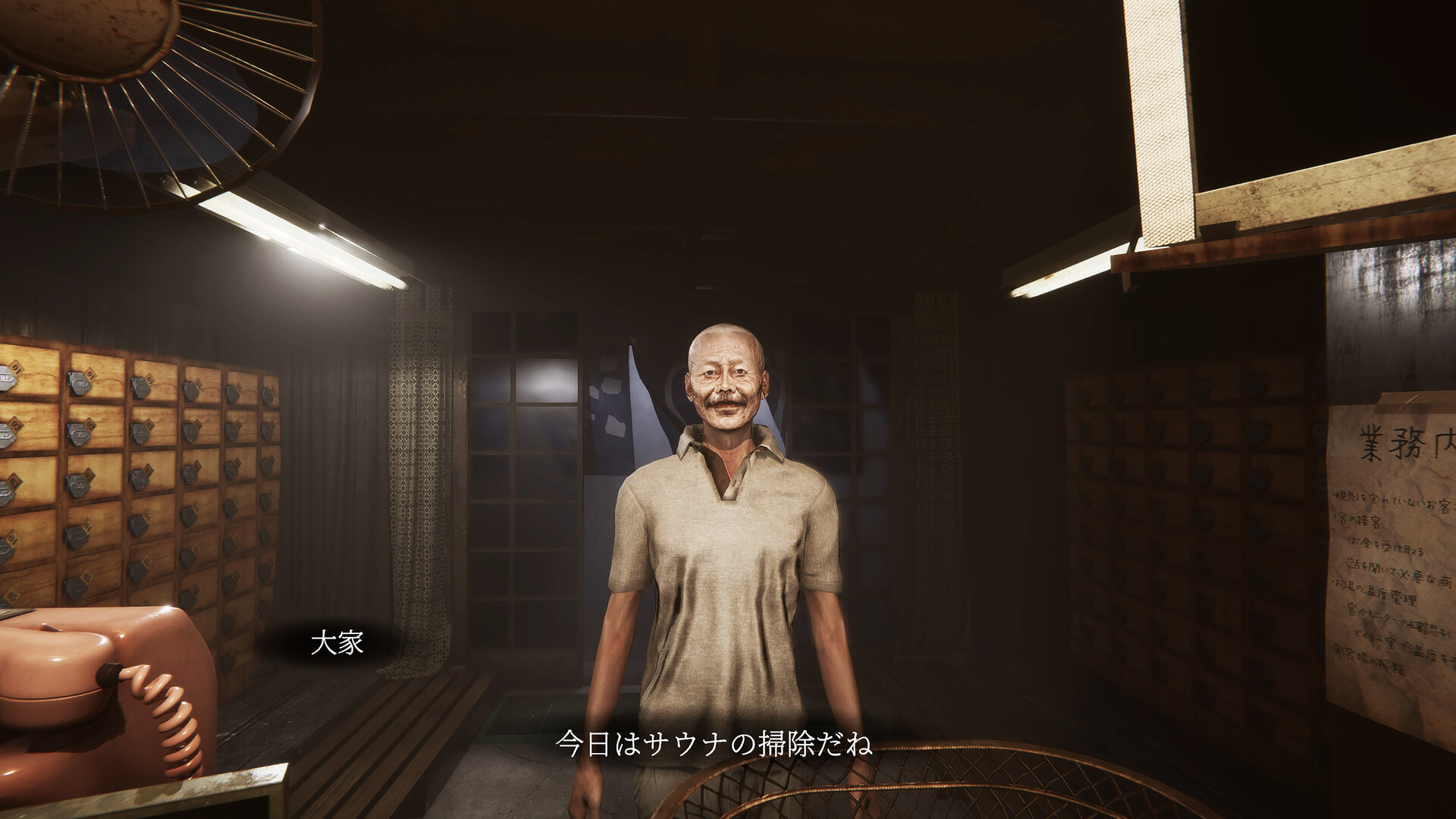
Improved character models accompany the visual overhaul, providing clearer facial expressions and smoother animations that contribute to the horror tone. These visual changes are intended to heighten tension without altering core gameplay.
- Adjust graphics settings if frame rates drop; the game suggests lowering resolution as a remedy.
- Update your GPU driver to ensure the new textures render correctly.
02 / THE GUIDE
New storyline and multiple endings
A new narrative thread weaves through the bathhouse, introducing fresh characters and plot twists while preserving the original horror premise. The story unfolds across chapters, each saved automatically.
Players can reach several distinct endings based on in‑game choices, encouraging exploration of different outcomes before the final chapter concludes.
- Pay attention to dialogue cues; they often hint at branching paths.
- Complete each chapter fully before moving on to maximize ending options.
03 / THE GUIDE
Controls and inventory system
Movement uses WASD keys, while left‑click interacts with objects and right‑click throws items. The Tab key opens the inventory, where players can rotate objects with R. The ESC key accesses options.
All controls are mapped to keyboard and mouse, with no mention of exclusive controller support. The inventory allows item management essential for puzzle solving and progression.
- Use R to rotate objects before placing them to fit tight spaces.
- Keep the inventory open (Tab) while exploring to quickly assess needed items.
04 / THE GUIDE
Auto‑save and troubleshooting steps
The game automatically saves progress at the end of each chapter, storing files in the user’s AppData folder. If a save becomes corrupted, deleting the file and restarting can resolve the issue.
Technical problems may stem from outdated GPU drivers, high graphics settings, or OS incompatibilities. The developer advises updating drivers, lowering graphics, updating Windows, or checking antivirus interference.
- Back up the save folder before deleting corrupted files.
- Run the game as administrator if antivirus blocks access.
05 / THE GUIDE
Platform support and features
The title is released for Windows only; macOS and Linux are not supported. It includes Steam achievements and Family Sharing, allowing friends to play without purchasing a separate copy.
Single‑player mode is the sole gameplay mode, with no multiplayer or co‑op options mentioned. The game’s store page lists Indie as its genre.
- Enable Family Sharing on Steam to let others access the game on their accounts.
- Check the Steam Achievements tab for progress tracking.
COMMUNITY
Player discussion