 GameWiki
GET YOUR BEARINGS
About The Artisan of Glimmith
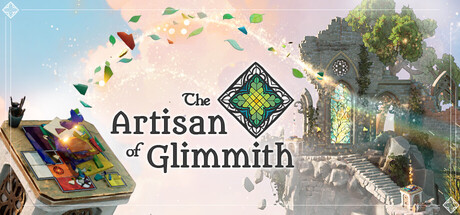
The Artisan of Glimmith drops you into a sky‑borne kingdom where a benefactor hires you, a stained‑glass artisan, to restore a hamlet, forest, and castle. You must obey a set of color‑based rules while exploring hidden paths and secret puzzles. The game offers over twenty rule types, optional expert‑level challenges, and a built‑in level editor for sharing creations. It runs on Windows with full controller, mouse‑only, and extensive accessibility options, and supports Steam features such as achievements and cloud saves.
01 / THE GUIDE
Setting and Story
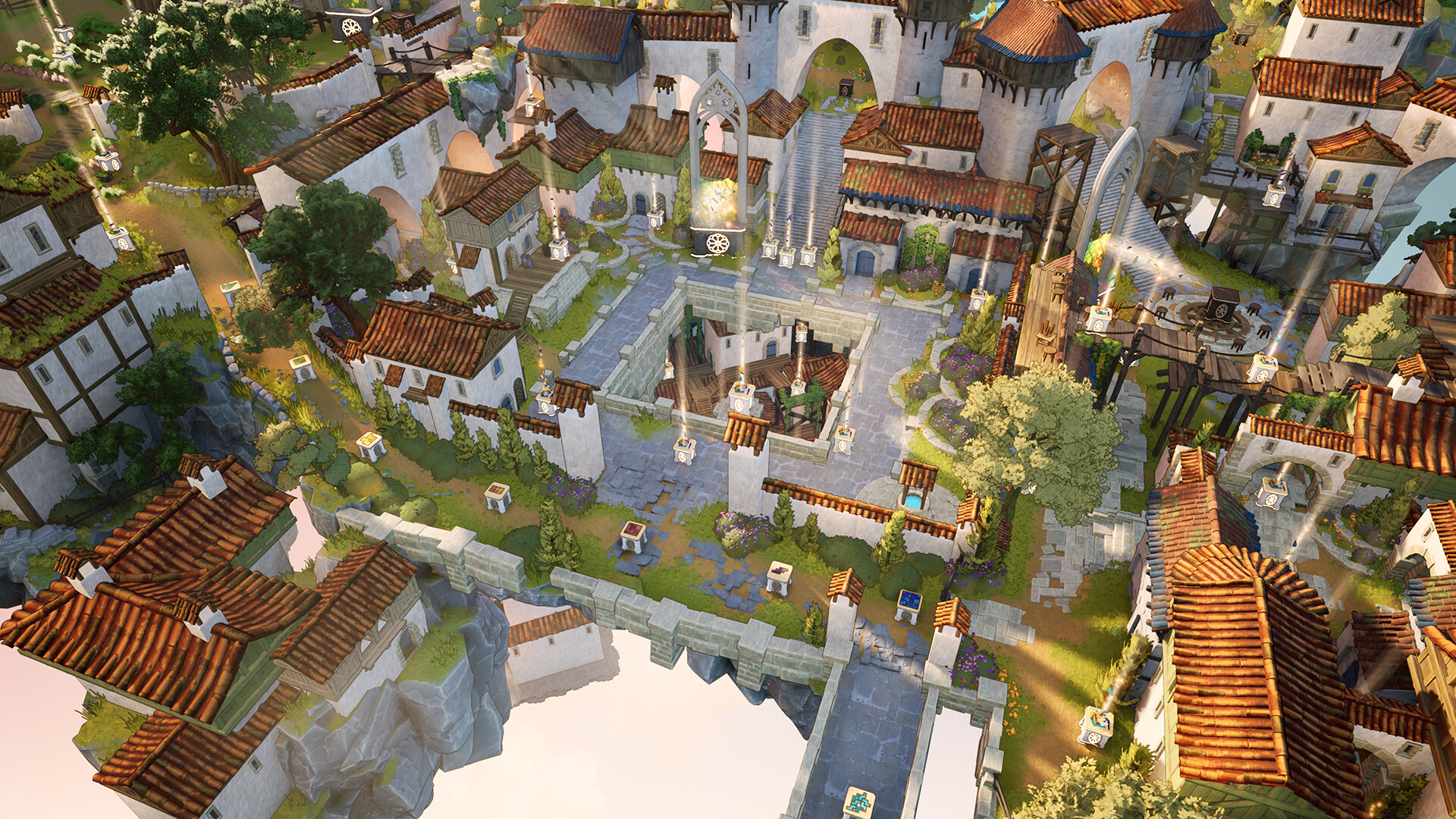
You arrive in the lands of Glimmith, a kingdom above the clouds, tasked by a benefactor to restore its hamlet, enchanted forest, and forlorn castle. The narrative frames each puzzle as part of the restoration effort. Hidden paths and secret puzzles reward observant players, encouraging exploration beyond the main objectives. The setting blends a cozy atmosphere with a sense of mystery.
- Take time to scan each area for subtle visual cues that may indicate hidden routes.
- Use the camera comfort settings to adjust view angles for better spotting of secrets.
02 / THE GUIDE
Puzzle Mechanics
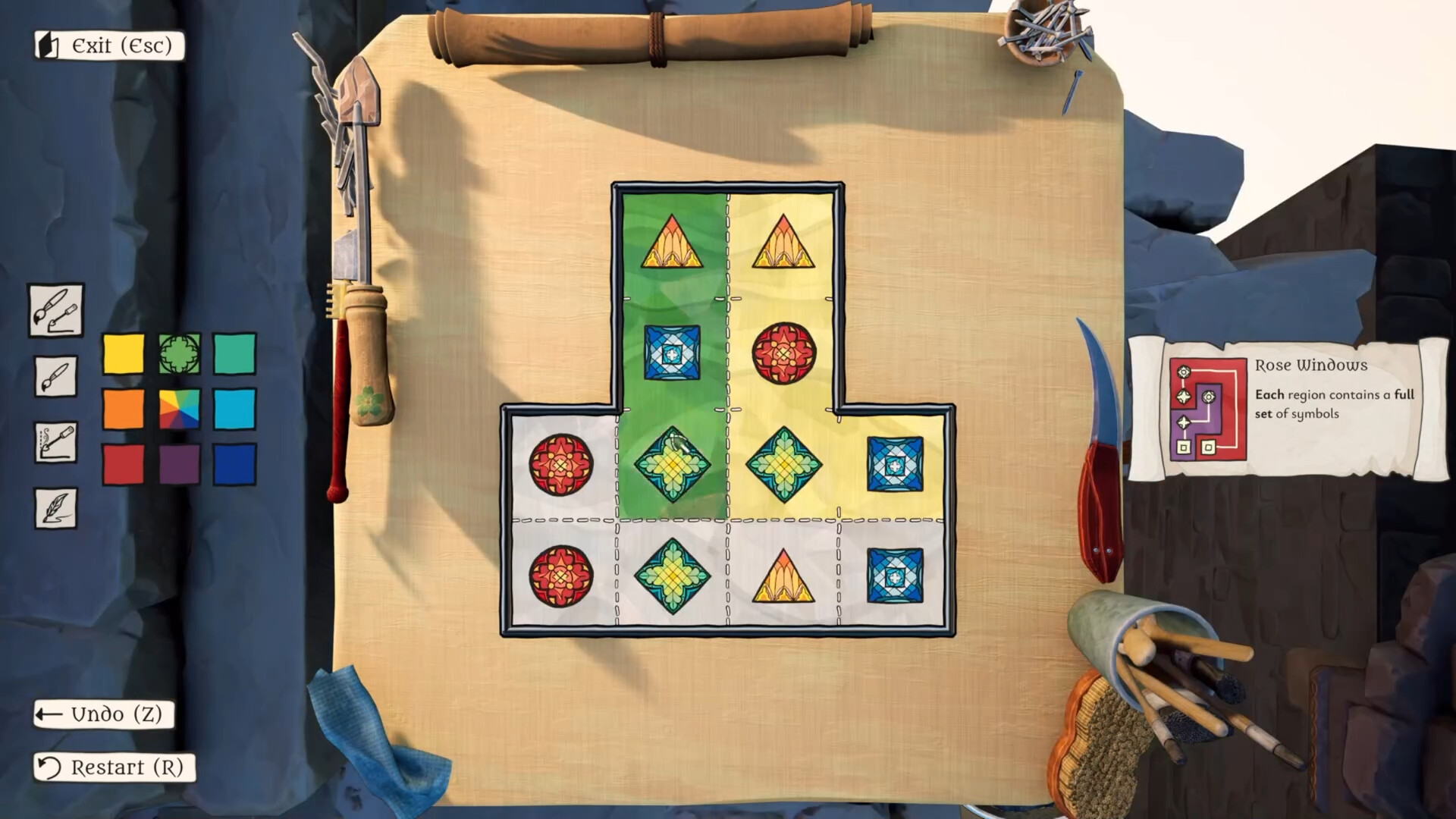
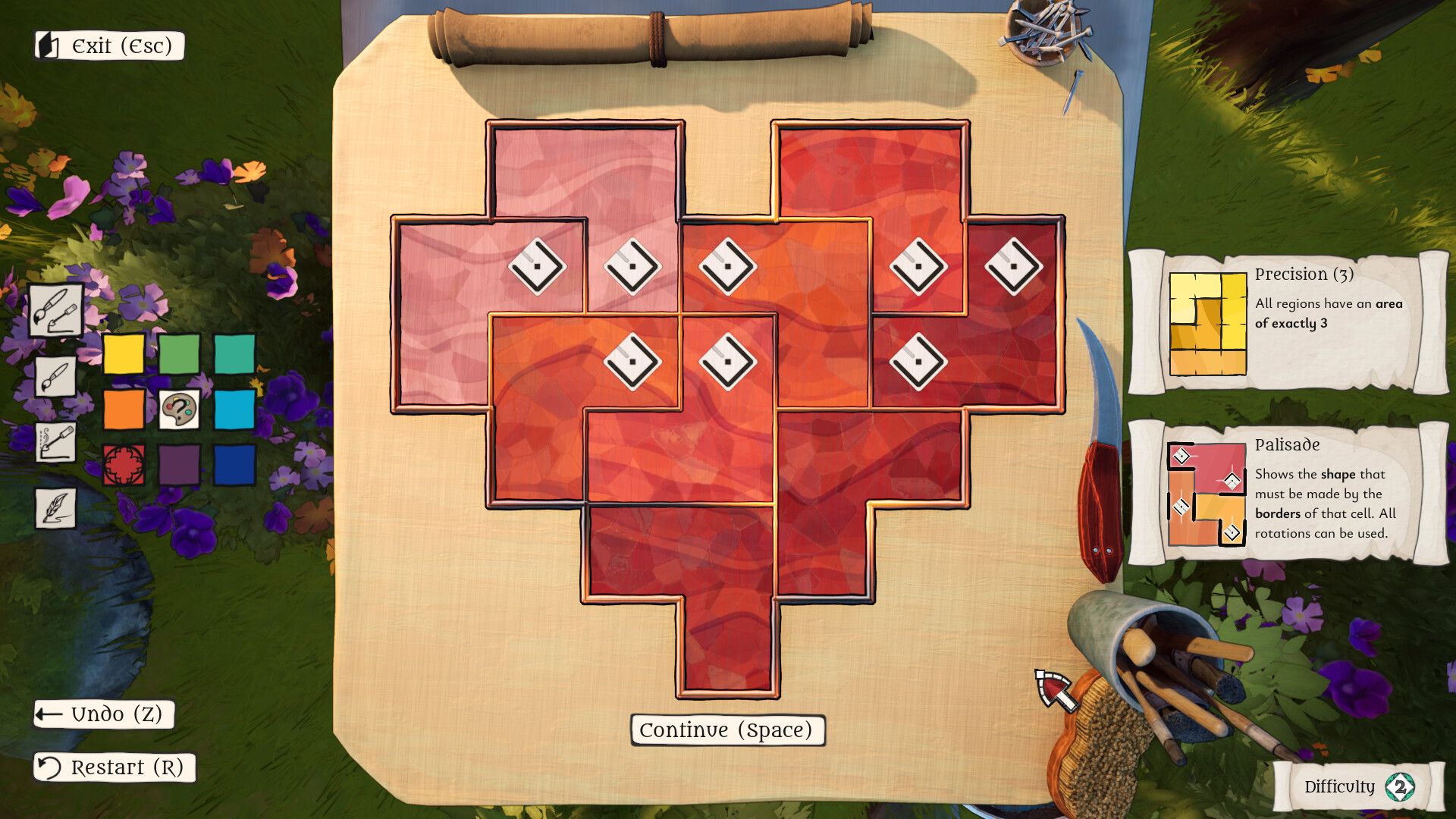
The core gameplay revolves around coloring, cutting, and joining stained‑glass pieces while obeying a variety of rules. Over 20 unique rule types challenge players to think strategically about color placement and shape. Optional finale puzzles combine every learned trick, testing mastery for expert players. Each rule adds a distinct constraint, making every level feel fresh.
- Experiment with different color combinations early to understand rule interactions.
- Keep a note of which rules you find most challenging for focused practice.

03 / THE GUIDE
Level Editor
Create your own puzzles and share them with the community using the in‑game level editor. The editor provides tools to place colors, define rules, and arrange glass pieces. Community‑shared levels expand replayability and let players showcase creative designs. The editor is accessible from the main menu and integrates with Steam Workshop.
- Start with a simple rule set before adding complex constraints.
- Test your level repeatedly to ensure all intended solutions work.
04 / THE GUIDE
Accessibility Options
The game includes adjustable text size, subtitle options, color alternatives, and custom volume controls. Players can also enable a mouse‑only mode or use full controller support. Adjustable difficulty and the ability to save anytime make the experience playable at each individual’s pace, without timed input pressures.
- Enable subtitle options if you prefer visual dialogue cues.
- Adjust difficulty to match your comfort level for a smoother learning curve.
05 / THE GUIDE
Platform and Steam Features
The Artisan of Glimmith is available on Windows and supports Steam Cloud, achievements, trading cards, and family sharing. Full controller support and Steam Input API ensure flexible control schemes. Steam Workshop integration allows easy distribution of user‑created puzzles, while cloud saves preserve progress across devices.
- Link your Steam account to sync achievements and cloud saves.
- Explore the Workshop for fresh community‑made challenges.

COMMUNITY
Player discussion