 GameWiki
GET YOUR BEARINGS
About The Art of Reflection
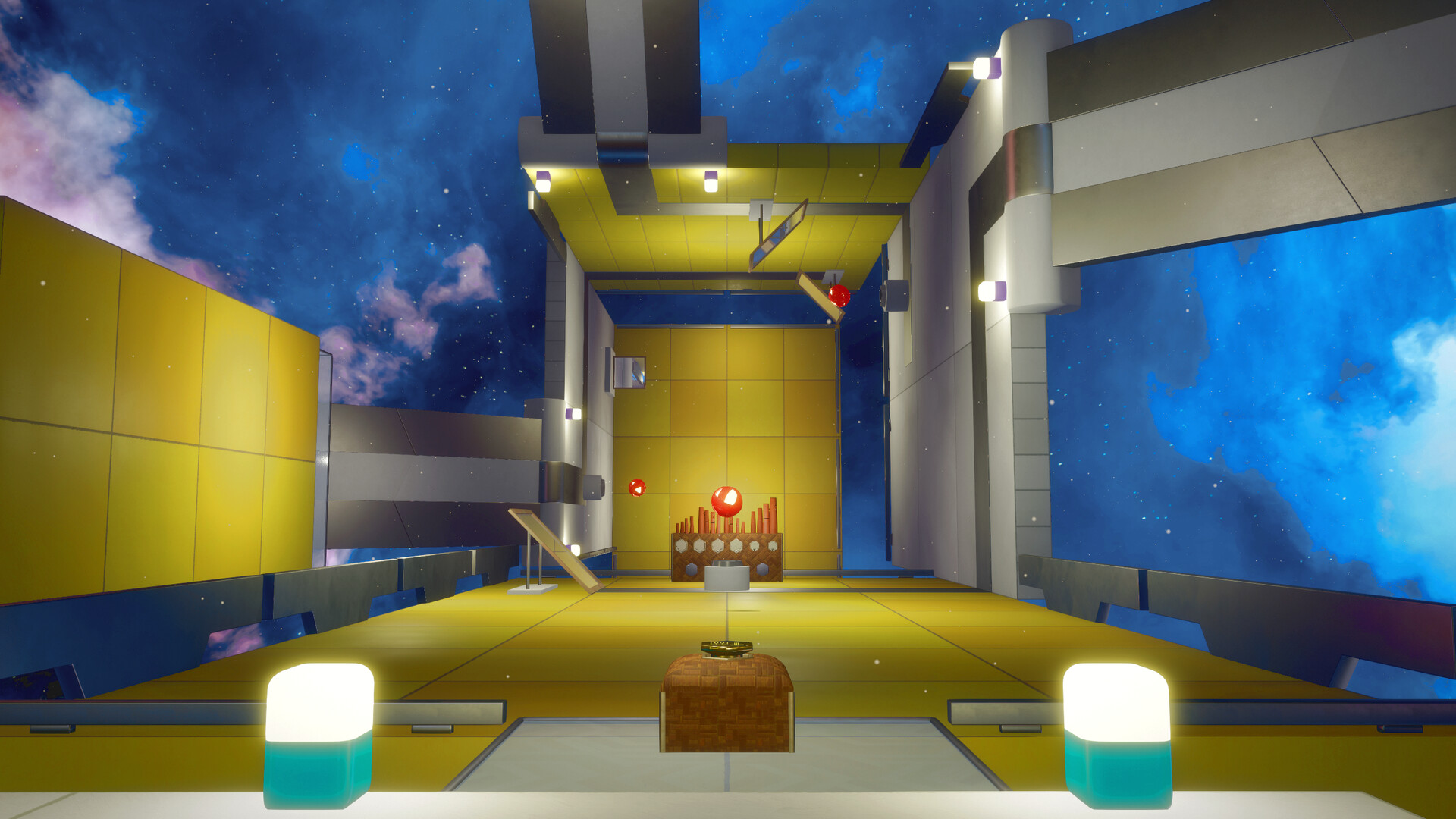
The Art of Reflection is a first‑person puzzle adventure where mirrors act as passable surfaces. By using a snap‑zoom you can step through a mirror and appear in a mirrored version of the same space, opening new routes and challenges.
Each room contains layered puzzles that may involve walking on the back side of structures or experiencing altered object behavior after a mirror crossing. The game runs on Windows and includes full controller support, Steam achievements, and various comfort options.
01 / THE GUIDE
Mirror Traversal
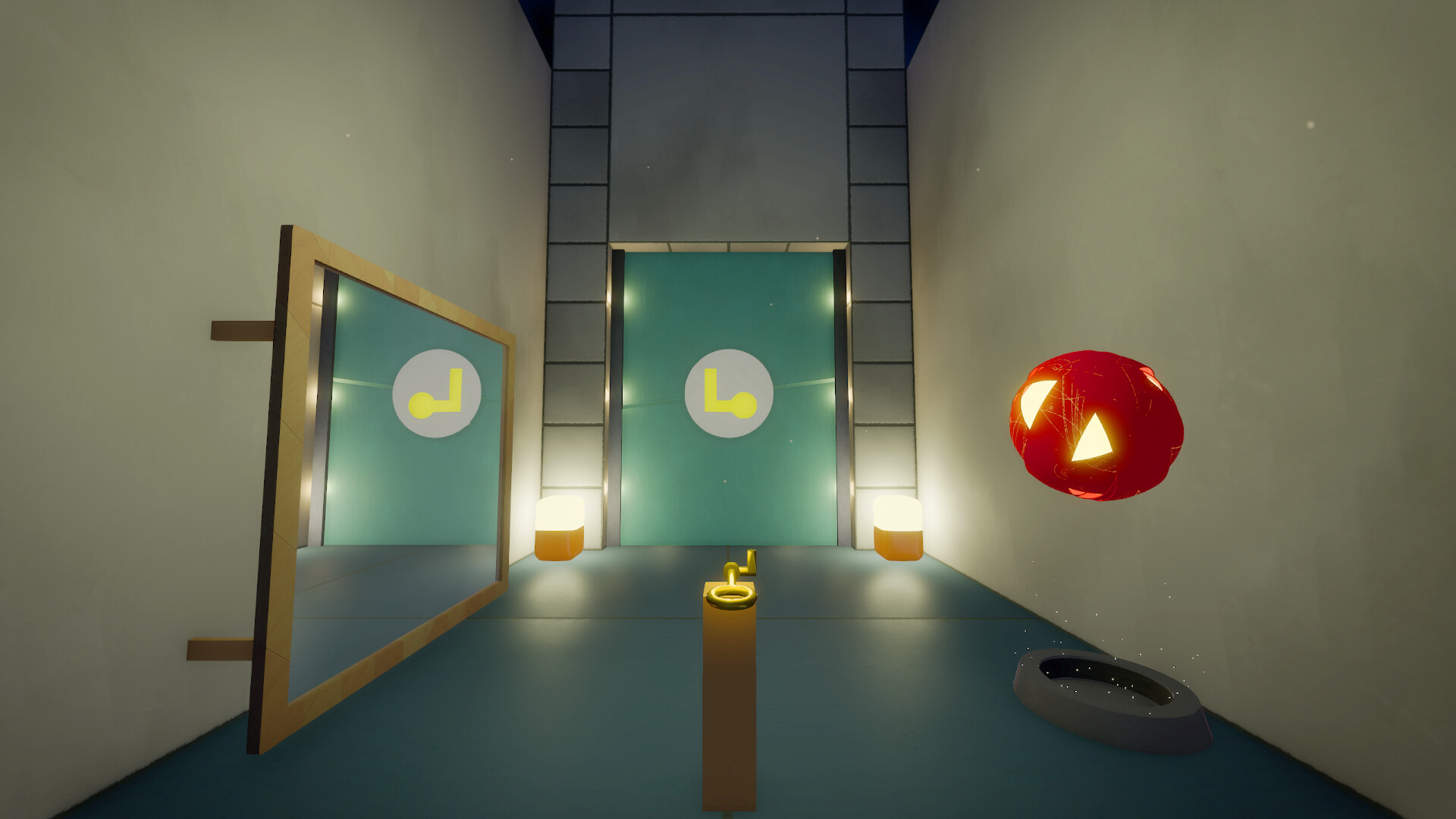
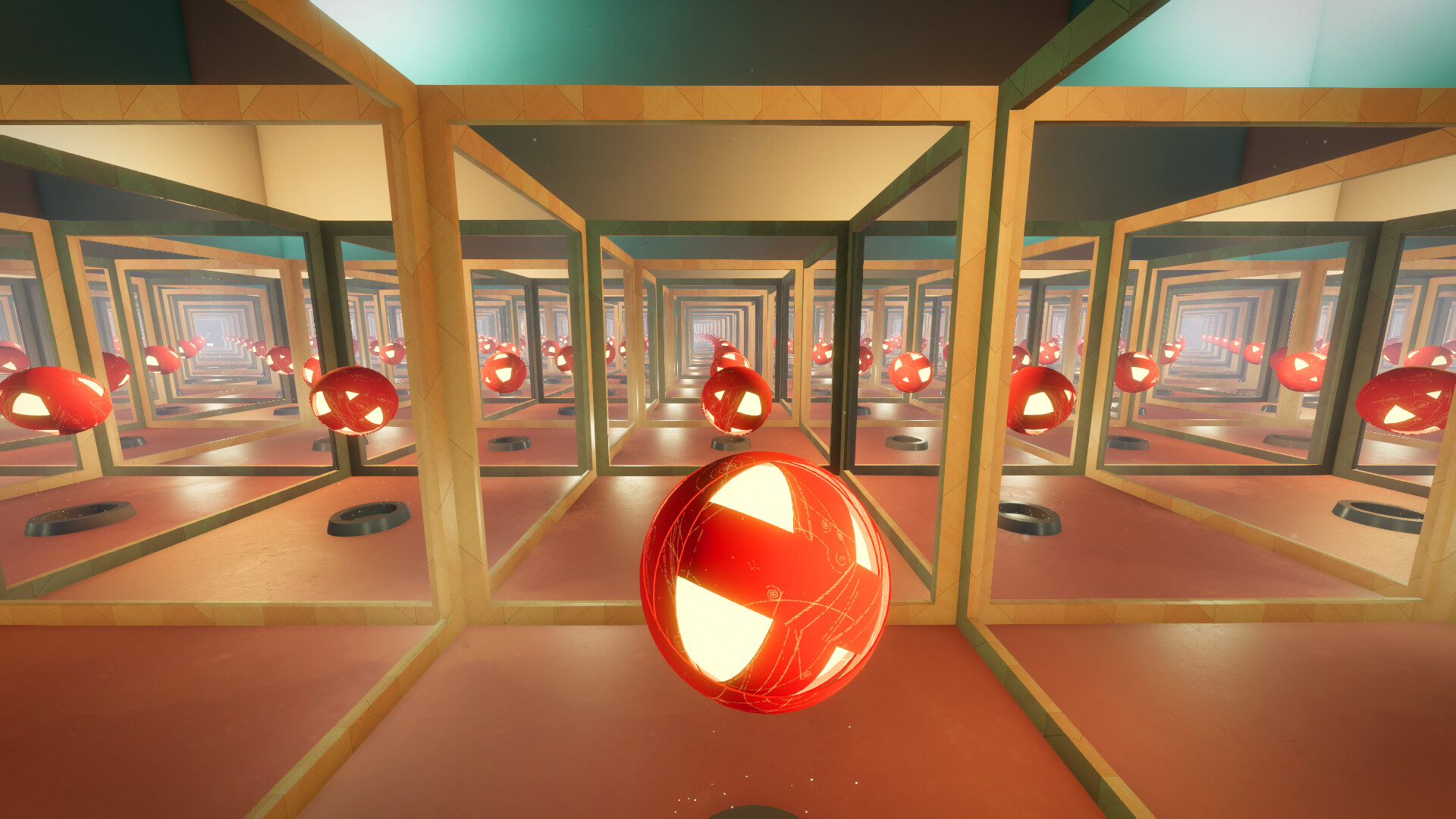
Mirrors are treated as portals; when you move through one you are transferred to a reflected version of the current room. This shift creates a second layer of space that can be explored alongside the original layout.
Because the reflected side may not behave exactly like the original, objects and movement can feel different after crossing. Players must consider how actions in one layer affect the other to solve puzzles.
- Test a mirror crossing in a safe spot before committing to a longer path.
- Observe how objects respond after crossing to anticipate new possibilities.
02 / THE GUIDE
Snap‑Zoom Mechanic
The primary tool is a snap‑zoom that instantly moves you through a mirror, covering distance in a single action. This ability also allows you to redirect your trajectory while in slow‑motion.
Using snap‑zoom strategically lets you bypass obstacles and reach areas that would otherwise be inaccessible within the same room, encouraging precise timing and spatial planning.
- Use snap‑zoom to explore mirror exits without fully entering them.
- Combine snap‑zoom with slow‑motion to fine‑tune positioning.
03 / THE GUIDE
Room‑Based Puzzles
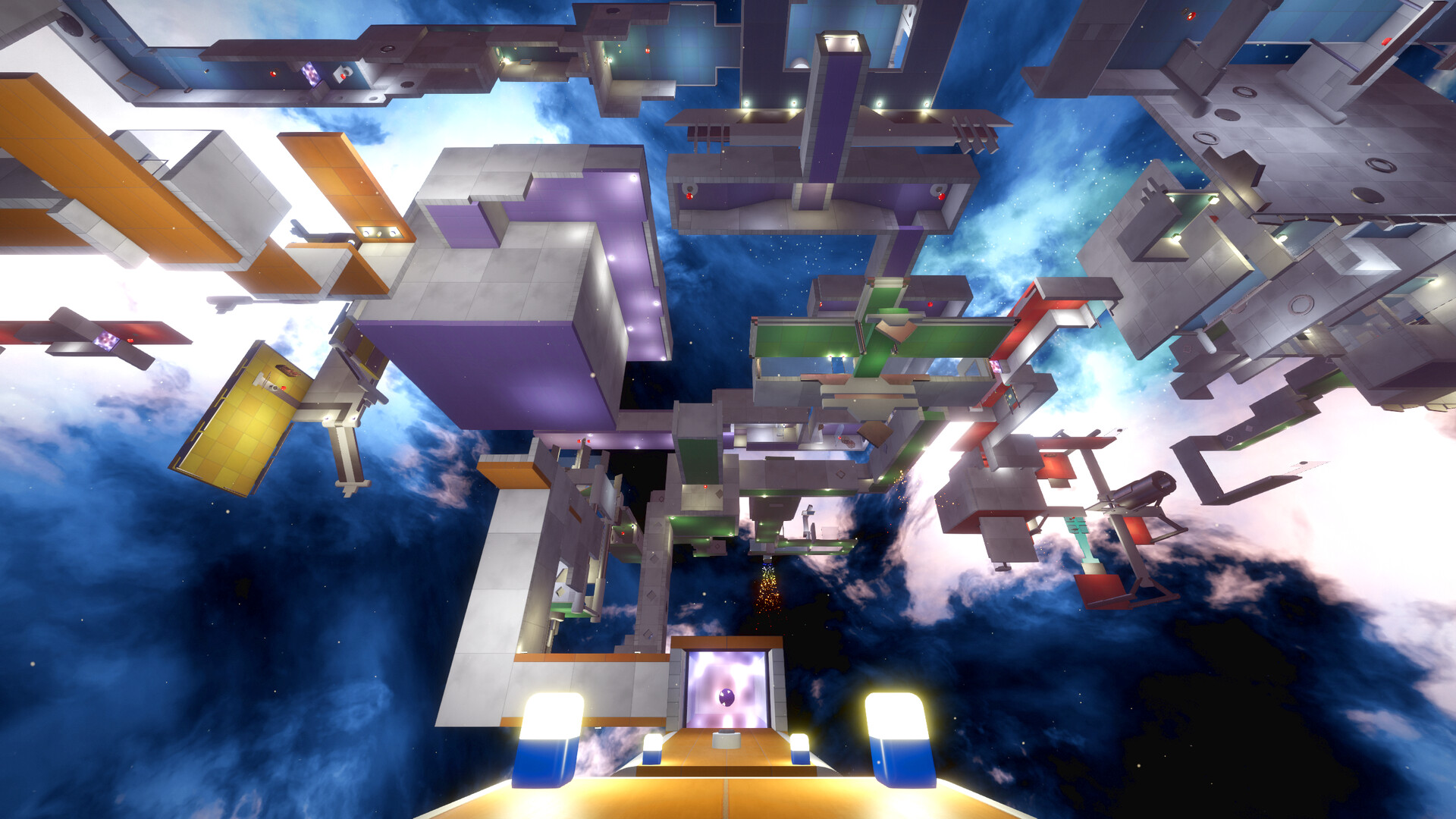
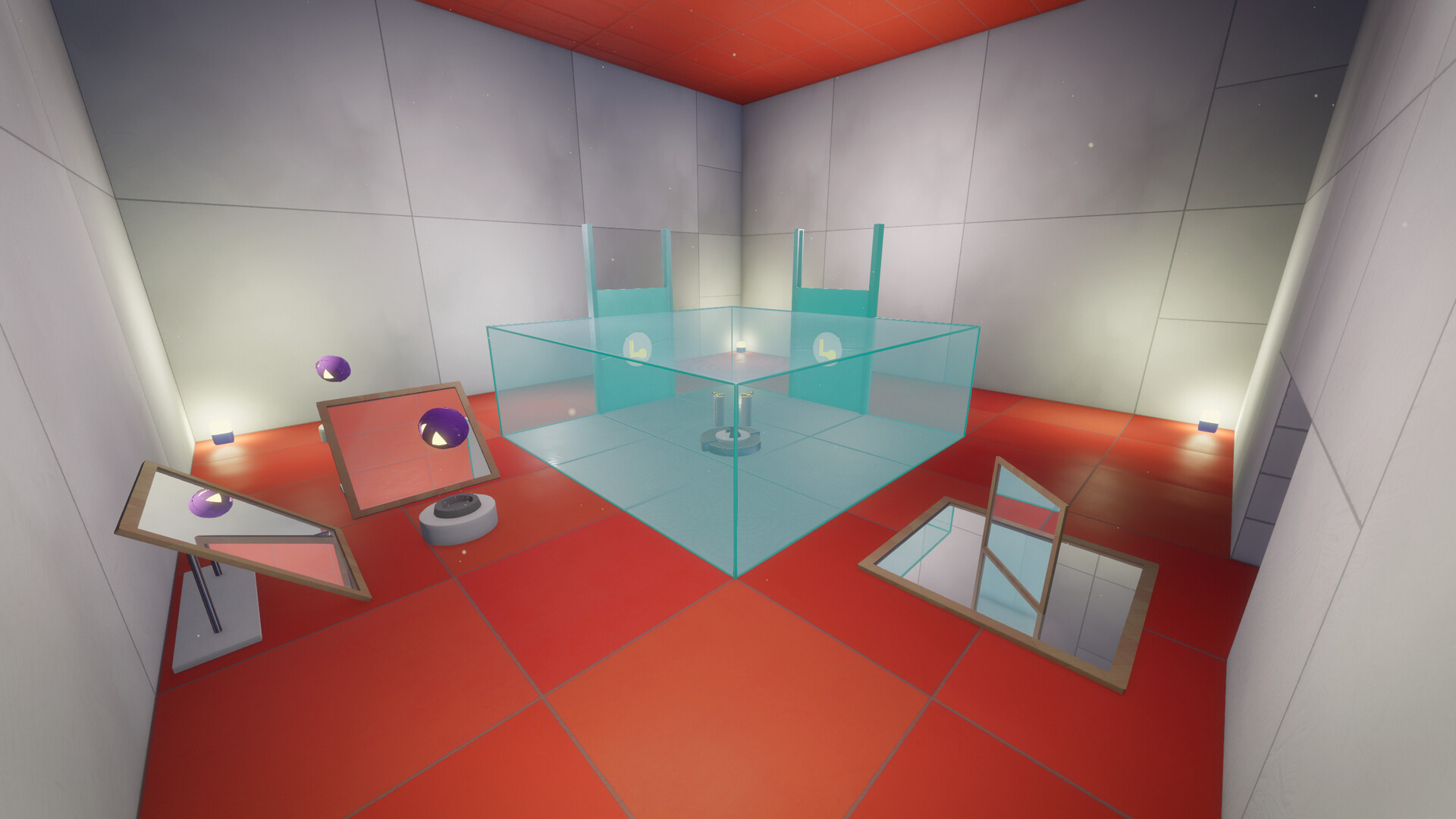
Each puzzle is confined to a single room, but the mirrored side adds an extra layer of complexity. Solving a puzzle often requires interacting with both the original and reflected spaces.
The design encourages exploration of hidden corners, as actions taken on one side can influence the state of objects on the other, creating interdependent solutions.
- Map the basic layout of the room before using mirrors.
- Look for objects that behave differently after a mirror transition.
05 / THE GUIDE
Platform Features
The game is available on Windows and supports full controller input, including DualShock and DualSense devices. It also offers Steam achievements, remote play on TV, and family sharing.
Additional comfort options such as camera comfort settings and custom volume controls are provided, allowing players to tailor the single‑player experience to their preferences.
- Enable camera comfort settings if motion sensitivity is a concern.
- Adjust volume controls to match your audio environment.
COMMUNITY
Player discussion