 GameWiki

GET YOUR BEARINGS
About That's not my Neighbor
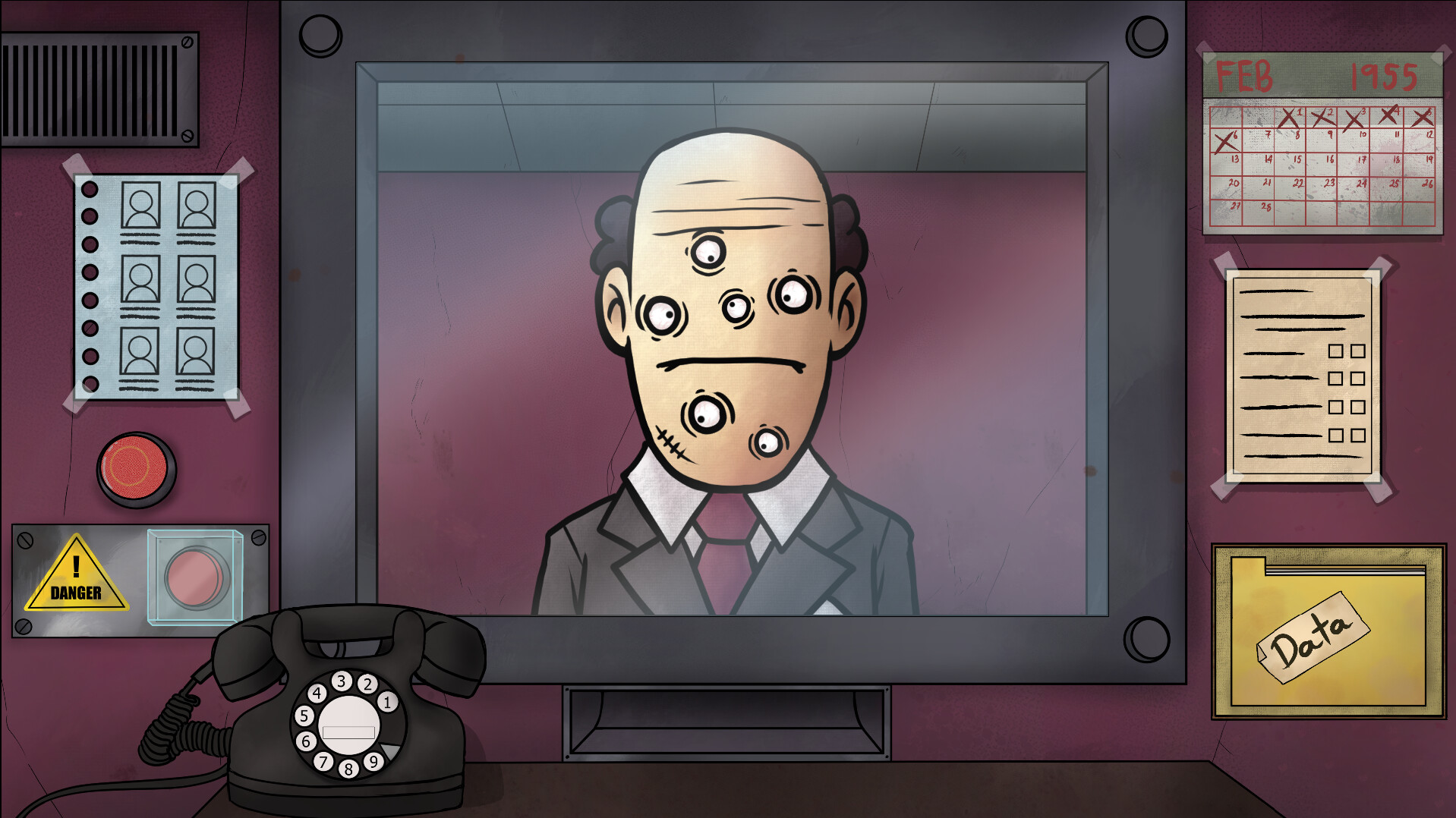
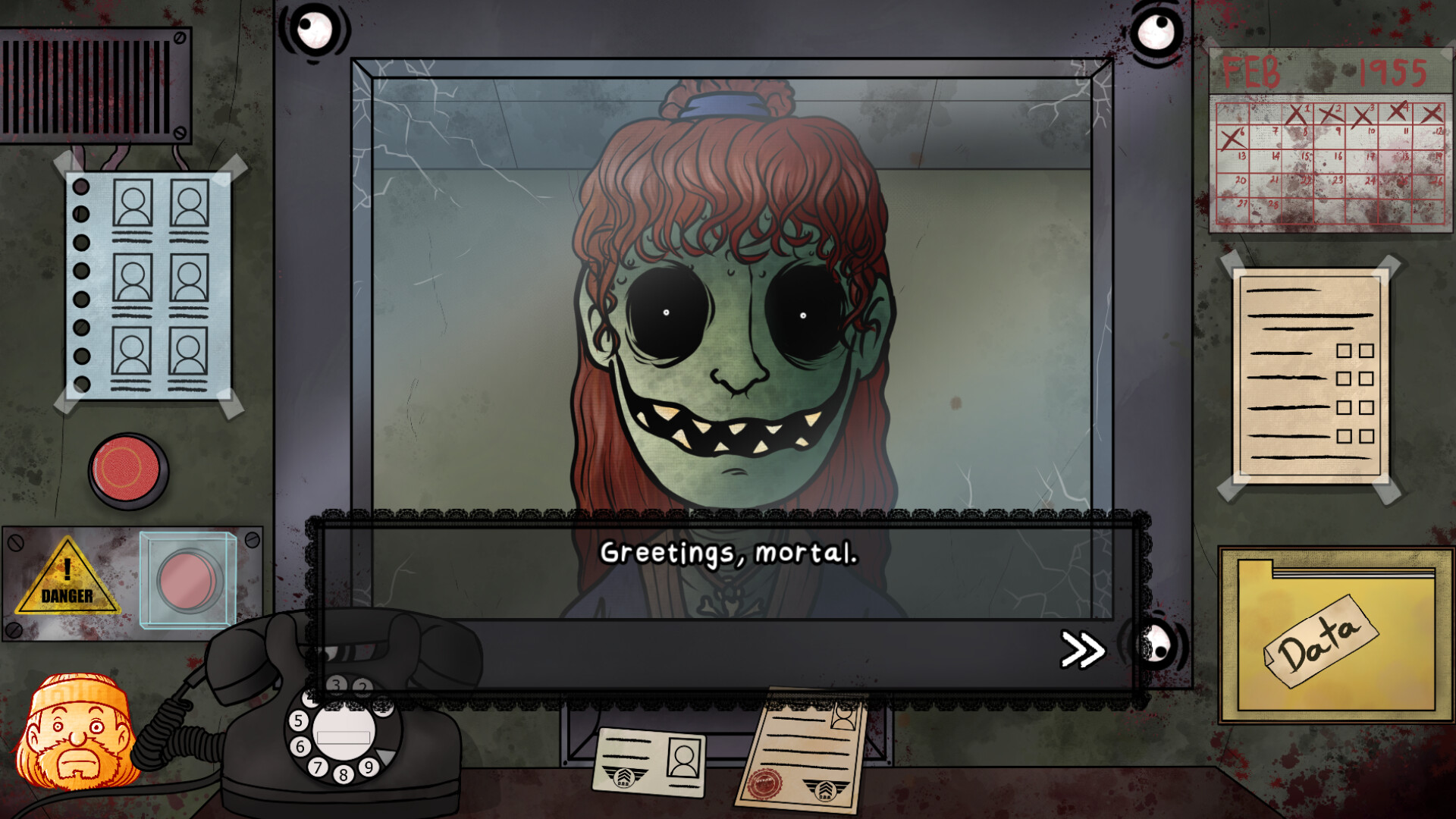
In *That's Not My Neighbor* you work as a doorman for the Department of Doppelganger Detection, deciding who may enter an apartment building populated by shape‑shifting impostors. The game blends a job‑sim premise with sci‑fi and an eerie aesthetic, demanding careful observation of tenant documents.
Four distinct modes let you chase different goals: Campaign offers multiple endings based on performance, Arcade focuses on high scores, Nightmare tests skill under tougher conditions, and Custom lets you create your own tenants. The title is a single‑player indie adventure available on Windows and Linux.
01 / THE GUIDE
Campaign Mode
Campaign Mode presents a series of scenarios where your decisions as a doorman affect the story's outcome. Different endings are unlocked depending on how accurately you identify genuine residents versus impostors.
Progress is measured by the number of correct acceptances and rejections, and the game records your performance to determine which conclusion you receive.
- Take notes on each applicant’s paperwork before deciding.
- Review previous decisions to spot patterns in impostor behavior.
02 / THE GUIDE
Arcade Mode
Arcade Mode strips away narrative and challenges you to achieve the highest possible score. Each correct identification adds points, while mistakes reduce your total.
The mode is designed for quick play sessions, letting you compete against your own best results.
- Prioritize speed without sacrificing accuracy.
- Aim for streaks of correct decisions to boost your score.

03 / THE GUIDE
Nightmare Mode
Nightmare Mode raises the difficulty, testing your skill under stricter conditions. Impostors may appear more convincing, and the margin for error is smaller.
Success in this mode demonstrates strong observation and quick judgment.
- Focus on subtle discrepancies in documents.
- Limit distractions to maintain concentration.
04 / THE GUIDE
Custom Mode
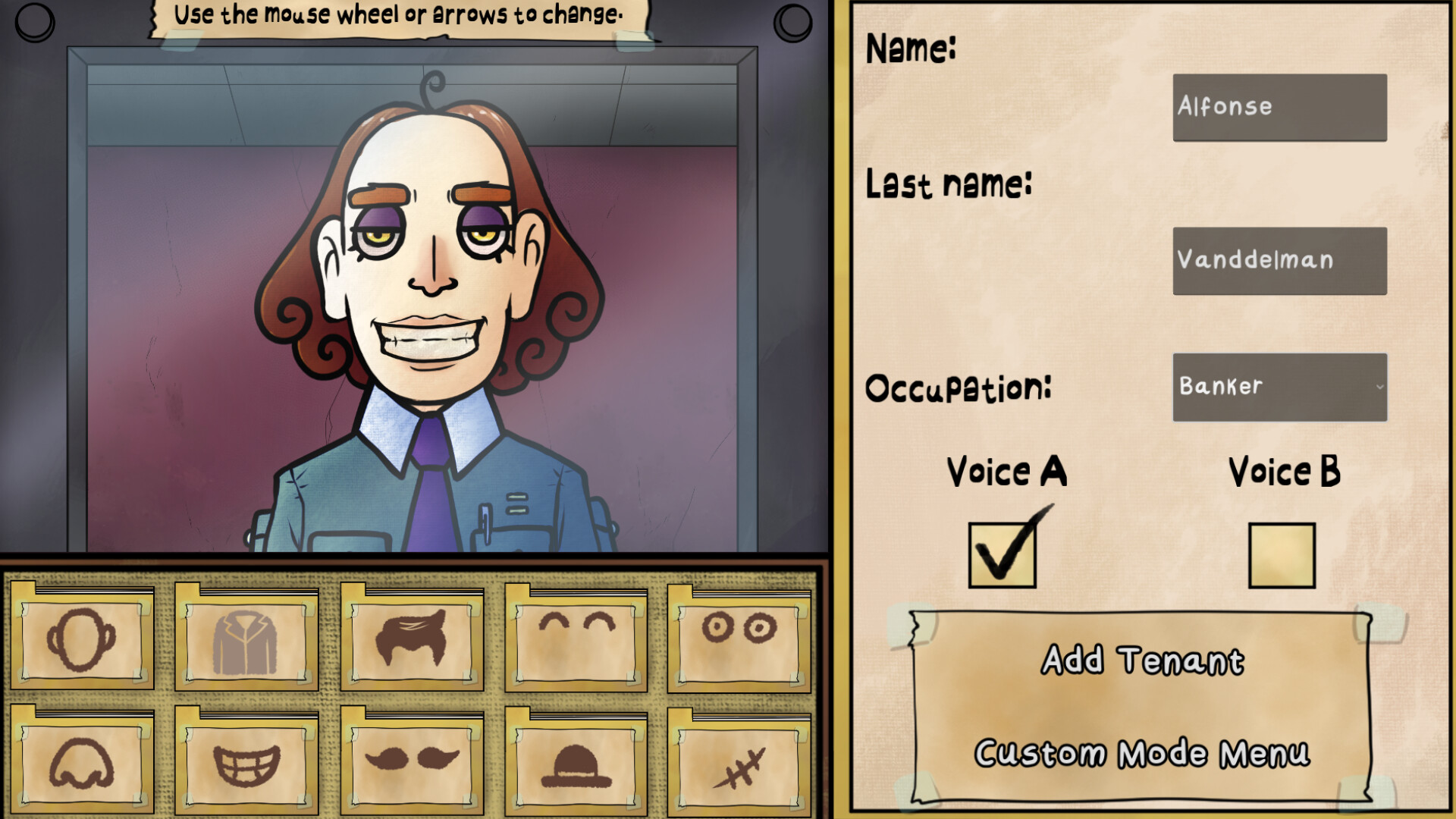
Custom Mode allows you to design your own tenants, creating unique applicant profiles for personal challenges or sharing with others.
This sandbox element lets you experiment with different document layouts and impostor traits.
- Vary document details to keep the mode fresh.
- Save interesting configurations for future replay.
05 / THE GUIDE
Core Gameplay Mechanics
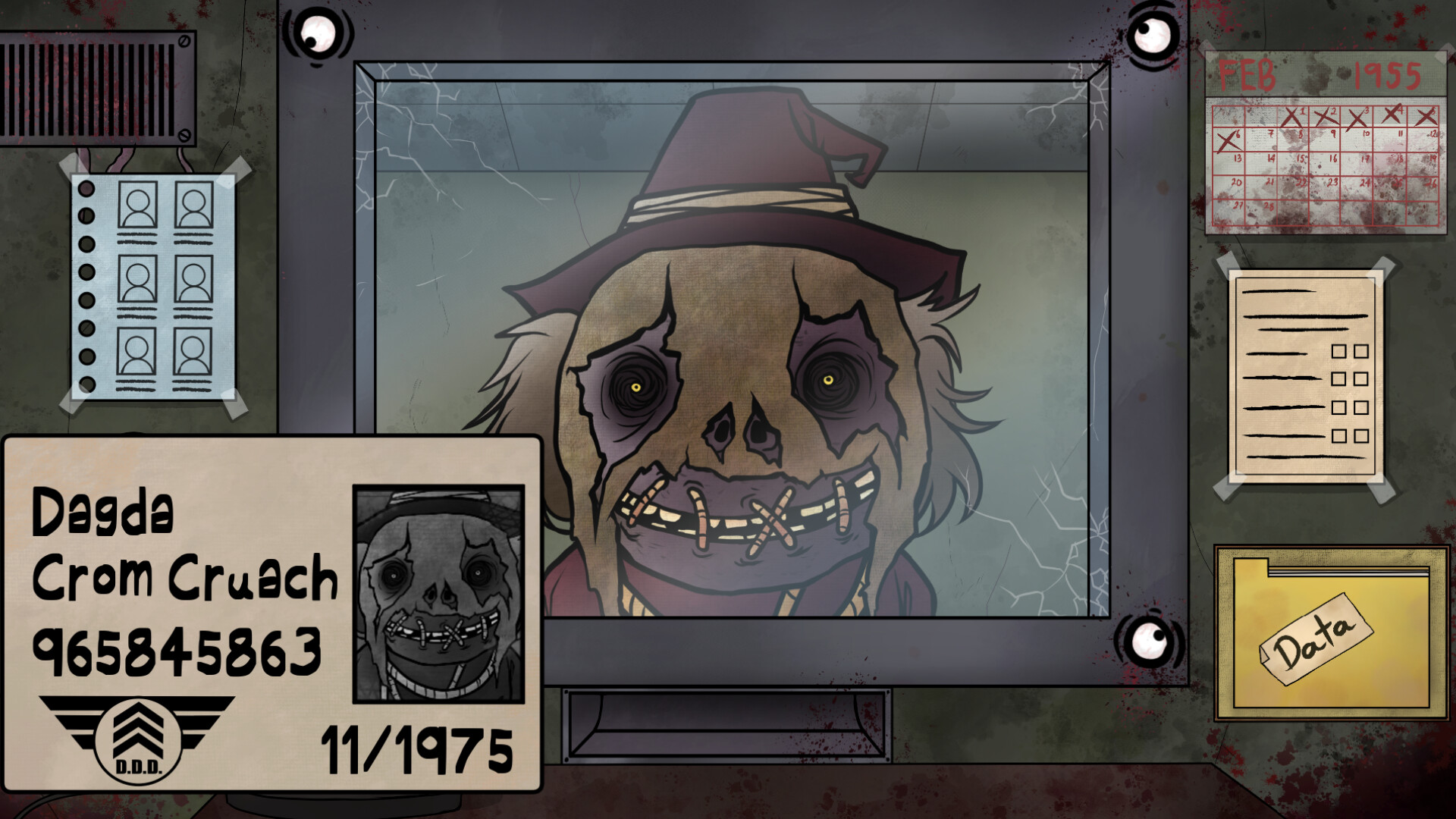
The central task is to allow or deny entry based on tenants’ documents and information, deciding whether each applicant is human or a doppelganger.
Your choices can lead to acceptance, rejection, or capture by the D.D.D. for extraction.
- Cross‑check names, photos, and IDs carefully.
- Remember that the D.D.D. will extract confirmed impostors.
COMMUNITY
Player discussion