 GameWiki
GET YOUR BEARINGS
About That Flipping Mountain
That Flipping Mountain is a single‑player physics‑based action game where you launch yourself up a massive, continuous mountain filled with parkour stones, spring boards, ski slopes, and other obstacles. The core loop is simple: pull back, aim, release, then control your flip in the air to stick the landing and keep climbing.
The game’s controls are intentionally easy to learn but demand practice to master, offering a learning curve comparable to learning to ride a bike. Once you develop a feel for the inertia of each flip, landings become second nature and the fun truly begins.
01 / THE GUIDE
Launch Mechanic
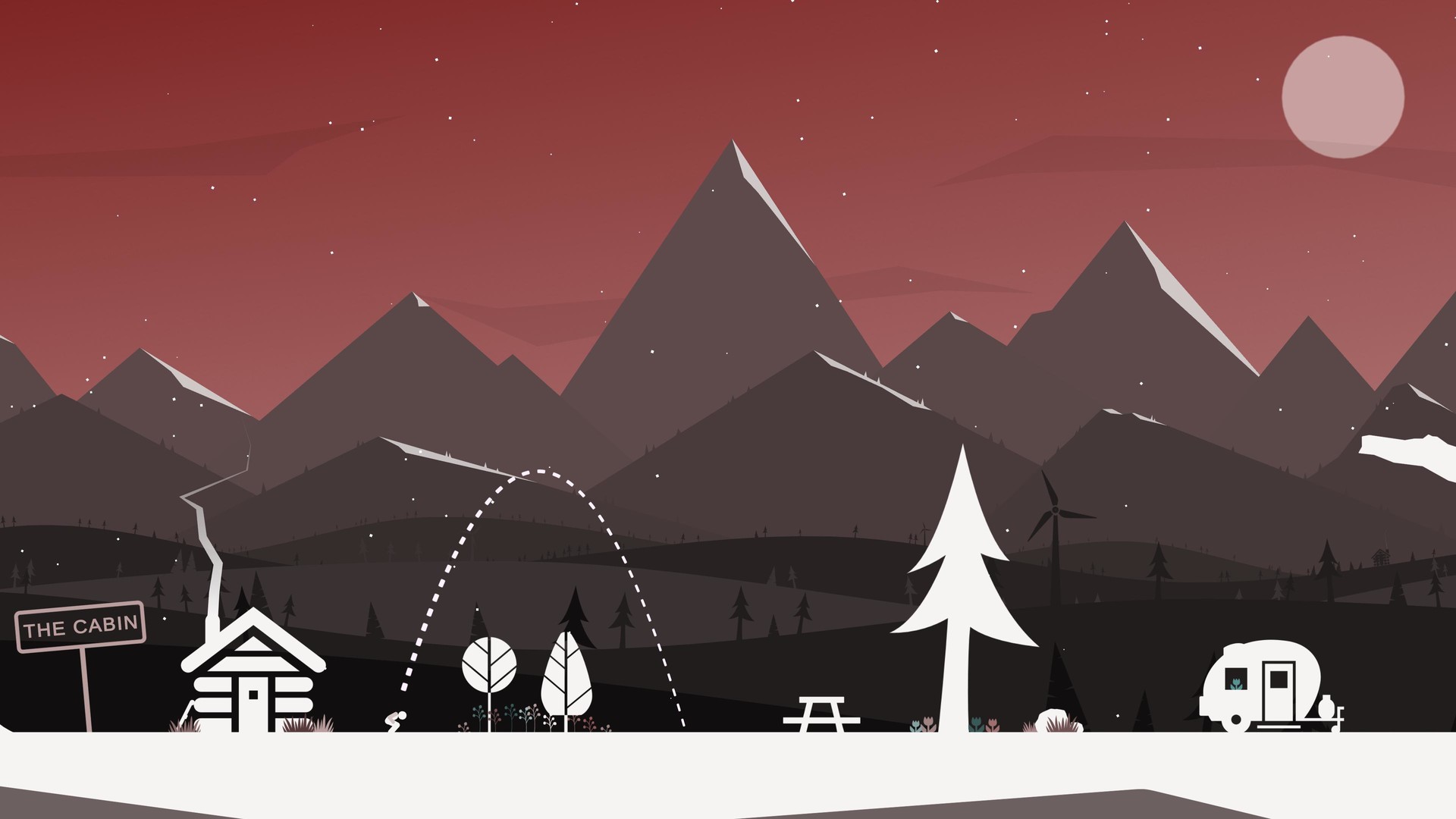
You initiate a launch by pulling down and back in a sling‑shot motion anywhere on the screen, then releasing. This action propels your character toward the mountain and sets the initial trajectory for the upcoming flip.
The launch is the first step toward reaching higher sections of the mountain; a well‑timed pull and release give you the momentum needed to clear larger gaps and obstacles.
- Experiment with pull length to gauge how far you can travel before needing to tuck.
- Observe how different launch angles affect your ability to reach distant platforms.
02 / THE GUIDE
In‑Air Tuck and Spin
While airborne, hold the button down to tuck, which spins you faster, and release the button to untuck, slowing the spin. This simple input lets you adjust rotation speed mid‑flight.
Managing tuck and untuck timing is crucial for aligning your body with the landing surface, especially over complex obstacles like spring boards or ski slopes.
- Practice holding the button longer to increase spin speed for tighter rotations.
- Release early to extend your body when you need a slower spin for precise landings.
03 / THE GUIDE
Landing and Sticking
The goal after each flip is to stick the landing; successful sticks let you continue upward without being teleported back. If you miss, gravity determines where you fall, but you can get back up and try again.
Sticking landings consistently is the key to progressing up the mountain, turning the challenge into a rhythm of launch, flip, and land.
- Aim to land on flatter surfaces first to build confidence.
- Notice how the angle of approach influences whether you stick or slip.
04 / THE GUIDE
Mountain Obstacles
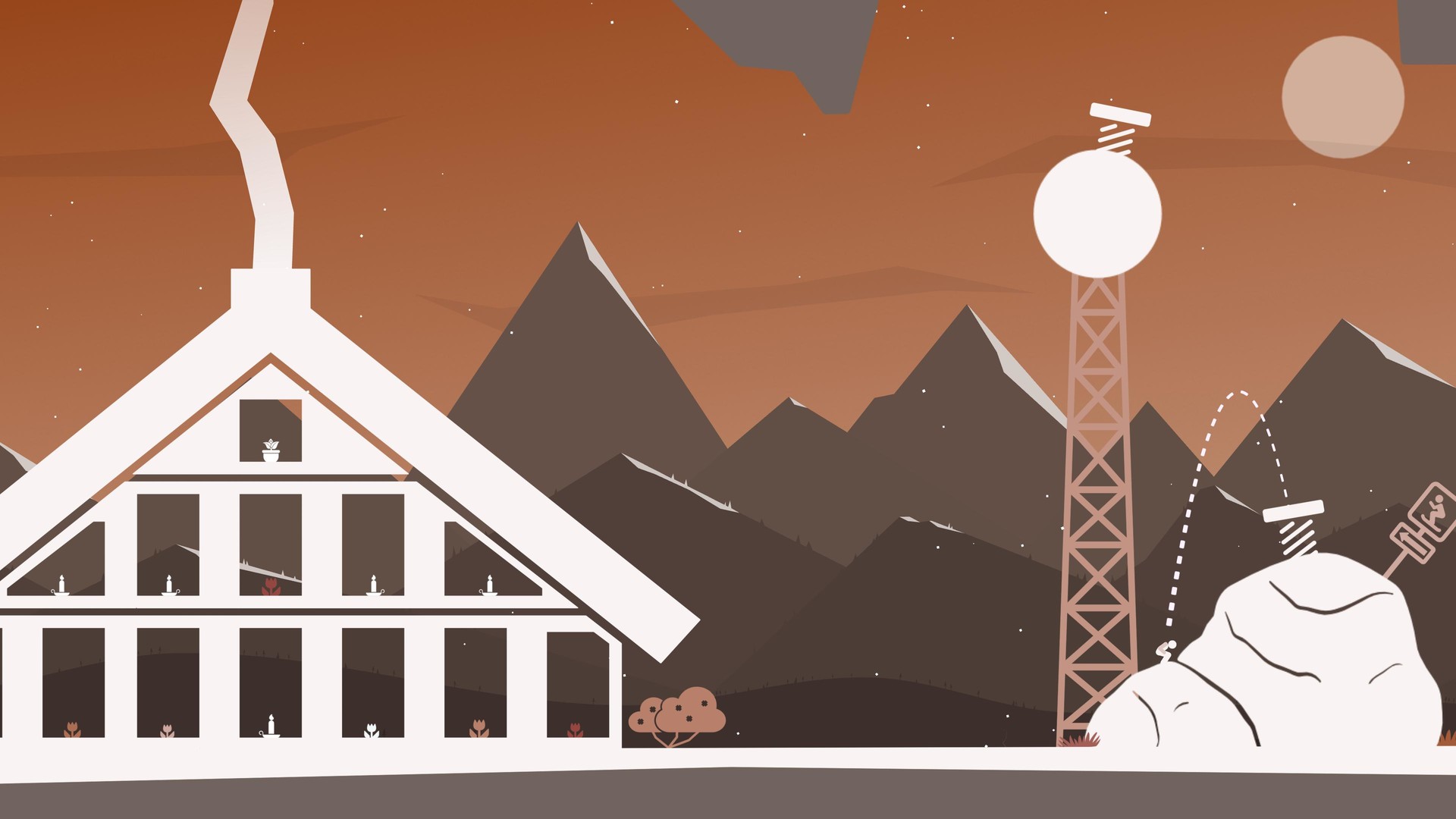
The mountain is a single, continuous environment populated with parkour stones, spring boards, ski slopes, and watering holes. Each element presents a unique physical challenge that tests your timing and flip control.
Because there is no artificial teleport back to the start, failing on an obstacle simply drops you to a new spot, encouraging you to adapt your approach for each feature.
- Use spring boards to gain extra height before attempting a difficult gap.
- Treat ski slopes as a chance to maintain momentum while descending.
05 / THE GUIDE
Single‑Player Experience
That Flipping Mountain is designed for solo play, offering Steam Achievements and Family Sharing support. The game focuses on personal skill development without multiplayer distractions.
Progress is measured by how high you climb and how many landings you successfully stick, providing a clear personal benchmark for improvement.
- Track your achievement progress to gauge skill growth.
- Share the game via Family Sharing to let others experience the challenge.


COMMUNITY
Player discussion