 GameWiki
GET YOUR BEARINGS
About Tetris Effect: Connected
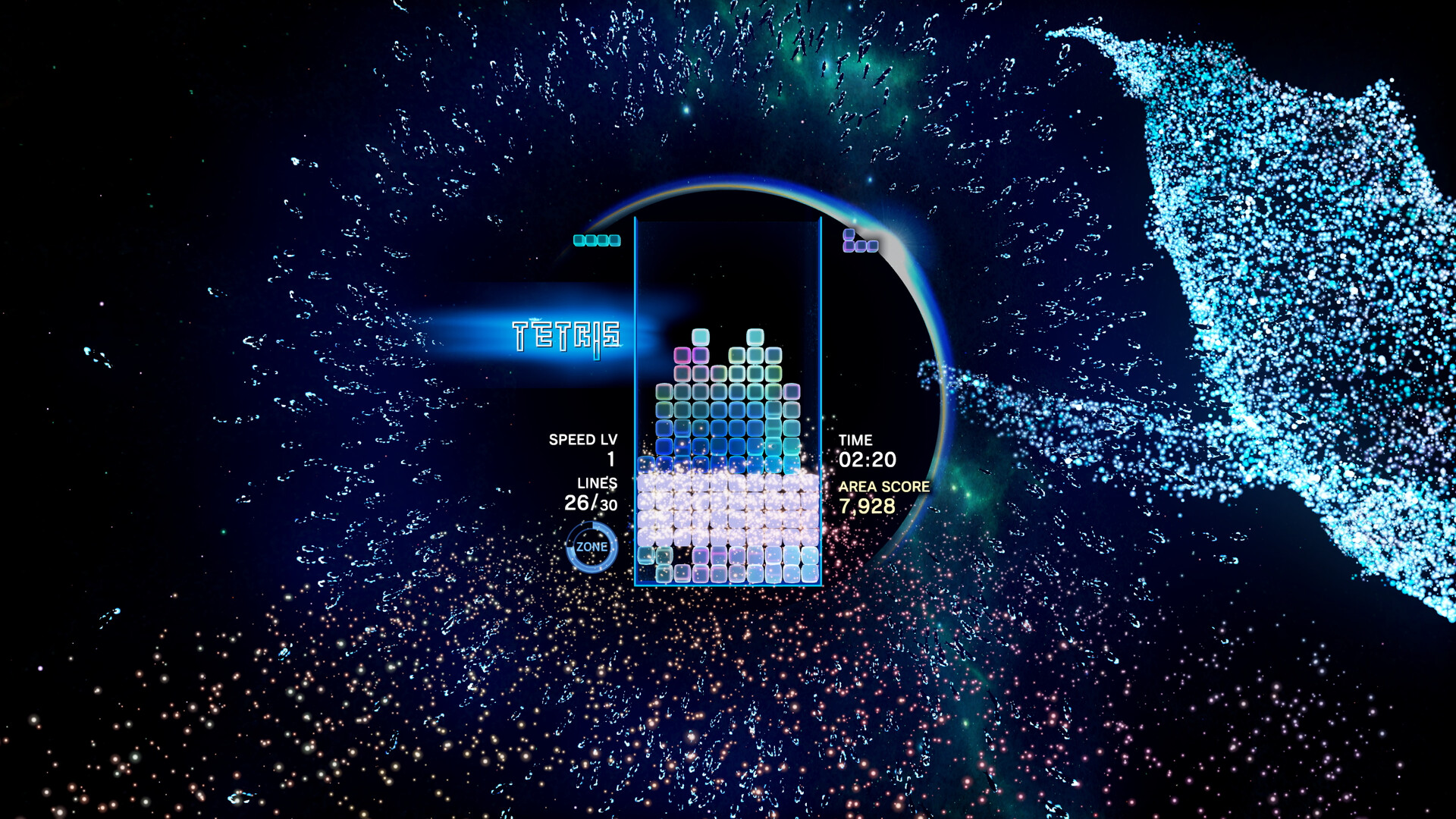
Tetris® Effect: Connected reinvents the classic falling‑block puzzle with music, visuals and special effects that move in sync with player actions, creating a rhythmic experience unlike any previous Tetris title.
The game offers more than 30 distinct stages, each with its own soundtrack and evolving graphics, and includes over 10 modes ranging from single‑player challenges to cooperative and competitive multiplayer.
01 / THE GUIDE
Audio‑Visual Synchronization
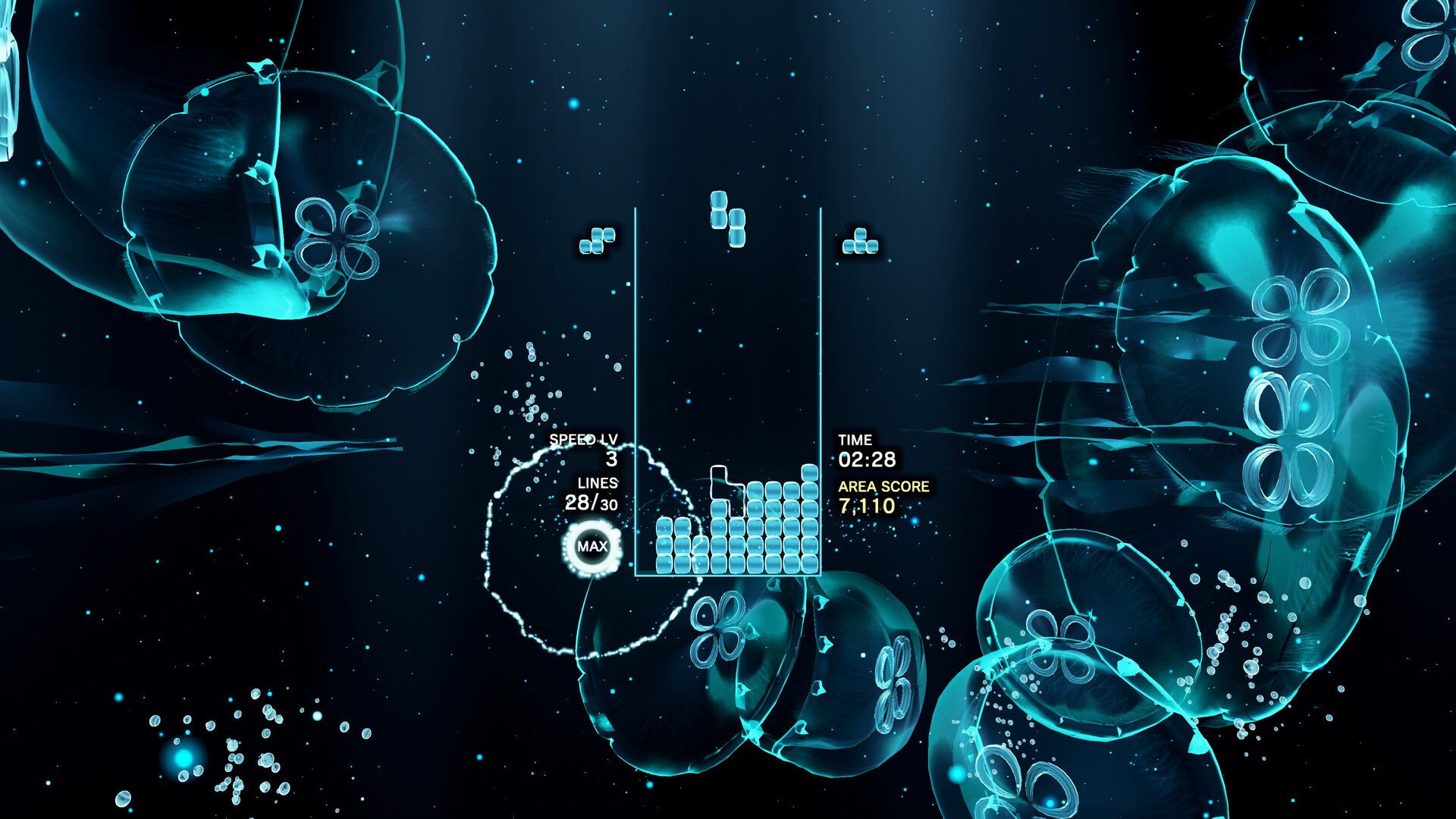
Every visual element—including backgrounds, particle effects and the Tetriminos themselves—pulses, shimmers and explodes in perfect time with the music, turning each line clear into part of a larger performance.
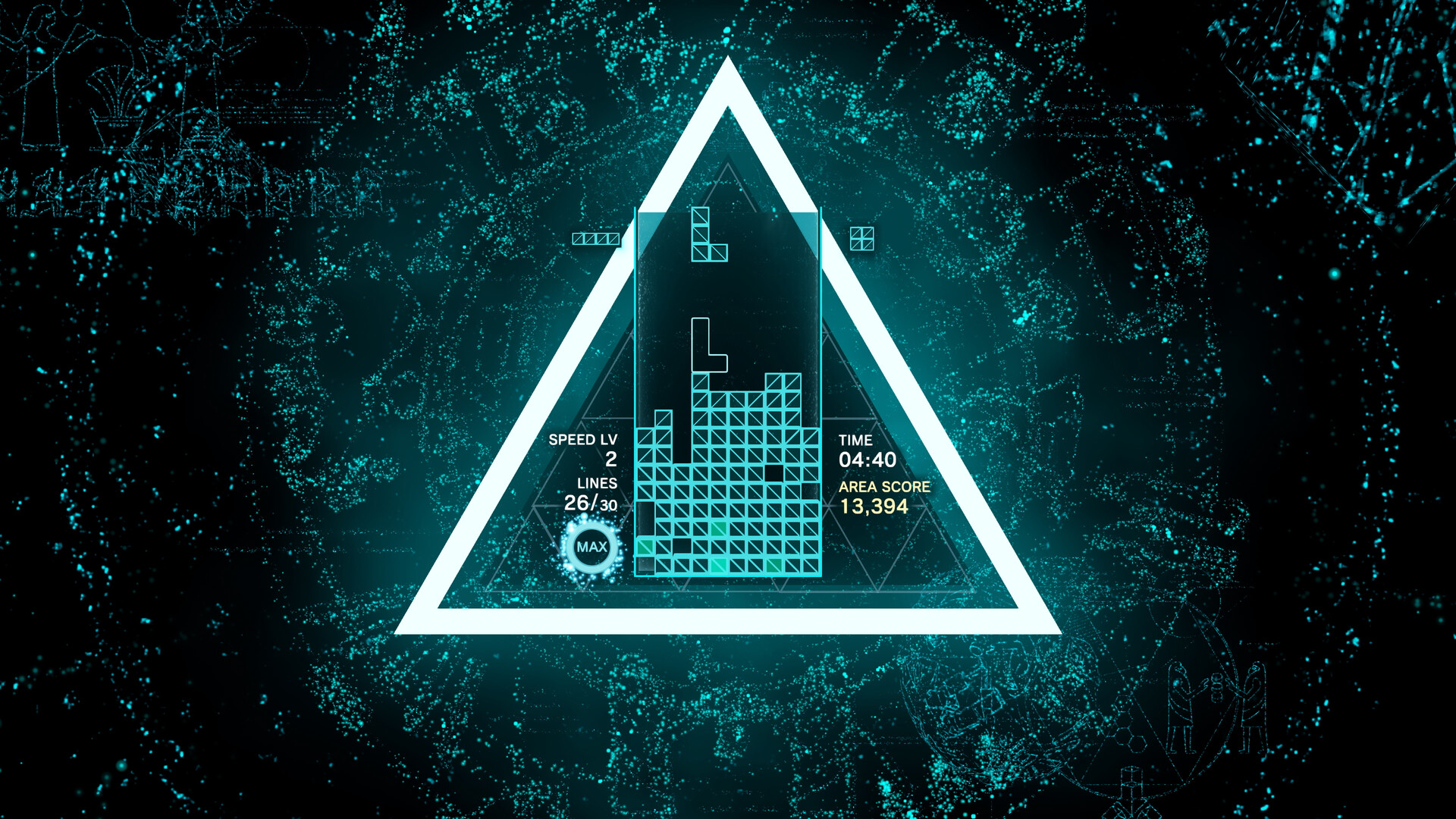
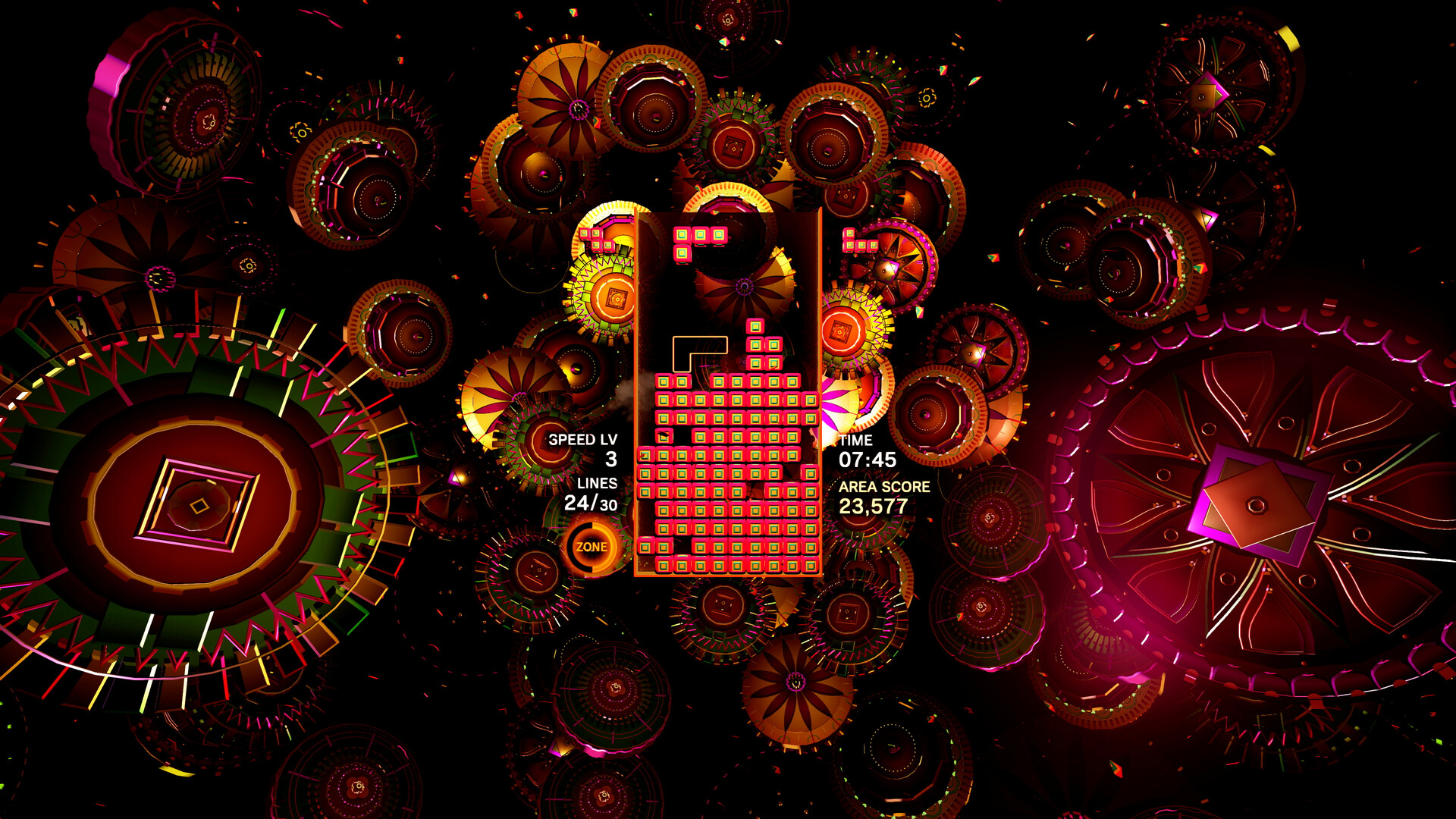
Over 30 stages each feature a unique musical theme and graphical style that evolve as you play, reinforcing the connection between your actions and the audiovisual feedback.
- Observe background changes to anticipate upcoming speed or pattern shifts.
- Try to place pieces on the beat; the visual‑audio sync often makes rhythmic placement feel more natural.
02 / THE GUIDE
The Zone Mechanic
The Zone lets players stop time, halting falling Tetriminos. While time is paused you can safely reposition pieces to avoid an immediate loss or set up a line clear that awards bonus points.
Using the Zone can turn a potentially game‑ending stack into an opportunity for extra clears, adding a tactical layer separate from the standard line‑clear rules.
- Activate the Zone when the stack reaches the top to prevent a Game Over.
- Combine a Zone activation with a planned line clear to earn bonus points.
03 / THE GUIDE
Multiplayer Modes
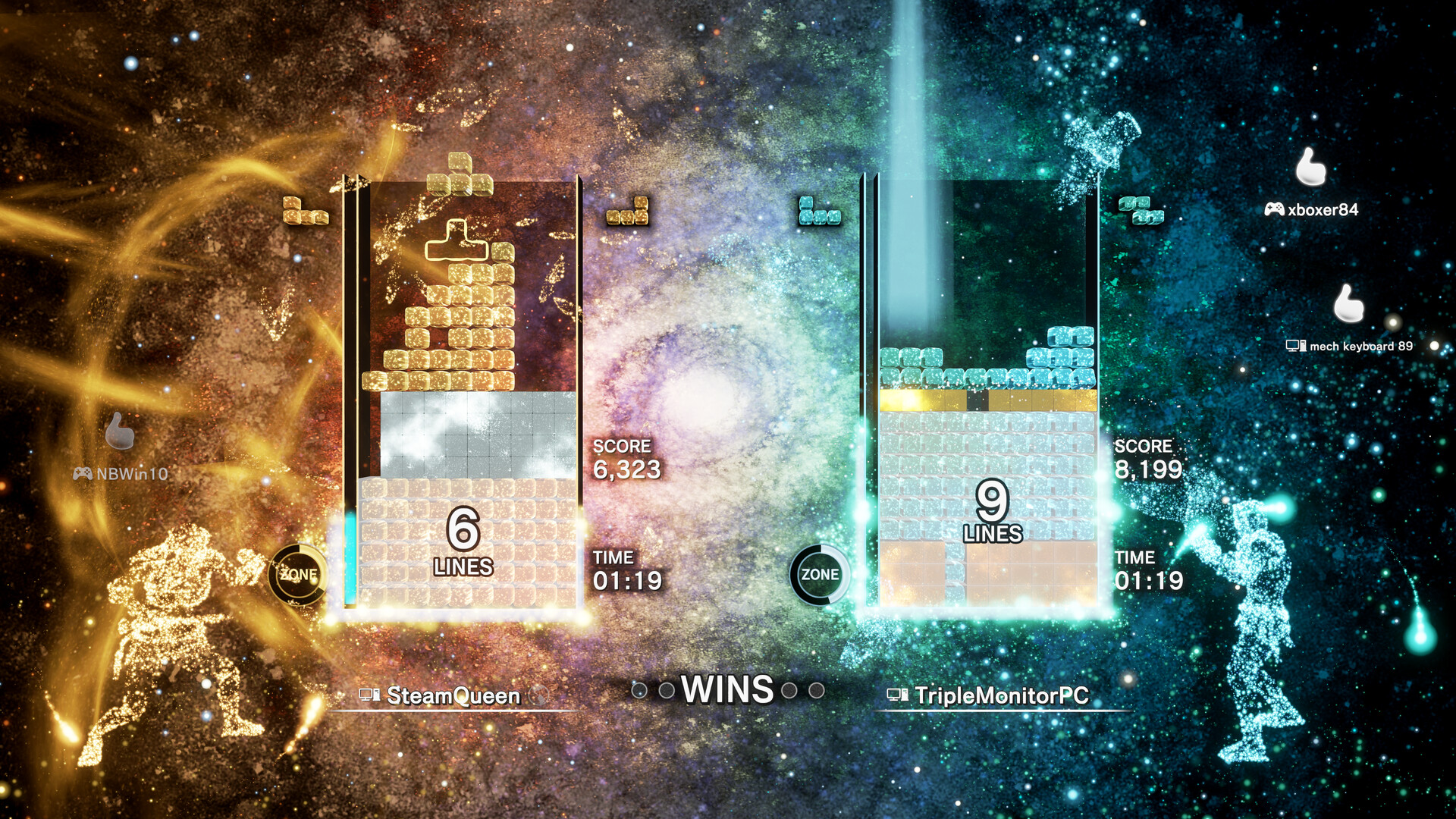
CONNECTED lets three players link their matrices to battle AI‑controlled bosses, while Zone Battle pits two players against each other with the Zone mechanic added to standard competitive Tetris.
Score Attack and Classic Score Attack are versus modes where two players play separately to achieve the highest score; Spectator mode allows up to eight participants total—including players and observers—to share a room.
- Practice using the Zone in single‑player before entering Zone Battle.
- When playing CONNECTED, coordinate column assignments to streamline boss‑fight progress.
04 / THE GUIDE
Cross‑Platform Multiplayer
Players can join Friend Match rooms using a Room ID, enabling multiplayer sessions across different Windows devices.
Spectators may watch the match and use emotes, keeping the atmosphere lively within the eight‑person room limit.
- Share the Room ID promptly to gather friends before starting a match.
- Use emotes as a spectator to add feedback without affecting gameplay.
05 / THE GUIDE
Technical Features
Tailored for Steam, the game runs at uncapped framerates and supports resolutions of 4K or higher, including ultra‑wide monitors; particle volume, size and texture filtering are adjustable for performance tuning.
VR support, full controller support and tracked controller support give multiple input options, while Steam achievements, leaderboards, cloud saves and Remote Play Together integrate the game into the Steam ecosystem.
- Disable V‑sync to unlock the uncapped framerate for smoother motion.
- Reduce particle volume or texture filtering if performance dips on lower‑end hardware.
COMMUNITY
Player discussion