 GameWiki
GET YOUR BEARINGS
About Terra Firma 2
Terra Firma 2 lets you shape entire worlds using intuitive tools that modify terrain, climate and tectonics. After you set parameters, a GPU‑driven simulation creates rivers, erodes mountains and grows forests in real time.
The sandbox runs in single‑player mode with family‑sharing support, and worlds up to 16,000 km² can be saved, loaded and exported as heightmaps or voxel data for use in other applications.
01 / THE GUIDE
Terrain Sculpting
The terrain editor lets you raise or lower land with brush strokes. Each change instantly updates the surface, and the simulation immediately recalculates water flow and erosion based on the new shape.
Because the physics continue after you finish, you can watch valleys deepen and peaks wear down over seconds, giving visual feedback on how your edits influence the landscape.
- Start with large‑scale brushes to outline continents before adding detail.
- Watch how water reroutes after each major edit to anticipate natural erosion.
02 / THE GUIDE
Full Tectonic Modeling
You can create convergent, divergent or transform boundaries, causing plates to uplift, split or slide. The simulation processes these forces slowly, producing realistic mountain ranges, rift valleys and shifted landmasses.
Tectonic activity becomes a base layer for later climate and ecosystem development, so the shape of continents directly affects where rivers form and which biomes can thrive.
- Combine convergent zones with high rainfall to encourage alpine forests.
- Use divergent boundaries to generate low basins that can become wetlands.
03 / THE GUIDE
Dynamic Climate Control
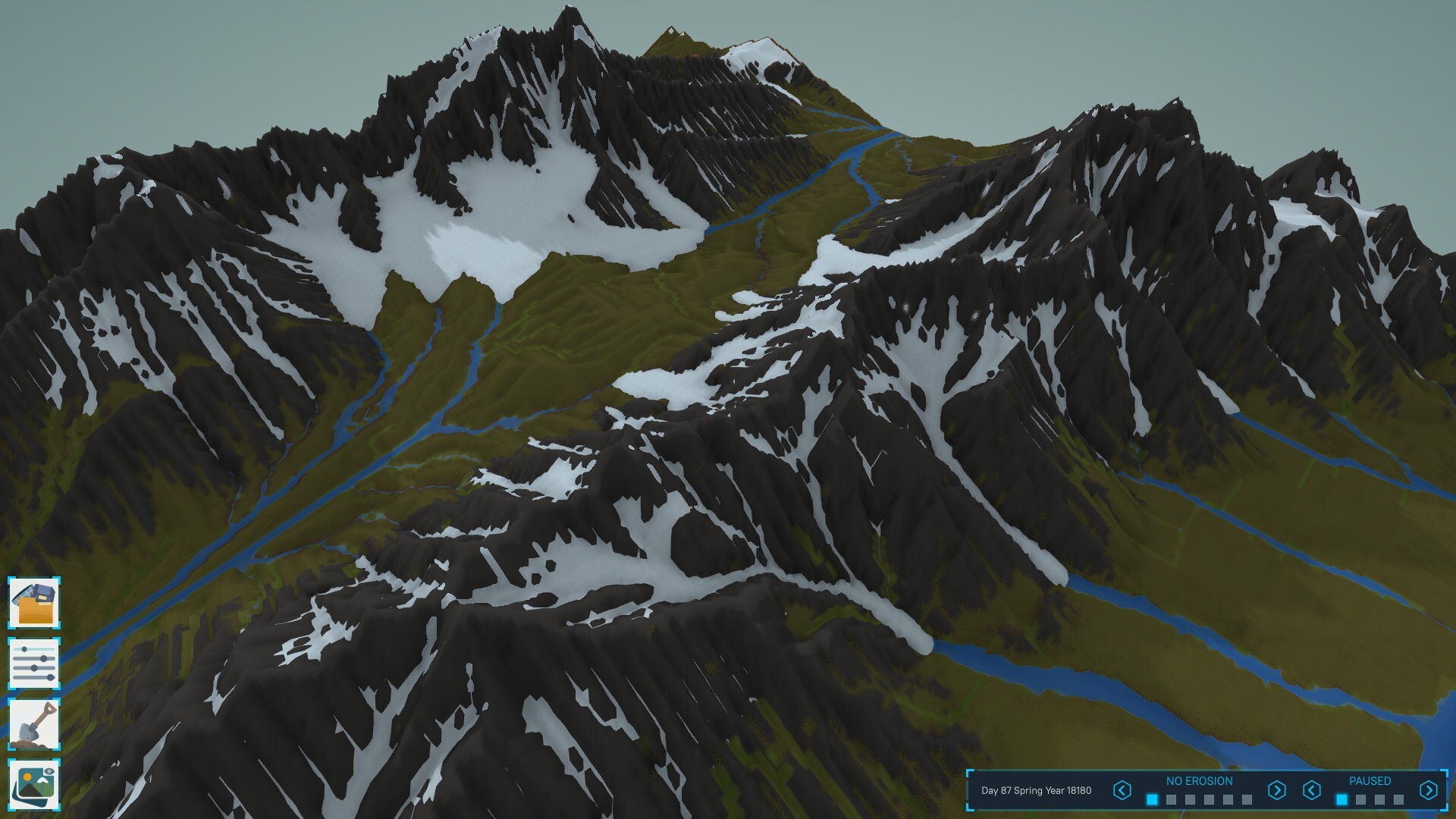
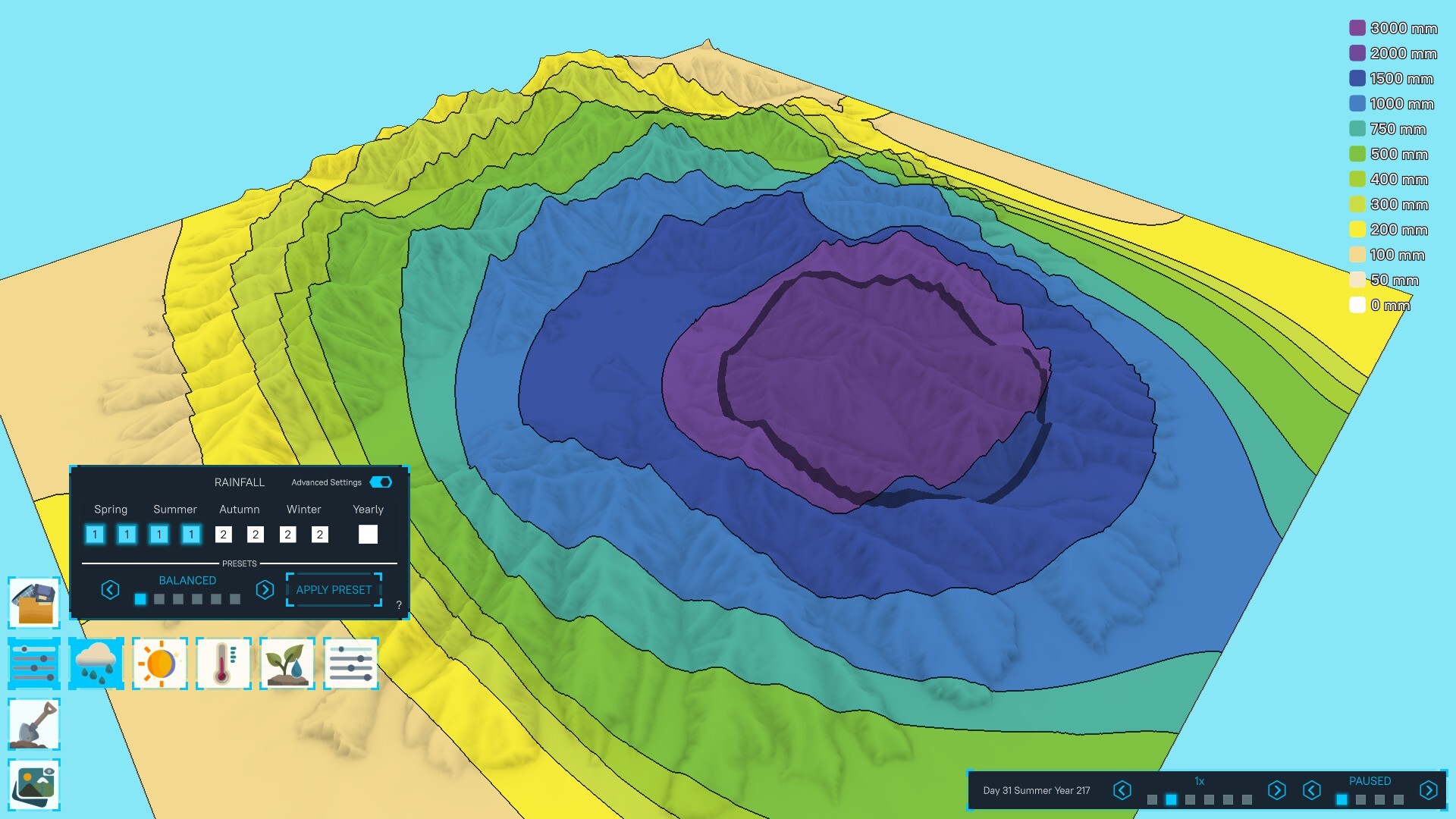
Rainfall and temperature sliders let you impose seasonal variations across the map. Melting the snowcaps on high peaks raises the water level, while adjusting precipitation can shift a desert into a rainforest.
These climate tweaks propagate through the ecosystem, influencing plant growth rates and animal distributions without further player input.
- Test extreme temperature shifts to see how quickly biomes transition.
- Observe water‑level changes after melting snowcaps to plan coastal habitats.
04 / THE GUIDE
Organic Ecosystem Growth
Plants and animals appear automatically based on local moisture, temperature and elevation. This creates self‑sustaining communities ranging from boreal forests to mangroves without manual placement.
Each organism is simulated individually, so changes in climate or terrain ripple through food chains, producing a living world that reacts to your edits.
- Notice how a single moisture change can cascade through multiple trophic levels.
- Compare similar elevations with different rainfall to see biome diversity.
05 / THE GUIDE
Saving and Exporting Worlds
Created worlds can be saved, loaded later, or exported as heightmaps or voxel data. Exported files retain terrain shape, allowing you to share designs or import them into compatible voxel‑based games.
The exported terrain can be used as a foundation for further editing in other tools.
- Export as a heightmap if you plan to import into a terrain‑only engine.
- Back up a save before major tectonic experiments.


COMMUNITY
Player discussion