 GameWiki

GET YOUR BEARINGS
About Tennis Elbow 4
Tennis Elbow 4 expands on its predecessor with fully reworked ball, strike and player physics, emphasizing anticipation, positioning, inertia and risk management. The simulation lets newcomers start quickly using assists while offering deep tactical depth for seasoned players.
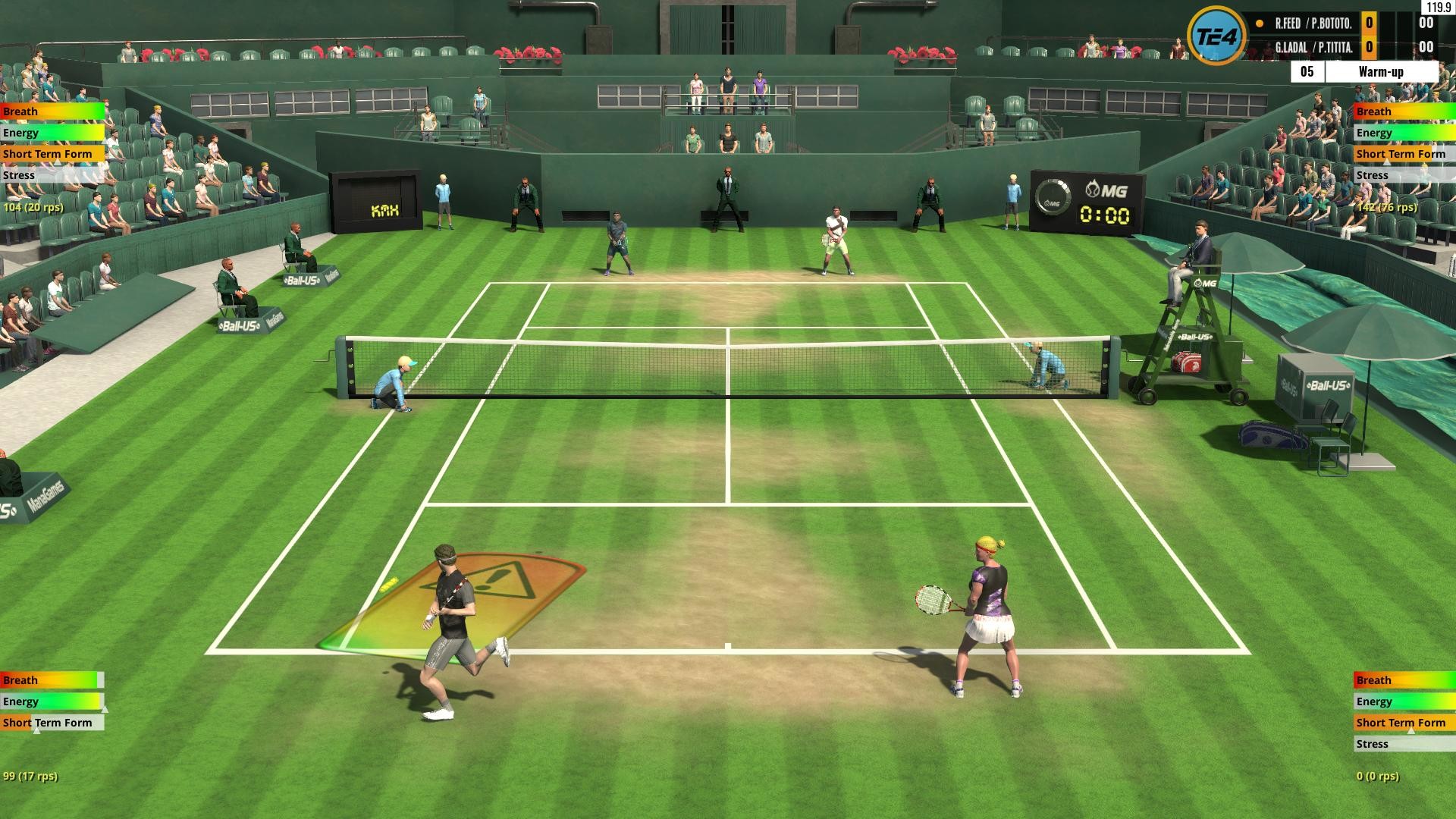
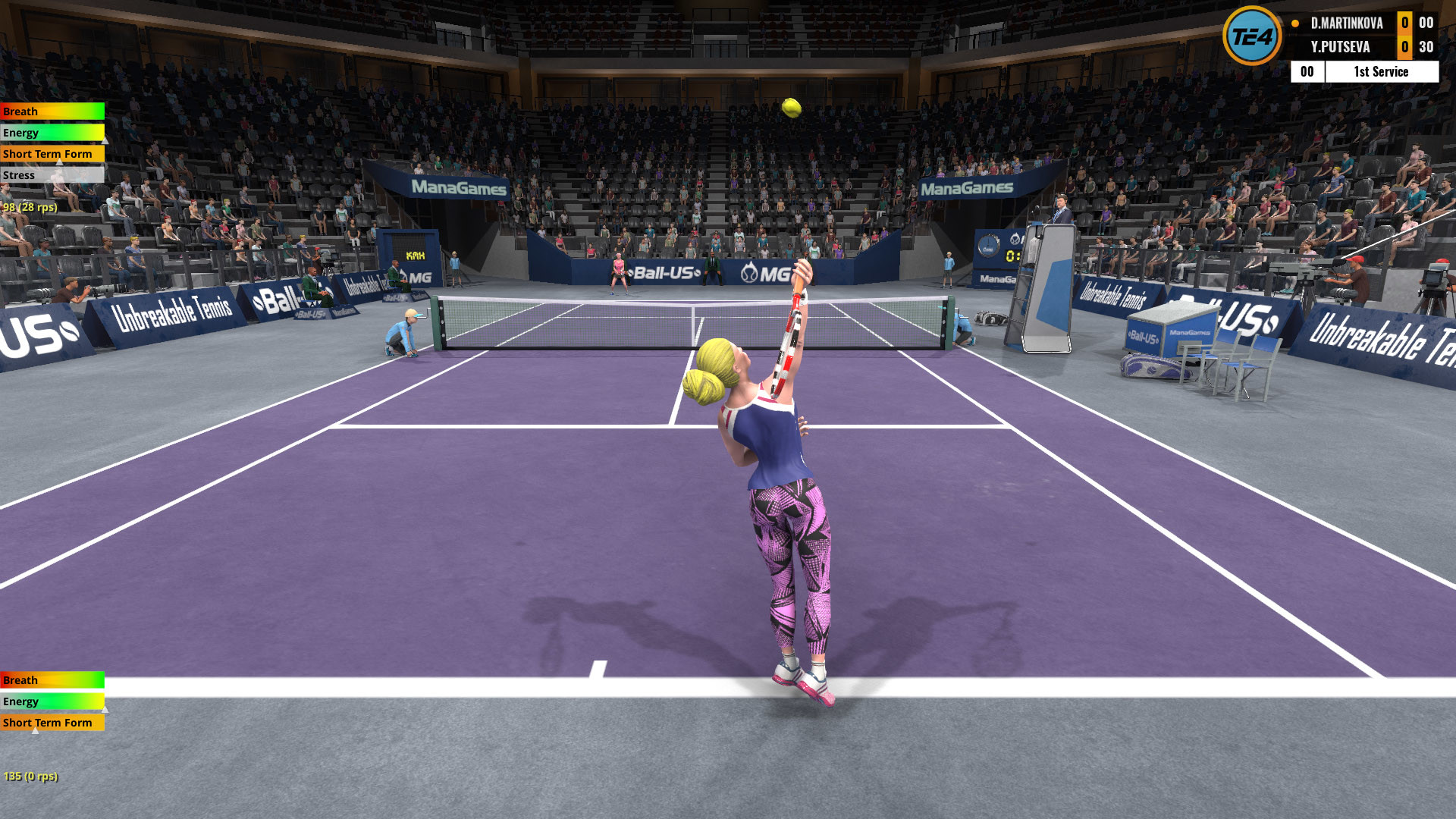
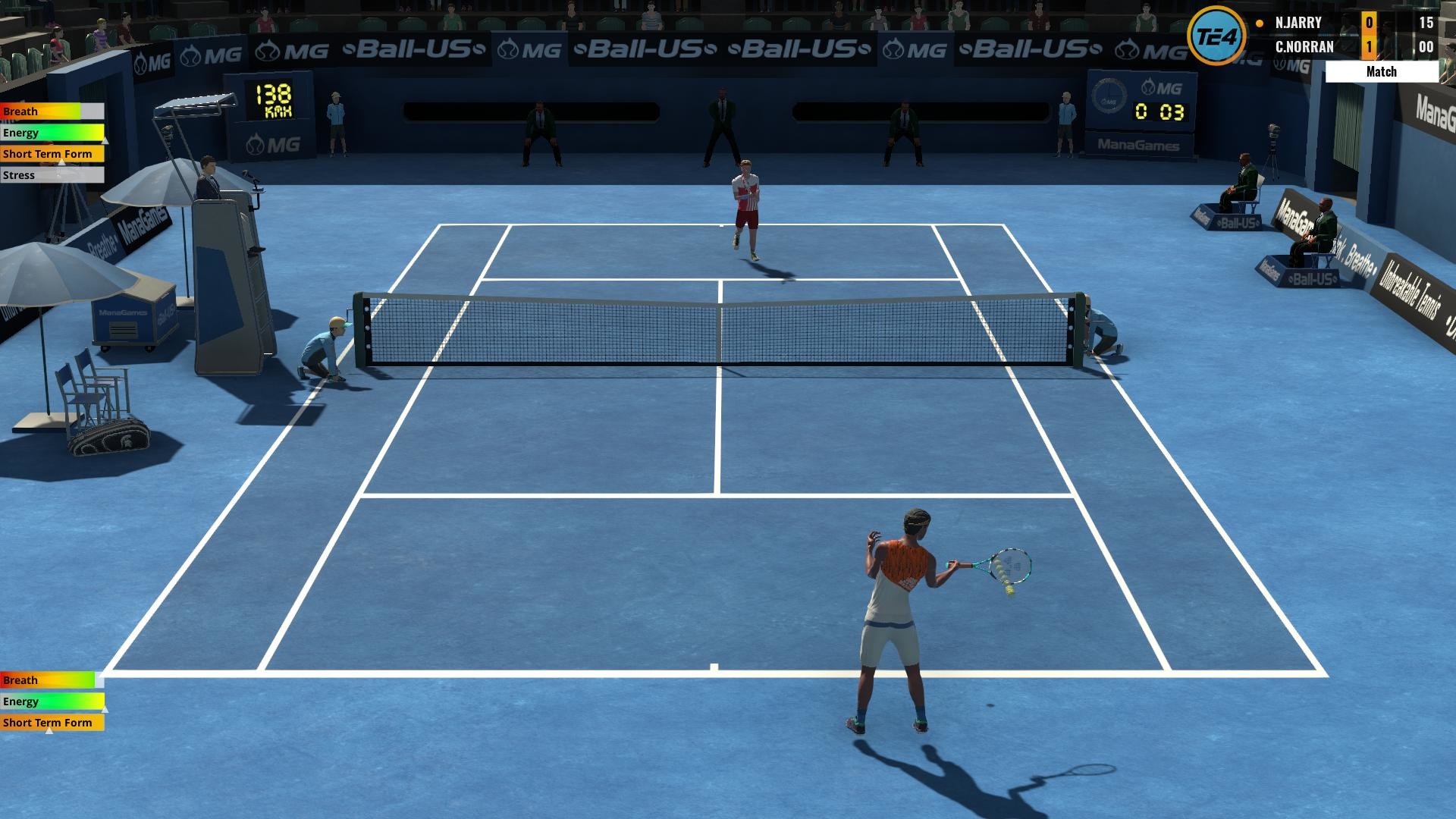
The game includes a World Tour with over 3500 evolving players, more than 400 tournaments each year, nine distinct court surfaces and 21 stadiums. Modding support and split‑screen as well as LAN/online multiplayer give many ways to extend play.
01 / THE GUIDE
Realistic Physics
The core of TE4 is its reworked ball, strike and player physics, which model anticipation, positioning, player inertia and shot risk. Every shot—topspin, slice, drop, lob, volley or smash—behaves according to these systems, making rallies feel like real tennis.
Because the physics react to surface type and player movement, mastering timing and early preparation directly improves rally success. The system rewards reading the ball and choosing the appropriate shot under pressure.
- Begin with assists to feel the physics before disabling them.
- Watch how ball bounce changes on each surface.
02 / THE GUIDE
Assist Options
Players can enable helpers such as Auto‑Positioning, Footwork Boost and Aiming Preview. These tools ease learning by handling positioning, movement speed and shot aiming, letting users focus on basic controls.
Assists can be reduced or turned off while moving through six difficulty levels, each split into ten sublevels. This lets you fine‑tune the challenge from casual to highly demanding.
- Use Auto‑Positioning while learning court geometry.
- Disable Aiming Preview once you trust your own placement.

03 / THE GUIDE
World Tour
The World Tour features over 3500 players who evolve across several decades, with more than 400 tournaments each year. Events range from low‑rank junior competitions to top‑level pro finals, in both singles and doubles.
A full ranking system tracks progress from 1973 for men and 1983 for women up to 2042, giving a long‑term career feel as players improve and rankings shift.
- Aim for consistent results to climb the ranking faster.
- Try both singles and doubles to experience different career paths.
04 / THE GUIDE
Multiplayer Modes
TE4 supports split‑screen play for up to four human players on a single computer, or two players per computer on two machines via LAN or Internet. Matches can be best‑of‑1, 3 or 5 sets, with 1 to 6 games per set.
Online matches use peer‑to‑peer connections without a relay server. Hosting requires a router that can forward UDP ports or support UPnP; joining a hosted game works even without those settings.
- Test LAN connectivity before a tournament.
- If you plan to host online, ensure UDP ports are forwarded.
05 / THE GUIDE
Modding Support
The Tennis Elbow engine is open to modding, and many mods are downloadable directly from within the game. Mods can add or improve players, outfits, courts, sounds and other elements.
Community‑created content extends longevity and lets players personalize visual or gameplay aspects beyond the base offering.
- Browse the in‑game mod browser for visual upgrades.
- Back up your save before installing large mods.

COMMUNITY
Player discussion